

- How to return a scalar value from one component.
- How to pass that scalar value as an input parameter to another component.
- Best practices and when to use parameters vs artifacts.
Overview of the example
We implement two components:train_model: performs (mock) training and returns a scalar accuracy (float).evaluate_model: receives theaccuracyand an optionalthresholdand prints whether the model passed.
train_task.output to the evaluation component.
Example implementation (KFP v2 DSL)
- Annotate
train_modelwith-> floatso the component output type matches the returned value. evaluate_modeldeclaresaccuracyand an optionalthreshold(default0.92).- Inside the pipeline, capture the task returned by
train_model()and passtrain_task.outputtoevaluate_model(...). - The compiler produces a pipeline specification YAML (
passing-data-parameters.yaml) you can upload to the Kubeflow UI.
Quick reference: component responsibilities
Compile and run (high-level steps)
- Save the Python script (e.g.,
pipeline.py) containing the example above. - Run the script locally to compile the pipeline:
python pipeline.pywill generatepassing-data-parameters.yaml.
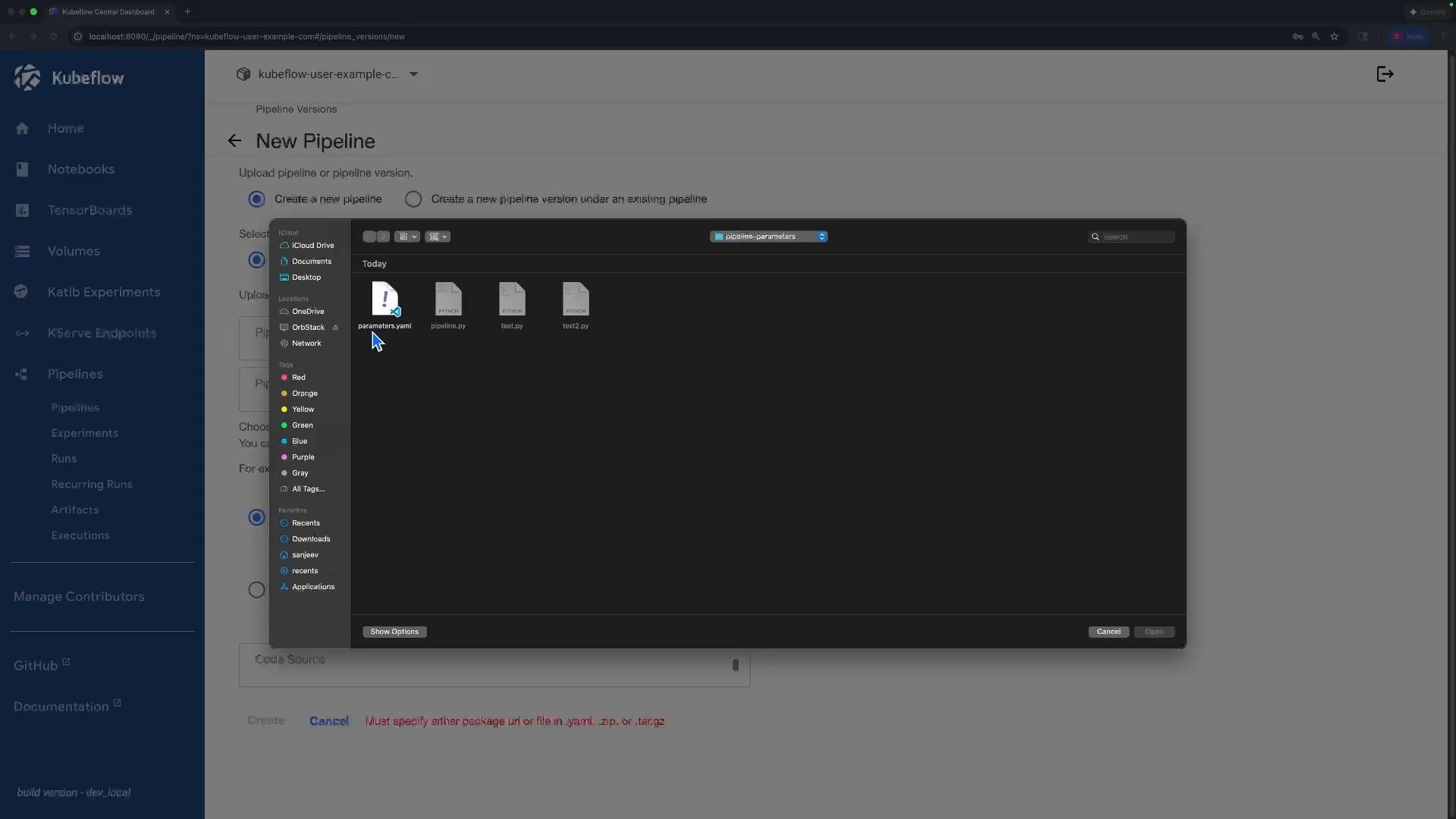
- Upload the YAML to the Kubeflow Pipelines UI:
- In the UI, choose “Upload pipeline” → select
passing-data-parameters.yaml→ create a run.
- In the UI, choose “Upload pipeline” → select
- Inspect the run once it finishes:
- View each step’s Inputs / Outputs panels to verify the scalar parameter was passed correctly.
What to expect in the UI
Once the run completes, open the execution details for the evaluation step. You should see the scalar passed as an input parameter for that step (for this example,0.92) and the usual executor logs under output artifacts.
Example UI-style summary (simplified):
Best practices and guidance
- Use parameters for small scalar values (hyperparameters, thresholds, scalar metrics).
- Use artifacts to pass models, datasets, or other large/complex outputs.
- Always type your component outputs (e.g.,
-> float) so the compiler generates the correct component schema.
Use parameters only for small, simple data such as hyperparameters or scalar metrics. For models, datasets, or any large/complex outputs, use artifacts instead.
Useful links and references
- Kubeflow Pipelines documentation: https://www.kubeflow.org/docs/components/pipelines/
- KFP SDK / DSL reference: https://www.kubeflow.org/docs/components/pipelines/sdk/overview/
- Compiler docs: https://github.com/kubeflow/pipelines/tree/master/sdk/python/kfp/v2
Do not use parameters to pass large data. Attempting to serialize large objects as parameters can lead to failures or timeouts. Use artifact storage (e.g., MinIO/GCS) for models, datasets, and other heavy outputs.