

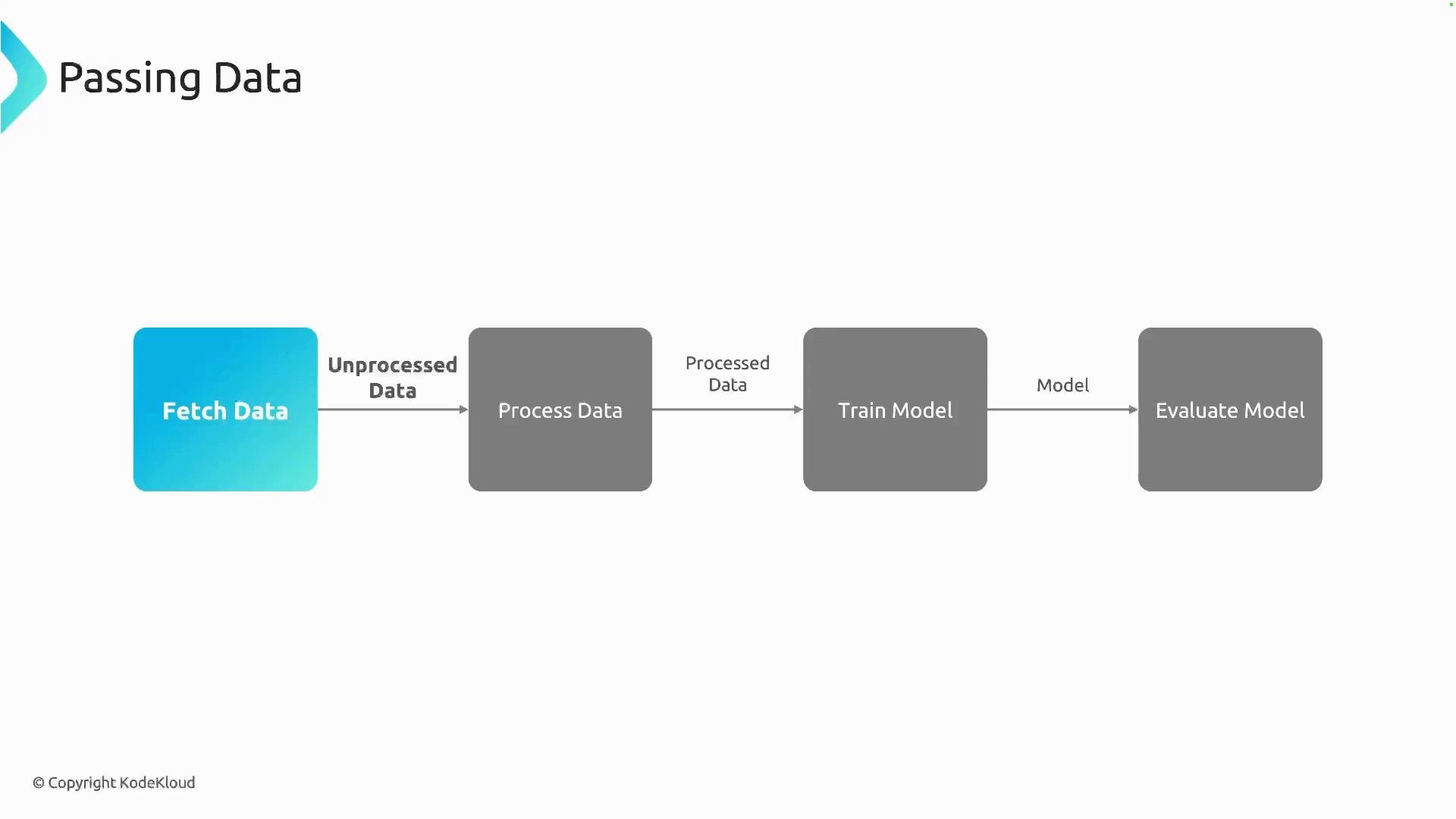
Overview: Parameters vs Artifacts
How to pass data — Parameters
Parameters are the simplest method. They pass scalar values by value between components. Supported types commonly include integers, floats, strings, booleans, and small JSON-serializable objects. Typical parameter uses are hyperparameters, evaluation thresholds, or small metadata.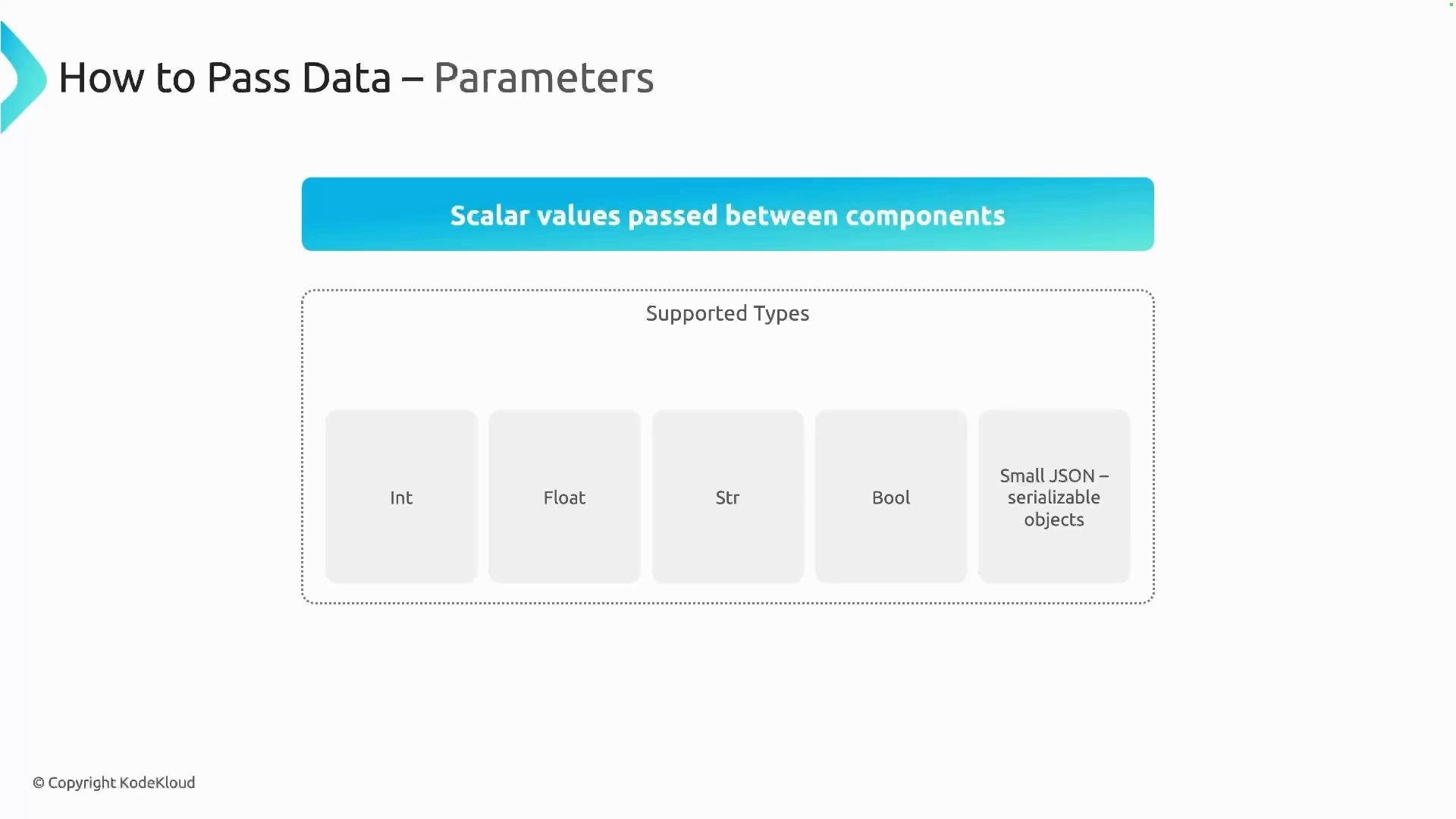
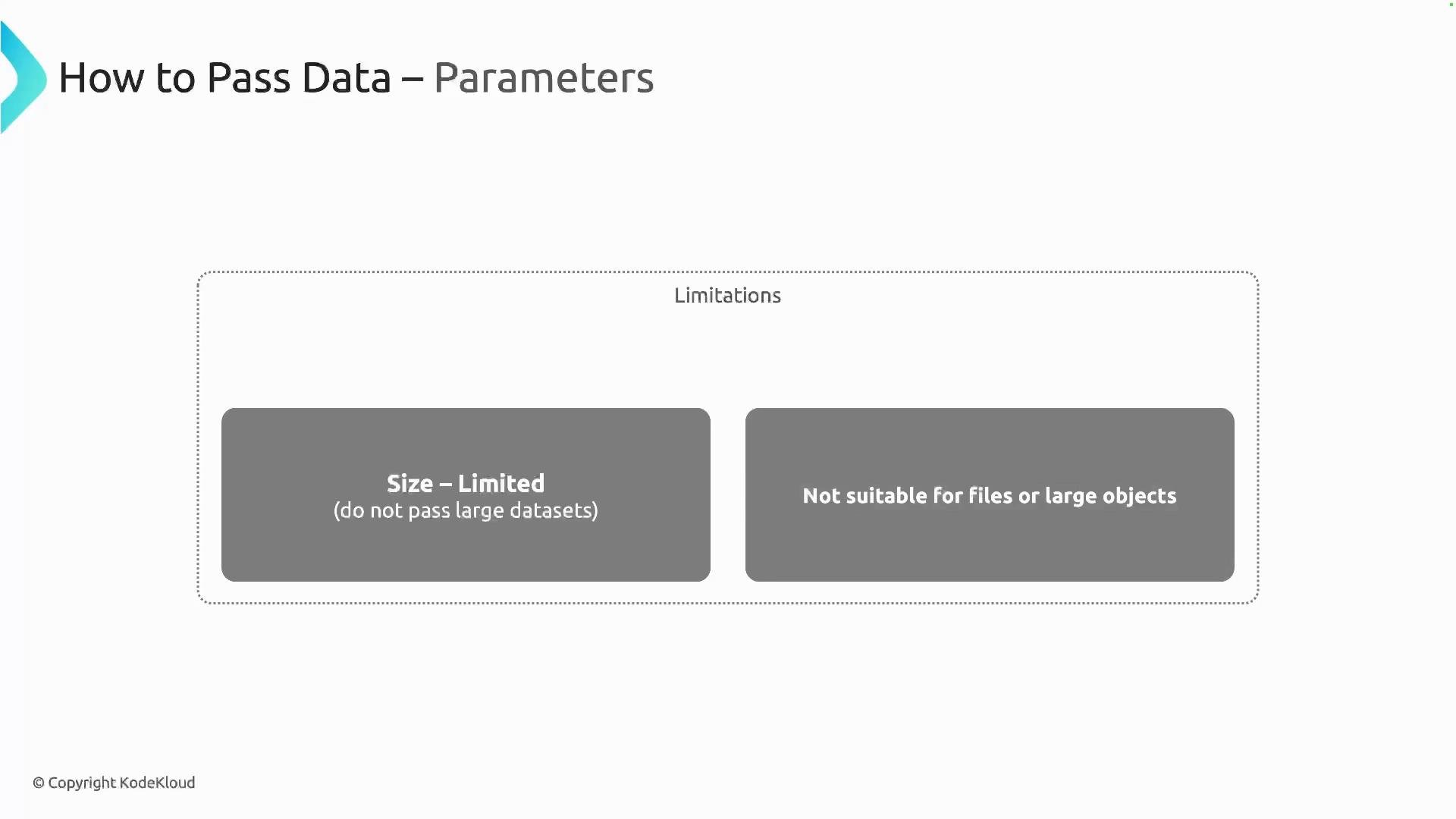
- Size limits: parameters are not appropriate for large datasets or files.
- Not suited for binary objects or large structured outputs — use artifacts in those cases.
.output on the producing task.
NamedTuple (or other typed multi-output). The component returns values in the declared order, and the pipeline can read them from the producing task’s .outputs dictionary.
.output while multi-output components expose .outputs["name"].
How to pass data — Artifacts
Artifacts are file-based outputs stored in object storage (for example, MinIO in many Kubeflow setups or Amazon S3). Artifacts are passed by reference: the producing component writes files to an artifact path and the consuming component reads from that path. This makes artifacts ideal for large datasets, trained models, evaluation results, and reproducible outputs.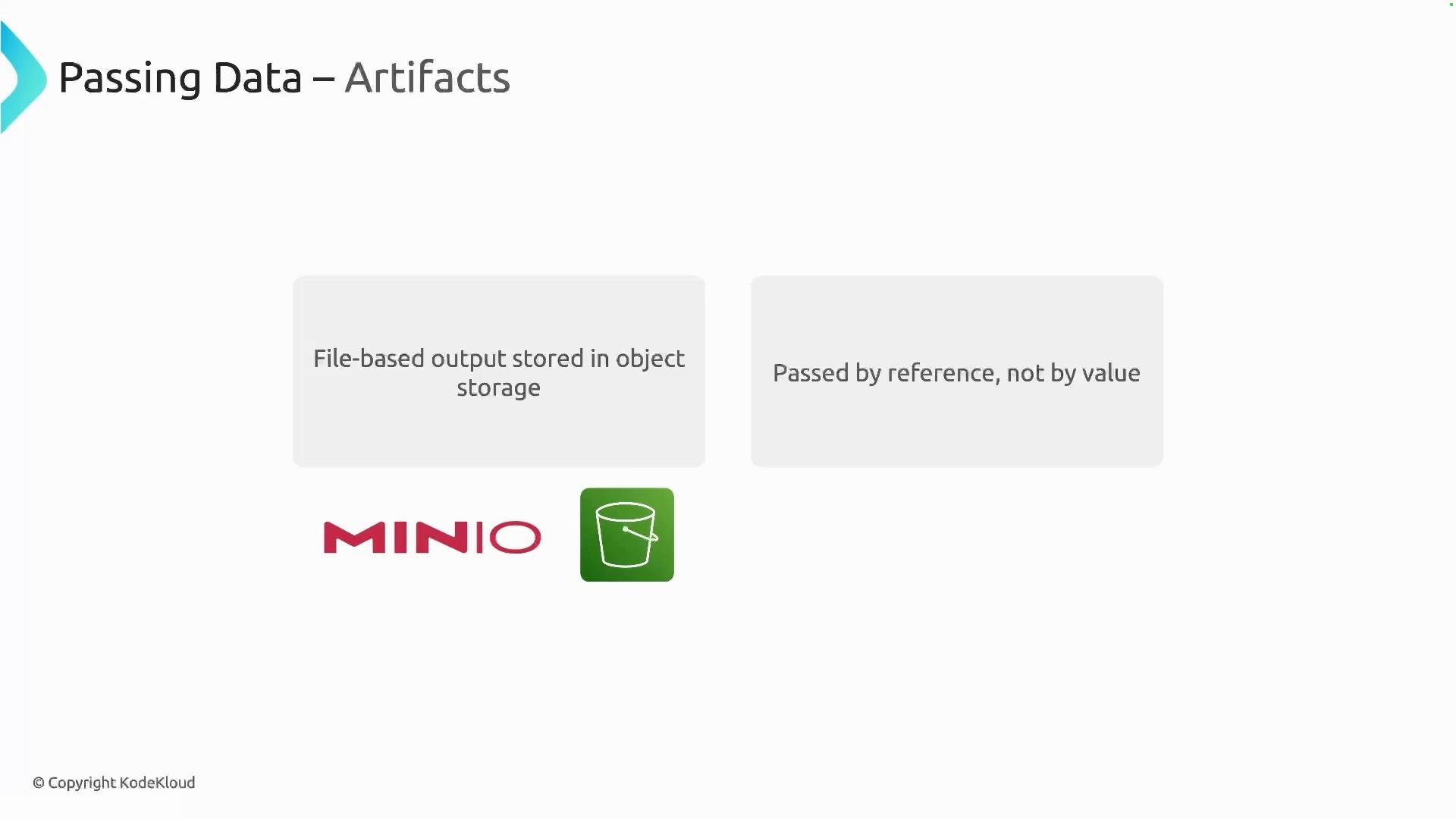
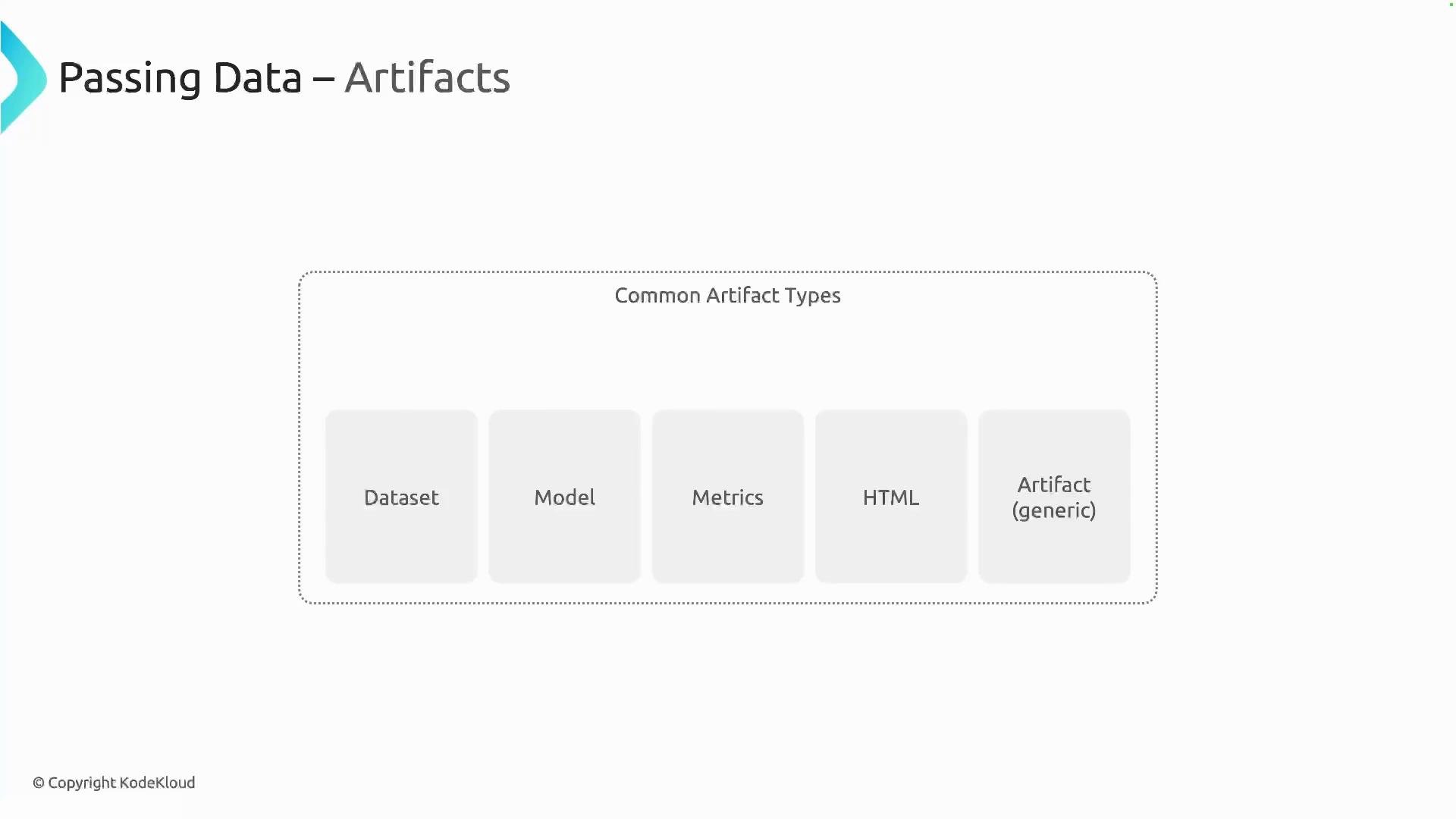
- The producing component declares an
Output[...]typed artifact (for example,Output[Dataset]) and writes files to the provided.path. - The consuming component declares an
Input[...]typed artifact (for example,Input[Dataset]) and reads from.path. - The pipeline wires producer to consumer by passing
producer_task.outputs["artifact_name"]into the consumer argument.
Output and Input artifact typing and read/write files via the .path property.
- The output parameter name in the component signature (for example,
output_data: Output[Dataset]) becomes the key in the producing task’s.outputsdictionary. - To read or write files for an artifact, use the provided
.pathattribute (for example,raw_data.pathormodel.path). - Artifacts are stored in the cluster’s object storage (e.g., MinIO), and consumers are given the path reference to access them.
Do not pass large datasets, binary files, or trained models as parameters. Parameters are size-limited and intended for scalars or small JSON-serializable content only.
Use parameters for small scalar values (hyperparameters, flags, small JSON). Use artifacts for large files, datasets, models, and results — artifacts are stored in object storage and passed by reference.
Quick Best-Practices
- Use parameters for hyperparameters, simple thresholds, or small metadata.
- Use artifacts for datasets, model files, images, or any outputs too large to inline.
- Name artifact outputs clearly in component signatures to create predictable keys in
.outputs. - Prefer artifact-based workflows for reproducibility and when working across clusters.