

Quick install
Run the following command to deploy Katib (uses the v0.17.0 manifests in this example):Verify the installation
Katib components are deployed into thekubeflow namespace. Kubernetes items can initialize asynchronously, so allow a few moments for pods to reach the Running state. Check pod status with:
Want to watch status updates in real time? Use
kubectl get pods -n kubeflow -w to stream pod status changes until they become Ready.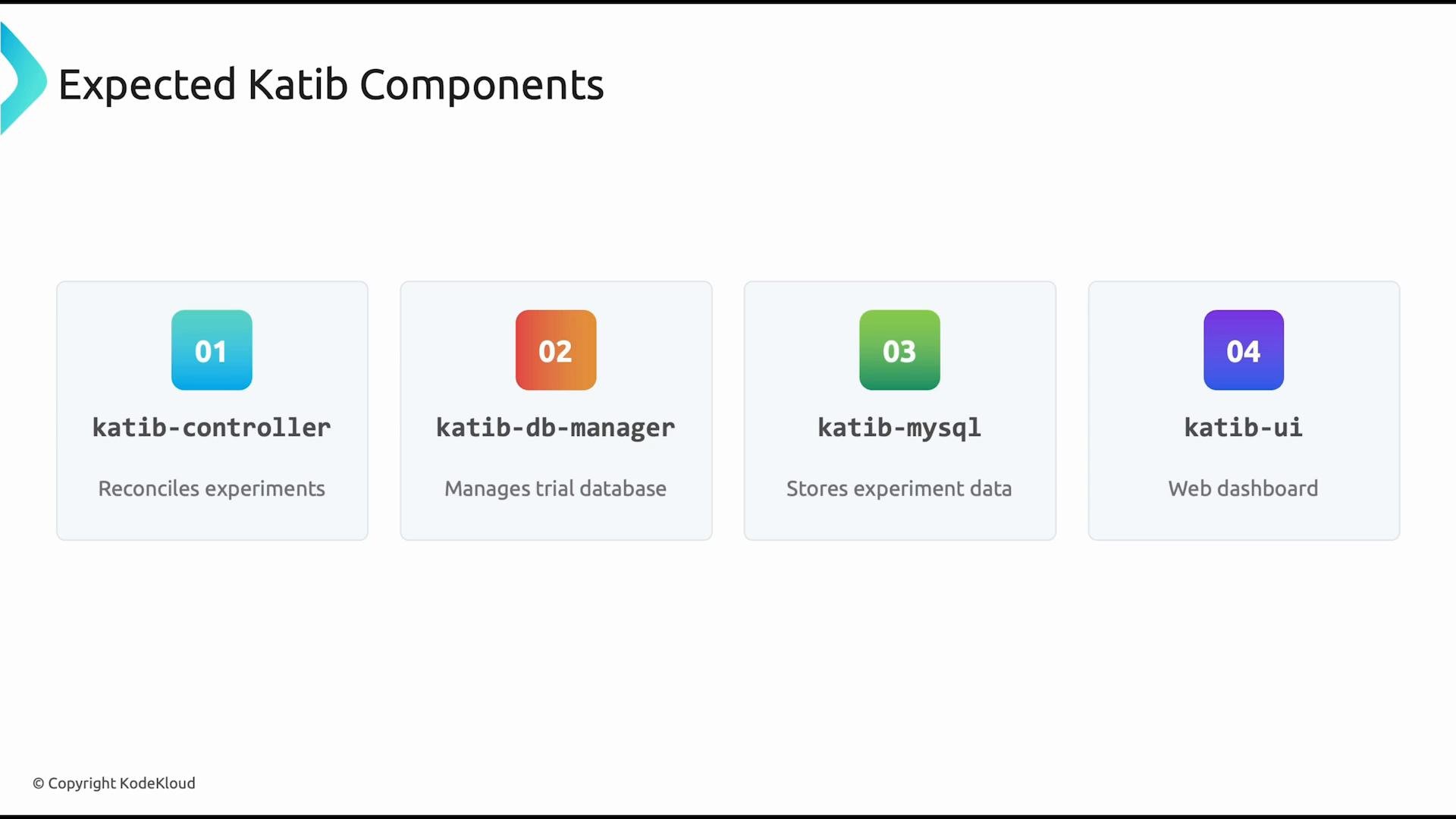
Accessing the Katib UI
To view the Katib dashboard locally, port-forward the UI service and open the forwarded port in your browser. First, confirm the service name and port:http://localhost:8080 (or the local port you forwarded) to access the dashboard. If the service uses a different port, adjust the 8080:80 mapping accordingly.
Common issues & troubleshooting
If pods remain in
ContainerCreating or CrashLoopBackOff, check container image pulls, node resource availability, and persistent volume claims. Use kubectl describe pod <pod-name> -n kubeflow and kubectl logs <pod-name> -n kubeflow to gather troubleshooting details.- View events and pod details:
- Inspect logs of a failing pod:
- Confirm CRDs and RBAC (Katib requires its CRDs to be present):
Links and references
- Official Katib repository: https://github.com/kubeflow/katib
- Kubeflow documentation: https://www.kubeflow.org/docs/
- Example manifests used above:
https://github.com/kubeflow/katib.git/manifests/v1beta1/installs/katib-standalone?ref=v0.17.0