

Do not use static passwords or static password configuration in production. This approach is for local testing and demos only.
Prerequisites:
- Kubectl configured for the cluster that hosts Kubeflow (RBAC permissions to view/edit resources in the
authnamespace). - A local editor configured for
kubectl editor an ability to export and reapply a ConfigMap. htpasswd(from Apache tools) for generating bcrypt hashes, or another bcrypt tool.
Overview
High-level steps:- Inspect the cluster and locate Dex resources in the
authnamespace. - Export or edit the Dex ConfigMap (
dex) and finddata.config.yaml. - Generate unique
userIDvalues and bcrypt password hashes. - Add entries under
staticPasswordsand save the ConfigMap. - Restart the Dex deployment to pick up changes.
- Log in via the Kubeflow / Dex page and verify authentication; mapping to Kubeflow profiles (namespaces) is a separate step.
Inspect the cluster
Use these commands to confirm Dex is running in theauth namespace and to export the ConfigMap for editing:
A trimmed example of
kubectl get all -n auth (illustrative):
Locate the Dex configuration
Open the exporteddex.yaml or view the data.config.yaml field from the ConfigMap. The Dex configuration is embedded at data.config.yaml. Dex supports a staticPasswords section you can populate with local users. Example excerpt:
Add static users
Each entry understaticPasswords should include the following required fields:
Generate a unique
userID (you can use a timestamp or UUID). Example (timestamp):
htpasswd):
password123 with your desired password):
htpasswd command prints a leading colon; tr -d ':\n' removes that and the newline so you get only the hash.
Edit the Dex ConfigMap
You can edit the ConfigMap directly:data.config.yaml → staticPasswords, add your entries using the bcrypt hashes and userIDs generated above. Example:
Apply changes: restart Dex
After editing the ConfigMap, restart the Dex deployment so the running pod will mount the new configuration:Log in via Kubeflow / Dex
After Dex restarts, open the Kubeflow login page (the cluster’s Kubeflow address) and sign in using one of the new accounts. Example credentials used in this demo:- Email:
john@example.com - Password:
password123
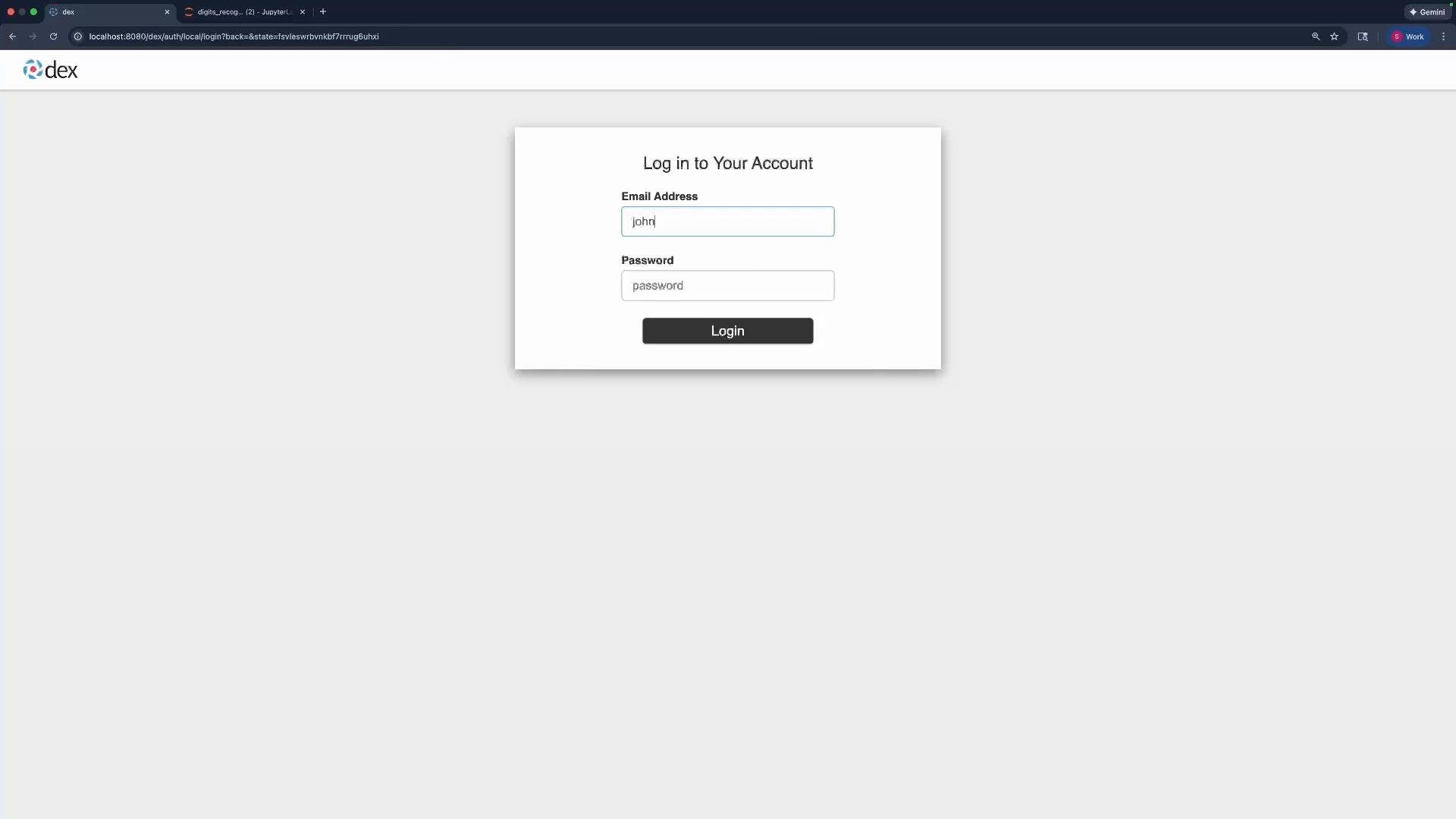
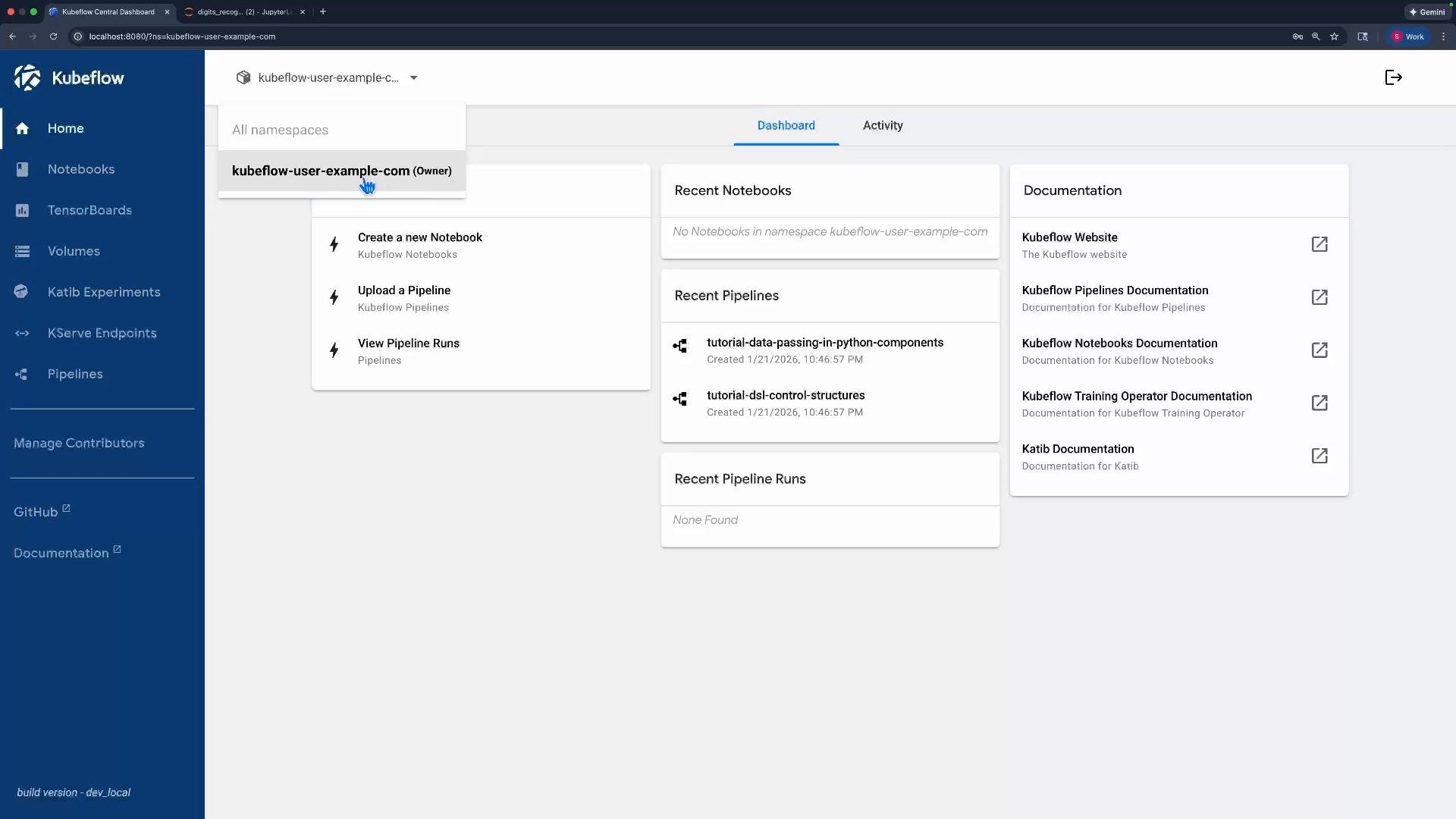
john@example.com (or mark@example.com), authentication will succeed, but you will not see any selectable Kubeflow profiles (namespaces) because those accounts are not yet mapped to Kubeflow profiles. The default example user (user@example.com) was created when Kubeflow deployed a demo profile and is mapped to the kubeflow-user-example-com profile/namespace; that user can select and operate in that namespace:
Next steps
- To give a user access to a Kubeflow profile, map their identity (
email/userID) to a Kubeflow Profile (which corresponds to a Kubernetes namespace). See Kubeflow Profiles and Multi-Tenancy documentation for details. - Consider integrating a managed IDP (OIDC/LDAP/GitHub/Google) for production authentication rather than using static passwords.
- Dex can act as a simple, local authentication provider for creating test users when evaluating Kubeflow.
- Add users by editing the Dex ConfigMap at
data.config.yaml.staticPasswordswithemail,username, quoteduserID, and a bcrypthash(orhashFromEnv). - Restart the Dex deployment to apply changes.
- Mapping users to Kubeflow profiles (namespaces) is a separate configuration step inside Kubeflow.
- Kubeflow
- Dex documentation: https://dexidp.io/
- Kubernetes documentation: https://kubernetes.io/docs/
- htpasswd (Apache utils) info: https://httpd.apache.org/docs/current/programs/htpasswd.html