

return directive. This enforces encrypted connections and a consistent canonical URL for your site.
Goals
Prerequisites / initial state
Check current UFW status:
https://<host> before NGINX is configured to listen on 443 and before TLS certificates are in place, your client will see a connection error (for example, connection refused or a browser/network TLS error) because no process is handling TLS yet.
Why this pattern?
- A minimal server block on port 80 that issues
return 301 https://$host$request_uri;gives a fast, SEO-friendly permanent redirect. - A separate server block on port 443 terminates TLS and serves the same content from the same
root. - Keeping the port 80 block short avoids unnecessary processing and ensures every HTTP request is canonicalized to HTTPS.
- Typical HTTP-only site file:
/etc/nginx/sites-available/diner
- Create a new site file (example:
/etc/nginx/sites-available/diner-https) containing two server blocks:- Port 80: issues a permanent redirect to the equivalent HTTPS URL.
- Port 443: listens with
sslenabled and serves the same site content.
diner-https configuration:
return 301 https://$host$request_uri;issues a permanent (301) redirect.$hostpreserves the hostname (including ports if present) and$request_uripreserves path and query string (for example,/reservations?time=7pm).- The port 443 block must have
ssl_certificateandssl_certificate_keypointing to valid files so NGINX can terminate TLS. - Obtain production certificates from a trusted CA (e.g., Let’s Encrypt) and ensure the certificate matches
server_name(DNS must point to your server). - If you use multiple names (aliases), consider
server_name diner.com www.diner.com;and ensure certificates cover all names (SAN or wildcard as appropriate).
- Remove or disable any old HTTP-only symlink, then create the new symlink:
- Always test NGINX config before reloading:
- If the test succeeds, reload NGINX to apply the changes:
- Test the HTTP endpoint to confirm it now responds with a 301 redirect:
- A plain
curl localhost(non-HEAD) will show the HTML body NGINX sends for the redirect:
http://diner.com will be redirected to https://diner.com and served the site over TLS.
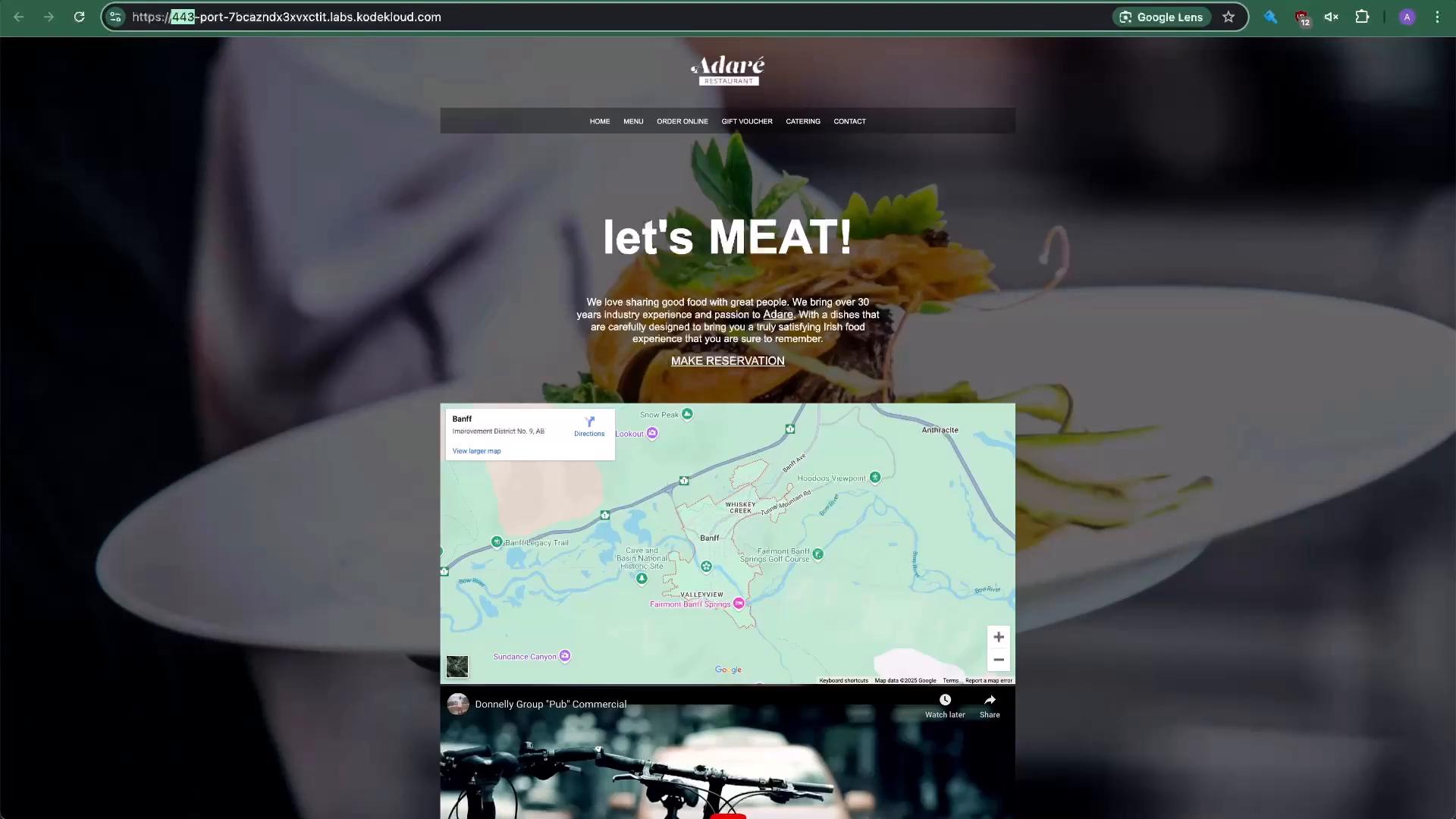
- Use a minimal server block on port 80 to perform a permanent redirect:
return 301 https://$host$request_uri;. - Use a second server block on port 443 to terminate TLS and serve content, specifying
ssl_certificateandssl_certificate_key. - Allow port 443 in your firewall (UFW) and always
nginx -tbefore reloading.
If you are testing locally and using self-signed certificates, your browser will warn about the certificate. For production, obtain certificates from a trusted CA (for example, Let’s Encrypt) and ensure DNS for
server_name points to your server IP.- NGINX documentation: https://nginx.org/en/docs/
- Let’s Encrypt: https://letsencrypt.org/
- UFW (Uncomplicated Firewall) guide: https://help.ubuntu.com/community/UFW