

https://www.example.com
but a specific endpoint /admin requires a username and password. This is a lightweight protection method ideal for internal tools, staging sites, or quick demos.
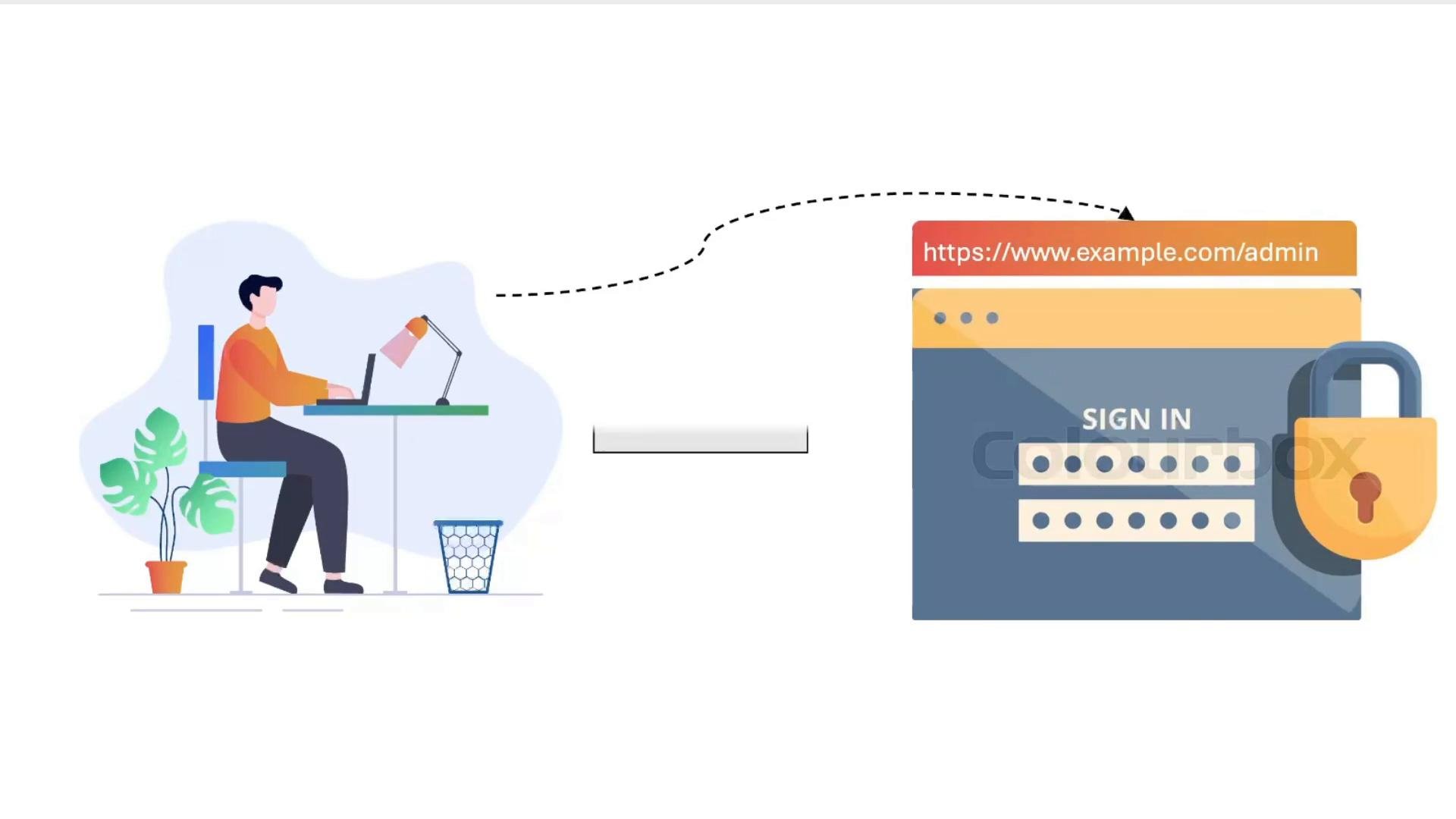
- Keep the main site open to everyone.
- Add a
location /adminblock and enableauth_basic. - Store credentials in an
.htpasswdfile and point NGINX to that file. - Validate and reload NGINX, then verify the browser prompt.
Prerequisites
- NGINX installed and serving
https://www.example.com. - Root or sudo access to modify NGINX config and write to
/etc/nginx/conf.d/. - OpenSSL (for quick password hashing) or
htpasswdfromapache2-utils/httpd-tools.
/admin endpoint
Add a location /admin block to the TLS server block (listen 443) and enable basic auth only for that location.
Example server block (replace certificate paths and server_name as appropriate):
Placing the
auth_basic directives in location /admin protects only that path. To require authentication for the entire site, move auth_basic and auth_basic_user_file into the location / block or directly under the server block..htpasswd file
Create /etc/nginx/conf.d/.htpasswd and add a user admin with an APR1-MD5 hashed password. The example below writes the admin: prefix first, then appends the hash generated by OpenSSL.
Commands:
.htpasswd content:
- The
.htpasswdstores a one-way hash (you cannot recover the plaintext password from the hash). - For more features (user management, easier password creation), use the
htpasswdutility from the Apache packages:- Debian/Ubuntu:
apache2-utils - CentOS/RHEL:
httpd-tools
- Debian/Ubuntu:
- Keep the
.htpasswdfile readable by the NGINX process user and placed outside webroot (e.g.,/etc/nginx/conf.d/.htpasswd) to avoid accidental exposure.
https://www.example.com/admin in a browser. You should see an authentication prompt. Provide admin and the password you entered when creating the hash.
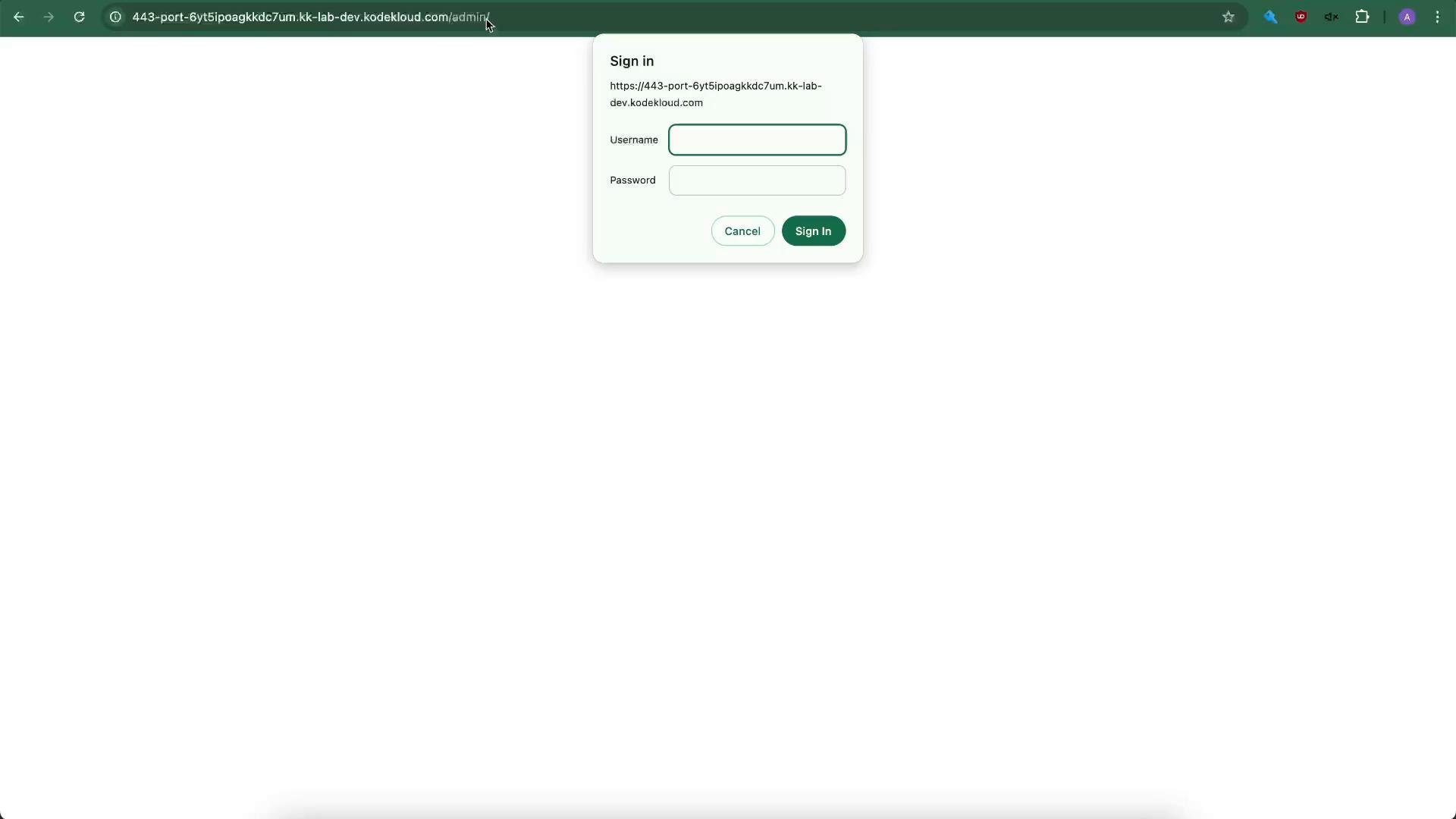
location / (or server) instead of location /admin:
- Browsers cache Basic Auth credentials for the session. Use an incognito/private window or a different browser to test the login prompt cleanly.
- If tests fail, check NGINX error logs (typically
/var/log/nginx/error.log) for hints.
Basic authentication is convenient for quick internal protection or demos but is not sufficient for most production systems. It doesn’t scale for large user bases, lacks centralized identity management, fine-grained access controls, and multi-factor authentication. For production, prefer centralized identity providers (OAuth, OpenID Connect, SAML) or integrate with LDAP/Active Directory and always use TLS.
- NGINX Plus and third-party modules provide richer authentication options (OpenID Connect, OAuth, external identity providers).
- Example of loading the NGINX JavaScript module:
- Installing njs (module names vary by distribution and edition):
- You protected a single endpoint (
/admin) usingauth_basicand an.htpasswdfile. - You generated an APR1-MD5 password hash with OpenSSL and reloaded NGINX.
- For production-grade security, plan for centralized authentication systems and stronger access controls.