

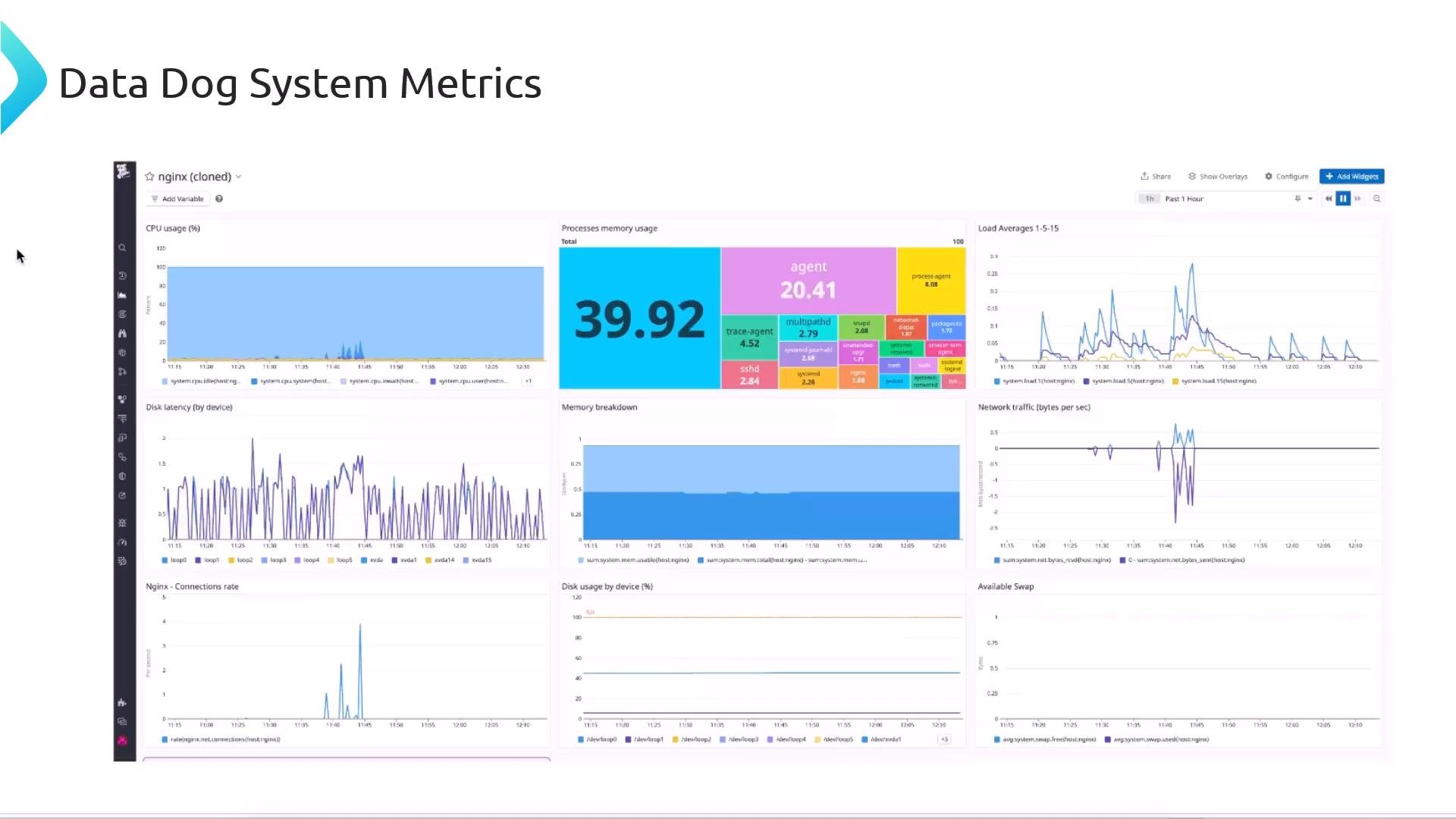
- A Datadog account (free trials are typically available): https://www.datadoghq.com
- Root or sudo access on the host where NGINX runs and where the Datadog Agent will be installed.
- NGINX built with
http_stub_status_module(or NGINX Plus for extended metrics).
- Sign in to Datadog and choose your operating system; the UI will present an install command that includes your API key and site (e.g.,
datadoghq.comordatadoghq.eu). - Important: never share your API key publicly.
<YOUR_API_KEY> and <YOUR_SITE> with values from the Datadog UI):
datadog-agent package being installed. Example truncated console output:
Enable the NGINX integration in Datadog
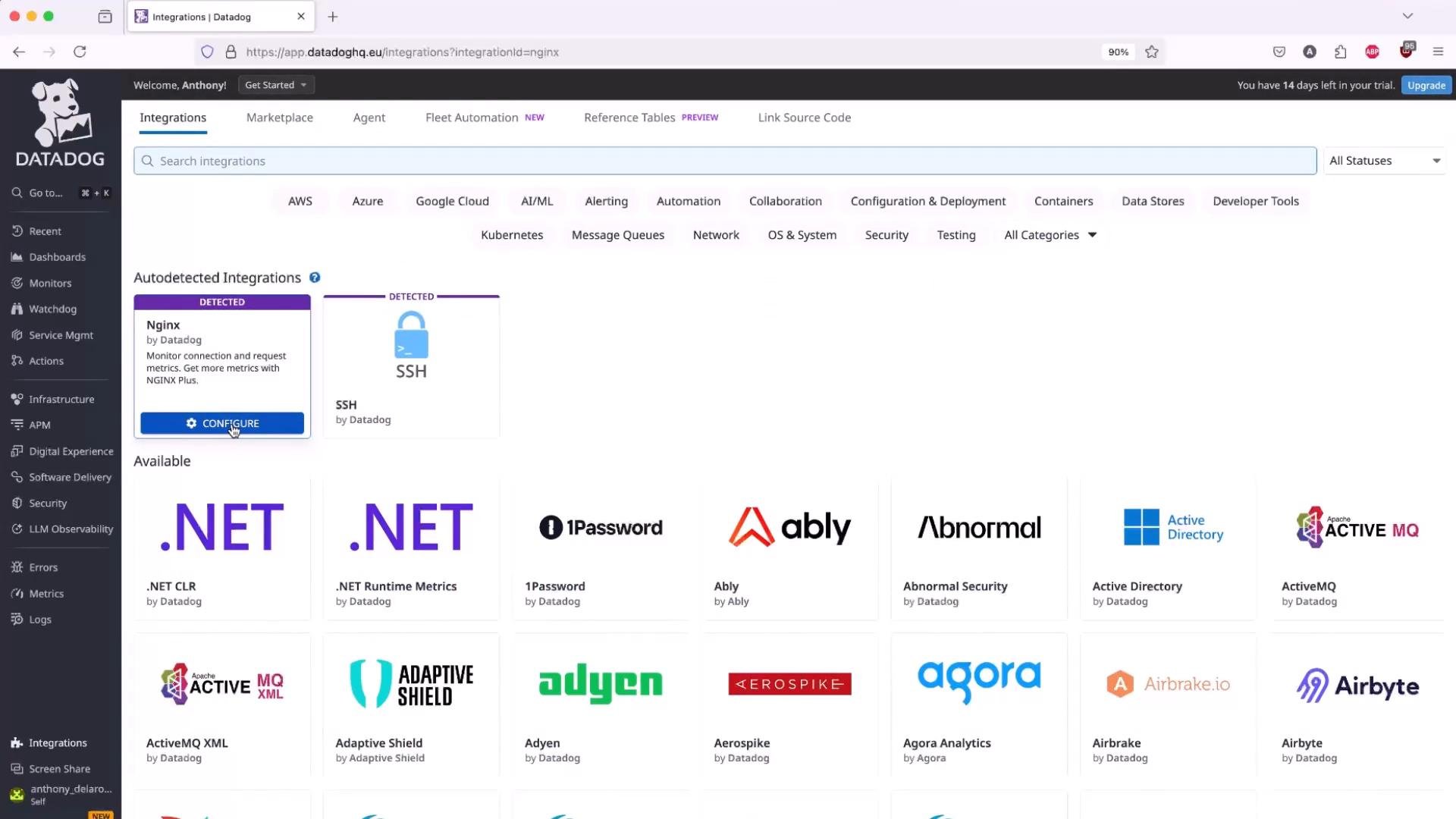
- In the Datadog UI go to Integrations → Integrations and search for “Nginx”.
- Datadog can auto-detect some services and will suggest integrations when applicable.
stub_status and expose it only on the local interface so the agent can scrape it.
Add a local-only server block (example uses port 81):
- If you already have site server blocks for
example.com(80/443), add this local server block in the same host config or included file—but do not expose/nginx_statuspublicly. - After editing config, test and reload NGINX:
stub_status output:
Do not make the NGINX stub_status endpoint publicly accessible. Always restrict it to localhost or trusted networks to avoid exposing internal metrics.
- In Datadog: Integrations → NGINX → Configure.
- Point the integration to the local endpoint (e.g.,
localhost:81or127.0.0.1:81) so the agent scrapeshttp://127.0.0.1:81/nginx_status. - If you changed the port or path, update the integration settings accordingly.
http_stub_status_module, the module is present. If not, install an NGINX package that includes it or rebuild NGINX with that module.
Viewing NGINX metrics in Datadog
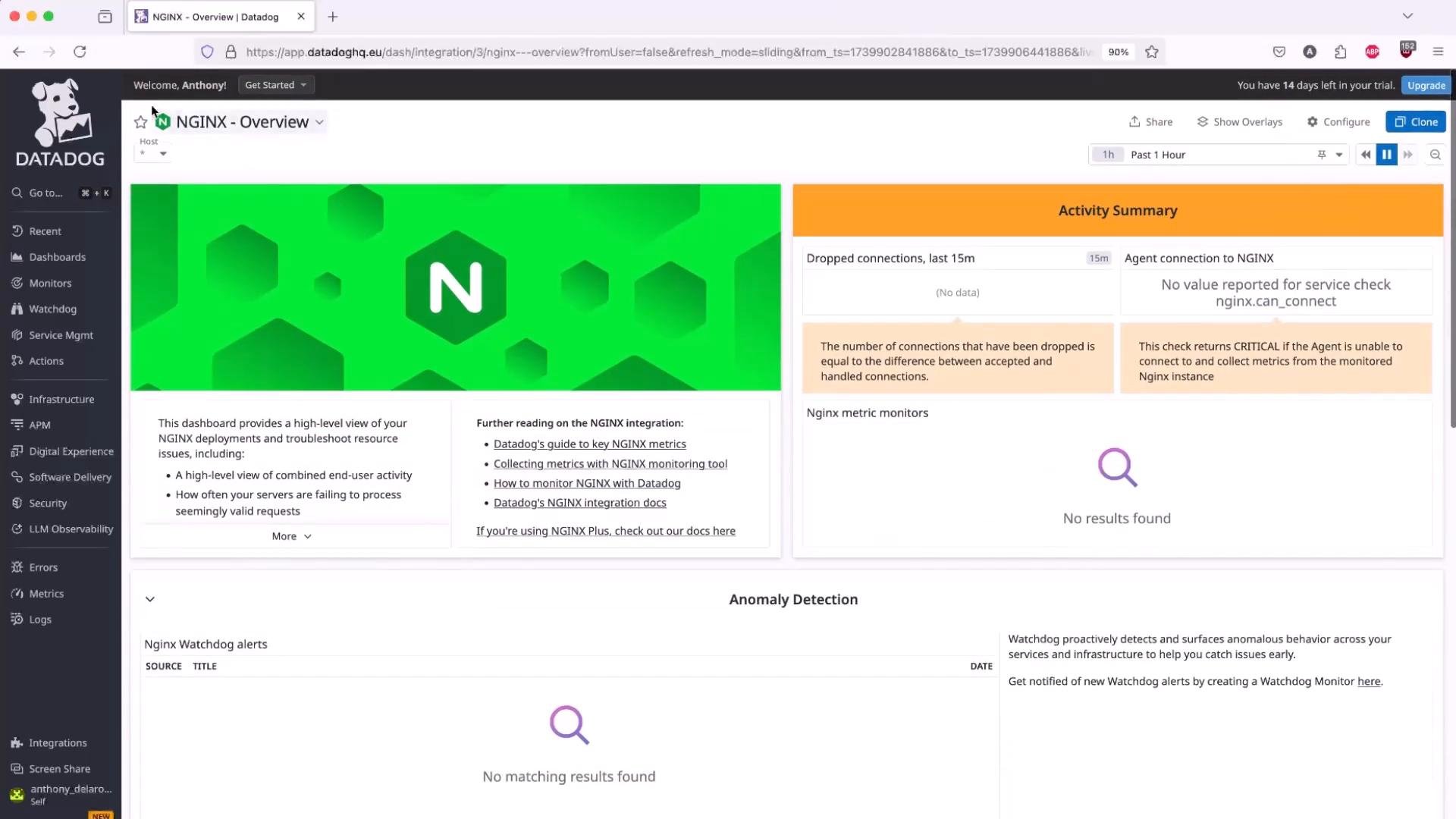
- After integration is configured and the agent is scraping the endpoint, allow a few minutes for metrics to appear.
- Dashboards → NGINX or Dashboards → Hosts will show NGINX-specific charts (connections, requests, upstream statuses) alongside host-level metrics (CPU, memory, load).
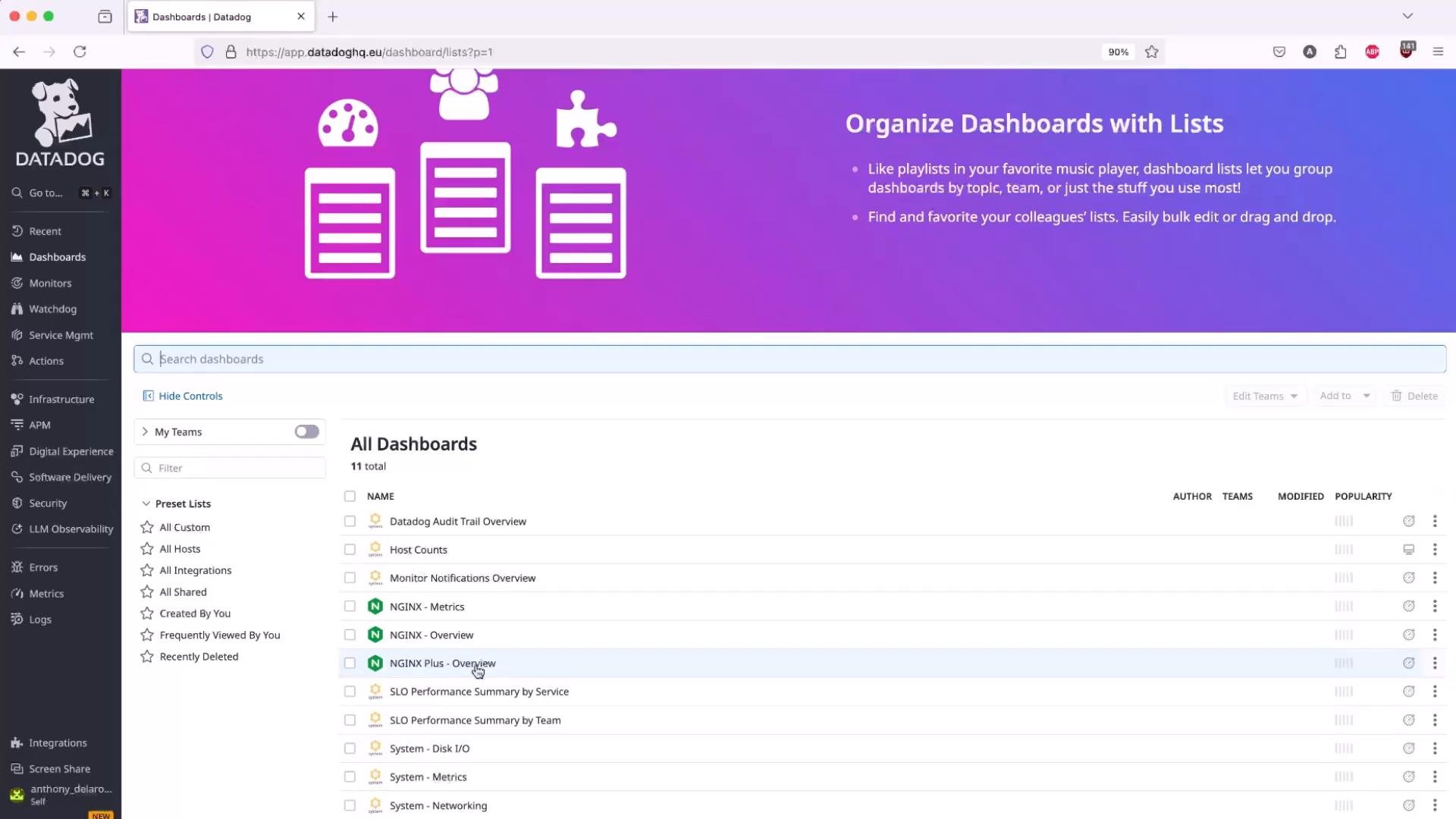
- Click an individual host in Datadog to open the host summary and view system metrics and integrations reporting for that host.
- Confirm the Datadog agent is reporting and that the NGINX integration shows the configured endpoint.
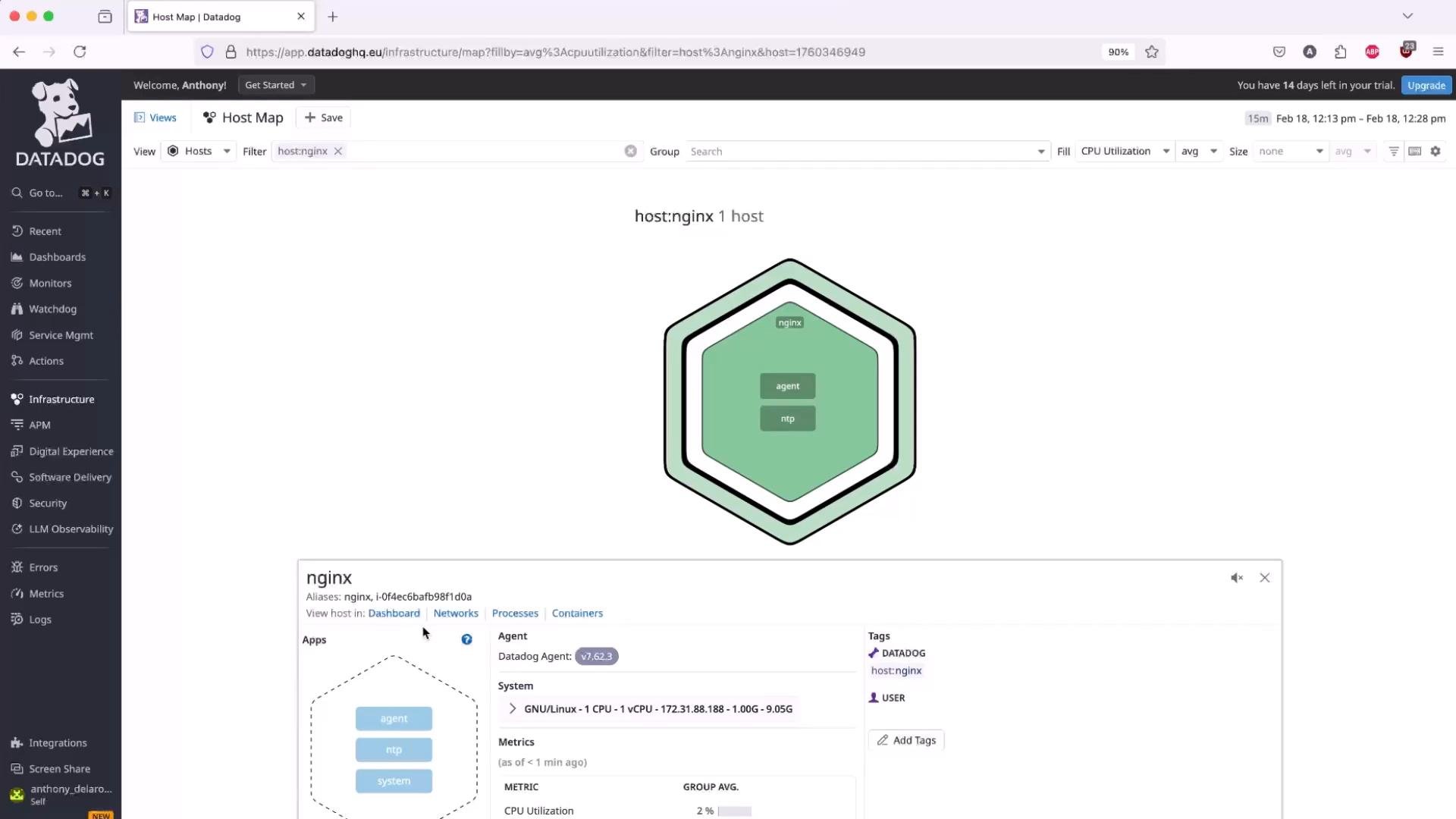
- Ensure the Datadog Agent is running and that
http://127.0.0.1:<PORT>/nginx_statusis reachable from the host where the agent runs. - Keep
/nginx_statusrestricted to localhost or a trusted IP range; do not expose it publicly. - For advanced metrics (status zones, upstream detail, extended metrics), consider NGINX Plus or additional log parsing and instrumentation.
- Use load testing tools like ApacheBench (
ab) orwrkto generate traffic and observe how metrics change in real time. - Check agent logs for troubleshooting:
/var/log/datadog/and runsudo datadog-agent statusfor runtime diagnostics.
If metrics do not appear immediately, wait a few minutes and verify the agent logs (
/var/log/datadog/ or sudo datadog-agent status) and the integration configuration (host/port) in the Datadog UI.- Datadog: https://www.datadoghq.com
- Datadog Agent install docs: https://docs.datadoghq.com/agent/
- NGINX stub_status: https://nginx.org/en/docs/http/ngx_http_stub_status_module.html
- ApacheBench (ab): https://httpd.apache.org/docs/2.4/programs/ab.html
- wrk: https://github.com/wg/wrk