

- Redirect = mail forwarding (postal service tells the client to fetch mail at the new address).
- Rewrite = mail slip that silently changes the delivery address (the recipient remains unaware the envelope was modified).
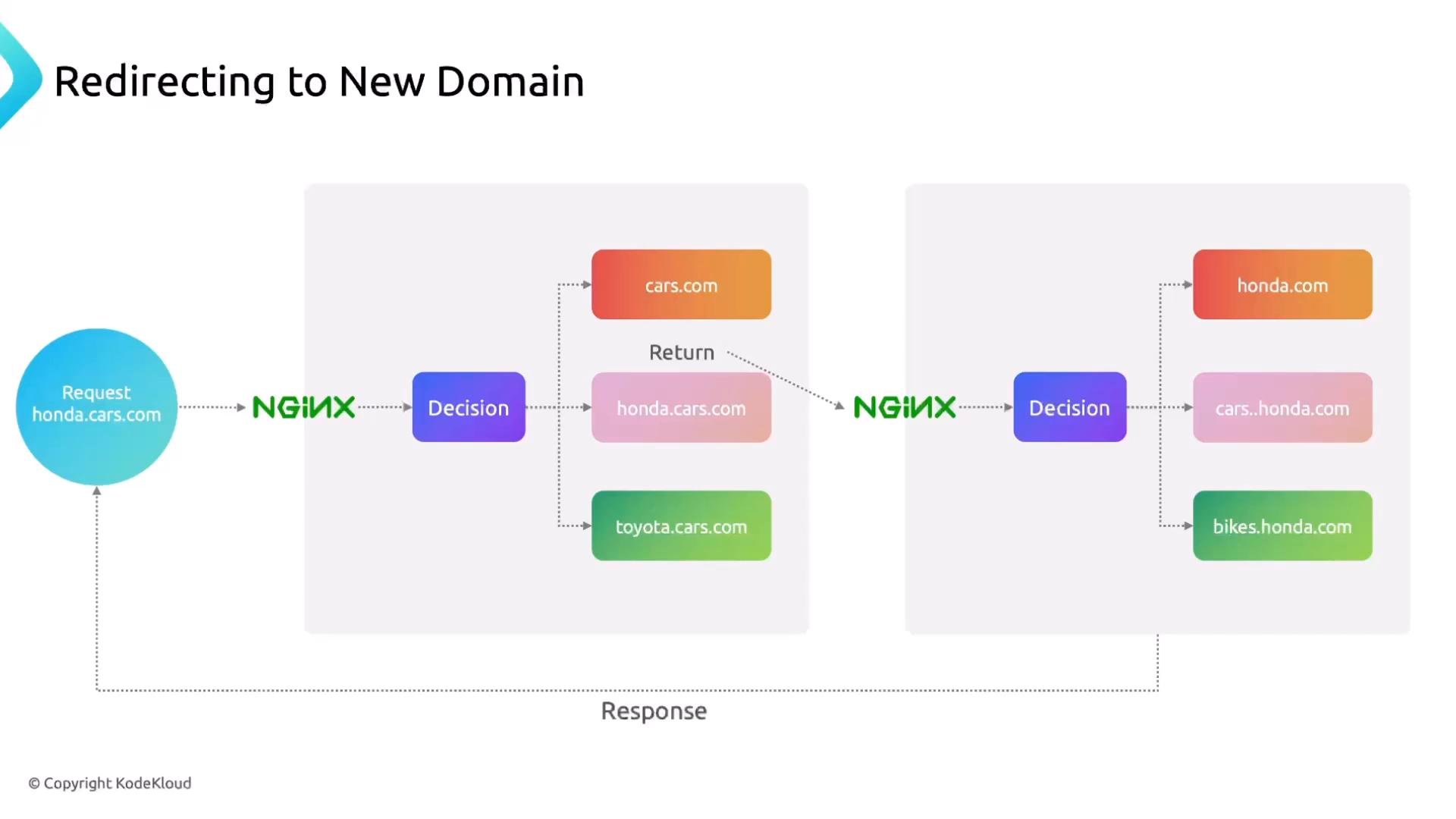
Redirects with the return directive (recommended for simple redirects)
Use thereturn directive for simple, predictable redirects (it’s fast and clear). Example: redirect all requests for honda.cars.com to cars.honda.com, preserving path and query string.
301 for permanent moves (good for SEO). Use 302 for temporary moves.
Example — redirect HTTP to HTTPS on the same host while preserving the requested URI:
When redirecting to HTTPS you must configure valid TLS certificates and a 443 server block. Also be careful with
301 (permanent): user agents and search engines may cache permanent redirects.Nginx built-in variables used in redirects
$host— the Host header from the request (or the server name matched).$request_uri— the original request URI including path and query string, e.g./2024/civic-type-r?color=red.
Prefer
return for simple domain or scheme redirects because it is more efficient and clearer than using rewrite for the same purpose. Use rewrite when you need pattern-based URL transformations or internal mapping.Redirect a single page with a location block
If only a single path should be redirected, place thereturn inside a location:
Inspecting redirects in the browser
Open DevTools → Network tab to view request/response details: method, status, headers, and where the redirect points.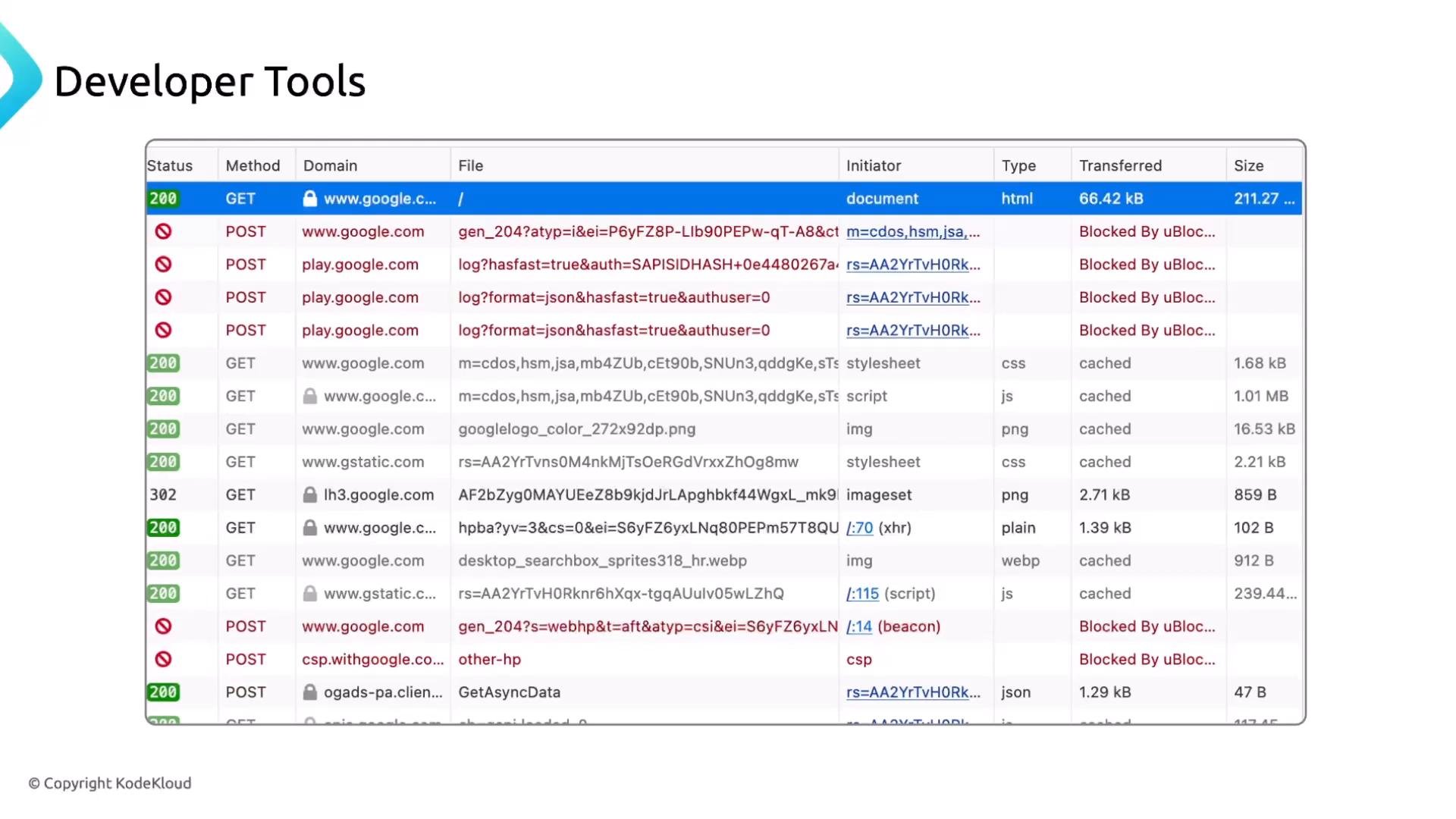
Common HTTP status codes (high level)
Use the table below as a quick reference for status codes you’ll see while adding redirects and rewrites.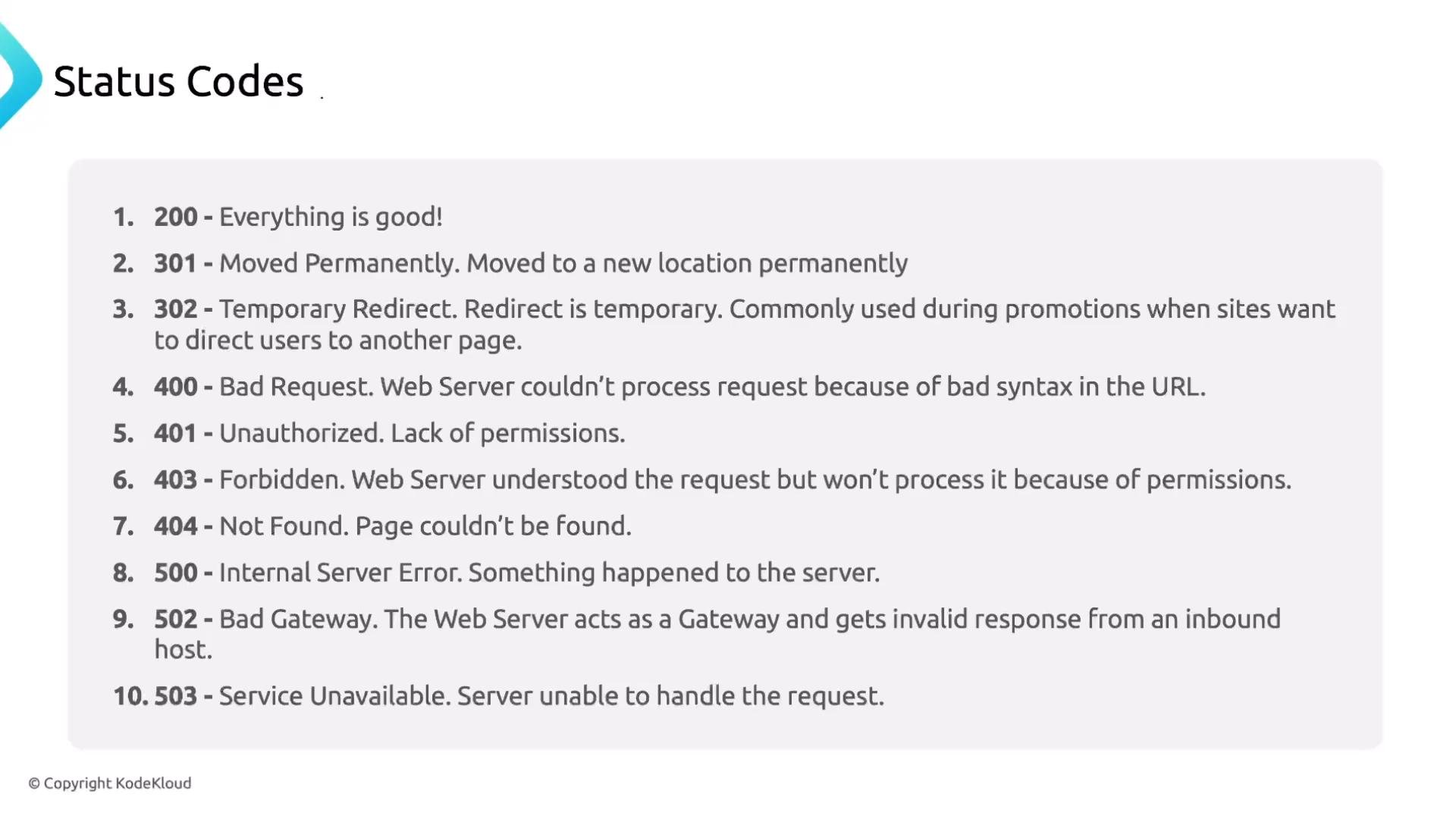
Rewrite rules (internal mapping or pattern-based redirects)
A rewrite modifies the request URI Nginx uses internally or produces a redirect based on a pattern. Use rewrites when you need to map legacy paths, normalize URLs, or capture parts of a path and reuse them. Analogy: the post office updates the delivery address on the envelope (internal change) or sends the mailer a forward notice (redirect).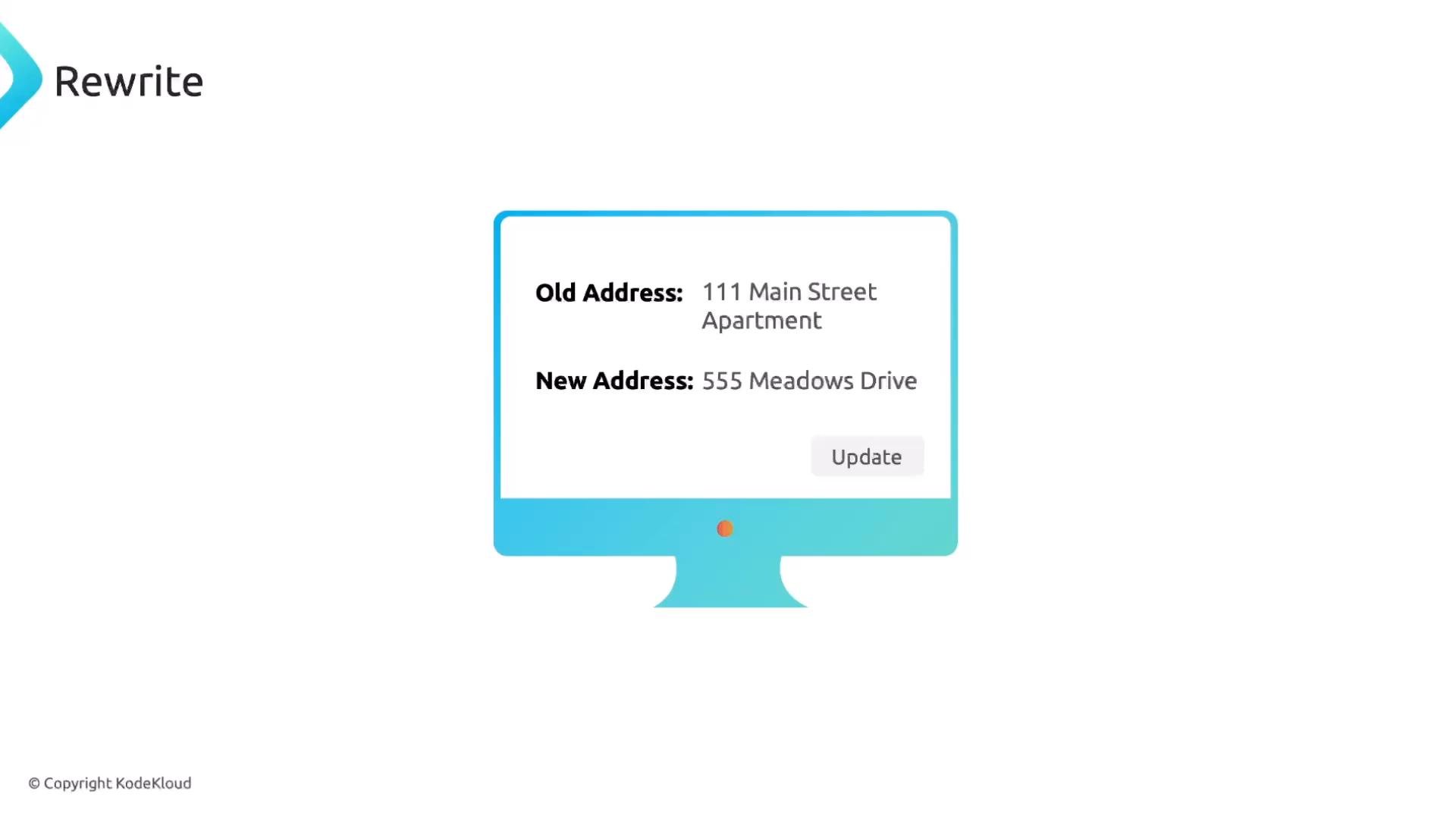
Simple rewrite example (pattern → new path)
This example issues a permanent redirect from a legacy long path to a cleaner path:permanent emits a 301. If you want the behavior to be internal (no change in browser URL), avoid permanent and use try_files or alias.
Serve images from a new path using rewrite or internal mapping
Example project tree (images inpics/):
- Rename the folder on disk to
images/and update links. - Keep files in
pics/and map/images/*requests topics/internally.
/pics/* to /images/*:
try_files or alias inside location:
Why use rewrites?
- Preserve bookmarks and inbound links after reorganizing content.
- Provide clean, SEO-friendly URLs.
- Map legacy URLs to current resources without duplicating files.
Regular expressions (regex) primer for rewrite rules
Rewrite directives commonly use regular expressions to match and capture parts of the URI.
^— start of the string$— end of the string.— any single character*— zero or more of the preceding token+— one or more of the preceding token?— zero or one of the preceding token( … )— capture group[...]— character class (e.g.,[a-zA-Z0-9_])|— alternation (OR)\d— digit,\w— word character,\s— whitespace
^/[a-z-]+$matches/hello-worldbut not/HELLO-WORLD.^/[a-zA-Z-]+$matches/hello-worldand/HELLO-WORLD.^/[a-zA-Z0-9_\/-]+$matches/hello123and/hello_W0R1D.
How captures work in rewrite rules
You can capture parts of the matched URI and reuse them with$1, $2, etc.
(.*)captures everything after/old_page/.$1inserts that captured text into the replacement./old_page/section1→/new_page/section1.
Useful links and references
- Nginx documentation: https://nginx.org/en/docs/
- Regex testing: https://regex101.com
Wrapping up
We covered:- Using
returnto issue redirects (domain changes, HTTP → HTTPS). - Important Nginx variables (
$host,$request_uri). - How to inspect redirects in browser DevTools.
- Common HTTP status codes and their meanings.
- Using
rewritefor pattern-based mapping and capturing with regex. - When to use
try_files,alias, orreturndepending on whether you want internal rewrites or client-visible redirects.