Imagine you’re driving 90 km/h on a highway with a 100 km/h limit — you’re safe. Now picture another car doing 130 km/h that the police pull over. Rate limiting for web servers works similarly: it controls how many requests a user or IP can make in a given timeframe to protect resources, prevent abuse, and mitigate attacks like DDoS.
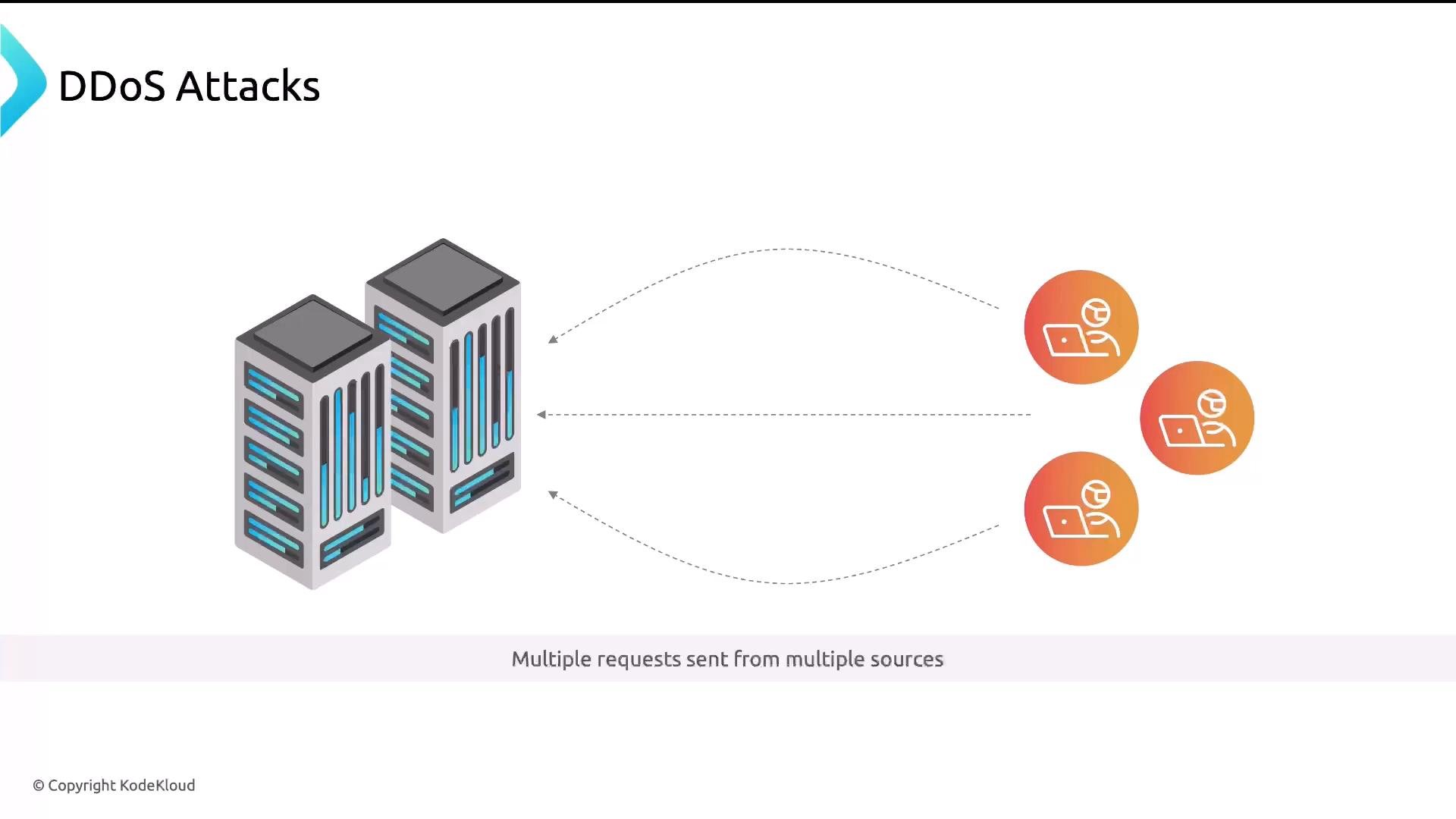
A diagram titled "DDoS Attacks" showing two server racks on the left and several user/client icons on the right with dashed arrows indicating many requests being sent to the servers. The caption reads "Multiple requests sent from multiple sources."
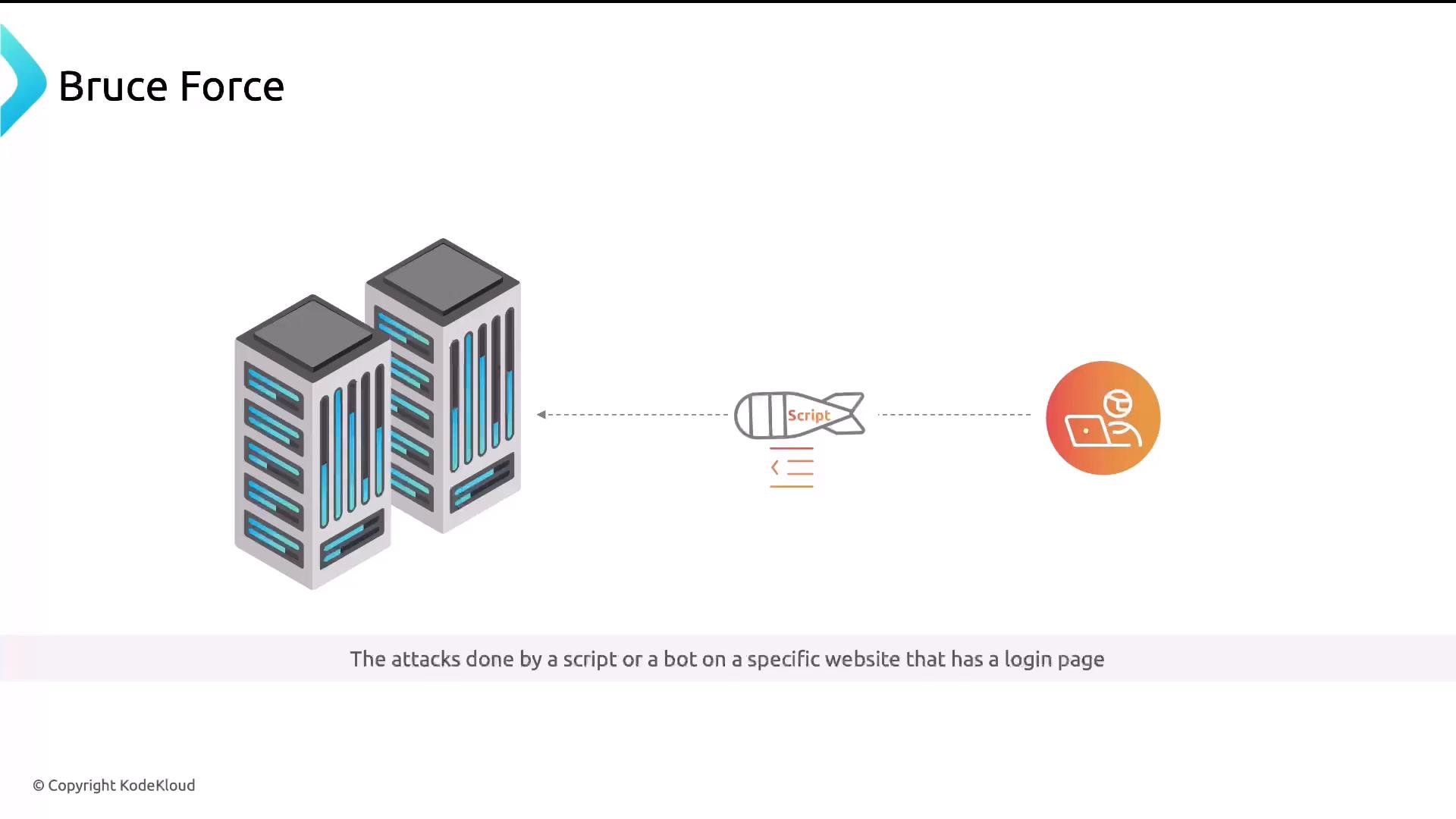
A DDoS attack floods a site with traffic from many sources to overwhelm servers and take services offline. Brute-force attacks are another common scenario: automation repeatedly tries credentials on a login page until it succeeds.
A simple diagram illustrating a brute‑force attack: a bomb-shaped icon labeled "Script" sits between a user icon and two server racks, showing automated login attempts toward the servers. The caption notes these attacks are done by a script or bot on a website's login page.
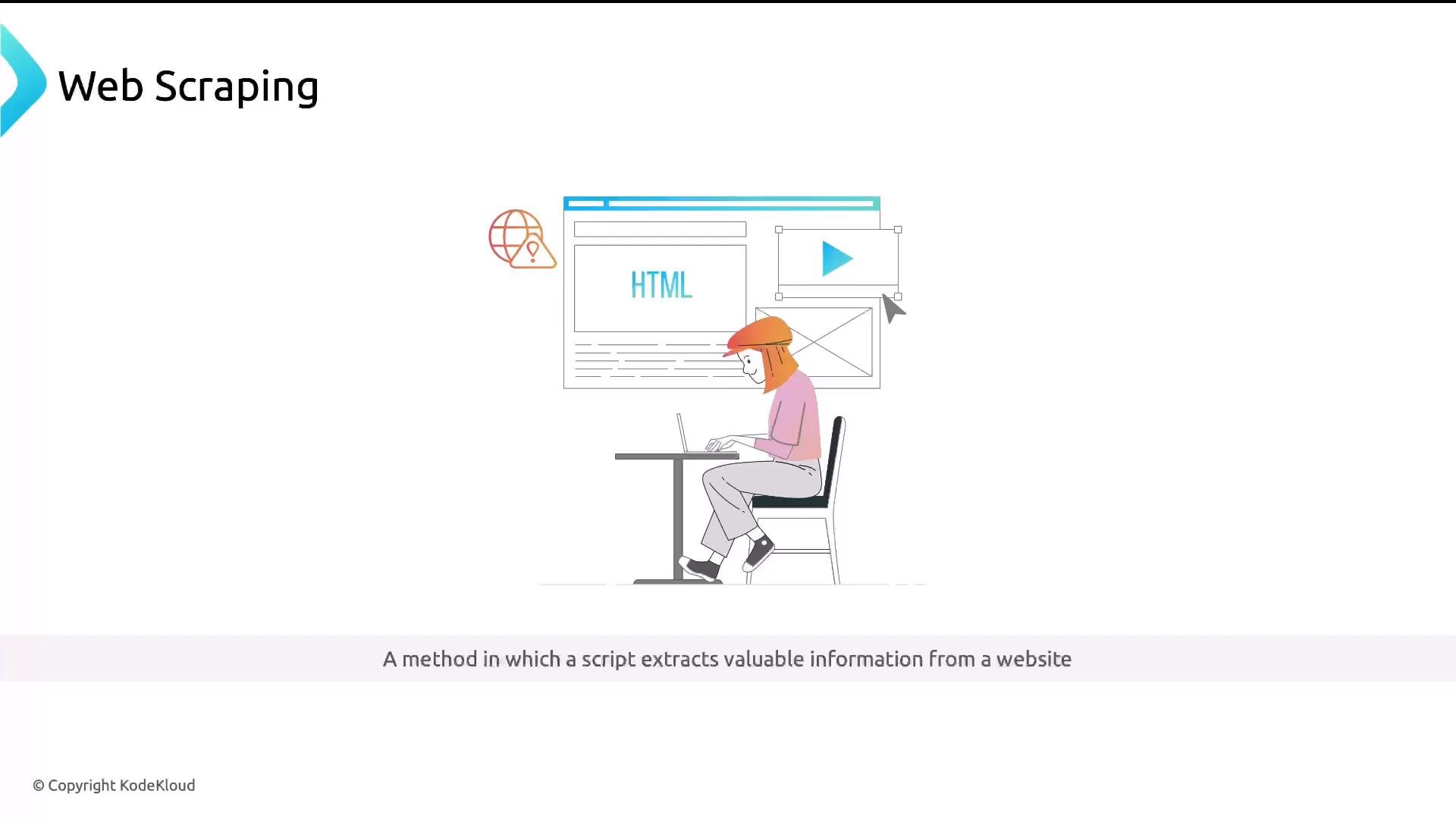
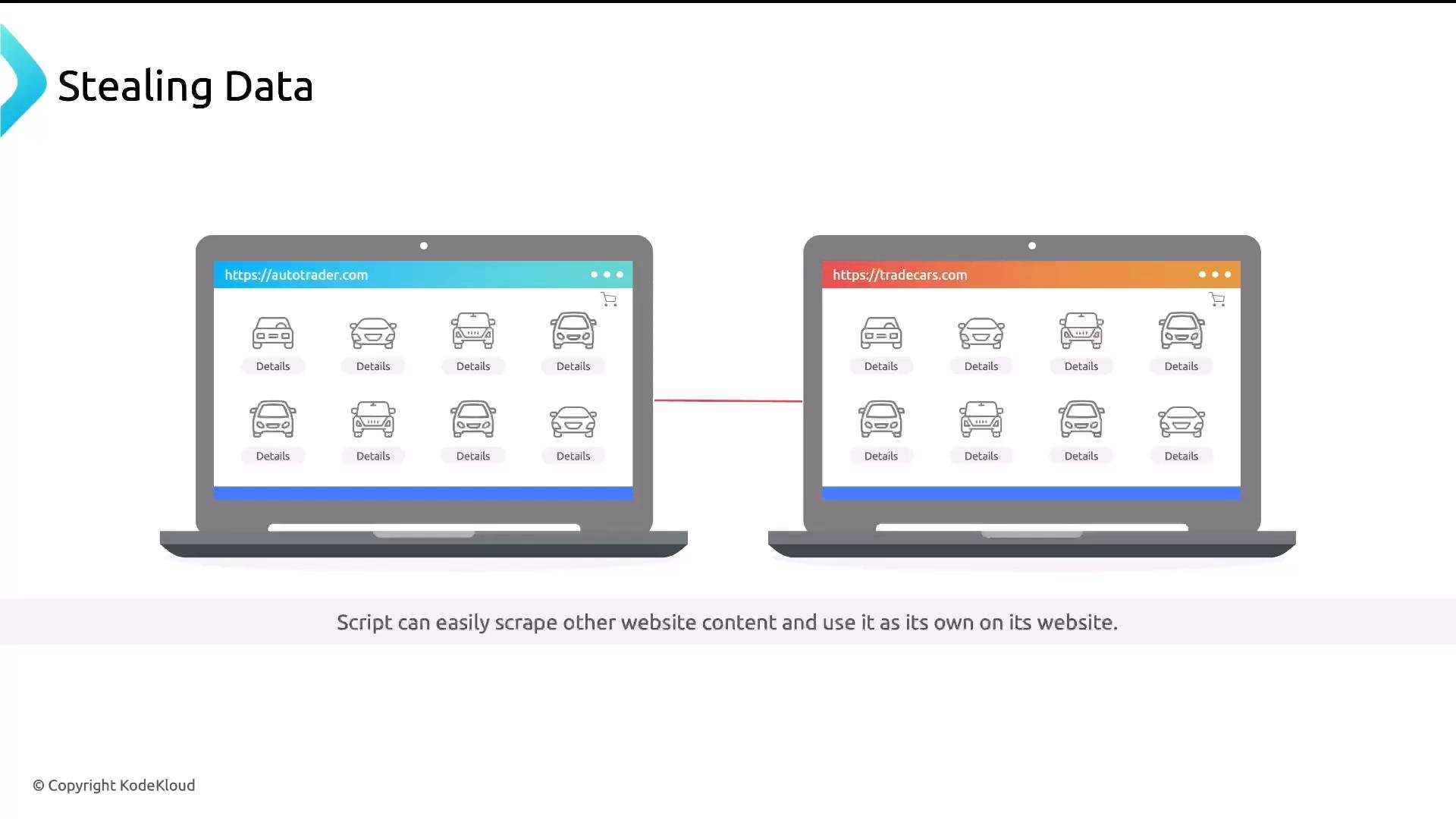
Web scraping is also frequent: bots extract content (images, listings, prices) and republish it elsewhere without consent — for example, copying listings from a site like AutoTrader.com.
An illustrated slide titled "Web Scraping" showing a person working on a laptop with a browser window labeled "HTML" and UI elements behind them. The caption reads, "A method in which a script extracts valuable information from a website."
Two laptop screens side by side showing identical car listing pages (https://autotrader.com and https://tradecars.com) connected by a line. The graphic illustrates stealing data / scraping one website’s content onto another.
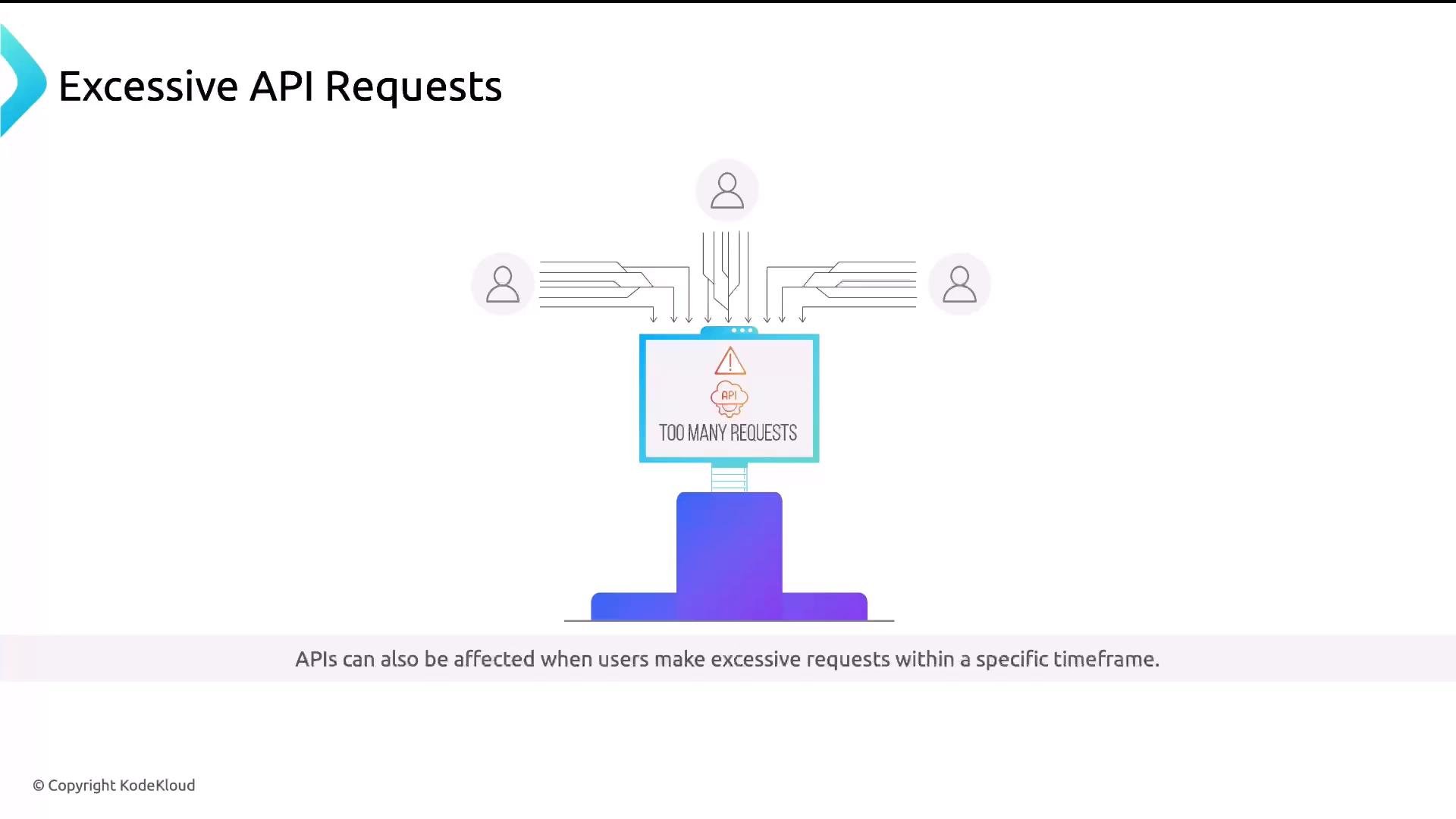
APIs can be overwhelmed by excessive requests — think of an API as a waiter in a busy restaurant: too many simultaneous or rapid requests and service degrades.
A slide titled "Excessive API Requests" showing multiple user icons sending many request lines into a central monitor that displays a warning reading "Too Many Requests." A footer notes APIs can be affected when users make excessive requests within a specific timeframe.
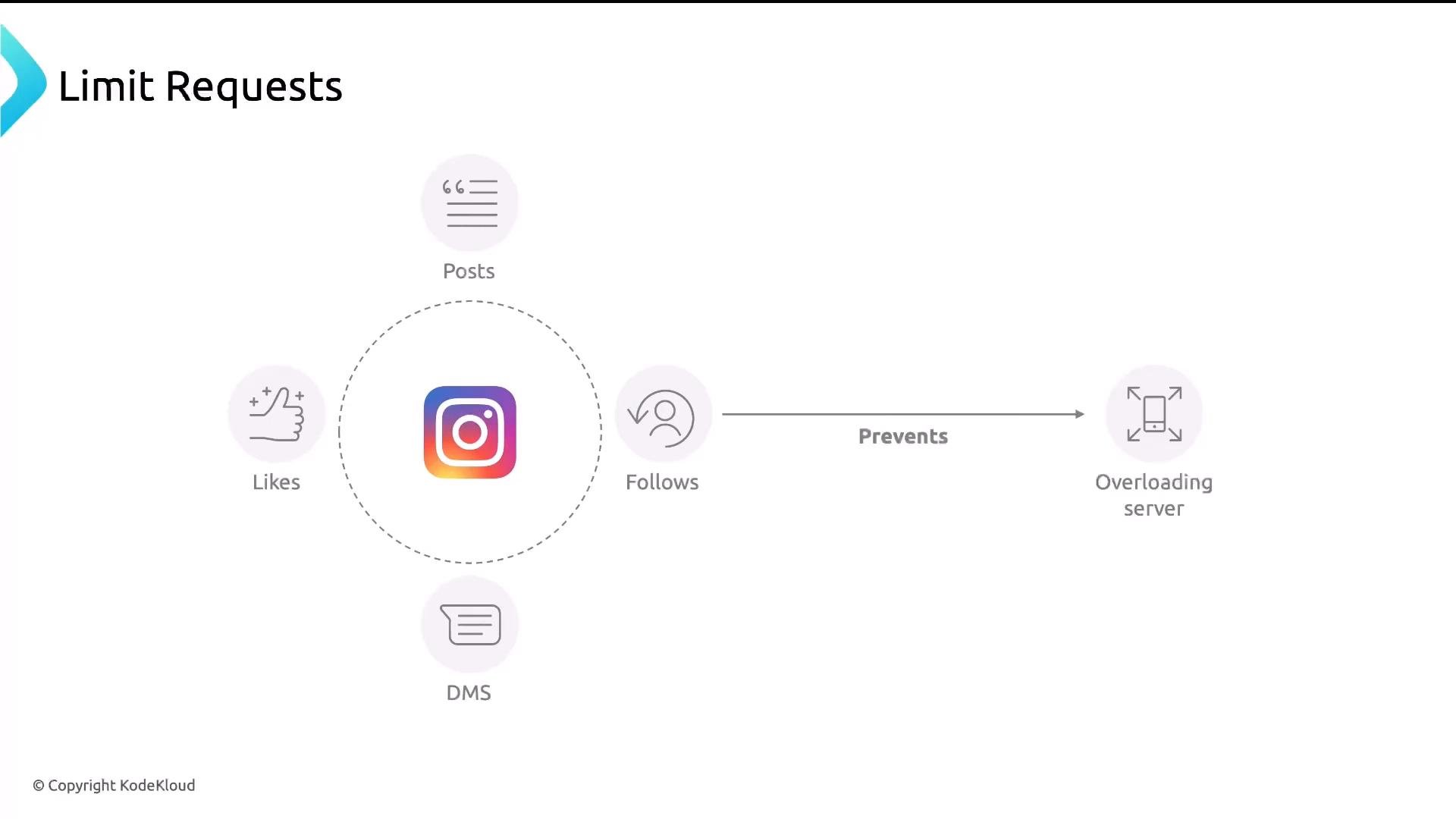
Social platforms commonly enforce limits on posts, likes, follows, and messages to stop abuse and keep backend systems healthy.
A diagram titled "Limit Requests" showing an Instagram logo surrounded by icons for Posts, Likes, Follows and DMs, with an arrow labeled "Prevents" pointing to an "Overloading server" icon. The slide is copyrighted by KodeKloud.
Rate limiting typically tracks:
  • the client IP address,
  • the time between requests,
  • and the number of requests within a time window.
When a key exceeds configured thresholds, further requests are denied or delayed for a configured period. Nginx supports two built-in traffic-limiting mechanisms:
  1. Request rate limiting (limit_req) — caps requests per time unit (token-bucket style).
  2. Connection rate limiting (limit_conn) — caps concurrent connections per key (commonly per IP).
Request rate limiting enforces an average request rate (for example, 2r/m) using a token-bucket / leaky-bucket algorithm. Short bursts can be tolerated or smoothed using parameters such as burst and delay. Excess requests are either delayed or rejected based on configuration.
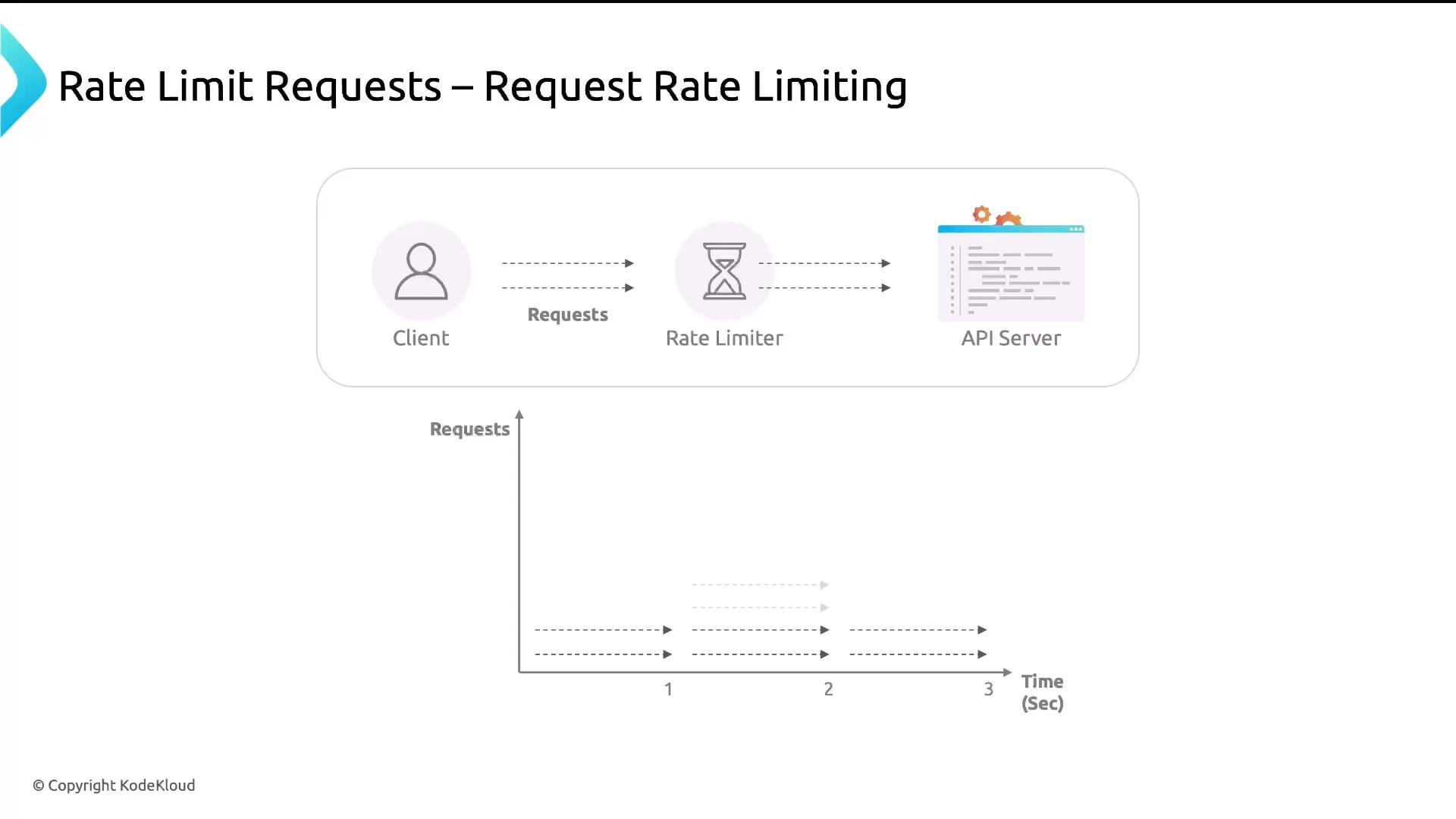
A slide diagram illustrating request rate limiting: a client sends requests through a rate limiter to an API server, accompanied by a small time vs. requests graph showing how requests are throttled.
Below is a minimal configuration that enforces request rate limiting for the /admin location. It includes:
  • limit_req_zone (defined in the http context) — creates an in-memory zone storing client counters and sets the rate,
  • limit_req_status (optional) — sets the response status when the limit is exceeded (default is 503),
  • limit_req (in a location) — applies the zone to requests.
Explanation of key items:
  • $binary_remote_addr: efficient binary representation of the client IP used as the tracking key. If Nginx is behind a proxy/load balancer, use the real_ip module and X-Forwarded-For/X-Real-IP headers to obtain the client IP.
  • zone=req_limit_per_ip:10m: shared memory zone name and size (10 MB). The zone stores counters and state required for limiting.
  • rate=2r/m: allows 2 requests per minute per key. Use r/s for requests per second (e.g., 1r/s).
  • limit_req_status 429: returns HTTP 429 (Too Many Requests) instead of the default 503. 429 is the correct semantic response for throttling.
Tip: Prefer 429 for rate-limited responses so clients and automated clients understand they are being throttled. Also ensure that, if Nginx is behind proxies, you correctly set the real client IP (see the Nginx real_ip module).
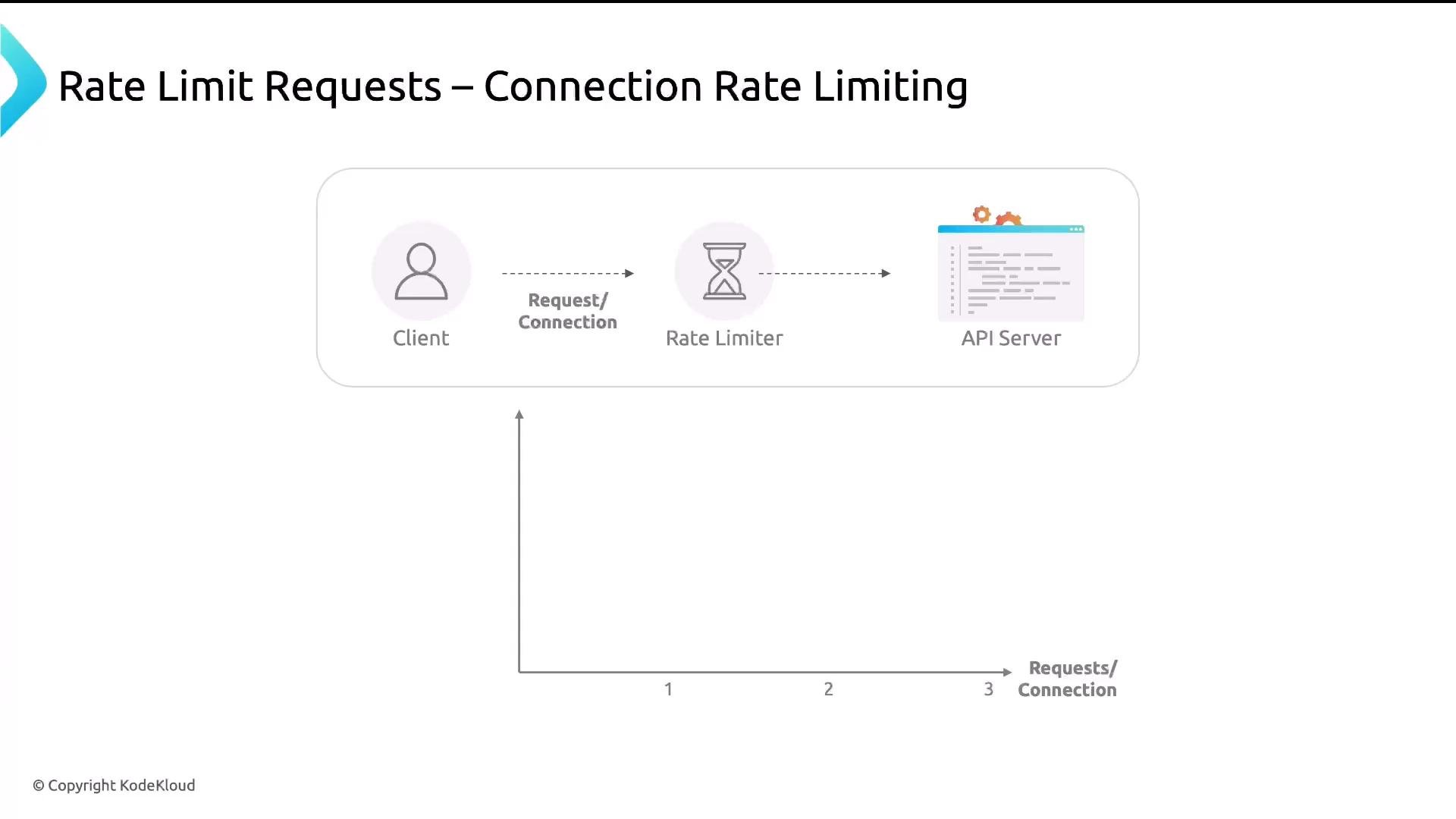
Connection rate limiting controls the number of concurrent connections allowed per key (commonly per IP). This is useful against connection-flooding attacks and complements request-rate limits.
A slide titled "Rate Limit Requests – Connection Rate Limiting" showing a flow from a Client icon through a Rate Limiter (hourglass) to an API Server icon. Below the flow is a simple graph axis labeled "Requests/Connection."
Directives for connection limiting:
  • limit_conn_zone in the http context — defines the tracking zone,
  • limit_conn_status — sets the response status when the limit is exceeded,
  • limit_conn in the location — applies the connection limit.
Example limiting one simultaneous connection per IP for /admin:
Explanation:
  • limit_conn_zone $binary_remote_addr zone=conn_limit_per_ip:10m; — uses the client IP as the key and reserves 10 MB for tracking.
  • limit_conn conn_limit_per_ip 1; — allows 1 concurrent connection per key (increase as appropriate).
Comparison: request vs connection limiting Best practices
  • Return HTTP 429 so clients know they are being throttled.
  • Set zone sizes based on expected number of unique clients. Each tracked client consumes memory.
  • Apply stricter limits to sensitive endpoints (logins, account actions, API write endpoints) and looser limits for public content.
  • Combine both limit_req and limit_conn to mitigate different attack vectors (bursts vs. connection floods).
  • Monitor logs and metrics after enabling limits to avoid accidentally blocking legitimate traffic.
Warning: Misconfigured limits can block legitimate users or cause unexpected behavior. Start conservatively, monitor traffic, and adjust thresholds and zone sizes. If Nginx is behind proxies, ensure you use the correct client IP via the real_ip or proxy_protocol configuration.
That concludes this lesson on Nginx rate limiting. Use these examples to configure request and connection rate limiting in your environments to protect services from abuse and overload.

Watch Video