

By default, NGINX performs passive health checks: when repeated connection failures or timeouts occur for a backend, NGINX marks that server unavailable and stops sending new requests to it. For active, configurable health checks, use NGINX Plus or third‑party modules.
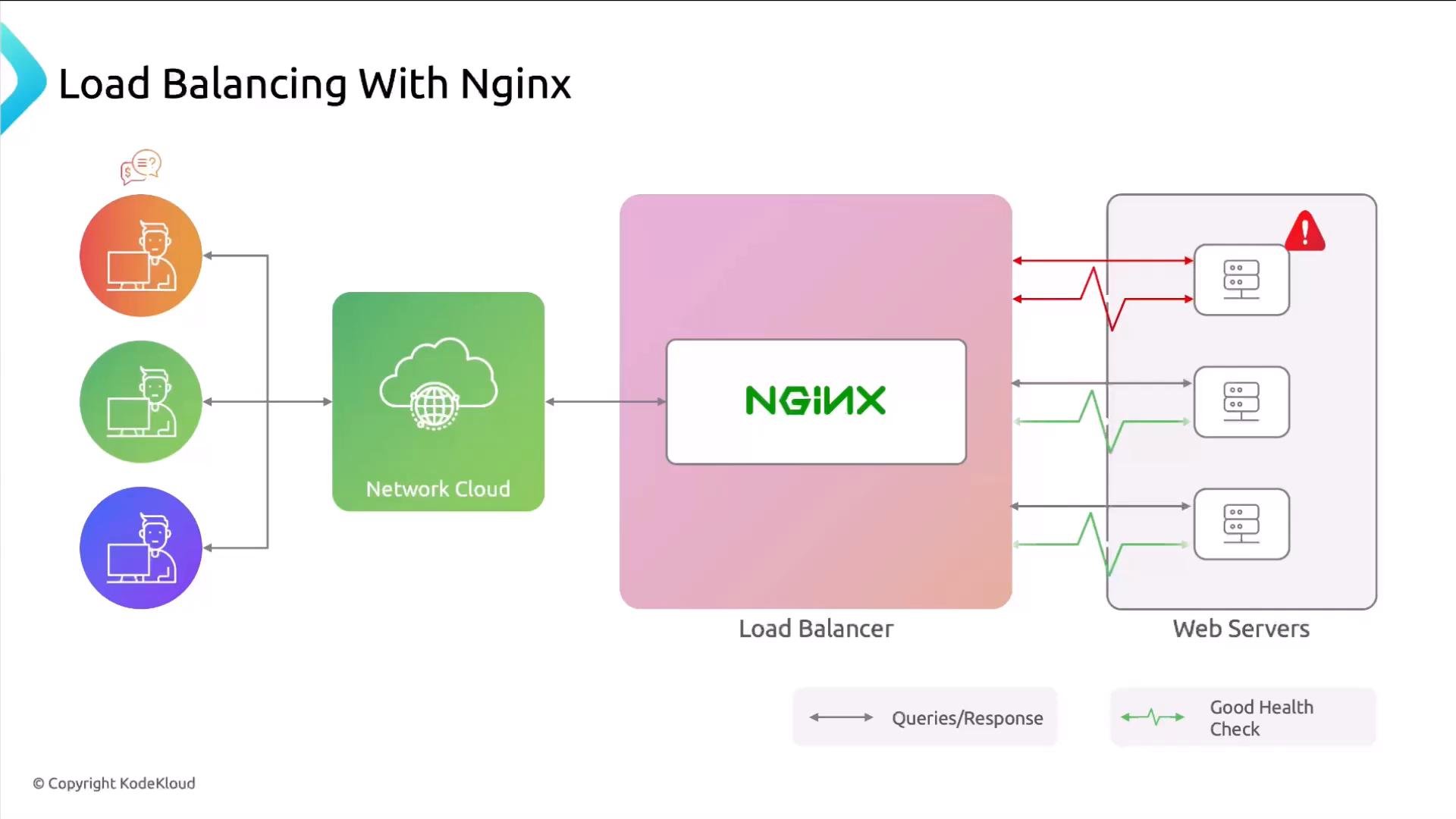
- Round Robin — default. Distributes requests sequentially across the backend pool.
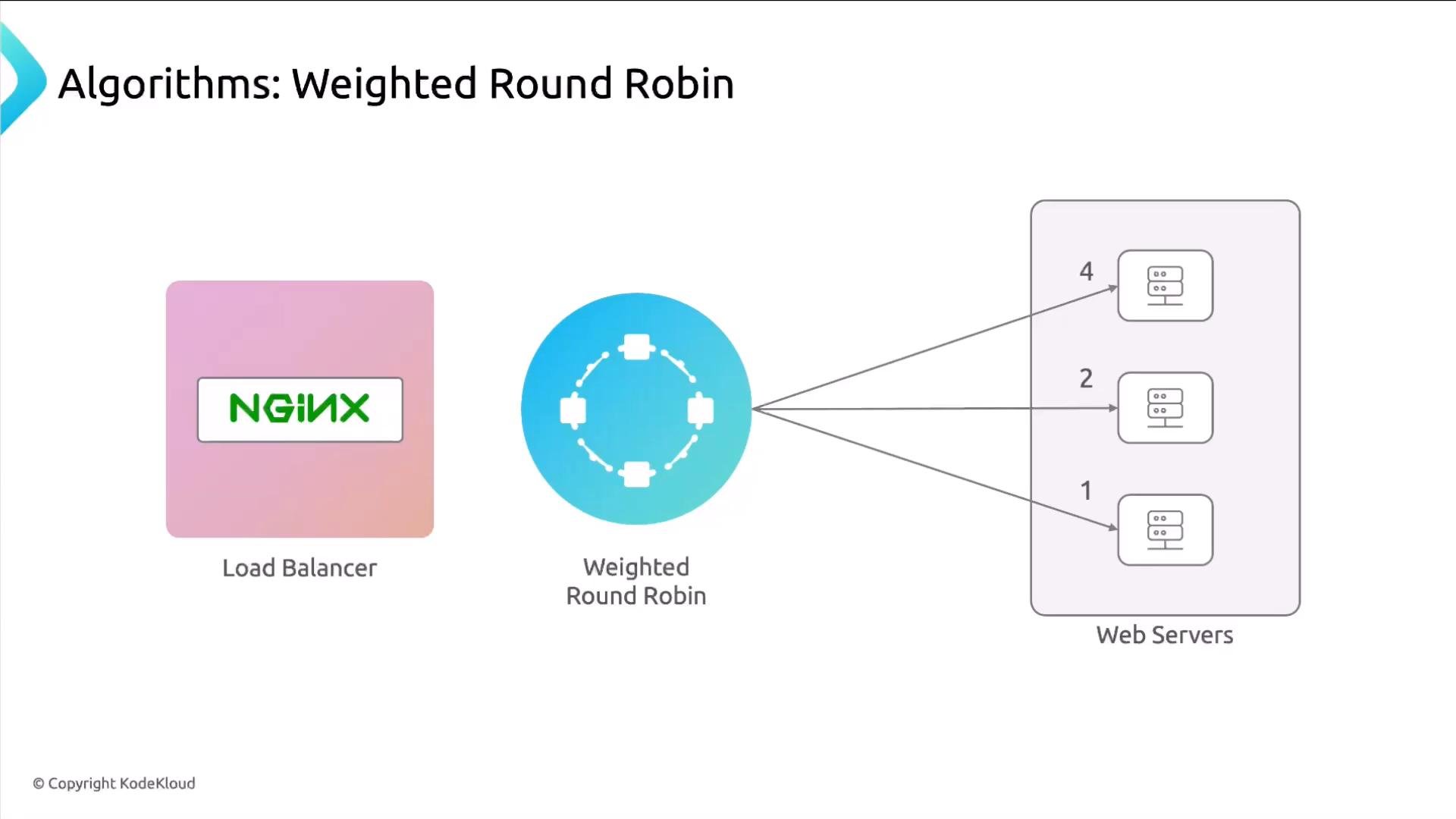
- Weighted Round Robin — assigns different weights so stronger servers receive more requests.
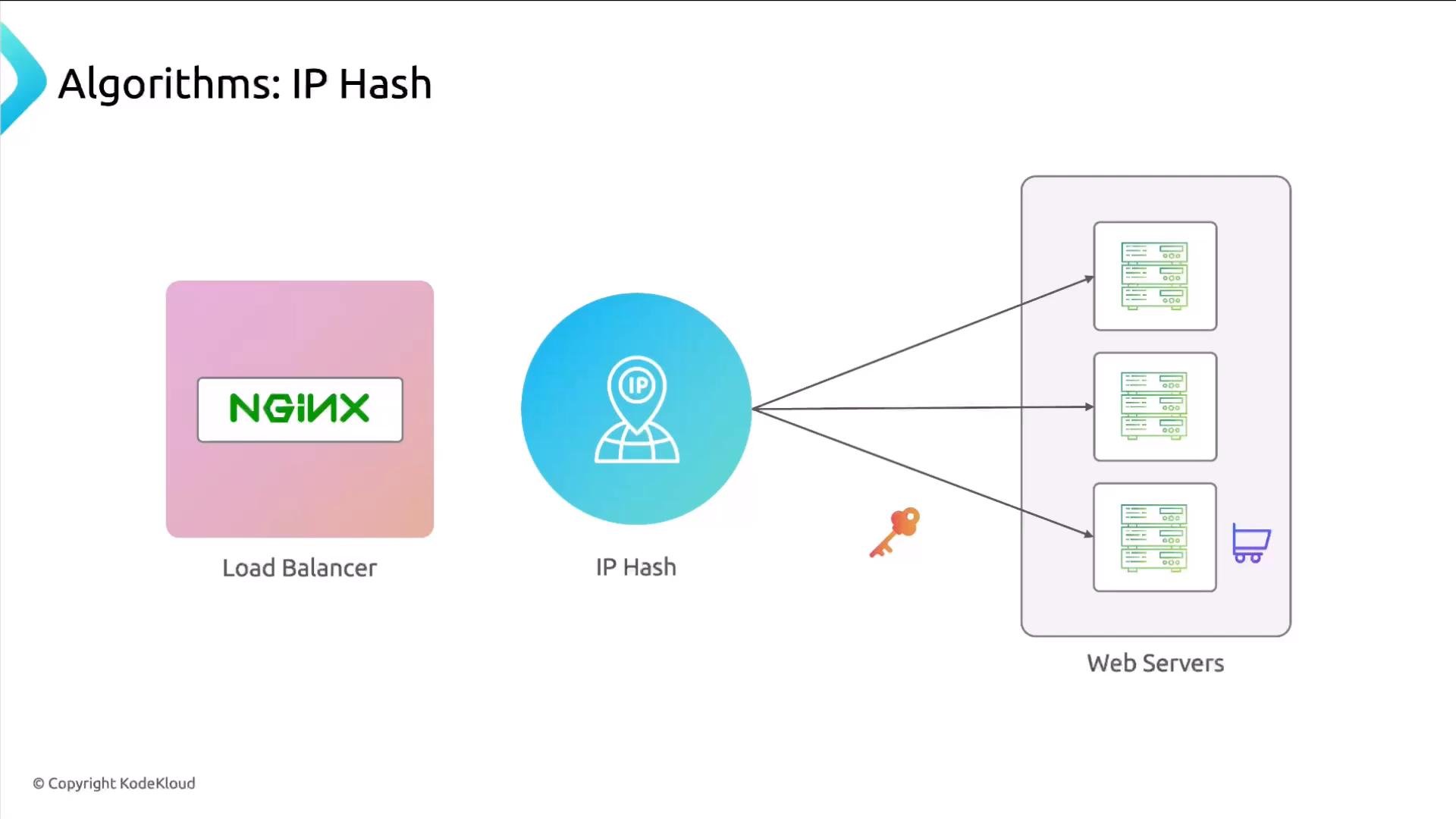
- IP Hash (sticky sessions) — routes requests from the same client IP to the same backend.
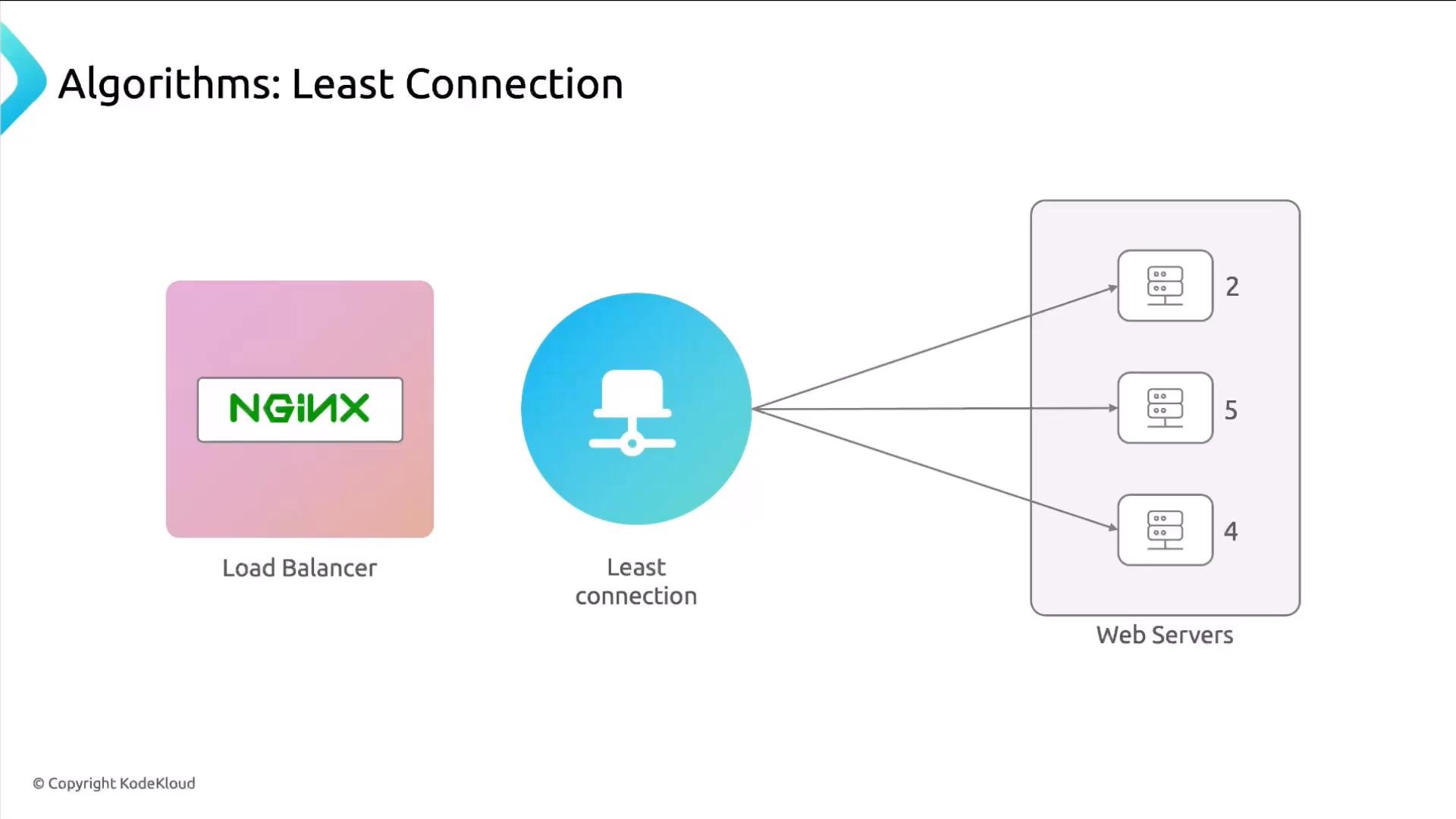
- Least Connections — picks the backend with the fewest active connections.
- Least Time — (NGINX Plus) chooses the backend with the lowest estimated response time.
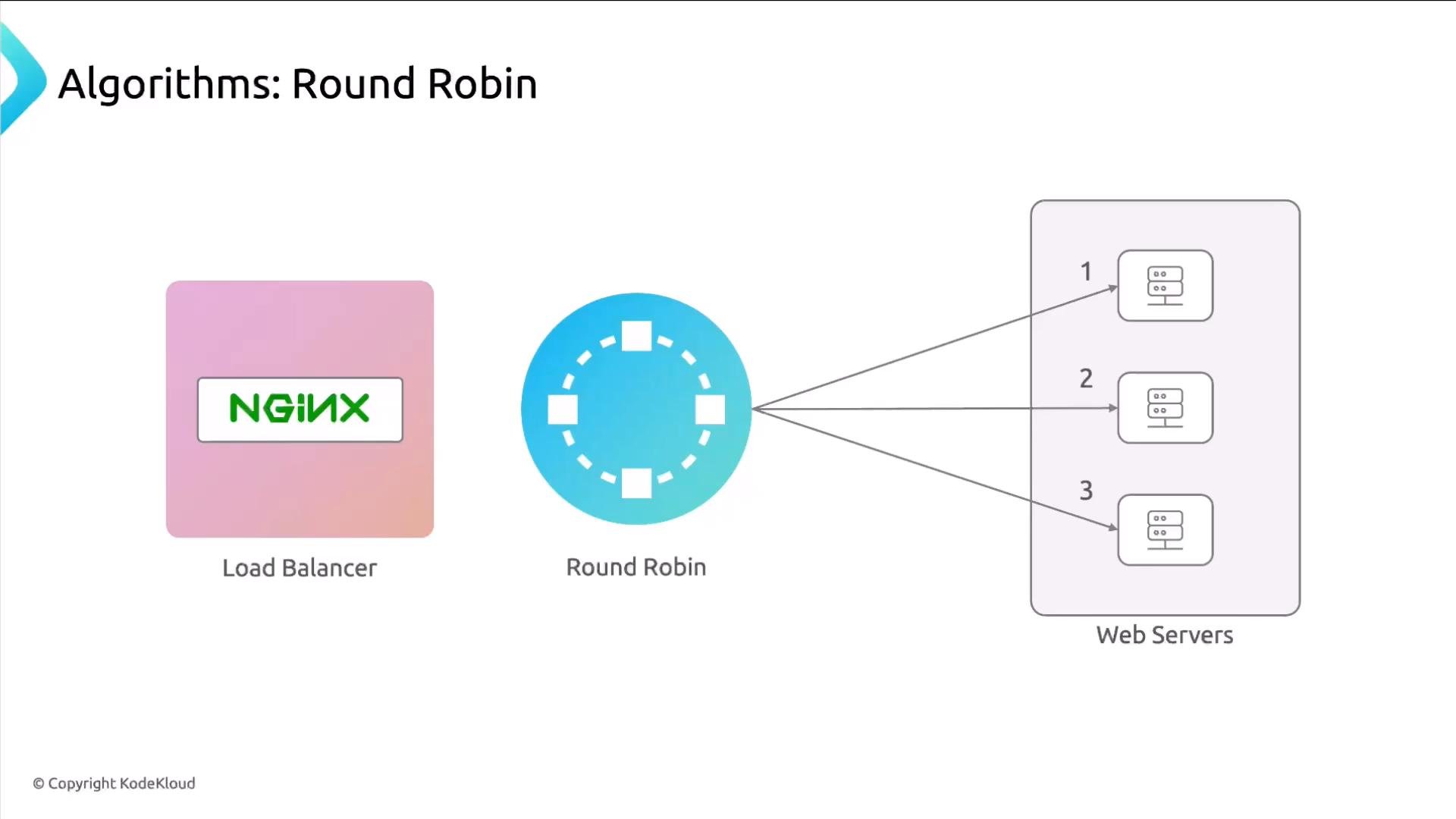
proxy_pass. Upstream blocks must live in the http context (or in a file included by nginx.conf).
Example Round Robin upstream and proxy configuration:
upstream definition in the same file that references it for readability, but you can also include it from a separate file.
Weighted Round Robin
Weighted Round Robin behaves like Round Robin but lets you assign different weights to backends so some servers receive a larger share of requests. Useful when hosts have different CPU/memory resources.
ip_hash provides simple session affinity by mapping a client IP to a backend.
How it works: NGINX uses the client IP to select a server; subsequent requests from that IP go to the same backend while it remains healthy.
ip_hash:
ip_hash has limitations: clients behind NAT will share the same IP (causing uneven distribution), and changes to the backend pool can remap IPs to different servers. For robust session persistence consider client cookies, a shared session store (Redis), or sticky cookie modules.least_conn algorithm sends each new request to the backend with the fewest active connections. This makes distribution fairer when connections have varying durations (e.g., long polling or streaming).
least_time selects the backend that is expected to return the full response the fastest, using response time metrics (for example, last_byte or header). This algorithm is available in NGINX Plus.
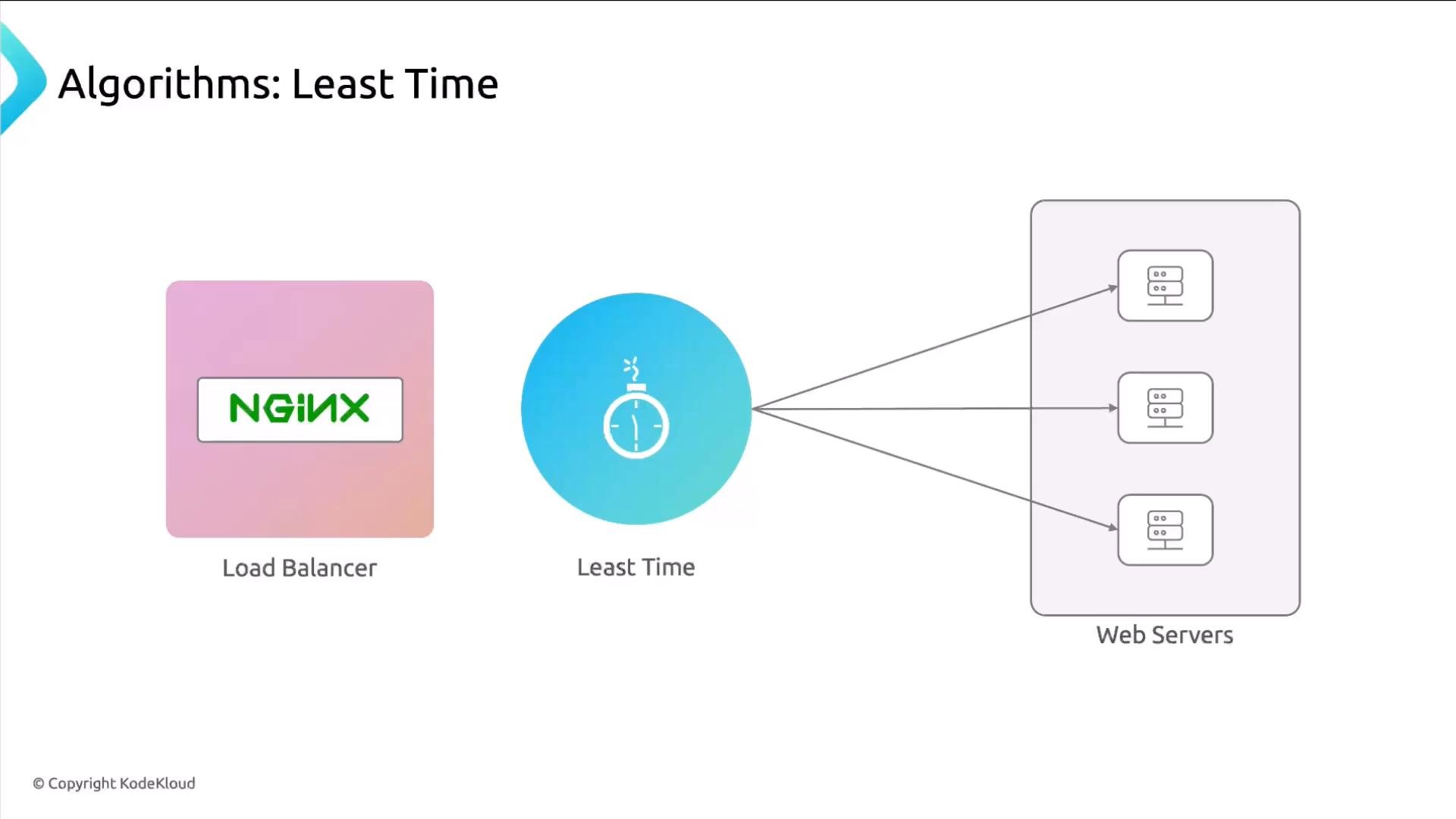
least_time, NGINX Plus evaluates which server can finish delivering the full response fastest, using timing metrics such as time to first byte or time to last byte based on the chosen options.
Quick comparison table
Next steps
After learning the main algorithms (Round Robin, Weighted Round Robin,
ip_hash, least_conn, and least_time), you can try implementing them in a staging environment and measure metrics such as response time, error rate, and connection distribution. For more advanced scenarios, explore active health checks, session persistence strategies, and NGINX Plus features.
References and further reading
- NGINX official docs: https://nginx.org/en/docs/
- NGINX Plus load balancing: https://www.nginx.com/products/nginx/
- Session persistence strategies: consider cookie‑based affinity or centralized session stores (e.g., Redis) for scalable stateful applications.