

rewrite directive to transparently map legacy URLs to new paths so existing bookmarks and external links keep working. The example scenario: a site previously served images from /images/ but has been reorganized to serve them from /pics/. We want requests for /images/... to continue working by rewriting them to /pics/... on the server.
Example requests to preserve:
- Using
rewrite ^/images/(.*)$ /pics/$1;tells Nginx to internally map any request starting with/images/to the equivalent path under/pics/. - If you add the
permanentflag (e.g.rewrite ^/images/(.*)$ /pics/$1 permanent;) Nginx will return an HTTP 301 redirect to the client. Without the flag the rewrite is internal: the browser URL remains/images/...but the server serves the file from/pics/....
Using
permanent (301) will update client caches and search engine indexes. Only use permanent when you are sure the change is permanent. For temporary behavior, omit the flag to keep rewrites internal.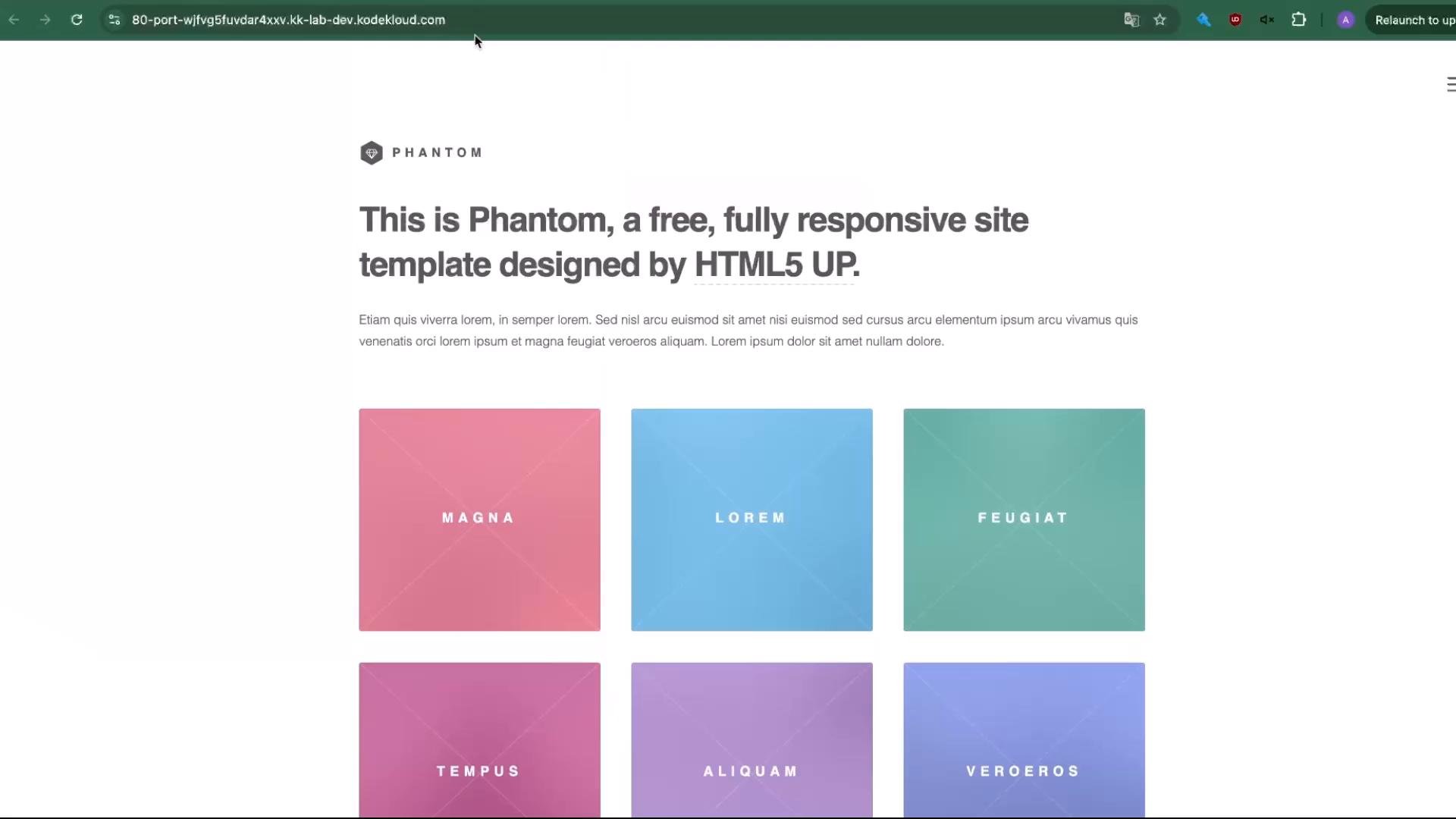
- If the site root is
/var/www/html, list the directory and confirm theimages/folder exists:
- To keep the original
images/directory in place while making the content available underpics/, copy it:
images/:
- Edit your site file (for example
/etc/nginx/sites-available/example) and place therewritedirective inside thelocation /block so requests for/images/...are mapped to/pics/.... A minimal example:
- Open the site in a fresh browser session or an incognito/private window and request an old
/images/...URL. For example:
- With the
permanentflag the browser will be redirected tohttp://.../pics/pic08.jpg(HTTP 301). Without the flag the server will serve content from/pics/pic08.jpgwhile the browser URL remains/images/pic08.jpg.
Resources and further reading
Always test rewrite rules in a staging environment before applying them to production. Regular expressions can be too broad or miss edge cases; validating behavior with multiple test URLs helps prevent unexpected redirects or broken resources.
- Use
rewriteto preserve legacy URLs when reorganizing site paths. - Choose between internal rewrites (transparent to the user) and redirects (inform client and search engines).
- Test thoroughly and monitor caches when using
permanentredirects.