

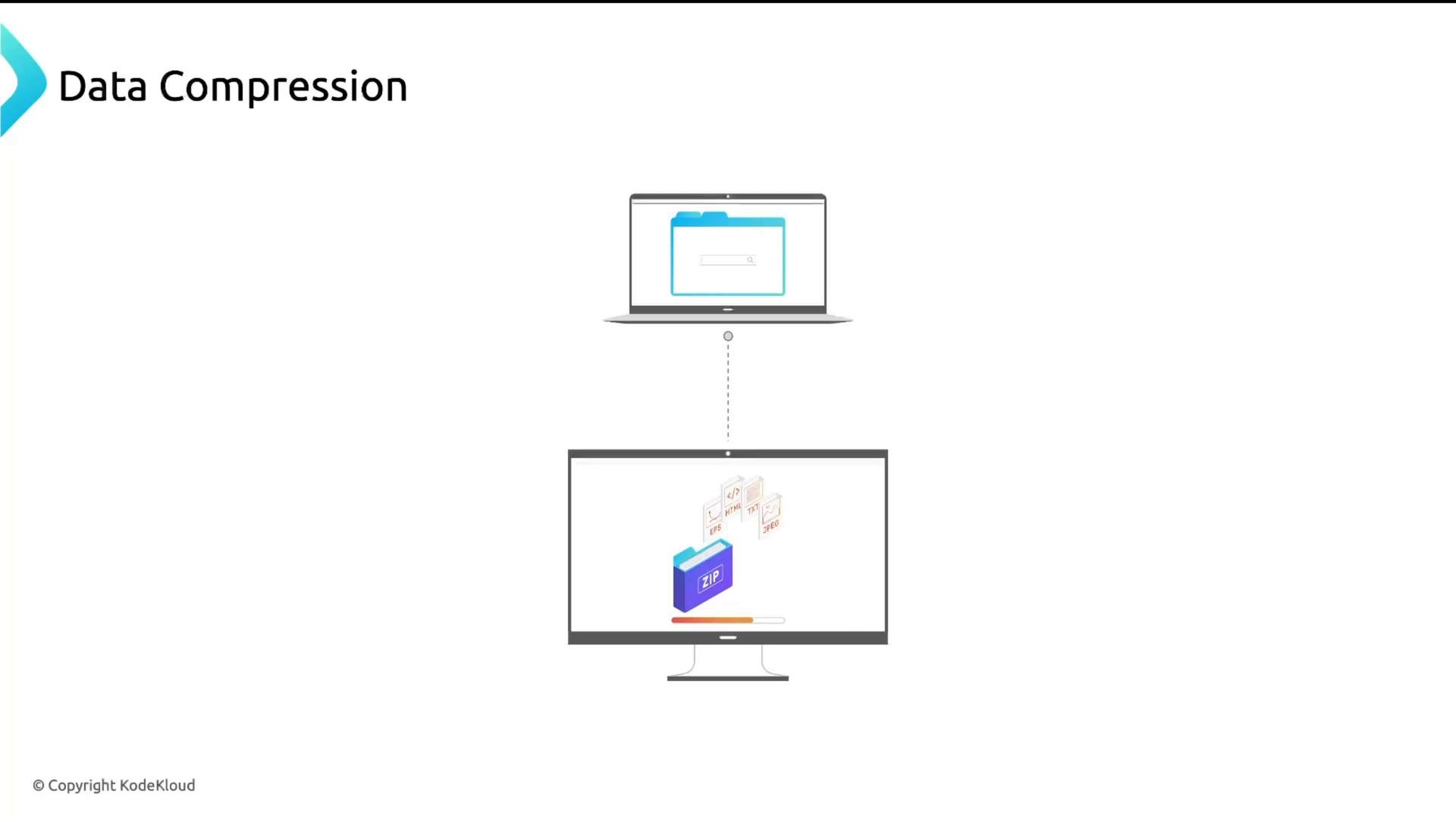
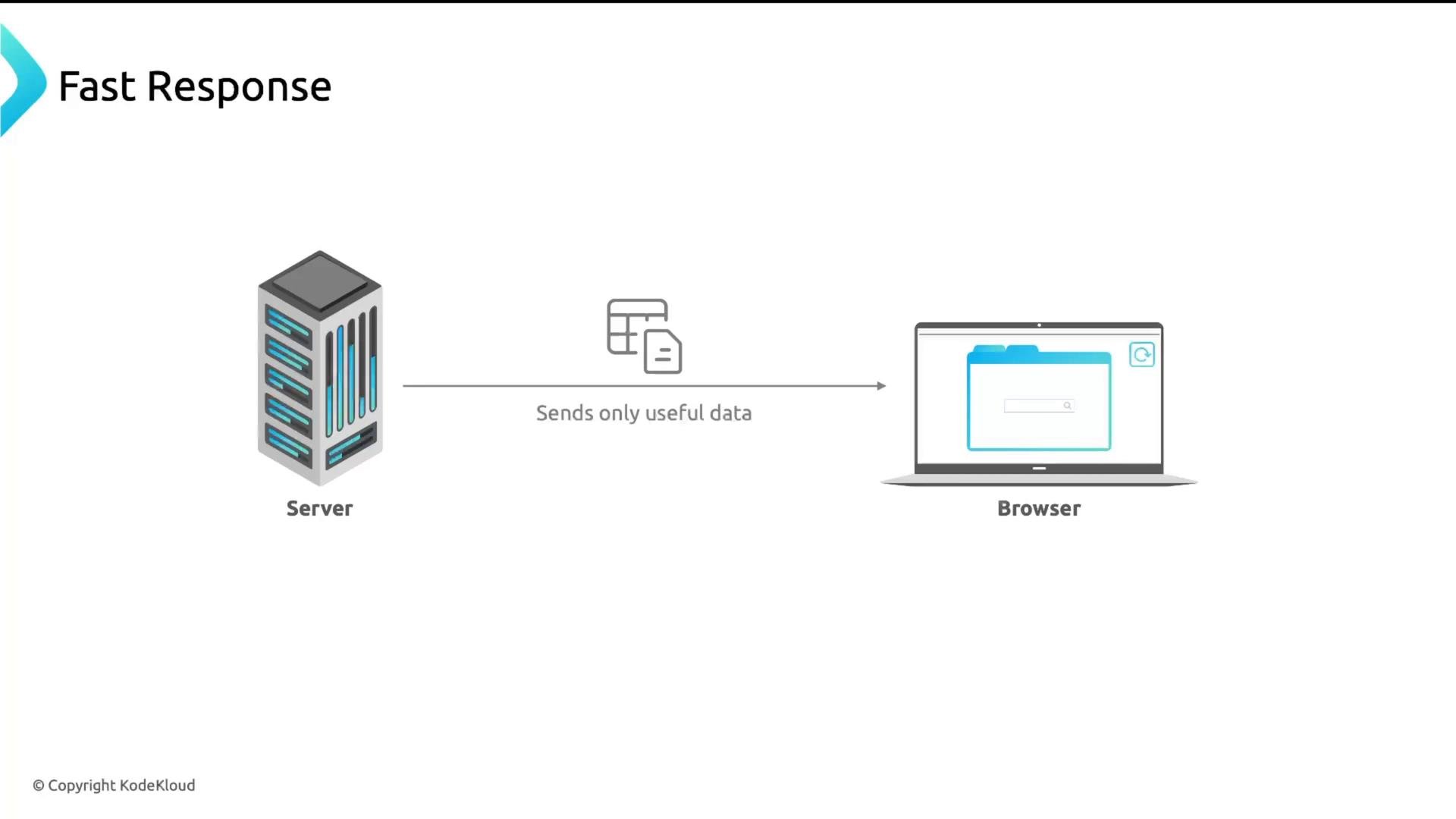
What to compress
Compress text-based resources. These benefit the most: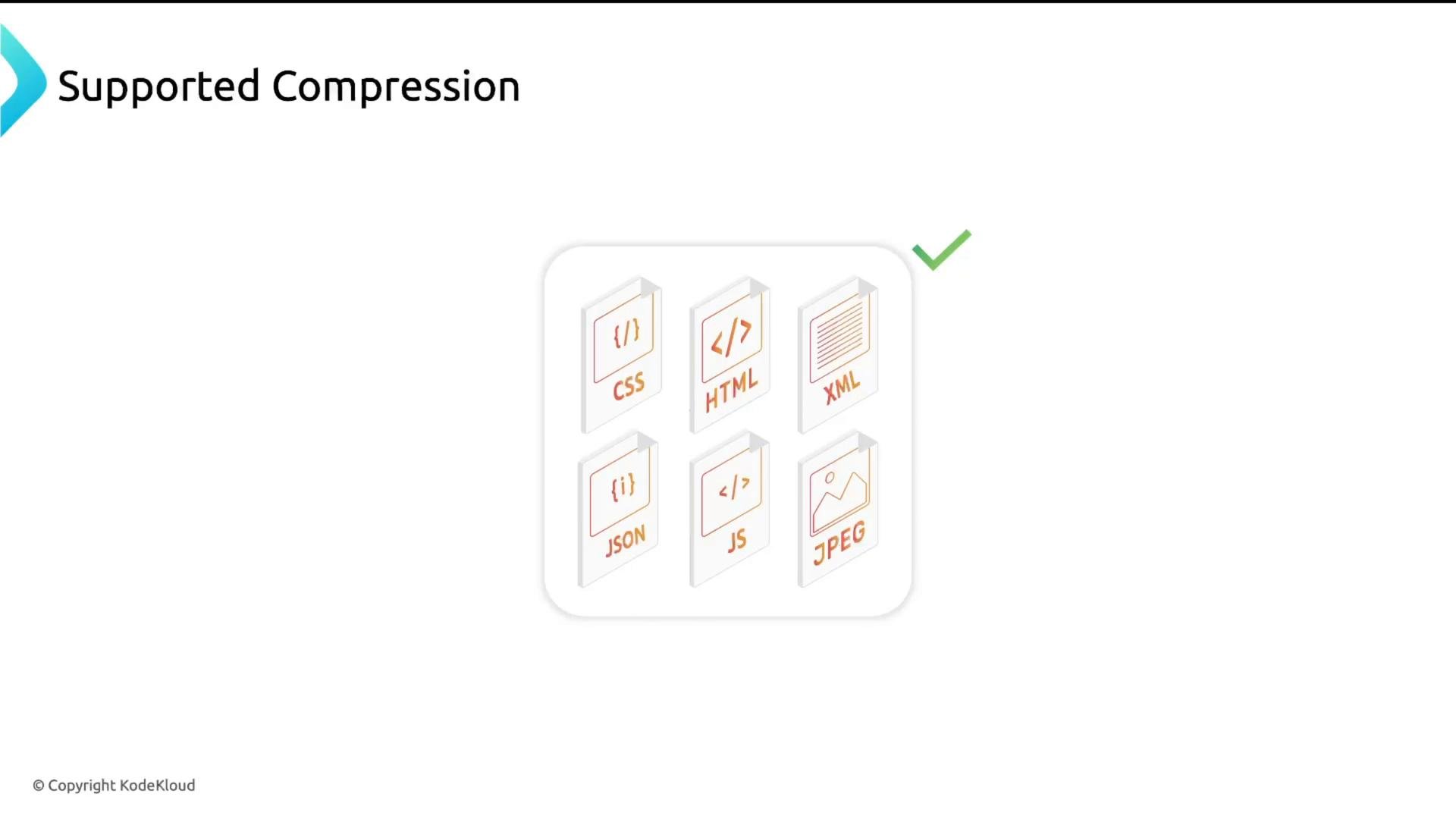
Compression methods supported by NGINX
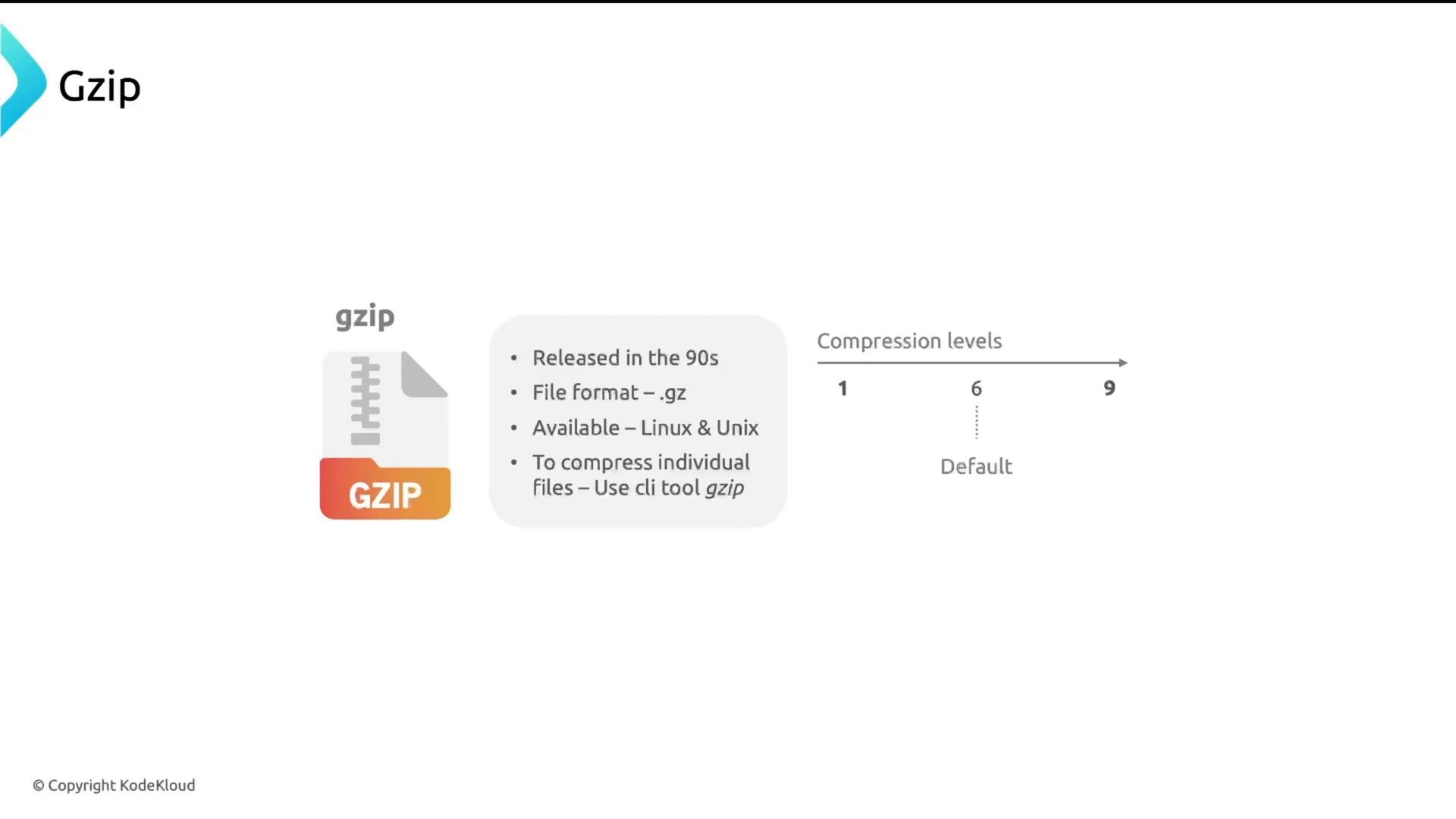
NGINX commonly supports two server-side compression algorithms:- gzip — very widely supported and available in most NGINX packages. Uses
.gzformat. Has compression levels 1–9 (1 = fastest, least compression; 9 = slowest, most compression). Level 6 is a common default. - Brotli (
br) — often achieves better compression ratios than gzip and supports levels 0–11. Brotli is increasingly supported by browsers but may require additional modules for some NGINX builds.
Example: compress a file with the gzip CLI
.gz file is the compressed output.
Enabling gzip in NGINX
Most packaged NGINX installations already include gzip directives in thehttp block of /etc/nginx/nginx.conf. They may be commented out — enabling gzip involves a few key settings:
gzip on;— enable gzip compression.gzip_vary on;— addVary: Accept-Encodingso caches store correct variants.gzip_proxied any;— allow compression for proxied clients (useful when NGINX is reverse-proxying).gzip_comp_level— choose compression level (1–9).gzip_buffers— memory allocated to compression.gzip_http_version— minimum HTTP version required (HTTP/1.1 recommended).gzip_types— list of MIME types to compress. Adjust to match your app (e.g., fonts).
Brotli in NGINX
Brotli typically produces smaller payloads than gzip at similar CPU cost, but availability depends on your NGINX build:- NGINX Plus: Brotli available via NGINX tooling/modules.
- Open-source NGINX: Brotli often provided as a third-party module or distro-provided dynamic module; you may need to compile or install the module separately.
Compiling NGINX with extra modules (example)
If you compile NGINX to add third-party modules (for example, open-source Brotli), a typical workflow looks like:--add-module (statically compiled) or --add-dynamic-module (loadable module). Compiling is more effort than installing a package, so weigh the benefits (e.g., Brotli) versus maintenance overhead.
Compression improves network performance but consumes CPU. Test different
gzip_comp_level / brotli_comp_level values to balance CPU cost and compressed size, especially under high traffic.How to confirm compression is active
Browsers send anAccept-Encoding header to indicate supported encodings (e.g., gzip, br). The server responds with a Content-Encoding header when it compresses a resource.
Example request headers from a browser:
- Browser DevTools: Network tab → inspect a resource → check
Response HeadersforContent-Encoding: gziporContent-Encoding: br. - curl:
- Automated tests or monitoring that check response sizes and headers across your site.
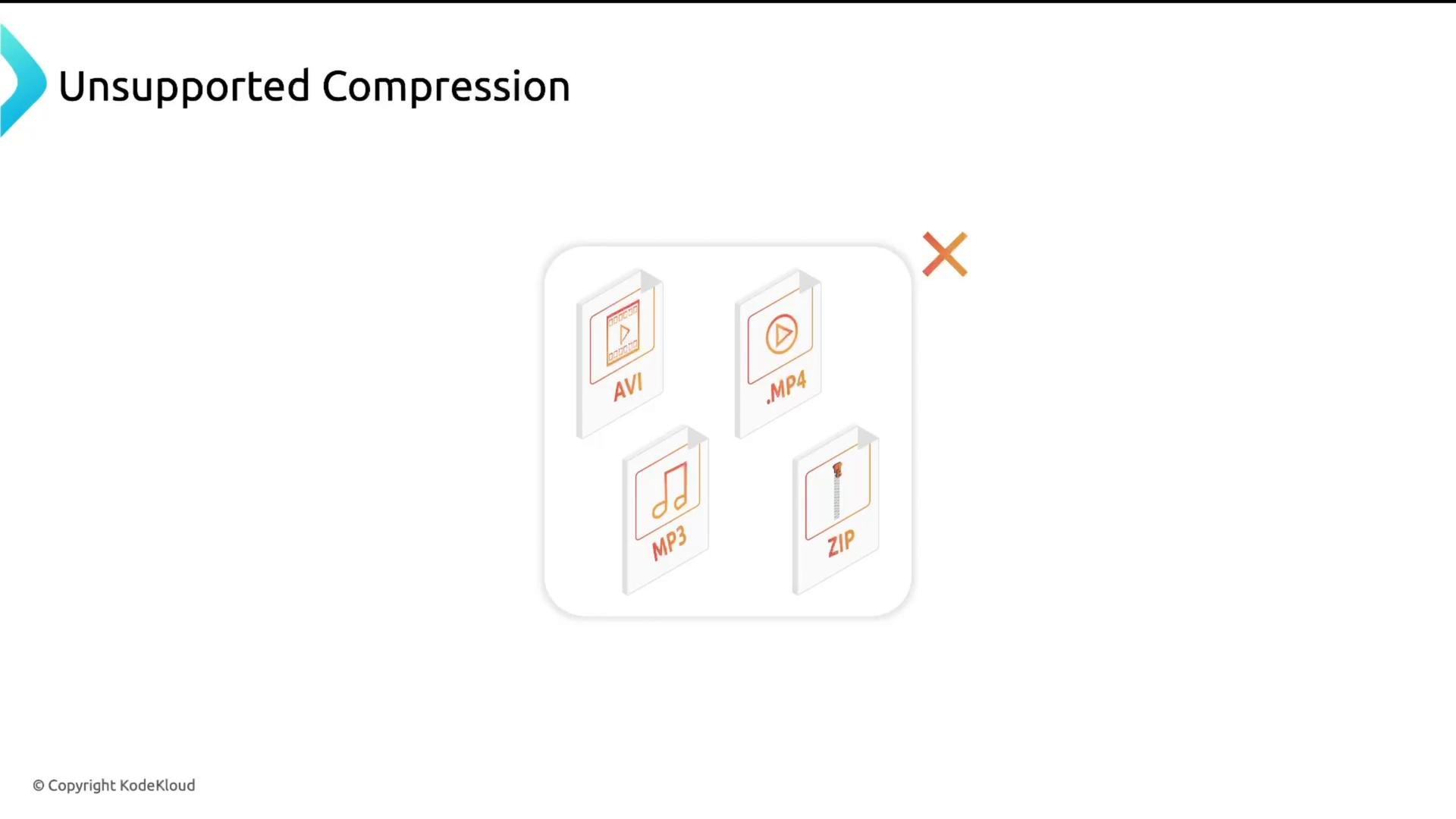
Avoid compressing already-compressed binary formats (images, audio, video, ZIP). Compress text-based assets (HTML, CSS, JS, JSON, XML) and ensure
Vary: Accept-Encoding is present so caches handle compressed/uncompressed responses correctly.Next steps
- Enable gzip or Brotli on a staging/test NGINX server.
- Measure before/after: compressed vs uncompressed response sizes in DevTools.
- Tune compression levels for acceptable CPU use and effective size reduction.
- Consider using a CDN that supports Brotli/gzip and automatic negotiation.