

example.com is the value.
Types of headers and where they fit
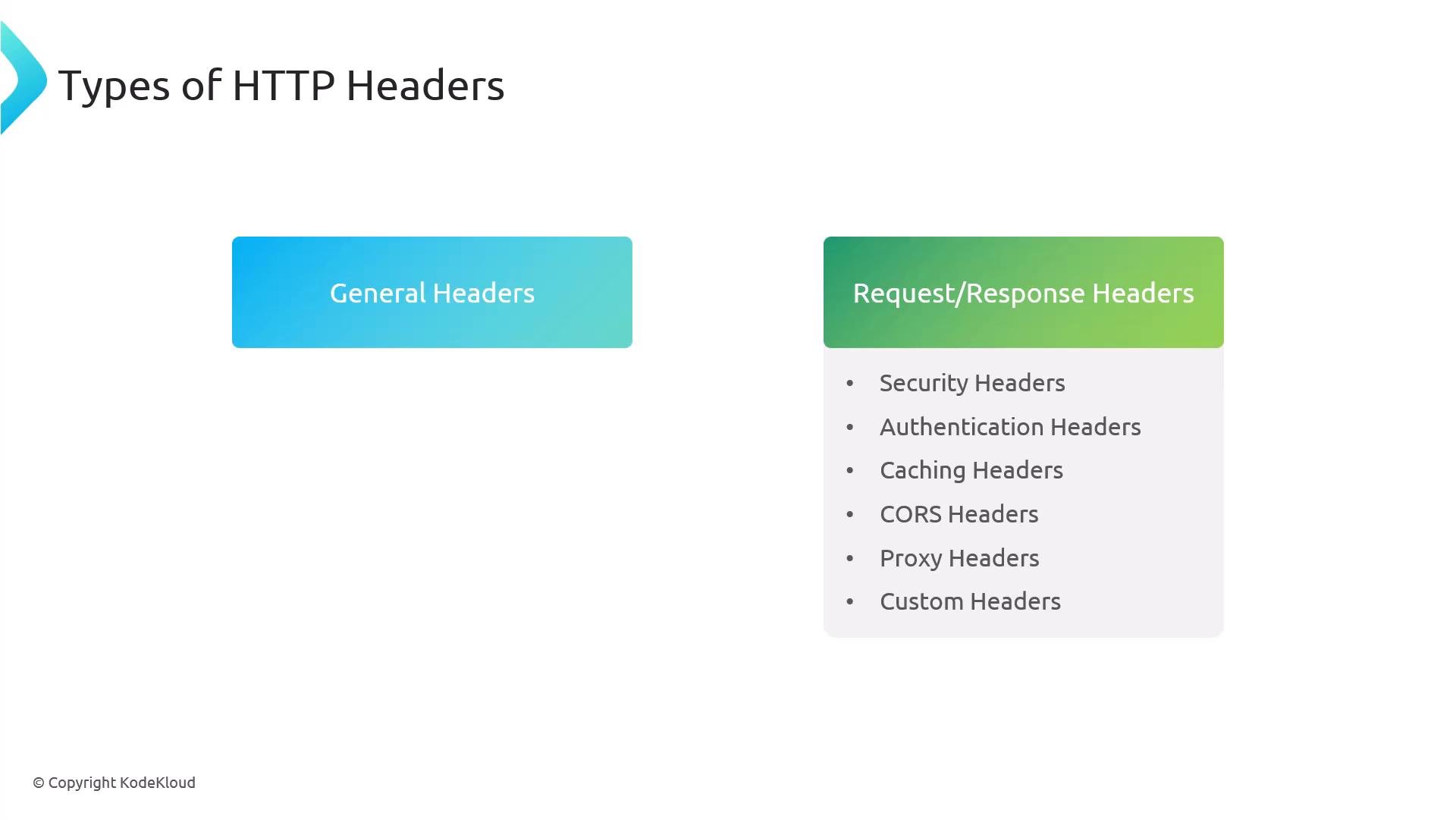
- General headers: apply to both requests and responses (metadata about the message).
- Request headers: sent by the client to describe the request and the client’s capabilities.
- Response headers: sent by the server to describe the response and the server.
- Security, Authentication, Caching, CORS, Proxy, and Custom headers: specialized categories for specific concerns.
- Used in both requests and responses to convey message metadata (server name, connection directives, status, etc.).
- Sent by the client to tell the server about the request and client capabilities.
- Common headers:
Accept,Accept-Encoding,Accept-Language,User-Agent,Cookie. - HTTP/2 uses pseudo-headers (prefixed with
:) such as:method,:path,:scheme, and:authority.
User-Agent: identifies browser and platform; useful for analytics and troubleshooting.Accept-Language: informs the server of preferred languages for content negotiation.
- Sent by the server to describe the response and server characteristics.
- Common examples:
Content-Type,Date, cache headers, and security headers.
- Improve performance and reduce origin load by controlling how clients and intermediaries cache content.
- Key headers:
Cache-Control,Expires,ETag,Age,Vary.
ETag: unique identifier for a resource version; used withIf-None-Matchfor conditional requests (304 Not Modified).X-Cache: indicates CDN/proxy cache status (HIT,MISS,BYPASS).
- Protect applications from XSS, clickjacking, protocol downgrades, and other threats.
- Common security headers:
Content-Security-Policy,X-Content-Type-Options,X-Frame-Optionsorframe-ancestors,Strict-Transport-Security,Referrer-Policy,Permissions-Policy.
Authentication headers
- Used to authenticate clients to servers.
- Examples:
Authorization: Basic <base64>,Authorization: Bearer <token>.
- Note: Basic auth is simply base64 of
user:password— do not send credentials over plain HTTP. UseAuthorization: Bearer <token>for token-based flows (OAuth, JWTs).
- CORS headers let servers control which external origins can access resources and what HTTP methods/headers are allowed in cross-origin requests.
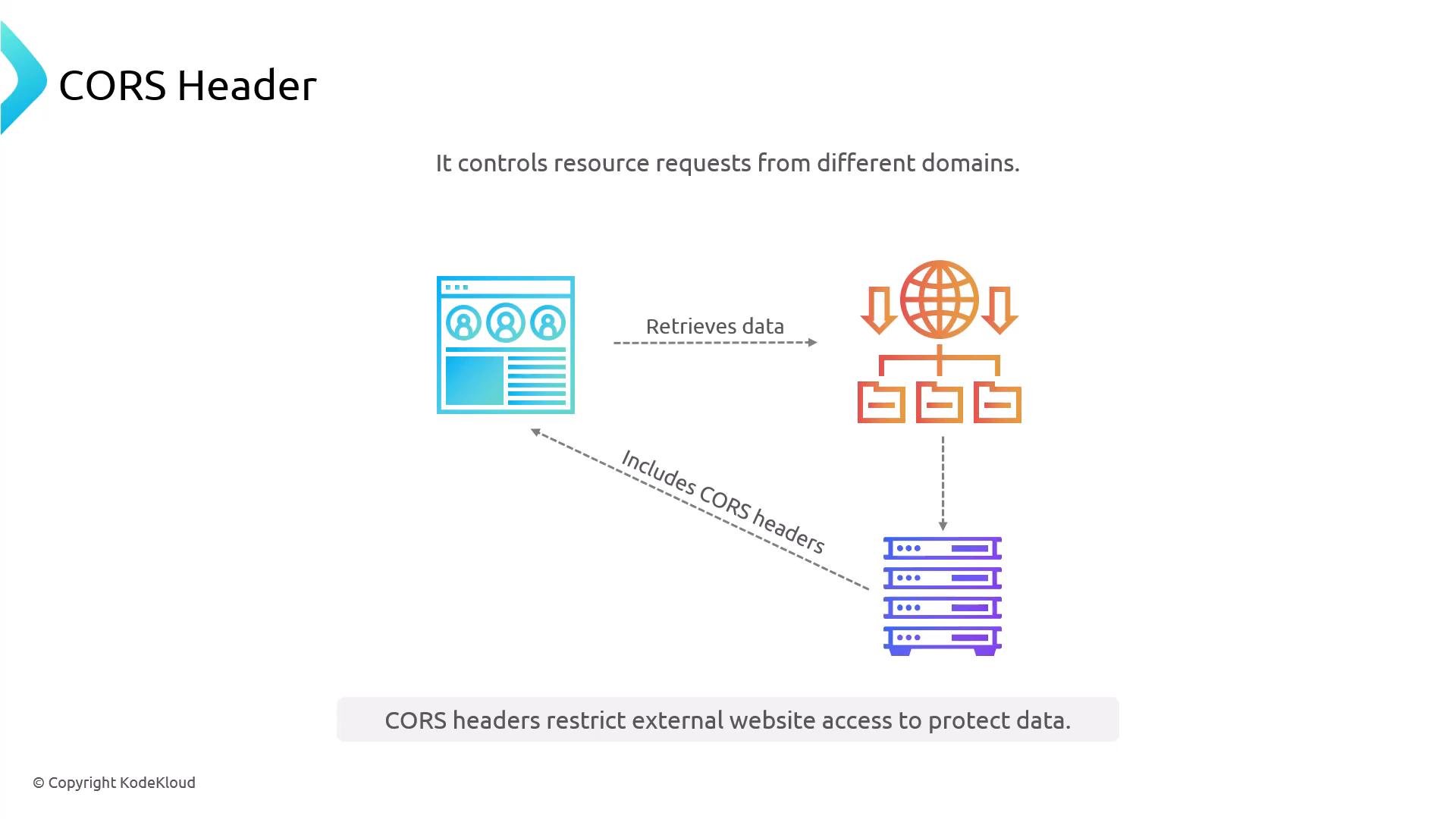
Note: CORS is an application-level decision and often requires coordinating backend and frontend domains for safe configuration.
Proxy headers
- When requests traverse proxies, CDNs, or load balancers, these headers preserve original client information:
X-Forwarded-For: originating client IP + proxy chain (comma-separated).X-Forwarded-Host: original Host header.X-Forwarded-Proto: original protocol (httporhttps).X-Forwarded-Server: hostname of the proxy that forwarded the request.X-Real-IP: single client IP when there’s only one proxy.
- Useful for logging, rate-limiting, geo-based decisions, and for upstream services that need the original client context.
- Applications and intermediaries often add non-standard headers for tracing, metadata, or feature flags:
X-Custom-Header,X-Request-ID, etc.
- NGINX exposes built-in variables (prefixed with
$) for dynamic behavior in configurations.
$remote_addr— client IP address$remote_port— client source port$server_addr— NGINX server IP address$request— full request line (e.g.,GET /index.html HTTP/1.1)$uri— current URI path without args (e.g.,/index.html)$request_uri— full request including args (e.g.,/index.html?user=Anthony)$request_method— request method (e.g.,GET,POST)$args— query string (e.g.,id=1234&name=example)$http_<header_name>— incoming HTTP header (e.g.,$http_user_agent)$http_referer—Refererheader value$status— response status code (e.g.,200,404)$upstream_addr— address of the upstream that handled the request$scheme—httporhttps$host— original Host header (domain)$ssl_protocol— TLS protocol used (e.g.,TLSv1.2)$ssl_cipher— TLS cipher used$http_cookie— raw Cookie header from the client
add_headersets headers on responses sent from NGINX to the client.proxy_set_headersets or overrides headers on requests forwarded to upstream backends.
server block showing common headers and proxy directives:
- In this configuration, requests for
honda.cars.comare proxied tobackend_upstream.proxy_set_headerforwards client details to the upstream, andadd_headersupplies security/caching headers back to the browser. - Remember: HSTS (
Strict-Transport-Security) is only meaningful when sent over HTTPS.
- HTTP headers are central to content negotiation, caching, security, authentication, and the flow of information across clients, proxies, and servers.
- Never expose sensitive information in response headers (e.g., internal tokens, credentials).
- Use secure defaults: enable CSP, set
X-Content-Type-Options: nosniff, and preferStrict-Transport-Securityfor HTTPS sites. - Use
ETag/conditional requests and appropriateCache-Controlsettings to optimize performance. - When behind proxies, rely on forwarded headers (
X-Forwarded-*,X-Real-IP) to preserve original client context for logging and upstream logic. - Test header behavior locally and in staging: inspect requests and responses with browser dev tools,
curl -v, or a local proxy (e.g., mitmproxy) to validate your configuration.
This lesson covered the common HTTP header types and examples for request, response, security, caching, CORS, proxy, and custom headers, plus useful NGINX variables and a sample configuration. Use these patterns to secure, optimize, and trace your web traffic.