

allow and deny directives, and how to use fail2ban to automatically block abusive clients that repeatedly fail HTTP Basic authentication. The example site is example.com; its /admin endpoint is protected by HTTP Basic auth. Instead of maintaining long static deny lists in Nginx, fail2ban can detect repeated failed authentication attempts and temporarily ban offending IPs.
Table of contents
- Environment summary
- Initial Nginx configuration
- Mapping example.com on test clients
- TLS note for curl
- Basic connectivity tests
- Manual IP deny examples (single IP, allow-only, CIDR)
- Using fail2ban to auto-block failed auth attempts
- fail2ban configuration and status checks
- Demonstration (browser)
- Why combine fail2ban and Nginx allow/deny
- Final notes and references
Initial Nginx configuration
Below is the starting server block for
example.com. It redirects HTTP to HTTPS, serves the site over TLS, and protects /admin with auth_basic:
node01 and node02) add the Nginx server IP to /etc/hosts so example.com resolves to the server used in this demo (example shown uses 192.231.128.10). Also add entries for client hostnames so examples below map consistently:
-k / --insecure to bypass certificate verification. That only disables validation — traffic is still encrypted.
Using
curl -k disables TLS certificate verification and should only be used for testing. Do not use --insecure in production.- Check HTTP redirect (expected 301):
- HTTPS without
-k(expected certificate verification error):
- HTTPS with
-kto skip verification (use--head/-Ifor headers only):
- Request to the protected admin endpoint without credentials (expected 401):
- Manually denying a specific client IP
To block
node02from accessing the site, add adenyfor its IP in thelocation /block (for a single IP you can use/32, or simply the address without CIDR):
- From
node01: access toexample.comreturns200 OK. - From
node02: requests now return403 Forbiddenbecause the IP is explicitly denied.
- Allow only a single IP for
/adminand deny all others Scope allow/deny rules to the/adminlocation so only a trusted IP (example:node01) can reach it:
node02receives403 Forbiddenfor/admin.node01receives401 Unauthorizedwhen hitting/admin(because it is allowed by IP but did not provide valid credentials).
- Allowing a CIDR range (/24) for a subnet
To permit an entire subnet, use
/24instead of listing multiple individual/32entries:
allow/deny accepts exactly one address/keyword per statement and must end with a semicolon. If you see invalid number of arguments in "allow" directive, check for missing semicolons or malformed addresses and re-run nginx -t.
Using fail2ban to block repeated failed auth attempts
Maintaining long deny lists in Nginx is not scalable for dynamic threats (e.g., brute-force attempts). fail2ban automates this by scanning log files (such as the Nginx error log) for failed authentication entries and adding temporary firewall bans when thresholds are exceeded.
Install and configure fail2ban (Debian/Ubuntu example):
Do not edit
/etc/fail2ban/jail.conf directly. Use /etc/fail2ban/jail.local or /etc/fail2ban/jail.d/*.conf to override defaults so package updates do not overwrite your settings.nginx-http-auth jail in /etc/fail2ban/jail.local (example settings):
Start (or restart) fail2ban and check status:
nginx-http-auth jail and list banned IPs:
/admin with invalid credentials multiple times, Nginx logs failed auth attempts to the error log. fail2ban monitors that log; once maxretry is exceeded, fail2ban bans the client IP using the configured action (typically iptables/nftables).
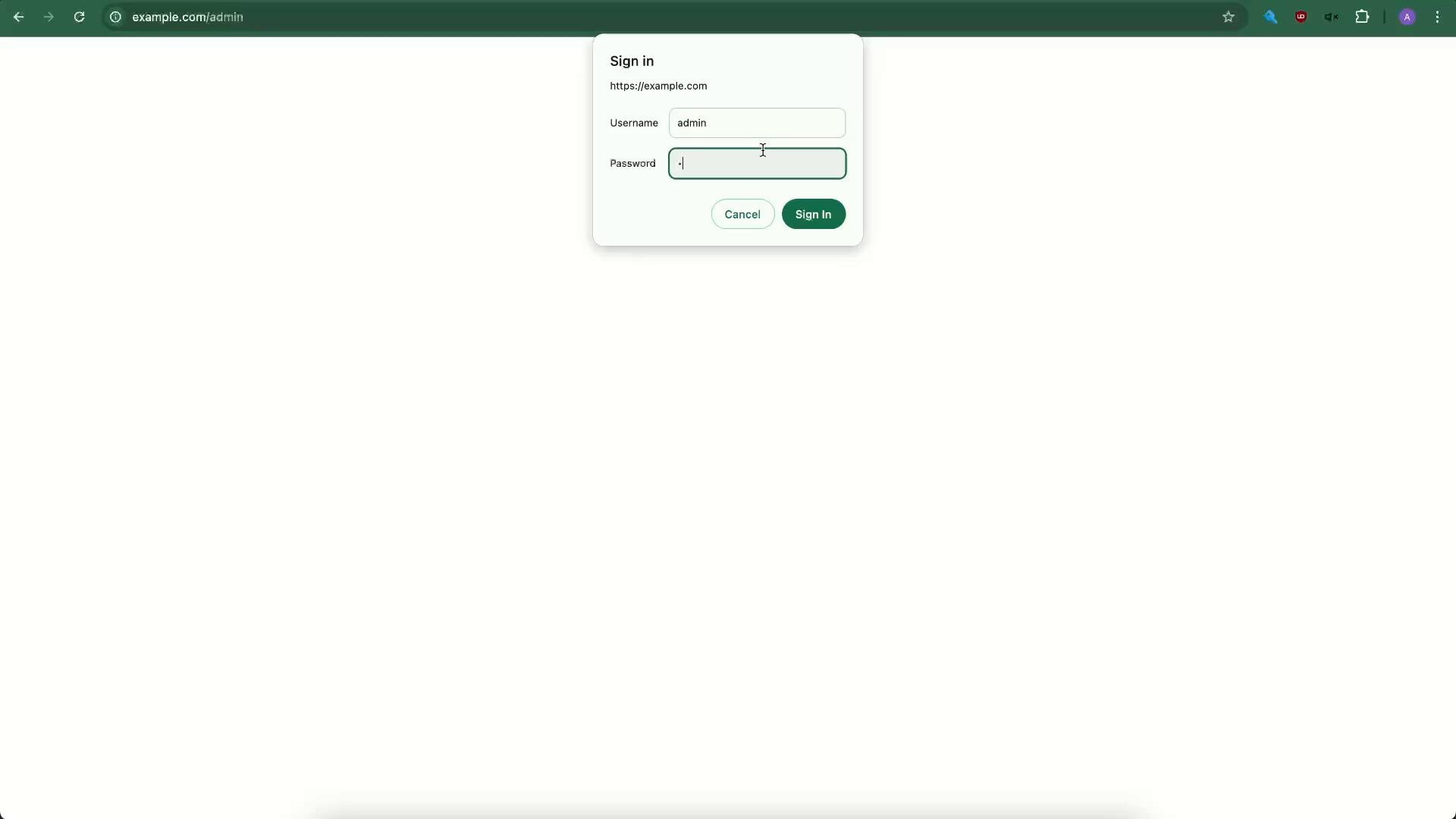
Here is the browser prompt when entering credentials (attempting an auth that fail2ban will count as a failure):
- Use Nginx
allow/denyfor static whitelists/blacklists (trusted administrative networks, known bad IPs). - Use fail2ban for dynamic, automated blocking of abusive clients (brute-force or repeated failed auth attempts).
- Combine both: keep a small static allow list for trusted sources and rely on fail2ban to handle unknown or changing threats.
- Always validate Nginx config changes with
nginx -tand reload Nginx:nginx -s reloadorsystemctl reload nginx. - After changing fail2ban configuration, restart the service and verify jails with
fail2ban-client statusandfail2ban-client status <jail>.
- Nginx access control: https://nginx.org/en/docs/http/ngx_http_access_module.html
- fail2ban project: https://www.fail2ban.org/
- curl SSL docs: https://curl.se/docs/sslcerts.html