

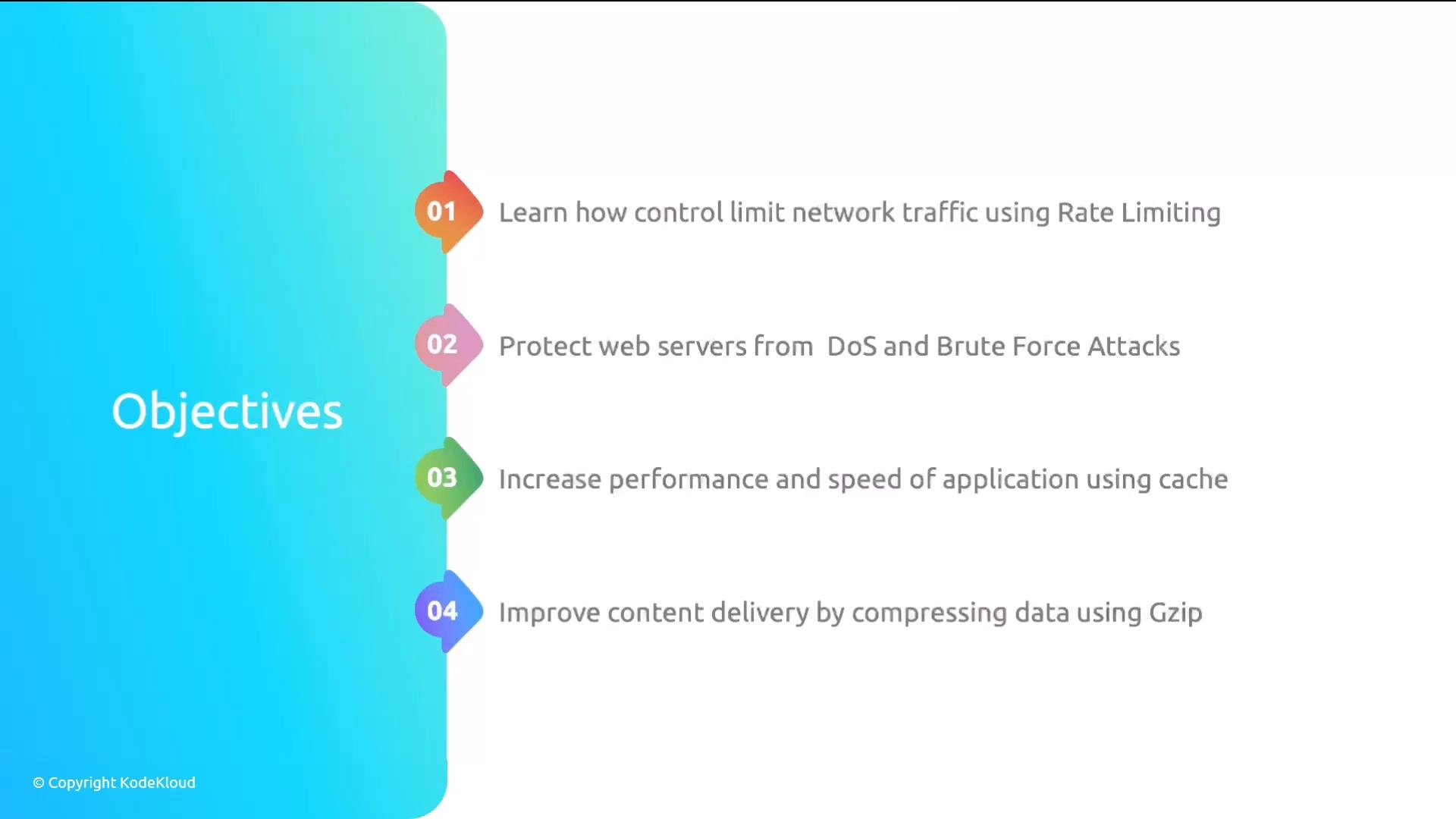
- Rate limiting: how to set request limits to mitigate abuse (scrapers, brute-force attempts) and to reduce some application-layer DDoS effects.
- Connection controls and throttling: protecting web servers from DoS and brute-force by limiting simultaneous connections and applying per-IP controls.
- Caching: configuring cache behavior to reduce backend load and improve response times.
- Compression (Gzip): enabling and tuning gzip compression to deliver content faster and reduce bandwidth usage.
Rate limiting and throttling help mitigate many abuse patterns, but they are not a complete defense against large volumetric DDoS attacks. For high-volume attacks you’ll need upstream network protections (cloud/ISP-level mitigation, WAFs, or DDoS scrubbing services).
content-encoding is widely supported by browsers and is available in NGINX via the ngx_http_gzip_module (most standard NGINX packages include this module). You generally do not need to install an additional utility to enable gzip in NGINX—just enable and configure the gzip directives in your NGINX configuration.
Gzip remains the most widely compatible choice across browsers. If you control client environments, consider newer formats (for example, Brotli) for better text compression ratios, but always test client compatibility and CPU trade-offs before switching in production.
- Keep-alive (persistent) connections: what they are, why they reduce latency by reusing TCP connections for multiple HTTP requests, and how to tune
keepalive_timeout. (Persistent connections are the default for HTTP/1.1; HTTP/2 further reduces latency by multiplexing many requests over a single connection.) - Log analysis: reading and interpreting NGINX access and error logs to identify performance issues, spikes in latency, error patterns, and possible security threats.
- Troubleshooting: common configuration pitfalls and steps to resolve them (permission issues, module availability, configuration test/reload commands).
- Monitoring with Datadog: walkthrough for installing and configuring Datadog to collect NGINX metrics, logs, and traces. The Datadog section shows installation and configuration; sending data requires your own Datadog account.
- Review the gzip configuration directives in your
http,server, orlocationblocks and enable gzip for text-based responses (text/plain,text/css,application/javascript, etc.). - Add a conservative rate limit (e.g., requests per second) and test with a client tool (curl or a load tester) before rolling to production.
- Configure a simple proxy cache for static assets to validate cache hits and measure backend load reduction.
- Enable and analyze NGINX access logs to find long-tail requests, repeated 4xx/5xx errors, and potential abusive patterns.