

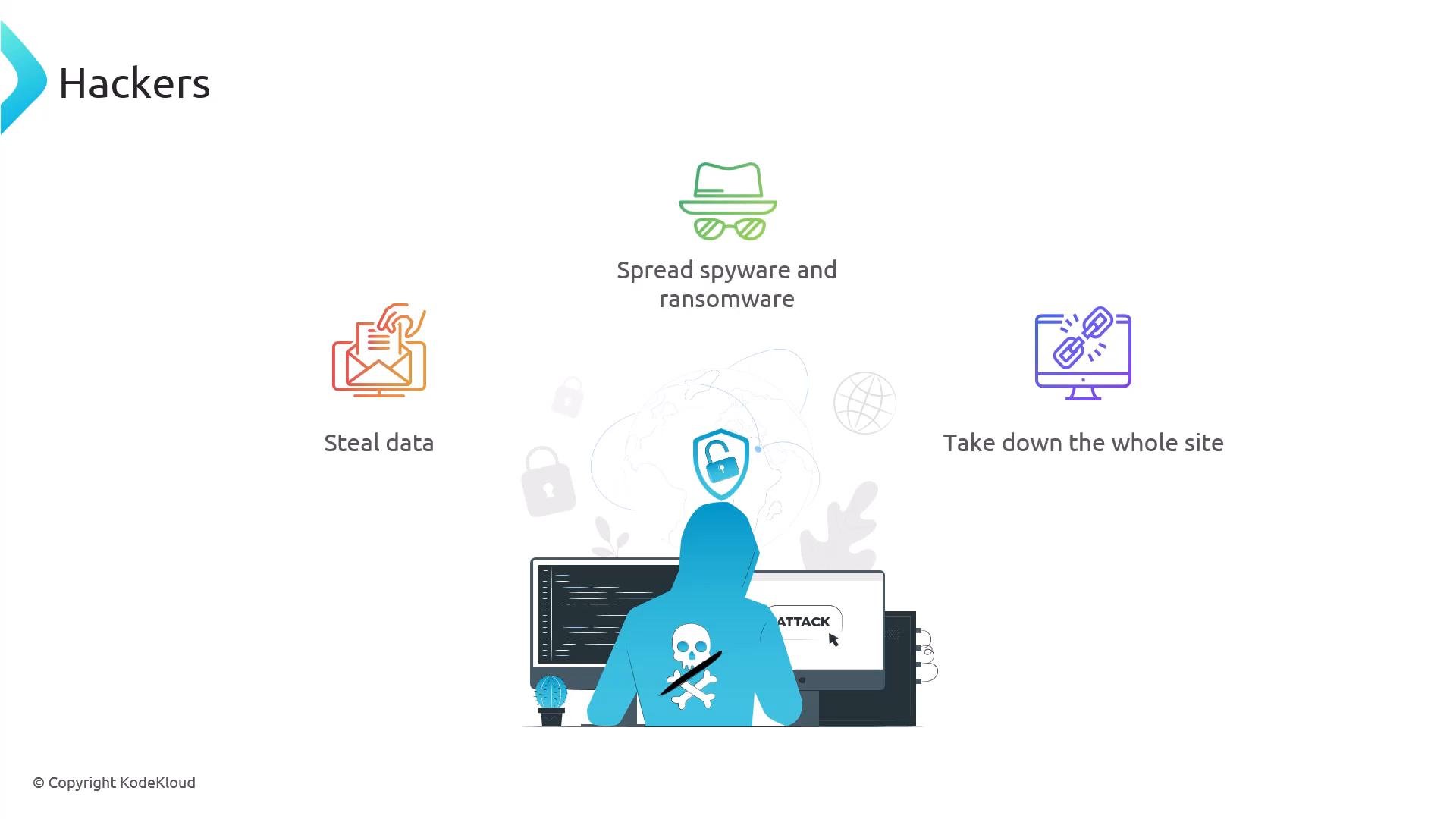
Blocking individual IPs is straightforward but not always scalable: attackers rotate IPs, and long lists of allow/deny directives are hard to maintain. A common automated approach is Fail2Ban, which detects abusive behavior from logs and updates firewall rules automatically.
If NGINX is behind a reverse proxy or load balancer, your access logs may show the proxy’s IP instead of the client’s IP. Make sure NGINX records the real client IP by using an appropriate
log_format with X-Forwarded-For or by enabling the realip module:
- Use the
X-Forwarded-Forheader properly when your proxy sets it. See MDN’s X-Forwarded-For documentation: https://developer.mozilla.org/en-US/docs/Web/HTTP/Headers/X-Forwarded-For - Or use the NGINX realip module: https://nginx.org/en/docs/http/ngx_http_realip_module.html
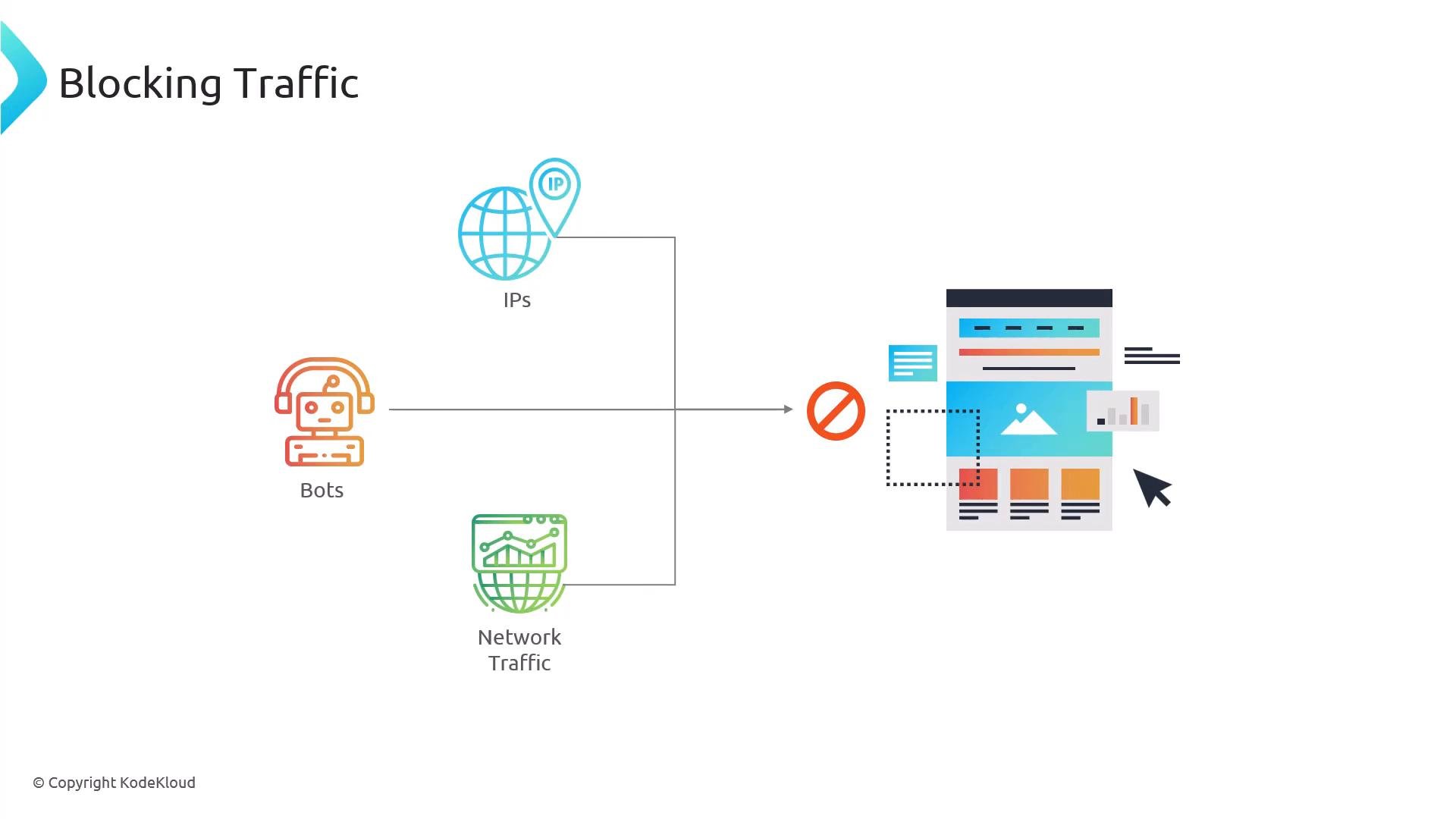
Fail2Ban watches service logs for patterns of abuse (failed logins, suspicious requests) and automatically updates firewall rules to temporarily ban offending IPs. It’s a practical way to reduce brute-force attacks and automated scraping without manually maintaining blocklists.
jail.local:
Fail2Ban filter files live under
/etc/fail2ban/filter.d. They use regular expressions and the <HOST> token to capture the offending IP address. Example snippet from an nginx-http-auth filter:
Fail2Ban relies on host-level logs and firewall control; it is not ideal inside isolated containers where logs are aggregated and firewall control is limited. For containerized environments (Kubernetes, Docker), consider sidecar log monitoring, cluster-level ingress policies, or an external WAF.
- NGINX access module: https://nginx.org/en/docs/http/ngx_http_access_module.html
- NGINX realip module: https://nginx.org/en/docs/http/ngx_http_realip_module.html
- X-Forwarded-For header: https://developer.mozilla.org/en-US/docs/Web/HTTP/Headers/X-Forwarded-For
- Fail2Ban official site: https://www.fail2ban.org/