

- A reverse proxy sits between clients and backend servers. It accepts client requests, forwards them to one or more backend servers (an upstream pool), and returns the backend response to the client.
- It abstracts and protects backend servers while adding features such as routing, SSL termination, caching, header injection, and access control.
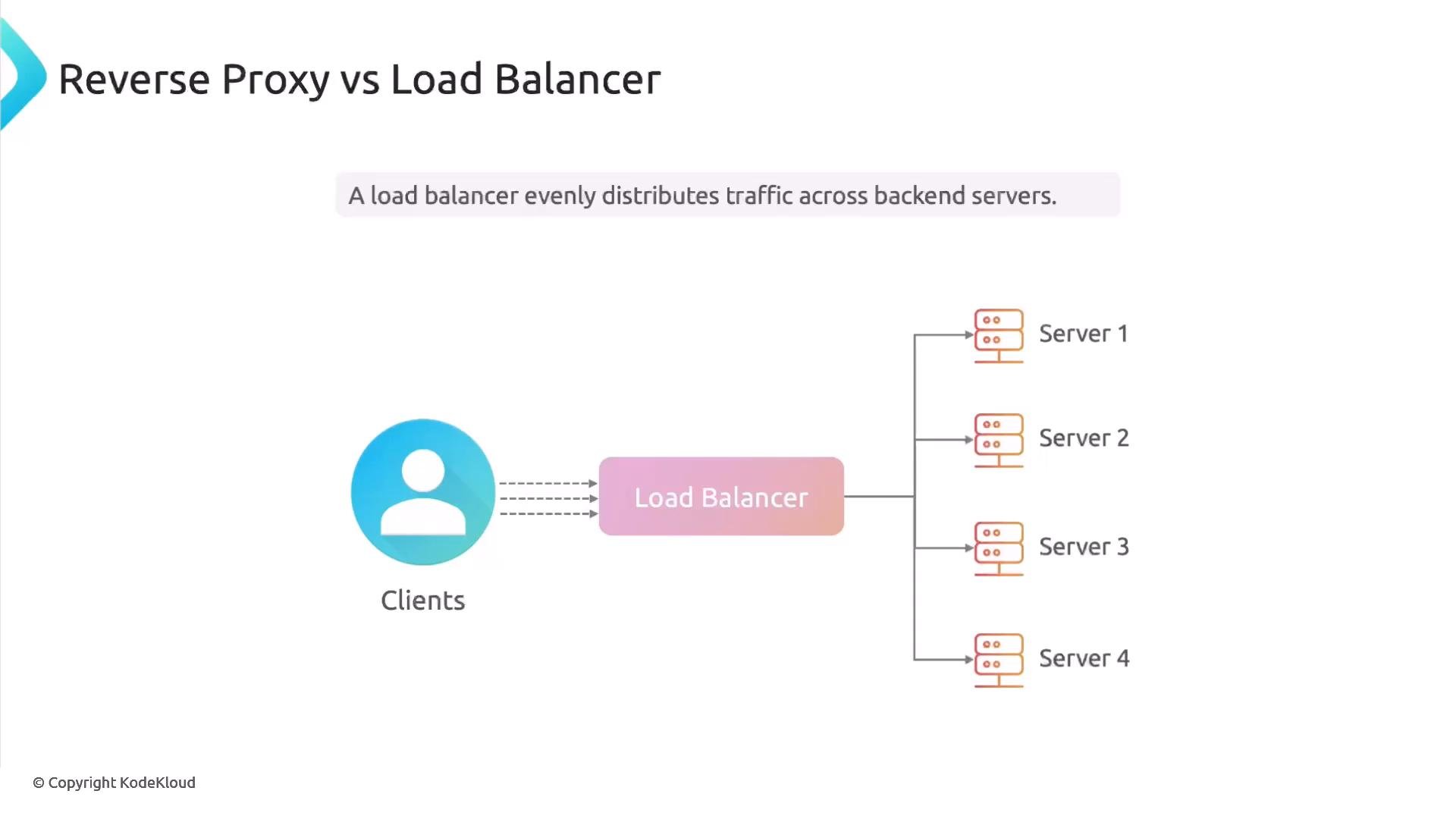
- The two concepts overlap, which often causes confusion. Use the table below to clarify the distinction and when each term is most appropriate.
A single NGINX instance can act as a reverse proxy, a load balancer, or both — the behavior depends on how you configure upstreams, proxying, and load-balancing directives.
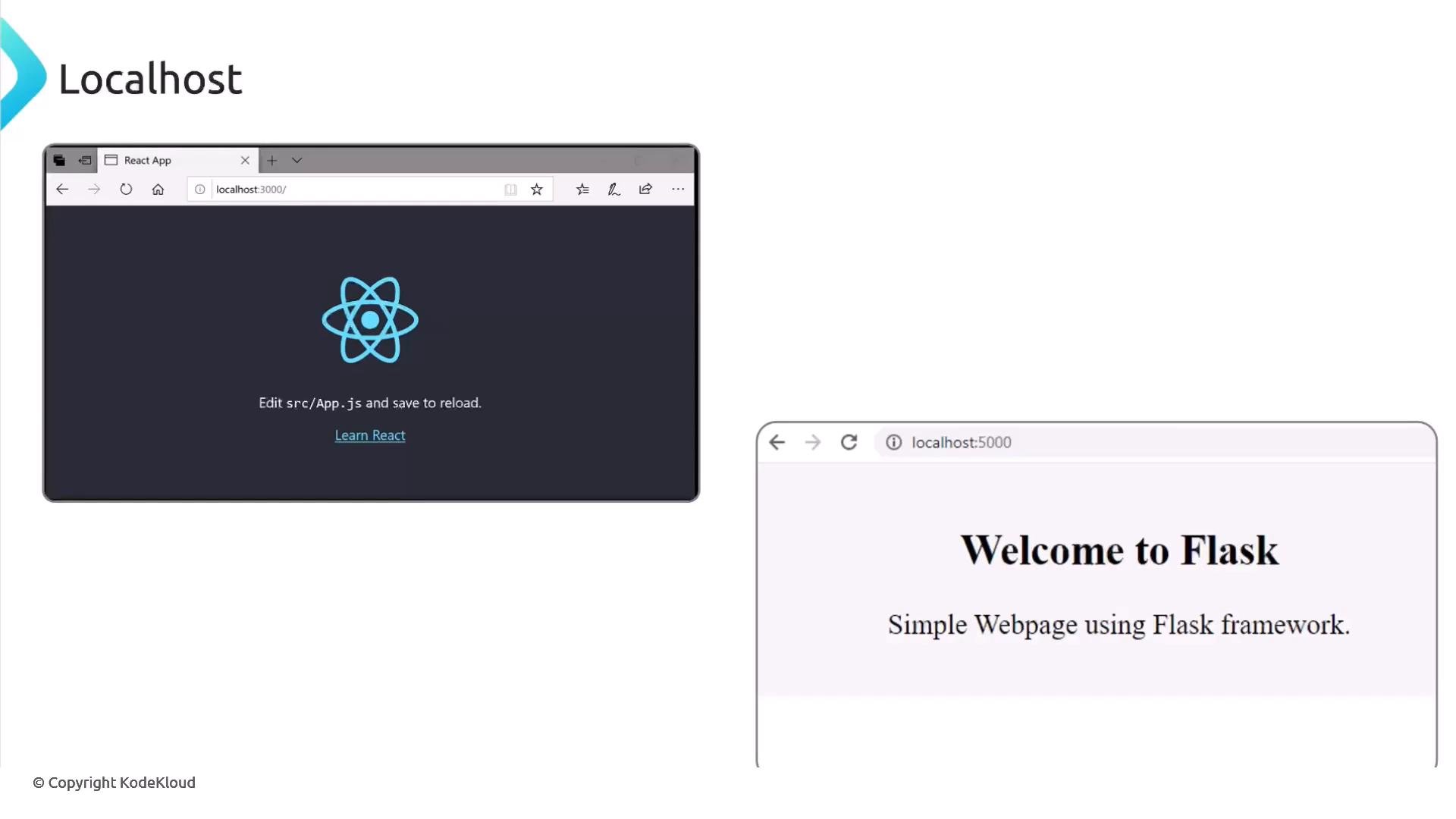
- Frameworks (React, Flask, Rails, Laravel, etc.) bind to a local port during development (e.g., React on 3000, Flask on 5000). In production, you typically place these services behind a reverse proxy:
- Centralized TLS certificate management
- Consistent routing and URL canonicalization
- Better protection: backend services are not directly exposed to the internet
- Easier to add caching, compression, and rate limiting
- SSL/TLS termination: offload cryptographic work to the proxy and forward unencrypted HTTP to internal backends.
- Load distribution: balance traffic across multiple backend servers for capacity and redundancy.
- Caching: reduce repeated backend work for static assets and cacheable responses.
- Routing and virtual hosting: serve multiple domains or applications from a single entrypoint.
- Security and headers: inject or strip headers, enforce access controls, and perform rate limiting.
- Terminating TLS at the proxy reduces CPU usage on backend servers and centralizes certificate management. The example below shows an upstream pool and an HTTP server block that proxies to that pool, then an HTTPS server block that terminates TLS.
- For compliance or security reasons you may require TLS between the proxy and the backend as well. Key points:
- Define upstream servers that listen on port 443 (or the appropriate TLS port).
- Use
proxy_pass https://backend/;to forward via HTTPS. - Configure trust between proxy and backends (client certs, CA bundles) so the proxy can validate backend certificates.
- Ensure backend servers have valid certificates (self-signed can be used with appropriate trust configuration).
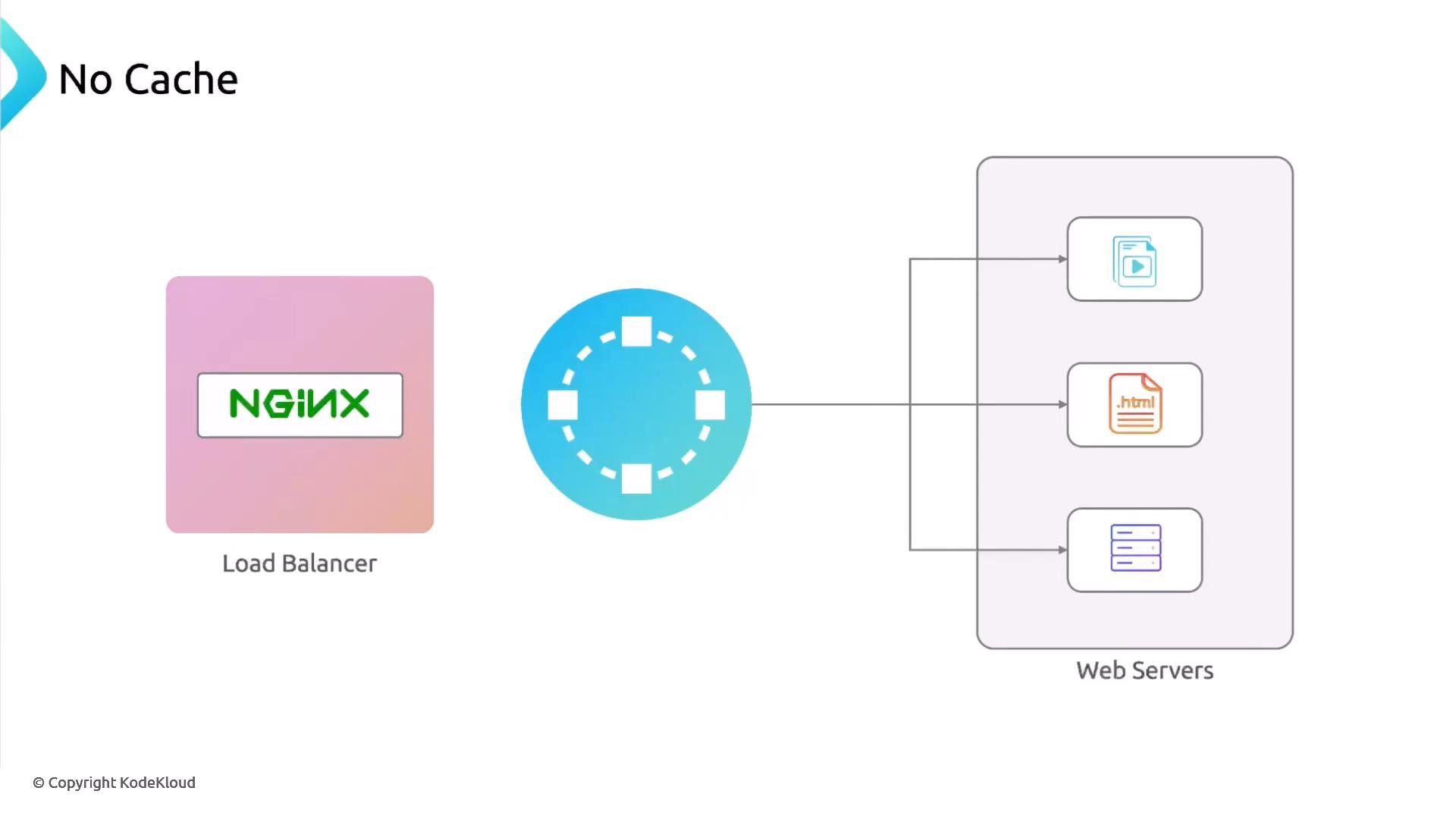
- Without caching, the reverse proxy will request static assets, HTML, and other resources from the backend on every client request. NGINX can cache responses to reduce backend load and lower latency for repeated requests.
- This example shows the main pieces: cache path, key, TTLs, and how to enable the cache in a location. Cache tuning (eviction, size, levels) is important for production but beyond this lesson.
Further resources
- NGINX docs: https://nginx.org/en/docs/
- TLS best practices: https://www.ietf.org/
- Let’s Encrypt (free TLS certificates): https://letsencrypt.org/