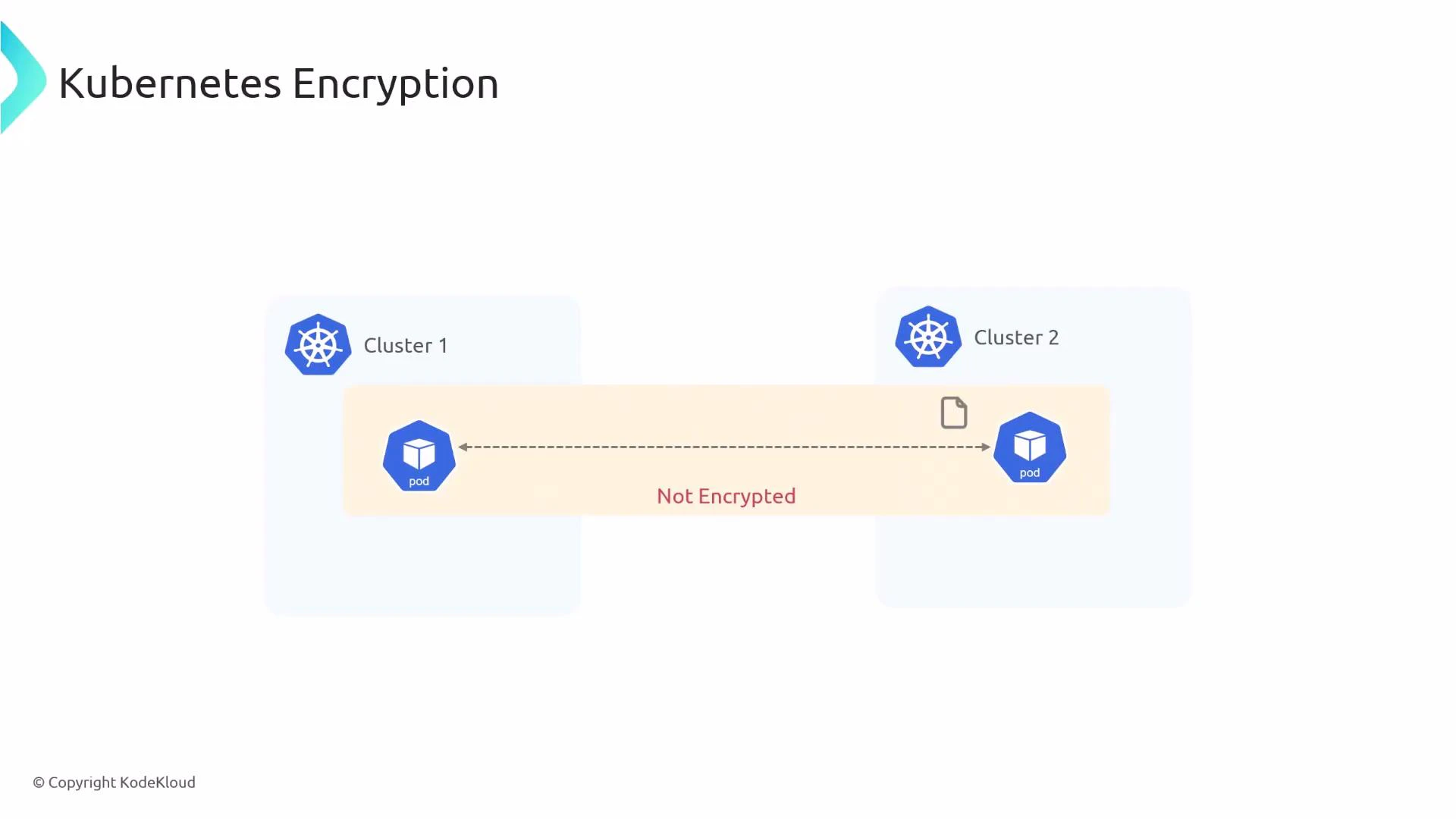
In this lesson you’ll learn how to enable transparent pod-to-pod encryption in Kubernetes using Cilium. By default, pod traffic inside a cluster is unencrypted, so an attacker who can capture network packets may be able to read sensitive data. Cilium provides two built-in methods to secure inter-node pod traffic:
A diagram titled "Kubernetes Encryption" showing two Kubernetes clusters, each with a pod, connected by a dashed line and a file icon. The connection between the pods is labeled "Not Encrypted."
  • IPsec
  • WireGuard
Both methods are transparent to applications and protect pod-to-pod traffic that crosses node boundaries. Below are step-by-step instructions to configure each method and verify that encryption is active. Quick comparison: IPsec vs WireGuard
FeatureIPsecWireGuard
PerformanceMature, widely supportedHigh-performance, simpler codebase
Key managementSecret keys in KubernetesKeys managed by Cilium (peer-based)
CompatibilityWorks across many kernelsRequires WireGuard support in kernel or module
Typical use caseStable enterprise setupsHigh-throughput, low-latency environments
Before you begin: ensure you have kubectl access to the cluster, Cilium installed (via Helm, CiliumOperator/CiliumConfig, or daemonset), and permissions to create secrets in the kube-system namespace.

Creating the IPsec key secret

Cilium expects an IPsec secret in Kubernetes with the following format: key-id algorithm psk-in-hex key-size The command below generates a random PSK (in hex) and stores it in the kube-system namespace as the secret cilium-ipsec-keys. The example creates one key entry (key ID 1) using RFC4106 AES-GCM with a 128-bit key.
kubectl create -n kube-system secret generic cilium-ipsec-keys \
  --from-literal=keys="1 rfc4106(gcm(aes)) $(dd if=/dev/urandom bs=20 count=1 2>/dev/null | xxd -p -c 64) 128"
Verify the secret exists:
kubectl -n kube-system get secret cilium-ipsec-keys
Protect your PSKs: store/retrieve secrets using secure tooling (e.g., external KMS or sealed-secrets) and rotate keys periodically. Exposing PSKs compromises all encrypted traffic.

Enabling IPsec in the Cilium Helm values

Update your Cilium configuration (Helm values.yaml or CiliumConfig/DaemonSet settings) to enable encryption and set the type to ipsec:
encryption:
  # -- Enable transparent network encryption.
  enabled: true
  # -- Encryption method. Can be either ipsec or wireguard.
  type: ipsec
After applying the updated values (or patching the CiliumConfig), restart the operator and the Cilium agents (daemonset) so they pick up the new encryption settings:
kubectl -n kube-system rollout restart deployment/cilium-operator
kubectl -n kube-system rollout restart ds/cilium

Verify IPsec encryption

Exec into a Cilium agent pod and run the Cilium debug command to inspect encryption state and keys in use:
kubectl -n kube-system exec -ti ds/cilium -- cilium-dbg encrypt status
Sample output (IPsec):
Encryption: IPsec
Decryption interface(s): eth0, eth1, eth2
Keys in use: 4
Max Seq. Number: 0x1e3/0xffffffff
Errors: 0

Enabling WireGuard

To enable WireGuard instead of IPsec, set the type to wireguard in the same configuration area:
encryption:
  enabled: true
  type: wireguard
Restart the operator and daemonset just like with IPsec:
kubectl -n kube-system rollout restart deployment/cilium-operator
kubectl -n kube-system rollout restart ds/cilium
Verify WireGuard encryption using the cilium debug/status output:
kubectl -n kube-system exec -ti ds/cilium -- cilium-dbg status | grep Encryption
Sample output (WireGuard):
Encryption: Wireguard [cilium_wg0 (Pubkey: <..>, Port: 51871, Peers: 2)]

Encryption behavior

Cilium only encrypts pod-to-pod traffic that traverses the network between different nodes. Pods communicating on the same node exchange traffic locally and this traffic is not encrypted by Cilium. This design reduces overhead and is based on the assumption that an attacker who can read local node traffic likely already has privileged access to that node.
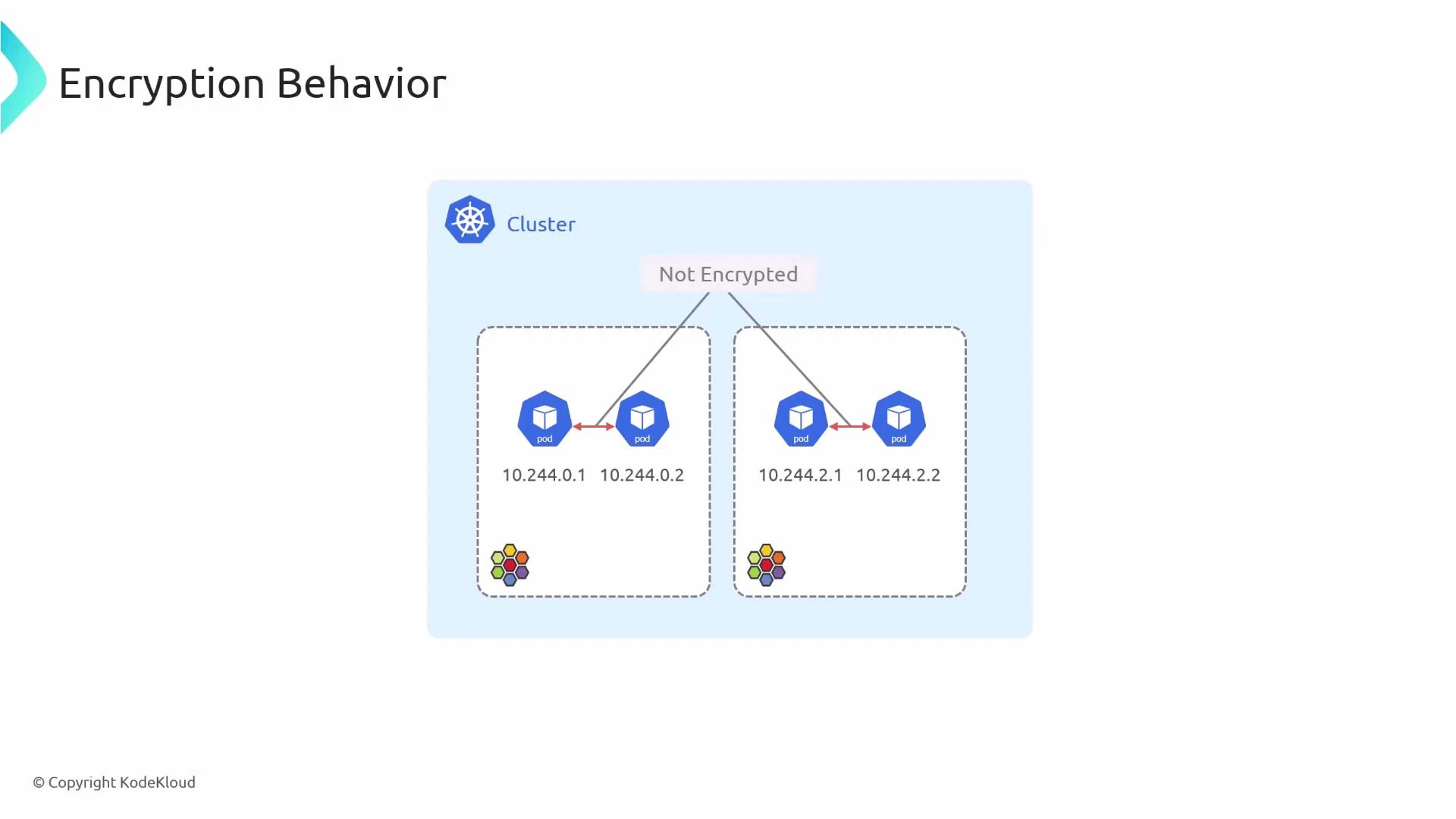
A diagram titled "Encryption Behavior" showing a Kubernetes cluster with two nodes, each hosting two pods (IPs like 10.244.0.1, 10.244.0.2, 10.244.2.1, 10.244.2.2). Arrows between pods indicate pod-to-pod traffic and are labeled "Not Encrypted."
Traffic between pods on the same node is left unencrypted because protecting it would not stop an attacker who already has root on that node. Cilium focuses on encrypting inter-node pod traffic — the traffic that traverses the network where interception is possible without node compromise.
References and further reading

Watch Video