

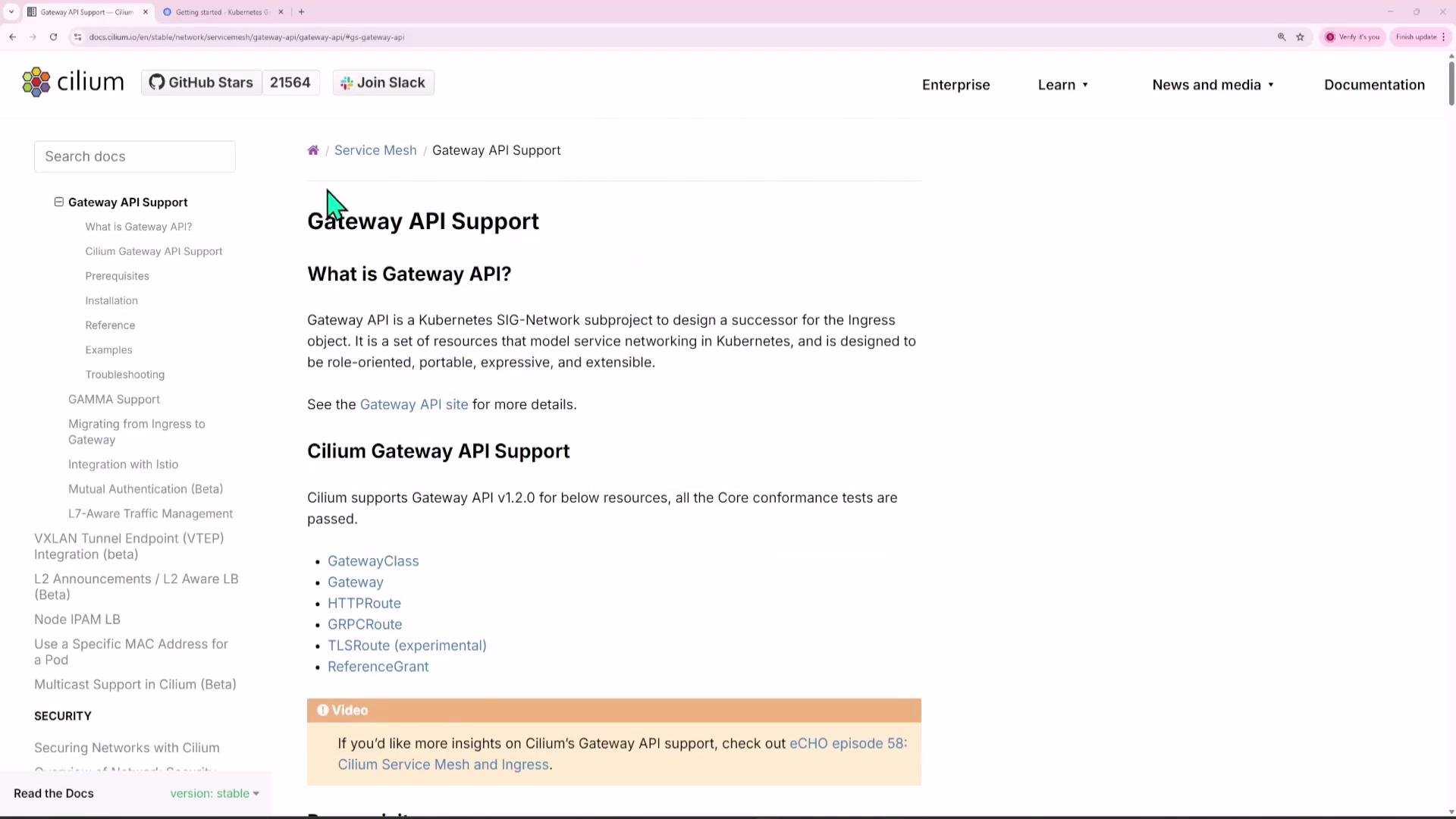
Overview
High-level steps covered:- Install Gateway API CRDs (use experimental CRDs for full TCP/TLS/UDP support).
- Enable Gateway API in the Cilium Helm values and restart Cilium pods.
- Deploy demo applications and ClusterIP services.
- Create a Gateway resource (Cilium-provided GatewayClass) and a LoadBalancer service for external access.
- Create HTTPRoute resources to route host/path combinations to different backends.
- Test with curl or browser (use /etc/hosts for testing DNS to the gateway IP).
Prerequisites
Follow the Cilium Gateway API docs for full details: Cilium Gateway API docs.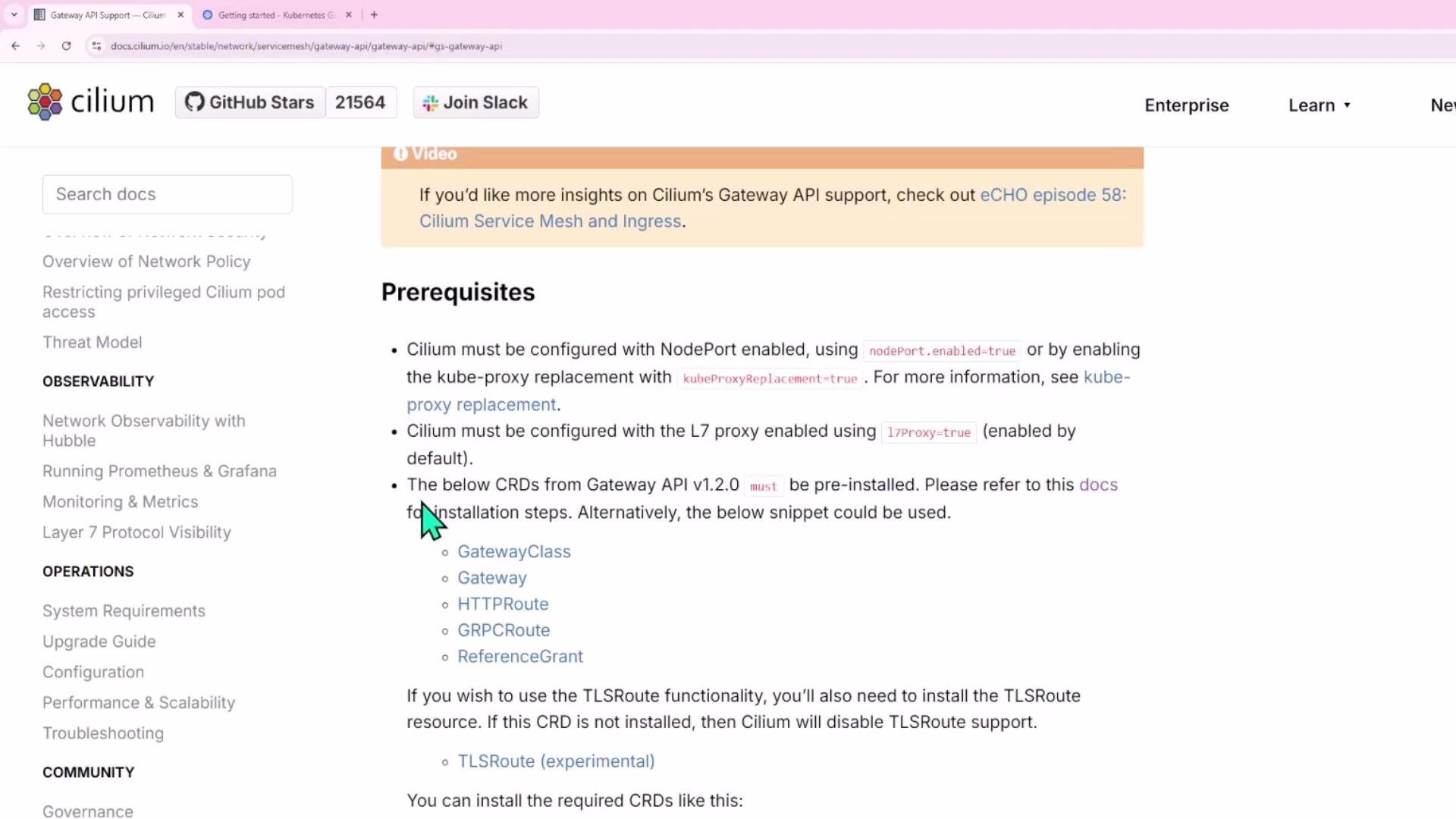
Cilium requires either nodePort.enabled=true (Cilium NodePort implementation) or kubeProxyReplacement=true. This prerequisite is also required when enabling ingress support in Cilium. Pick one of these two options in your Helm values.
Enable Gateway API support in Cilium (Helm)
Update Cilium Helm values to enable Gateway API support. Example snippet from values.yaml:Demo applications and services (what to expose)
This demo deploys three apps and a default catch-all backend:
Apply the following YAML manifests in your cluster (examples below). Each block contains a Deployment + ClusterIP Service.
ecom-products deployment + service:
Create the Gateway
Create a Gateway that uses the Cilium GatewayClass and listens on HTTP port 80. Save asgateway.yaml:
cilium-gateway-<gateway-name>. That Service exposes an EXTERNAL-IP you can point DNS at:
Create HTTPRoute resources
Create an HTTPRoute that attaches to the Gateway and maps host/path combinations to backend services. Save ashttproute.yaml:
Test routes (DNS / hosts + curl)
For local testing, add /etc/hosts entries that map the demo hostnames to the gateway EXTERNAL-IP:Troubleshooting tips
- Ensure Gateway API CRDs were installed (use the experimental manifest if you need TCP/TLS/UDP routes).
- Verify Cilium has gatewayAPI.enabled=true in its Helm values and that you restarted the operator/agents after upgrading.
- Confirm the gateway service (
cilium-gateway-<name>) has an EXTERNAL-IP and that DNS or /etc/hosts points to that IP. - Inspect Gateway and HTTPRoute resources for events and status:
- kubectl describe gateway my-gateway
- kubectl describe httproute my-routes
- Check Cilium logs and controller events if the GatewayClass or Gateway is not being programmed.
Links and references
- Cilium Gateway API docs
- Gateway API releases (experimental-install.yaml)
- Kubernetes Gateway API specification