Hello and welcome back. In the previous lesson we covered AWS cost management in Crash Course: AWS Basics. Each cloud provider—AWS, GCP, Azure—has different controls and best practices, so you’ll need provider-specific playbooks. This lesson walks through a practical, step‑by‑step approach for Google Cloud Platform (GCP) cost management: quick-start controls, cost tracking, optimization tactics, and governance.

Where to start: quick wins that buy time and visibility

Focus first on controls that immediately reduce surprise spend and give you actionable visibility. These three items should be implemented early and consistently.
ControlWhy it mattersExample action
Budgets & alertsEarly warning system for spend thresholds so teams can react before month-end shocksCreate budgets per billing account or project and attach email / Pub/Sub alerts
Resource labels (tags)Enables attribution, filtering, and chargeback reportsEnforce labels such as team, cost_center, environment, application on every resource
Runtime limits / frequency cappingPrevents runaway costs from long‑running or idle non-prod workloadsUse instance schedules, autoscaling, or automation to stop idle VMs and CI agents
Always enforce a labeling standard (and automate it via IaC or organization policies when possible). Without consistent labels, cost breakdowns become a detective exercise and require manual reconciliation.
These three controls — budgets, labels, and runtime limits — are the fastest way to get baseline cost visibility and basic prevention. Once they’re in place, you can move on to tracking and analysis.

Tracking your costs: from dashboards to ad‑hoc analysis

Tracking helps you answer “where did the money go?” and supports root cause analysis when costs spike. Use multiple complementary views: high-level dashboards for trends, line-item tables for audits, and exported datasets for custom analysis.
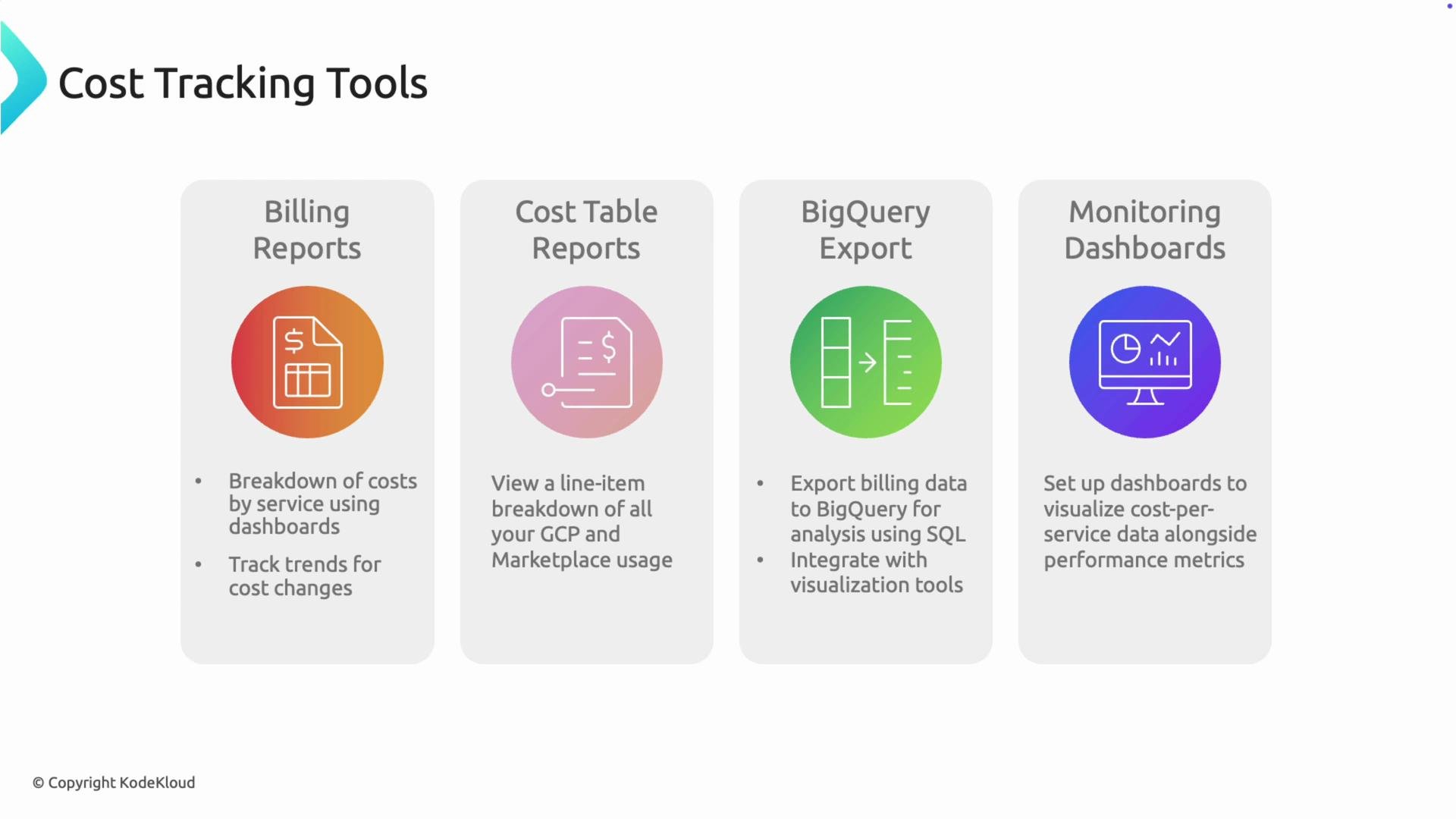
ToolPurposeWhen to use
Billing ReportsHigh-level dashboards showing service spend and trendsExecutive summaries and trend monitoring
Cost Table ReportsLine‑item detail — the “credit card bill” for your cloud accountAuditing charges and reconciling invoices
BigQuery exportRaw billing data for SQL analysis, transformation, and BI integrationsAd‑hoc queries, automated pipelines, and custom dashboards
Monitoring dashboardsCombine cost metrics with system telemetry (CPU, throughput)Correlate cost spikes with production activity or anomalies
The image displays four cost tracking tools: Billing Reports, Cost Table Reports, BigQuery Export, and Monitoring Dashboards, each with a brief description of its function.
Recommended actions:
  • Export Billing data to BigQuery to enable SQL-driven analysis and scheduled reports.
  • Build dashboards that show cost per team, project, or environment using labels.
  • Combine cost metrics with Cloud Monitoring metrics to determine if spend maps to productive work.

Cost optimization strategies: levers you can pull

Once you can see costs, apply targeted optimizations. Use an iterative approach: detect → hypothesize → validate → enforce.
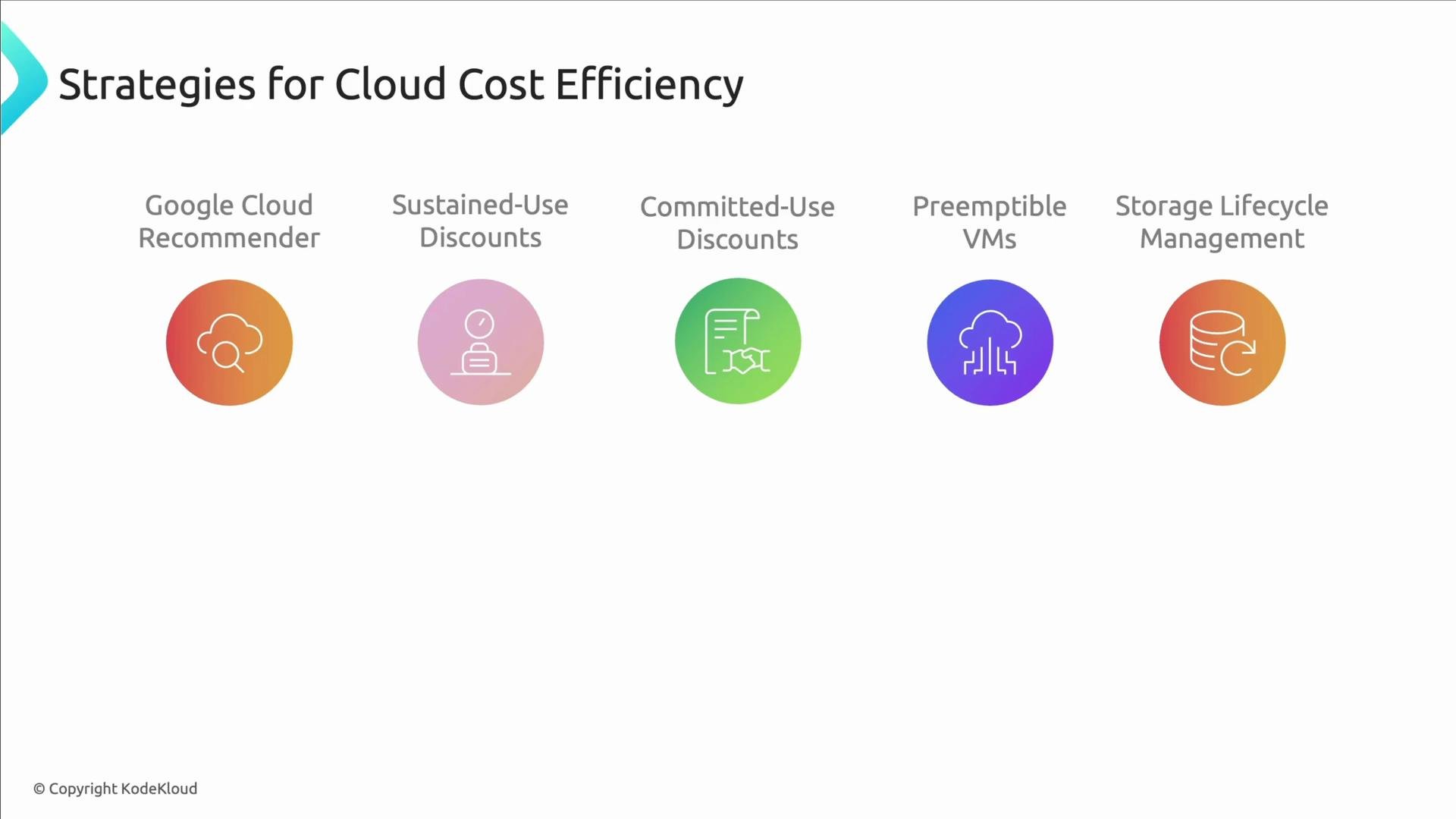
Optimization leverWhat it doesBest practice
Google Cloud RecommenderSuggests rightsizing, disk cleanup, and SKU changesReview suggestions and automate low-risk fixes
Sustained Use DiscountsAuto-applied discounts for long-running VMsNo action required; plan for workloads that benefit
Committed Use Discounts (CUD)Purchase 1- or 3-year commitments for compute/memoryUse for predictable baseline capacity
Preemptible VMsLower-cost, interruptible VM instancesUse for stateless batch jobs and CI pipelines
Storage Lifecycle ManagementMove or delete objects based on age or access patternUse lifecycle rules to move to Nearline/Coldline/Archive or delete obsolete data
The image outlines strategies for cloud cost efficiency, featuring icons and headings for Google Cloud Recommender, Sustained-Use Discounts, Committed-Use Discounts, Preemptible VMs, and Storage Lifecycle Management.
Practical tips:
  • Automate safe Recommender suggestions (e.g., delete unattached disks) and alert on higher‑risk ones (rightsizing VMs).
  • Reserve CUDs for stable baselines and use preemptibles for flexible burst capacity.
  • Apply lifecycle rules to archival data to lower storage bills without manual effort.

Governance — making cost control stick

Good governance turns tactical saves into lasting discipline. Focus on who can create spend, how much they can create, and what constraints exist. Key governance controls:
  • Billing account management — Define who can create projects, link billing accounts, or apply credits. Enforce least privilege.
  • Quotas and hard limits — Prevent runaway resource creation by setting project and org quotas.
  • Organization policies — Restrict disallowed VM families, regions, or other risky configurations across projects.
  • Cloud IAM — Use least-privilege roles and limit the ability to provision costly resources.
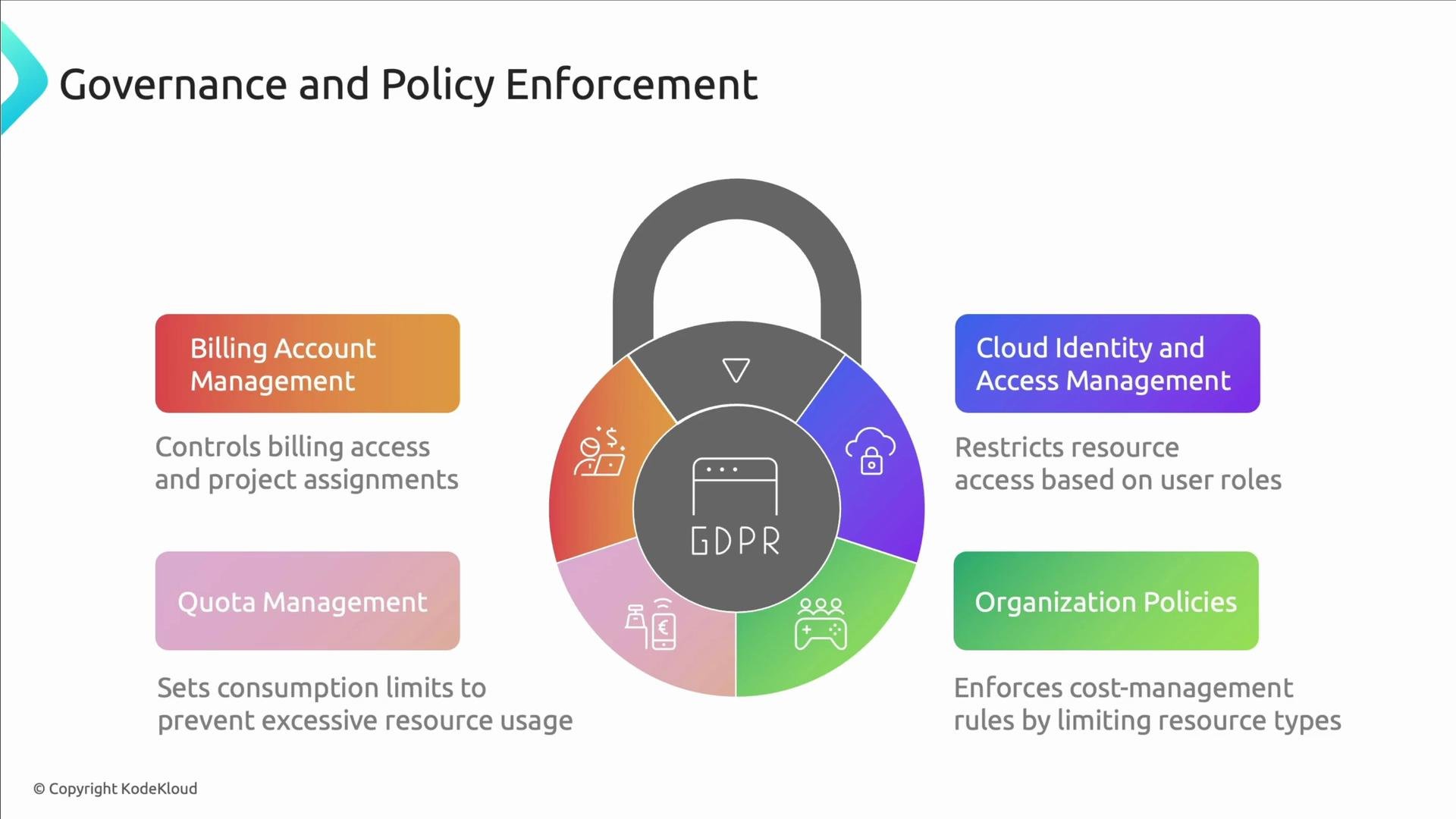
The image illustrates governance and policy enforcement related to GDPR, highlighting aspects like billing account management, quota management, cloud identity access management, and organization policies. It uses a padlock graphic to symbolize security.
Carefully manage who has billing and project-creation permissions. Unrestricted access can lead to hidden spend and orphaned projects that continue to bill.
Operational suggestions:
  • Periodically audit billing account links and active projects.
  • Apply organization policies to enforce required labels and restrict disallowed regions or VM families.
  • Use quota alerts to notify teams before limits are hit and to avoid emergency provisioning.

Summary — a practical roadmap

  1. Implement quick-start controls: budgets, standardized labels, and runtime limits.
  2. Enable comprehensive tracking: Billing Reports, Cost Table, and BigQuery export; correlate cost with system metrics.
  3. Apply optimization levers: Recommender, discounts, preemptible workloads, and storage lifecycle rules.
  4. Enforce governance: billing permissions, quotas, org policies, and IAM discipline.
Cost management on GCP is continuous: awareness + automation + accountability. Treat it as an ongoing program, not a one-time project. We will also compare GCP cost management with Azure and highlight the key differences you should be aware of in the next lesson.

Watch Video