

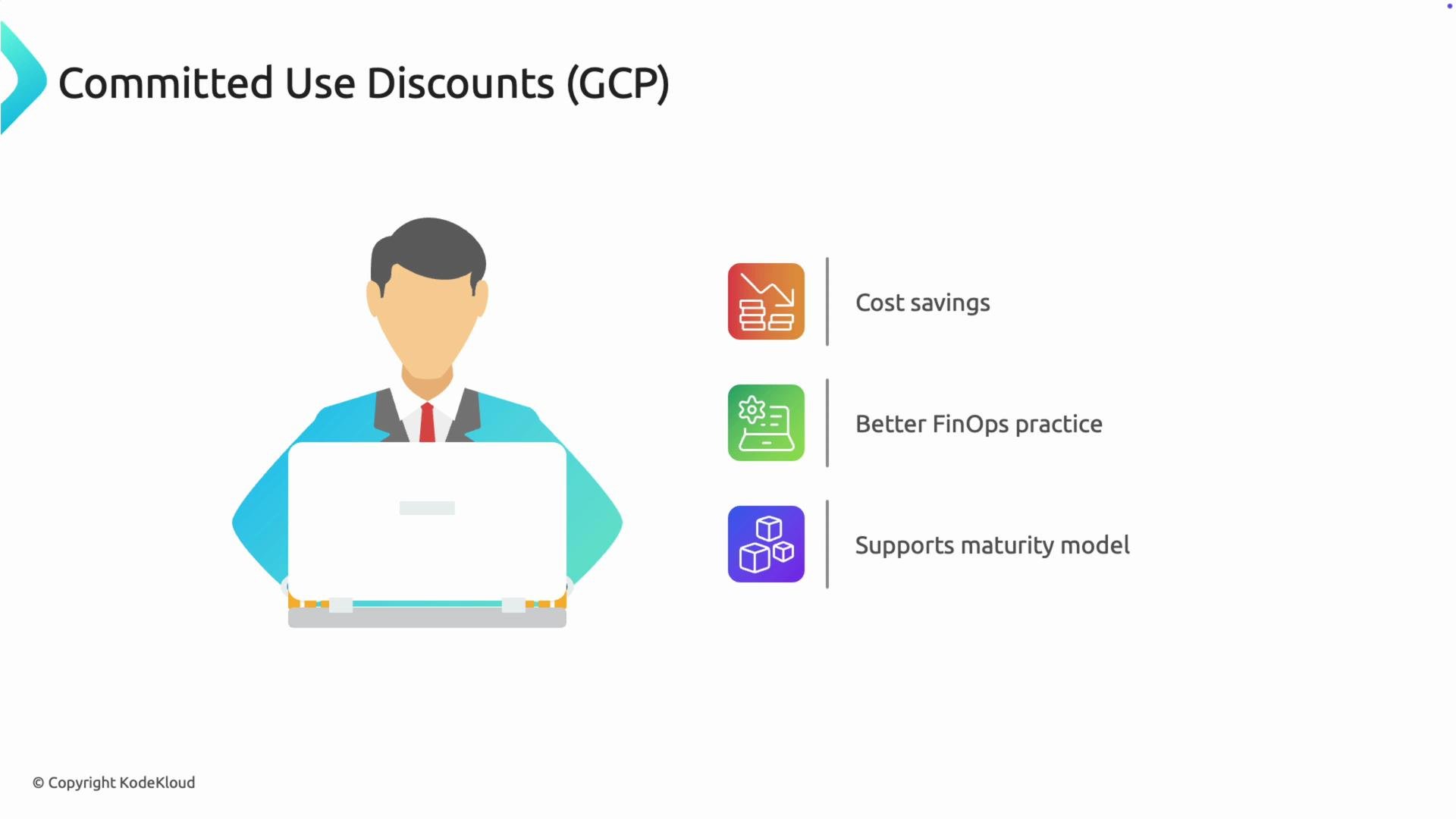
- Committed Use Discounts let you lock in lower prices for a defined set of Google Cloud resources by committing to a consistent level of usage over a fixed term (1 or 3 years).
- In exchange for a commitment, Google applies a discounted rate to matching usage automatically—no manual tagging required.
- CUDs are particularly useful for predictable, steady-state compute requirements and are a core FinOps lever for predictable cost control.
- Choose a commitment term (1 year or 3 years) and select the commitment model (spend-based or resource-based).
- Commit to a minimum hourly spend or a specific resource quantity (vCPUs, memory, etc.) for the term.
- Google Cloud automatically applies the discount to eligible usage that matches your commitment; any excess usage remains at regular on‑demand pricing.
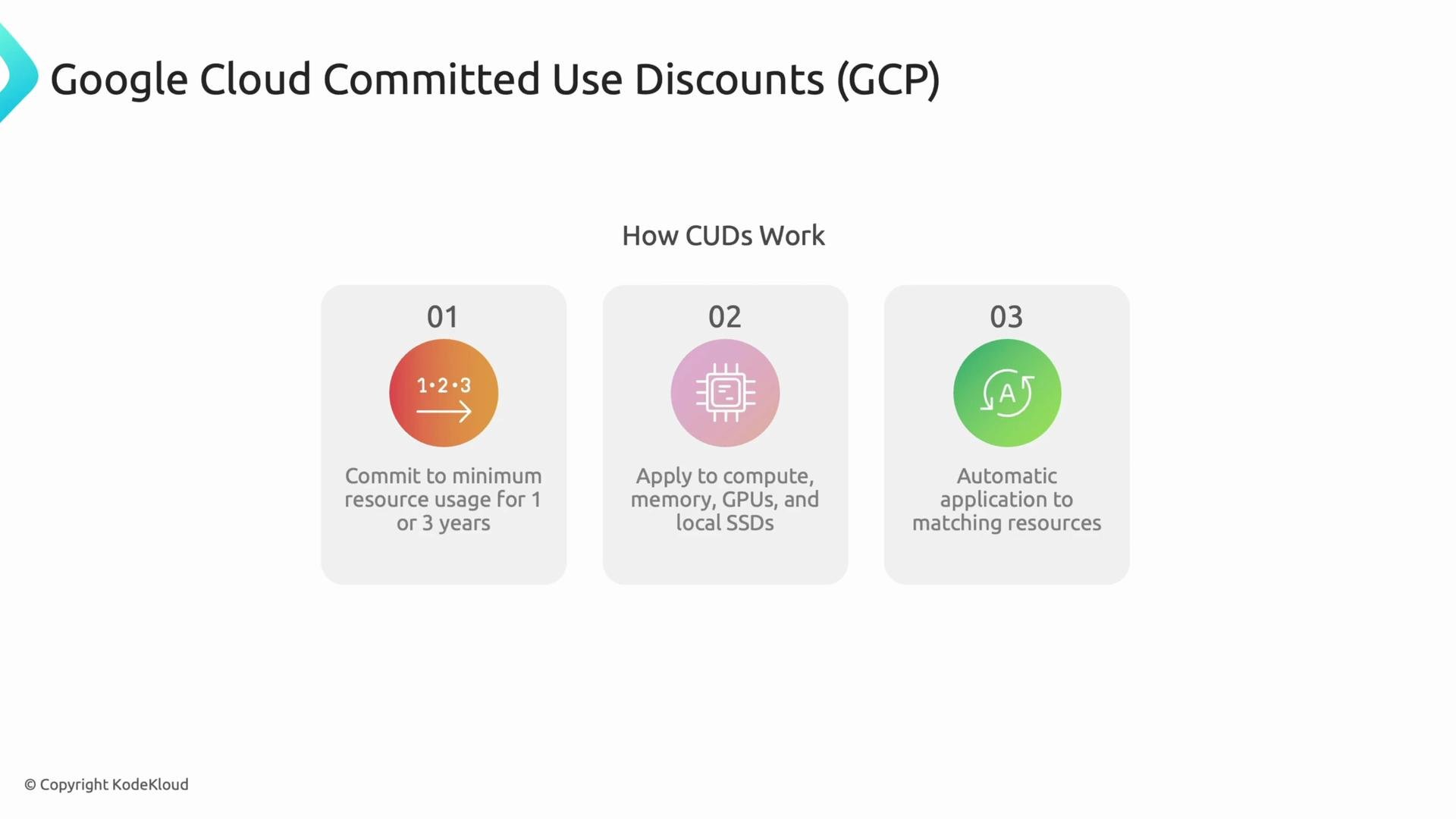
- Compute vCPUs and memory (primary targets).
- GPUs and some local SSD usage (coverage varies by offering).
- CUDs can apply across VM families and regions—GCP automatically matches commitments to eligible resources.
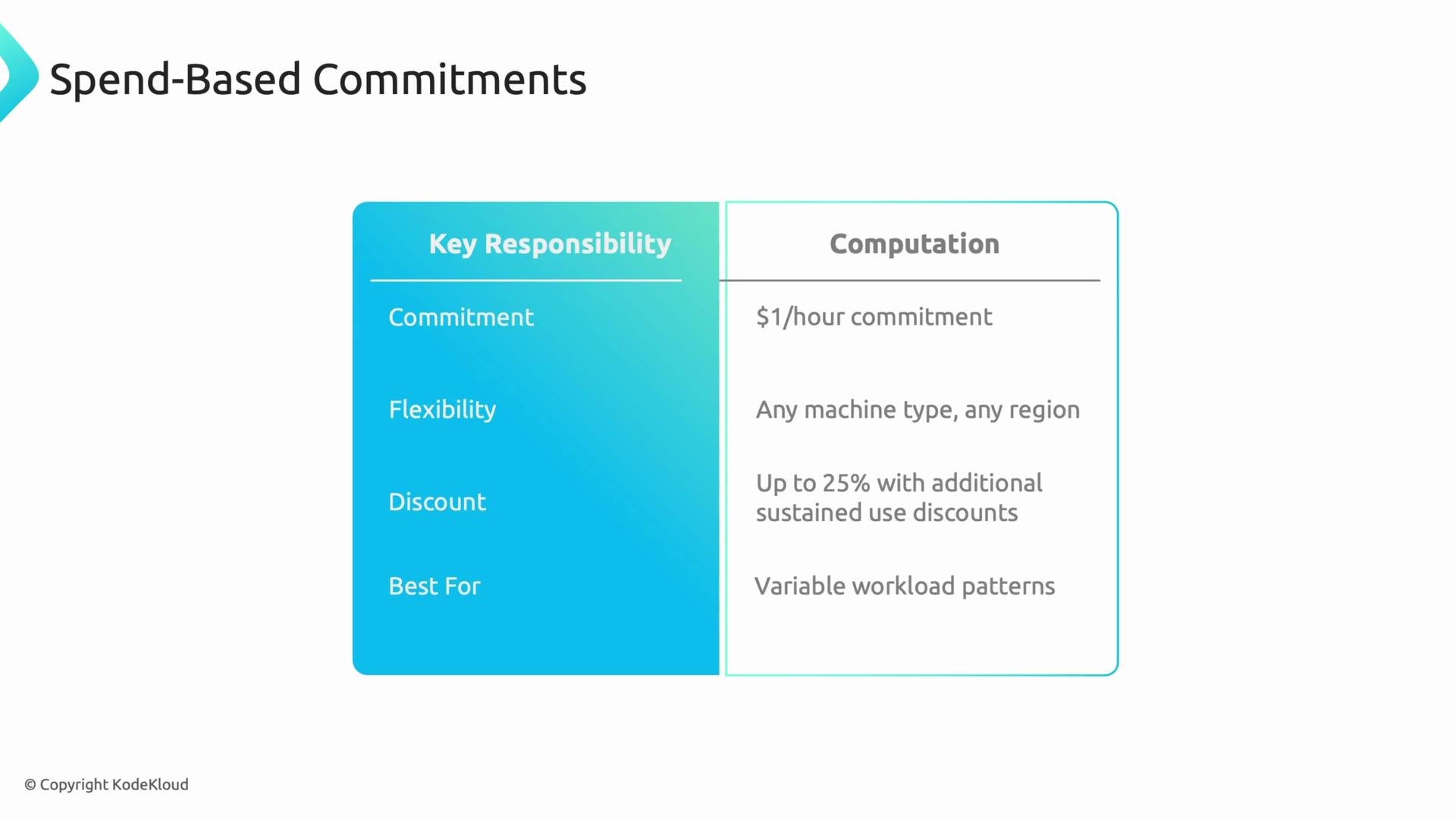
Spend-based commitments
- You commit to a minimum spend per hour rather than particular machine types or regions.
- Because it’s a financial commitment, you retain maximum flexibility to change instances, families, or regions while still receiving discounts.
- Discounts are generally lower than resource-based CUDs but can combine with other discounts (e.g., sustained use discounts).
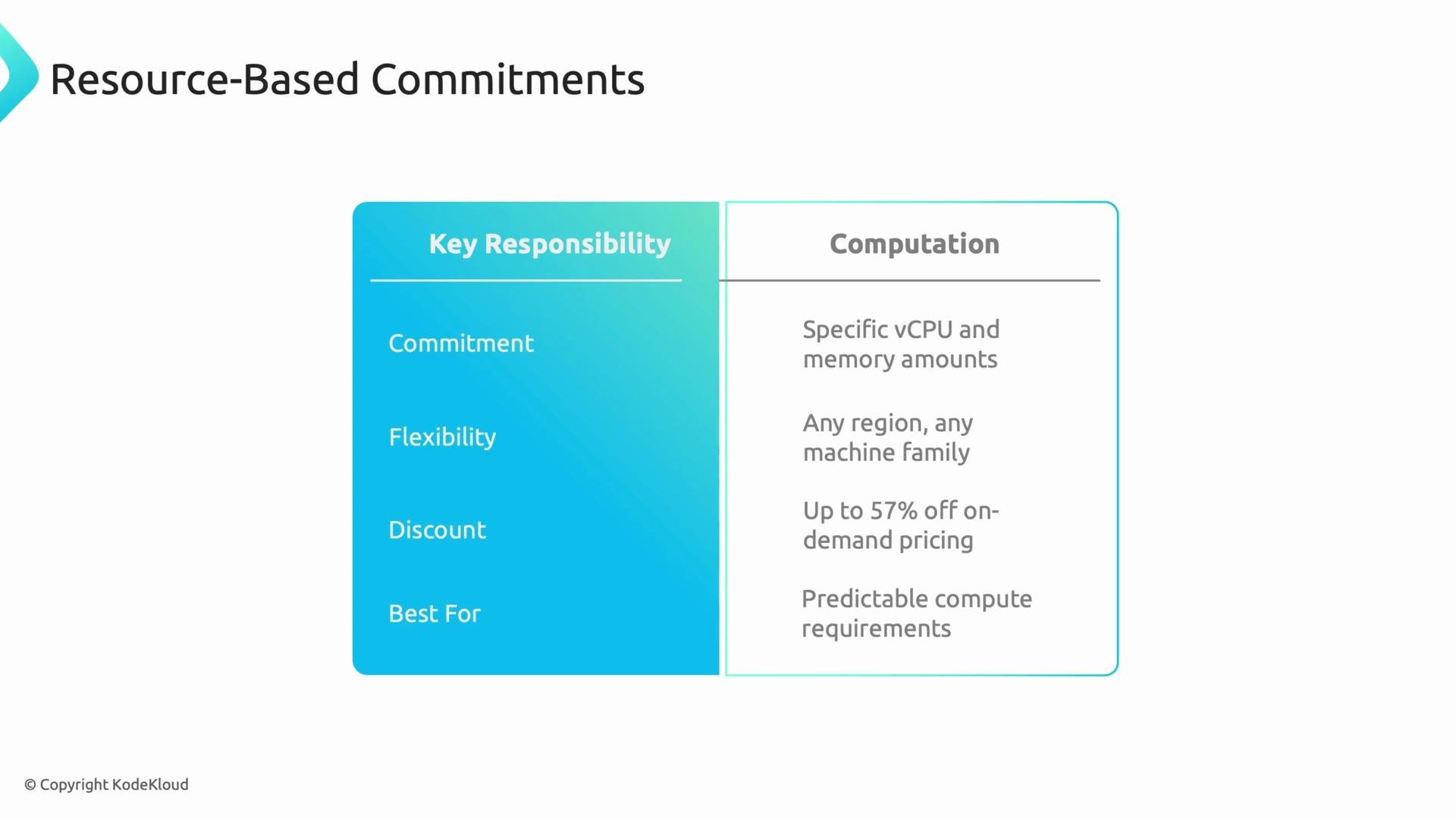
- You commit to specific quantities of resources (for example, a number of vCPUs and a set amount of memory).
- These commitments target capacity and typically deliver much larger discounts compared with spend-based offers.
- Resource-based commitments are flexible across machine types and regions in how the committed capacity is applied, making them suitable for predictable, long-running workloads.
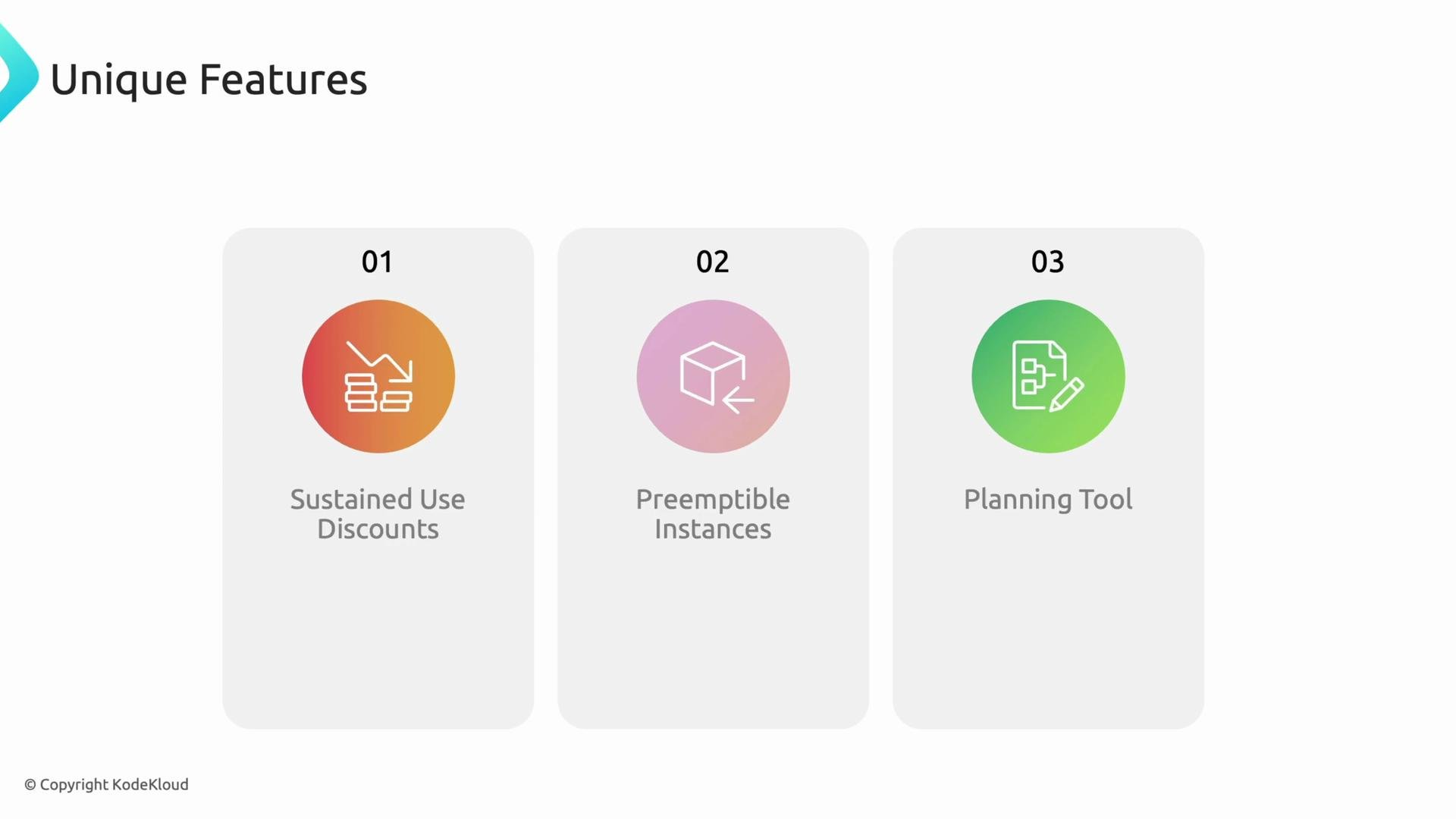
- Sustained Use Discounts: Automatically applied when an instance runs for a large portion of the billing month—no commitment required.
- Preemptible Instances: Very low-cost, short-lived VMs for batch and fault-tolerant workloads; pair well with autoscaling and CUDs for mixed workloads.
- Pricing and planning tools: Use GCP calculators and recommendations to model spend-based vs resource-based choices based on historical usage.
Choose spend-based commitments for maximum flexibility (variable workloads) and resource-based commitments for maximum discount (predictable workloads). Use GCP planning tools and historical usage to decide which is best.
- Term lengths: Most CUDs are available for 1-year or 3-year commitments—longer terms usually yield larger discounts.
- Historical analysis: Review historical usage patterns and forecast near-term growth before committing. Model scenarios (e.g.,
+10% usage,migration to different families) to understand risk. - Billing and contractual obligations: Commitments are contractual—you are billed for the committed amount regardless of actual consumption.
- Hybrid strategies: Combine CUDs with sustained use discounts, preemptible instances, and autoscaling to optimize both cost and resilience.
- Comparable offerings: CUDs are similar to savings plans or reserved instances in other clouds—see
AWS Savings PlansandAzure Reserved VM Instancesfor concept parallels:
CUDs are contractual commitments. If your usage drops below the committed level, you will still be billed for the commitment. Always analyze historical usage and run “what-if” scenarios before committing.