

Understanding the environment
Start by identifying who uses the AWS account and how they consume resources. Typical stakeholders:- Development / Engineering
- Product / Business
- Finance / Procurement
- Platform / SRE
- Tagging should be billing-focused, stable, and easy to enforce.
- Tags must be meaningful to both technical and finance teams.
- Prefer small, consistent tag sets over many ephemeral tags.
Environment=devOwner=team-nameCostCenter=12345
Create a small, stable set of billing-focused tags (for example:
Environment, Team, CostCenter) and enforce them with automation or policy to ensure long-term consistency.Tagging: quick reference
Missing or inconsistent tags make cost allocation inaccurate. Enforce required tags through Service Control Policies (SCPs), AWS Config rules, or automation in CI/CD pipelines.
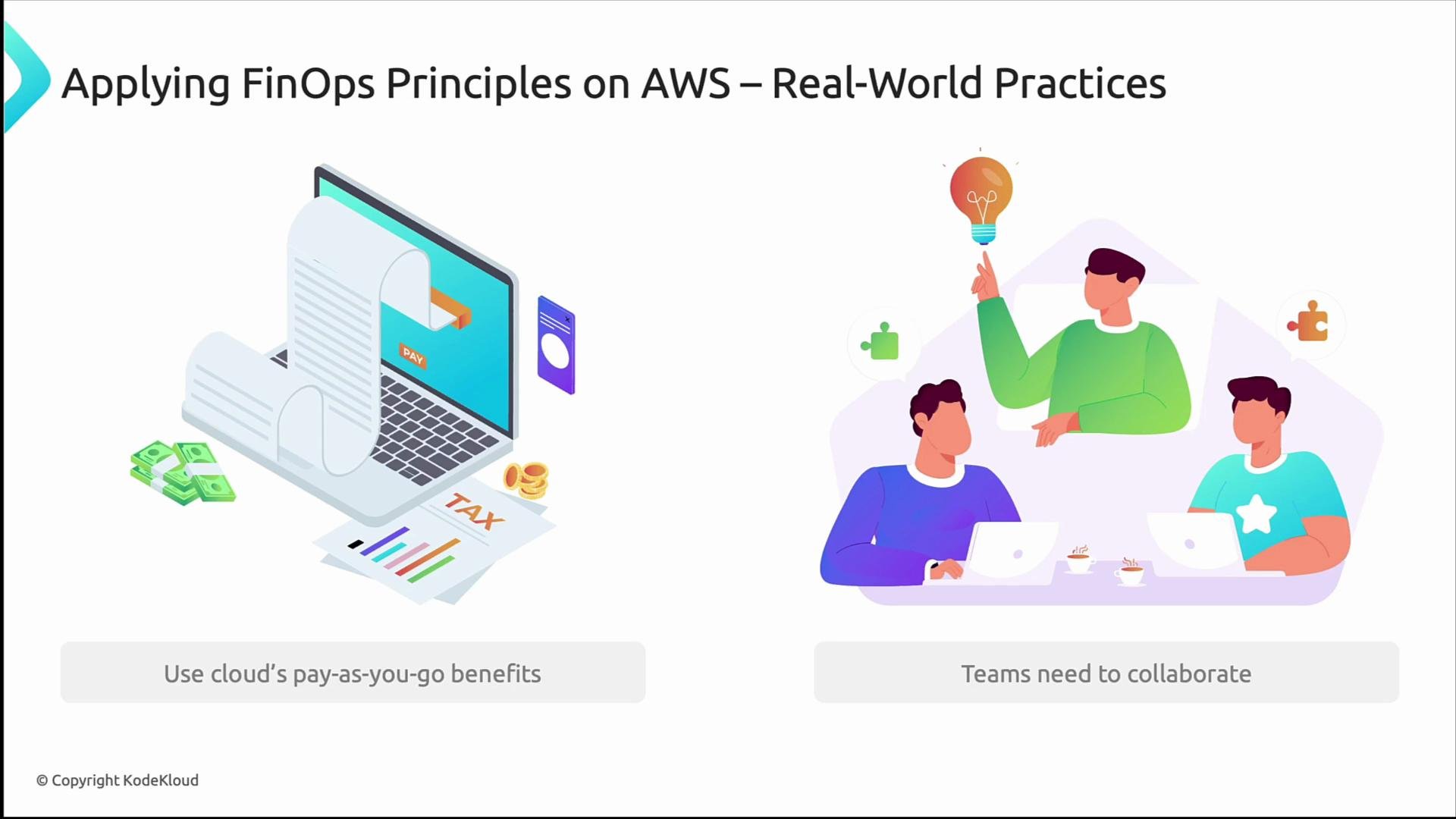
FinOps principles for AWS — two core practices
- Leverage the cloud’s pay-as-you-go model
- Be nimble: right-size instances, replace fixed infrastructure with serverless where it makes sense, and stop non-production resources when idle.
- Use short-term, on-demand capacity and autoscaling to collect accurate usage data. After observing patterns, evaluate Reservations or Savings Plans.
- Track utilization metrics (CPU, memory, I/O) and cost per workload, not just per resource.
- Promote cross-team collaboration
- FinOps is cross-functional: finance provides budgets and cost context; engineering provides architecture and usage data; product defines priorities and acceptable cost/performance trade-offs.
- Establish regular review cadences (weekly spend reviews, monthly showbacks/chargebacks) and shared dashboards so everyone acts with the same data.
- Instrument workloads for cost and usage (tags + metrics).
- Create shared dashboards and alerts for anomalies.
- Run quarterly rightsizing and savings reviews.
Tools: make the data accessible and actionable
Use AWS native tools to create a single source of truth:- AWS Cost Explorer — visualize trends and rightsizing opportunities.
- AWS Budgets — set budget thresholds and alert responsible owners.
- AWS Cost and Usage Reports (CUR) — provide granular billing data for analytics and chargeback.
- Export CUR to an S3 bucket and analyze via Athena or your data warehouse.
- Integrate with ticketing systems to automate remediation tasks for cost spikes.
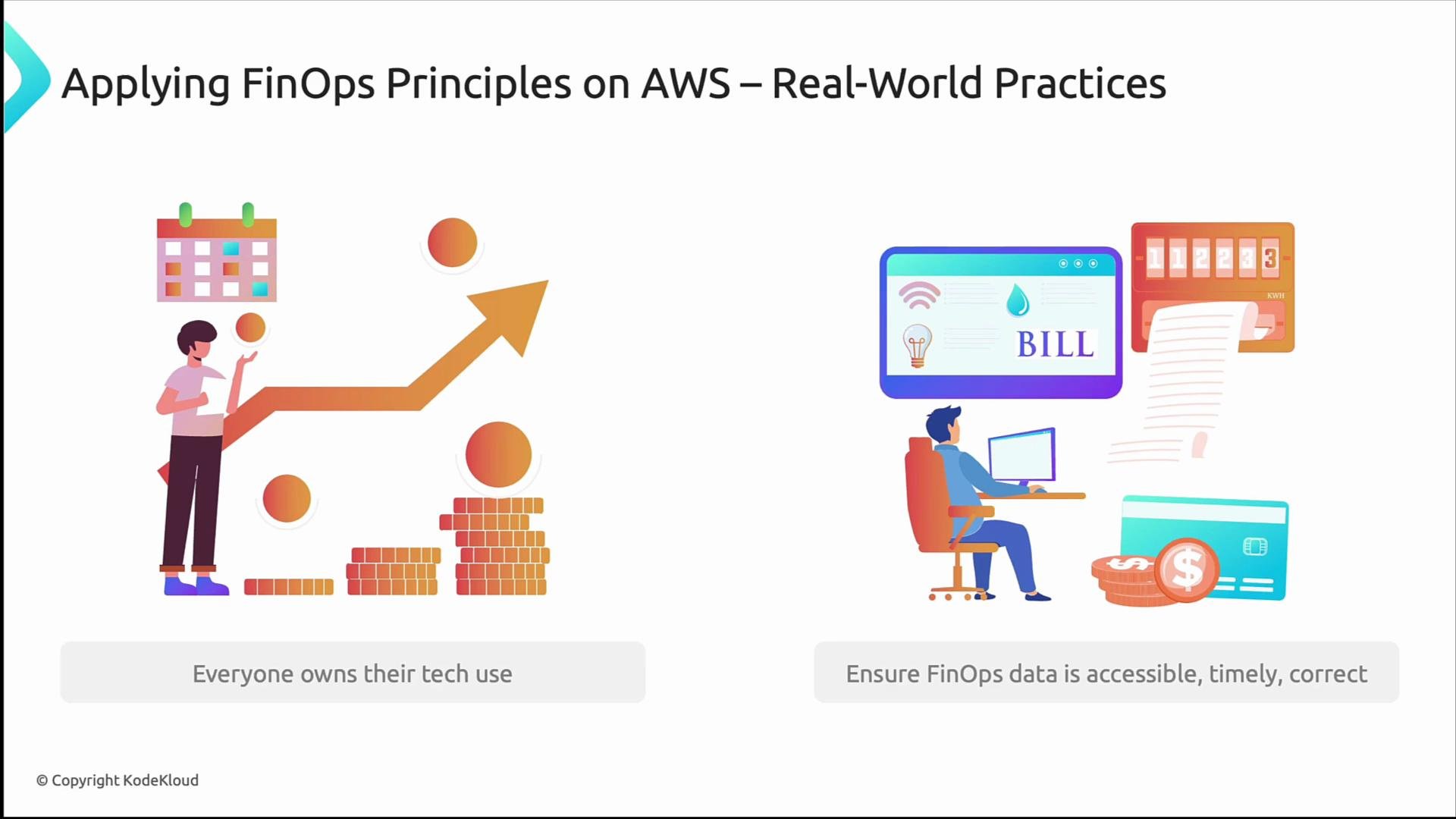
More FinOps practices applied
- Everyone owns their cloud usage: give developers visibility into the costs their resources incur. Visibility enables informed decisions rather than finger-pointing.
- Ensure cost data is timely, accurate, and discoverable: dashboards, alerts, and regular reports build trust.
- Automate policy enforcement: use AWS Organizations SCPs, AWS Config rules, and IAM conditions to enforce minimum standards (required tags, disallowed regions, allowed instance families).
Stakeholder responsibilities (example)
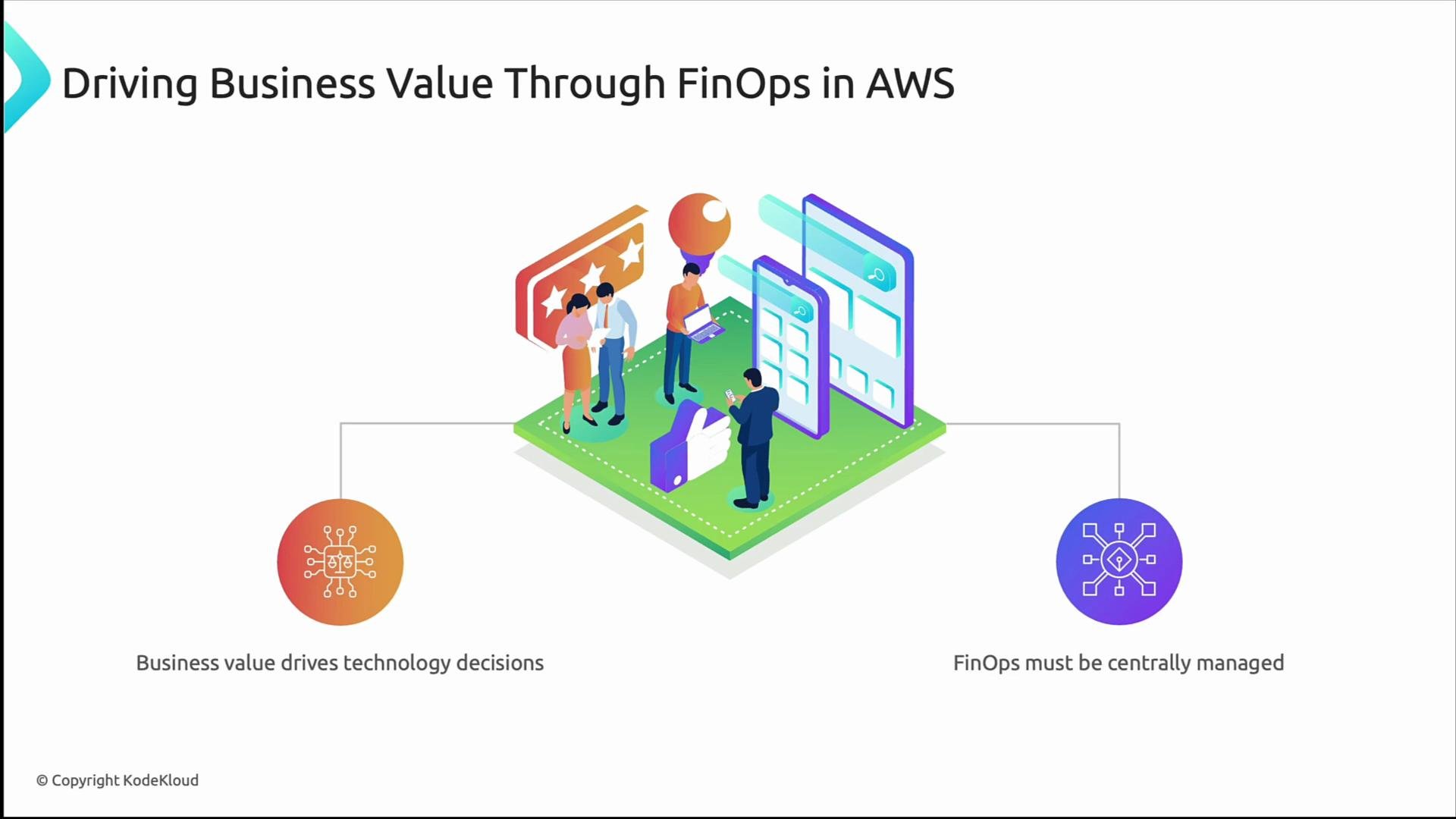
Driving business value with FinOps
- Align cloud spend to business outcomes: ask what metric (conversion, retention, throughput) a technical investment will improve.
- Centralize FinOps coordination: a small FinOps or cloud-cost center of excellence can define guardrails, curate dashboards, and enable teams to act on consistent data.
- Use cost-awareness as a decision criterion in design reviews and sprint planning.
Practical checklist — first 90 days
- Define and publish the tagging standard.
- Enforce tags with automation (SCPs, Config, CI checks).
- Turn off non-prod environments during off-hours.
- Create cost dashboards (monthly and realtime alerting).
- Run an initial rightsizing exercise and document observed patterns.
- Evaluate Reservations / Savings Plans only after 1–3 months of usage data.
Summary
Applying FinOps on AWS is not just cost cutting; it’s building a culture of financial accountability. With consistent tagging, reliable cost data, automation to enforce policy, and cross-functional collaboration, teams can shift from passive consumers to active stewards of cloud investments. Key actions:- Enforce a stable tagging strategy.
- Instrument and centralize cost visibility (Cost Explorer, Budgets, CUR).
- Empower engineering with cost insights and remediation paths.
- Centralize coordination for guardrails and best practices.
- AWS Cost Explorer
- AWS Budgets
- AWS Cost and Usage Reports
- Kubernetes Cost Optimization guides — for containerized workloads