

- What Savings Plans are and how AWS applies them
- Differences between Compute Savings Plans and EC2 Instance Savings Plans
- Practical procurement and FinOps guidance to maximize savings
- You commit to an hourly spend for 1 or 3 years.
- The commitment is automatically applied to eligible usage; no tagging or manual allocation is required.
- Usage above the commitment is billed at on‑demand rates.
- There are two main Savings Plan types with different coverage and discount characteristics.
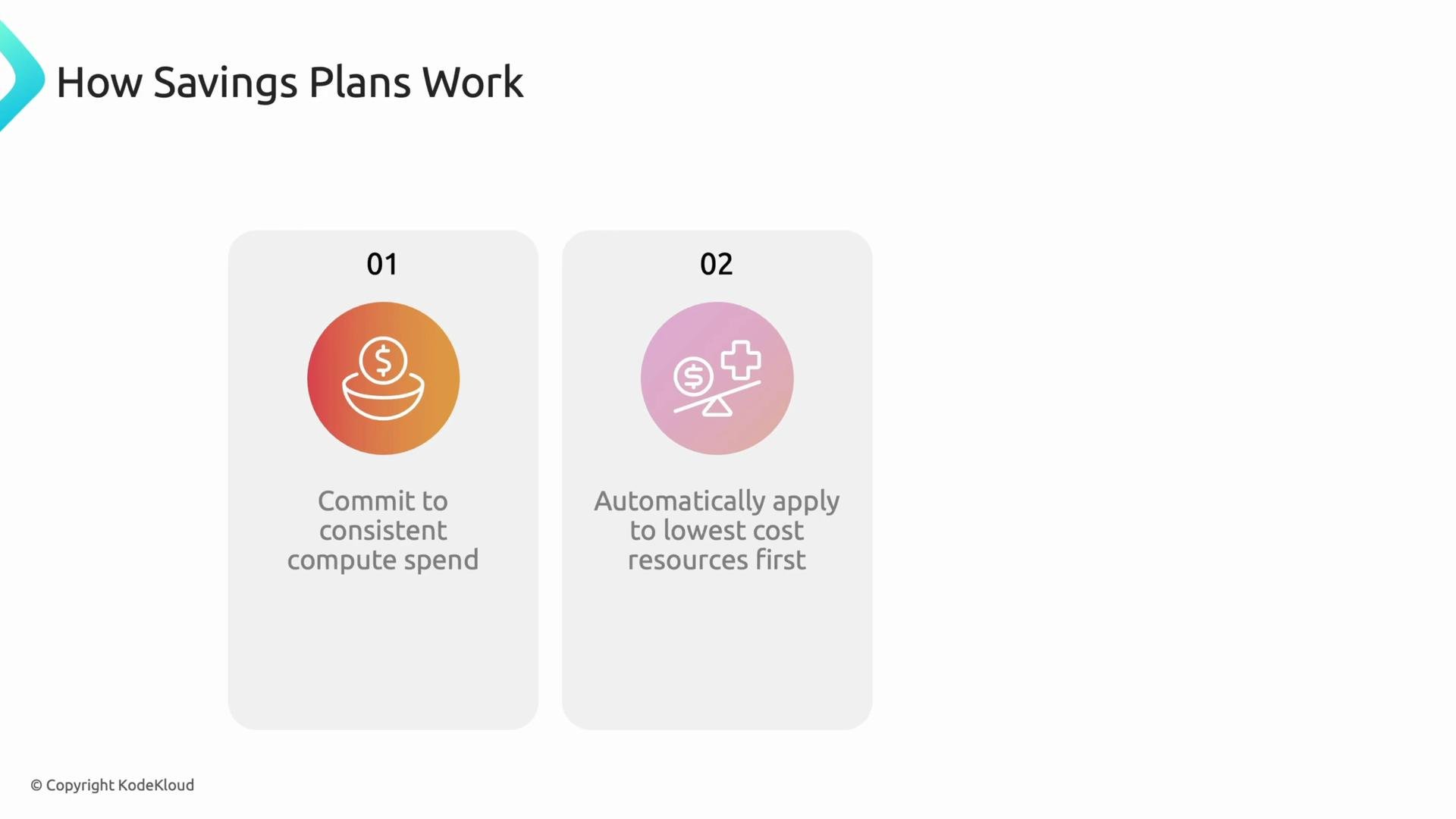
- Commit to a consistent hourly compute spend for a 1- or 3-year term.
- AWS automatically applies the Savings Plan to matching usage across services and accounts, selecting the most cost-effective match first.
- Any usage beyond the commitment is billed at standard on‑demand rates.
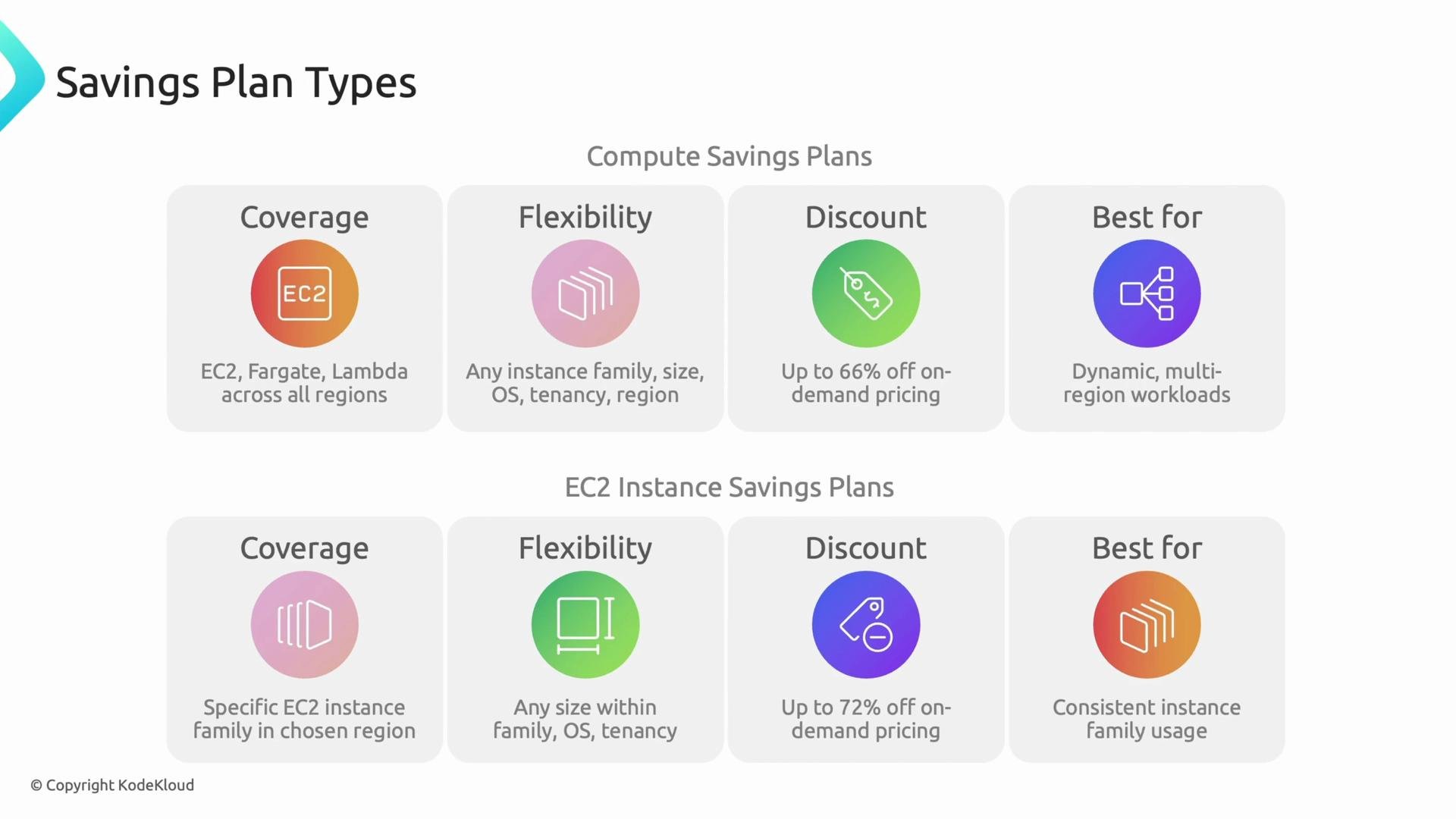
- Start with Compute Savings Plans when you need broad coverage and minimal operational change. They typically capture the majority of possible savings quickly.
- After several months, re-evaluate usage patterns. If large portions of spend are steady and concentrated in one EC2 instance family and region, layer in EC2 Instance Savings Plans for deeper discounts.
- Use historical cost and usage reports to model commitments. Target commitments to realistic baselines — avoid committing to peak or very spiky usage.
- Monitor two metrics regularly:
- Utilization: percent of Commitment that is actually used.
- Coverage: percent of eligible compute spend covered by Savings Plans.
- Combine Savings Plans with other levers (rightsizing, spot instances, instance refresh strategies) to maximize overall savings.
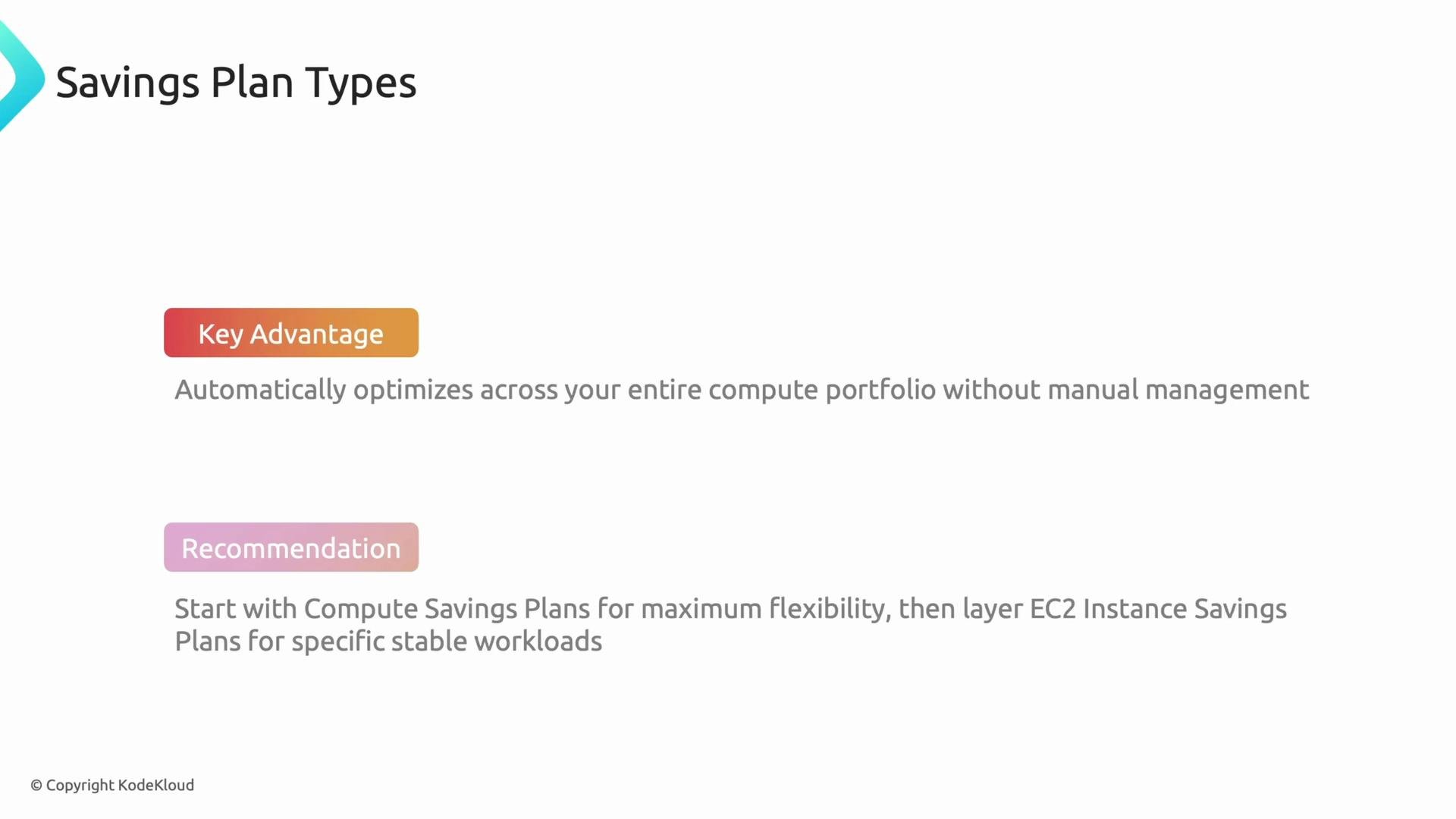
Start with Compute Savings Plans to capture quick wins and maintain flexibility. After observing usage for a few months, evaluate whether targeted EC2 Instance Savings Plans will deliver incremental savings.
Savings Plans are a financial commitment (hourly spend for 1 or 3 years). Regularly monitor utilization to avoid committing to unused capacity.
- Inventory: review compute spend across accounts and identify steady, recurring hourly spend. Use Cost Explorer and detailed billing reports.
- Model: run “what‑if” scenarios using 1- and 3‑year terms and mix of Compute vs EC2 Instance Savings Plans. Report expected savings, breakeven, and utilization sensitivity.
- Procure incrementally: consider phased purchases (e.g., commit 50–75% of steady baseline initially) to reduce risk.
- Operate: add Savings Plan monitoring to your FinOps dashboards. Track utilization, coverage, and unused commitments by account, team, and workload.
- DevOps/SRE actions: prioritize rightsizing and instance family consolidation where possible to make EC2 Instance Savings Plans more effective.
- Collect 3–12 months of compute usage data.
- Identify steady baseline spend and spikes.
- Test models for 1- and 3‑year terms and different commitment sizes.
- Purchase commitments incrementally and monitor utilization.
- Reassess quarterly and rebalance purchases when needed.
- AWS Savings Plans documentation: https://aws.amazon.com/savingsplans/
- Cost analysis and modeling: use AWS Cost Explorer reserved instance/Savings Plans reports.
- For multi-cloud comparison, evaluate GCP Committed Use Discounts: https://cloud.google.com/compute/docs/committed-use-discounts