Welcome back. In the previous lesson we covered the Iron Triangle — the core trade-off framework for cloud cost decisions. This article walks through amortization fundamentals: what amortization is, why it matters in FinOps, where it shows up in cloud environments, and a concrete numeric example so you can apply it to budgeting, allocation, and ROI analysis. What is amortization? Amortization is the practice of spreading a prepaid or one-time cost over the period that the asset or service delivers value. In cloud finance and FinOps, amortization helps teams avoid misleading spikes in spend, align costs with consumption, and make cross-period comparisons that reflect true cost-of-ownership. Why amortize costs?
  • Better budgeting: Instead of showing a large one-time hit when you prepay for a year, amortization distributes that expense evenly (or according to a defined schedule) across the benefit period.
  • Fairer allocation: Teams and projects are charged for the portion of prepaid resources they actually consume throughout the term.
  • Improved analysis and ROI: Spreading costs makes it easier to compare spend against delivered business value month-over-month or quarter-over-quarter.
Where amortization appears in the cloud
Resource TypeWhy amortizeExample
Service-level implementationsOne-off implementation or integration projects often provide value over many months — amortize to match benefit periodImplementation costs for a third-party monitoring integration
Reserved Instances / CommitmentsUpfront or term-based commitments are commonly spread across the commitment periodAWS Reserved Instances, Azure Reserved VM Instances
Software licensesAnnual or multi-year licenses are amortized to the period they supportSaaS or perpetual-license maintenance fees
Savings Plans & CommitmentsCommitments with discounted pricing are treated similarly to reserved offeringsAWS Savings Plans, enterprise vendor volume commitments
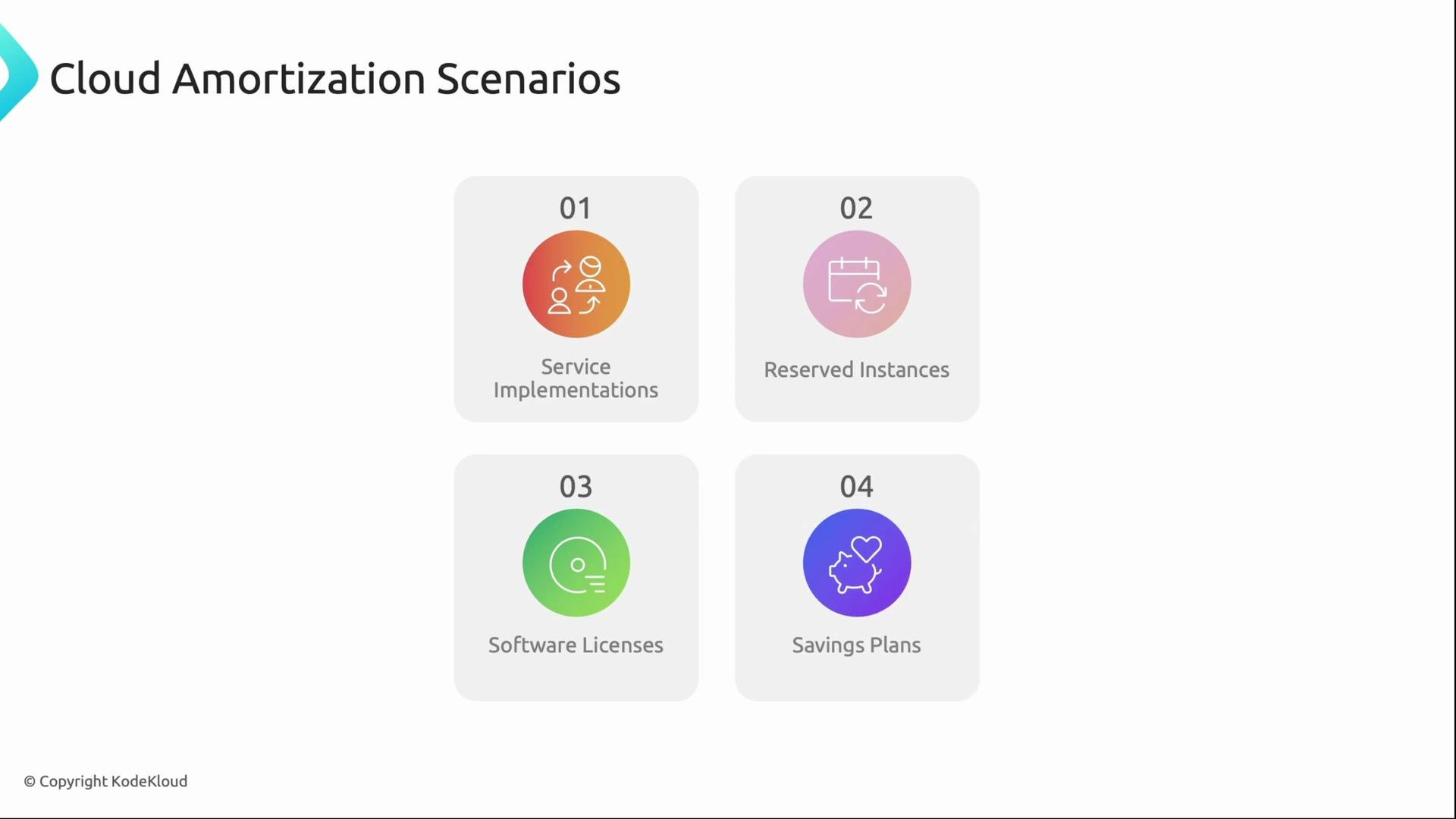
The image depicts four cloud amortization scenarios: Service Implementations, Reserved Instances, Software Licenses, and Savings Plans, each represented by a colorful icon.
A concrete example Below is a simple, practical comparison of on-demand pricing versus a reserved commitment, demonstrating how amortization turns an upfront payment into a monthly charge that can be compared to on-demand spend. Assumptions:
  • 10 instances
  • 730 hours per instance per month (typical monthly hours)
  • $0.10 per instance-hour
On-demand calculation:
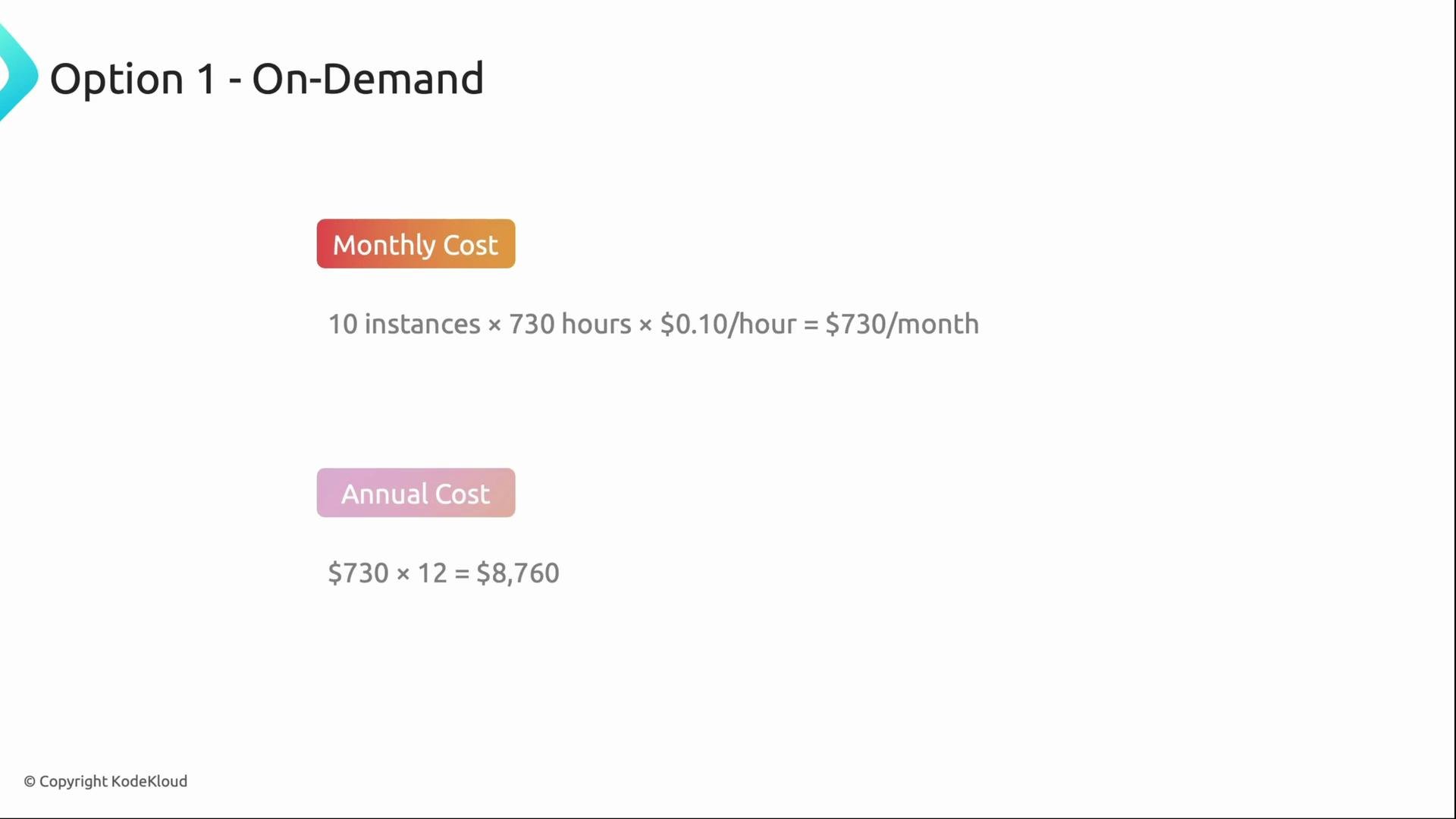
  • Monthly on-demand cost = 10 * 730 * 0.10=0.10 = 730
  • Annual on-demand cost = 73012=730 * 12 = 8,760
The image shows a breakdown of on-demand costs for a service, detailing monthly and annual expenses based on usage of 10 instances. The monthly cost is 730, and the annual cost is 8,760.
Reserved commitment comparison: Assume a Reserved Instance option with:
  • $5,000 upfront
  • $200 per month ongoing
Calculations:
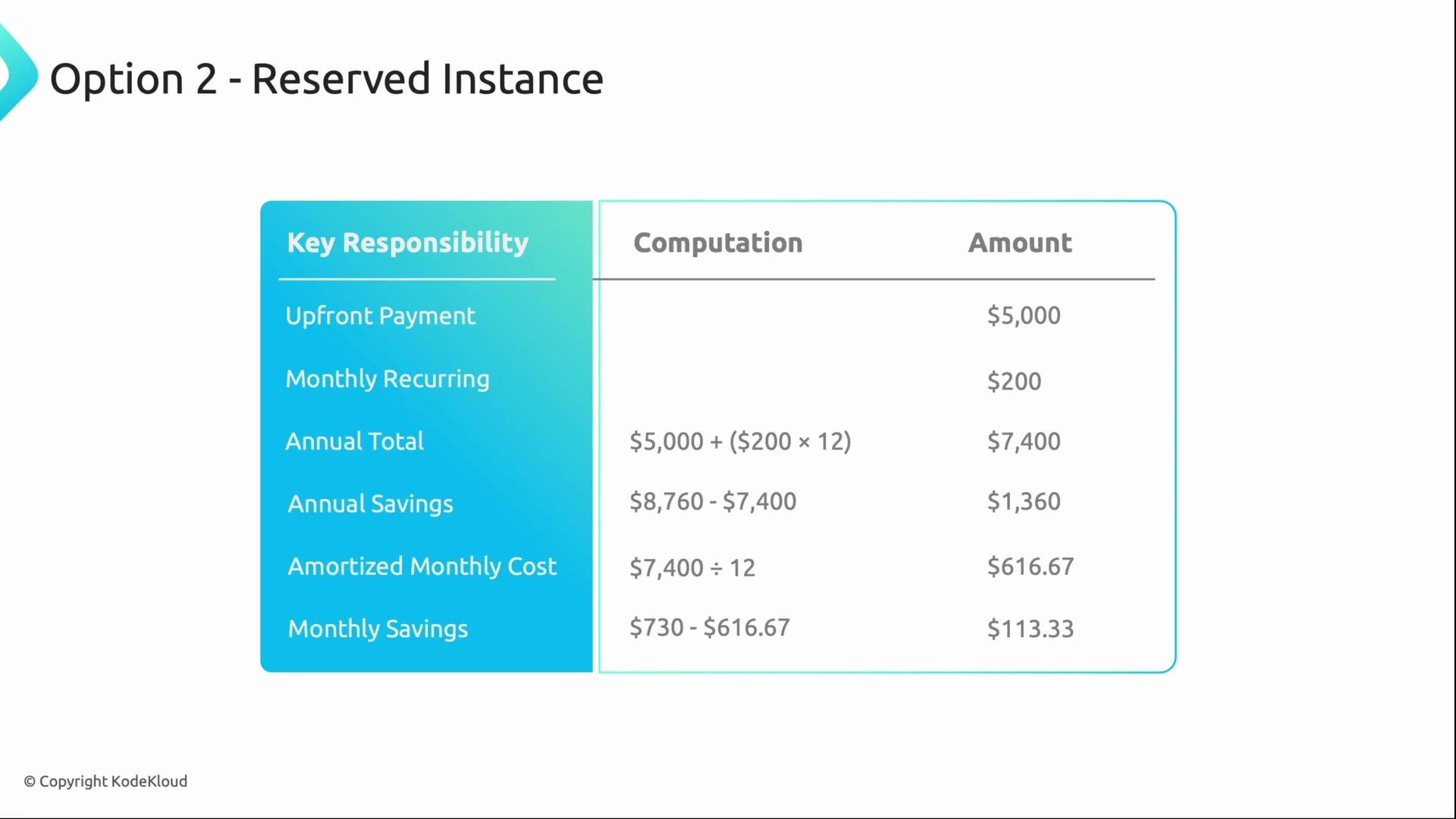
  • Annual reserved cost = 5,000+(5,000 + (200 * 12) = $7,400
  • Annual savings vs on-demand = 8,7608,760 − 7,400 = $1,360
  • Amortized monthly cost = 7,400/127,400 / 12 ≈ 616.67 per month
  • Monthly savings vs on-demand = 730730 − 616.67 ≈ $113.33 per month
ItemValue
On-demand monthly$730
On-demand annual$8,760
Reserved upfront$5,000
Reserved monthly (recurring)$200
Reserved annual total$7,400
Annual savings (On-demand − Reserved)$1,360
Amortized monthly cost (Reserved / 12)$616.67
Monthly savings vs on-demand$113.33
The image is a table detailing the costs and savings of a "Reserved Instance" option, including upfront payment, monthly recurring fees, and annual savings. Calculations such as annual total and amortized monthly costs are also displayed.
Key takeaway: In this example, committing to a Reserved Instance reduces annual spend by about 15.5% (roughly 1,360).Whenamortized,thatequatestoroughly1,360). When amortized, that equates to roughly 113 saved per month. Actual savings depend on the specific offering, term length, and utilization.
Why this matters for FinOps
  • Redeploy savings: Reduced recurring spend can free budget to invest in higher-priority initiatives.
  • Accurate cost signals: Amortized expenses provide smoother, more actionable cost signals for engineering and product teams.
  • Fair chargebacks and showbacks: Teams are charged in proportion to the benefit period, avoiding unfair one-time allocations.
  • Better ROI tracking: Amortizing capitalized or prepaid costs aligns expense recognition with when the business receives value.
Summary
  • Amortization spreads one-time or prepaid costs over the time they deliver value, improving budgeting, allocation, and ROI analysis.
  • It’s commonly applied to implementation projects, Reserved Instances, software licenses, and Savings Plans.
  • In our example, amortizing a reserved commitment converted an upfront payment into a predictable monthly cost that showed clear monthly and annual savings versus on-demand pricing.
  • Next lessons will cover fully loaded costs and blended rates to show the complete cost picture beyond amortization alone.
Further reading and references That’s it for this lesson — speak with you soon.

Watch Video