

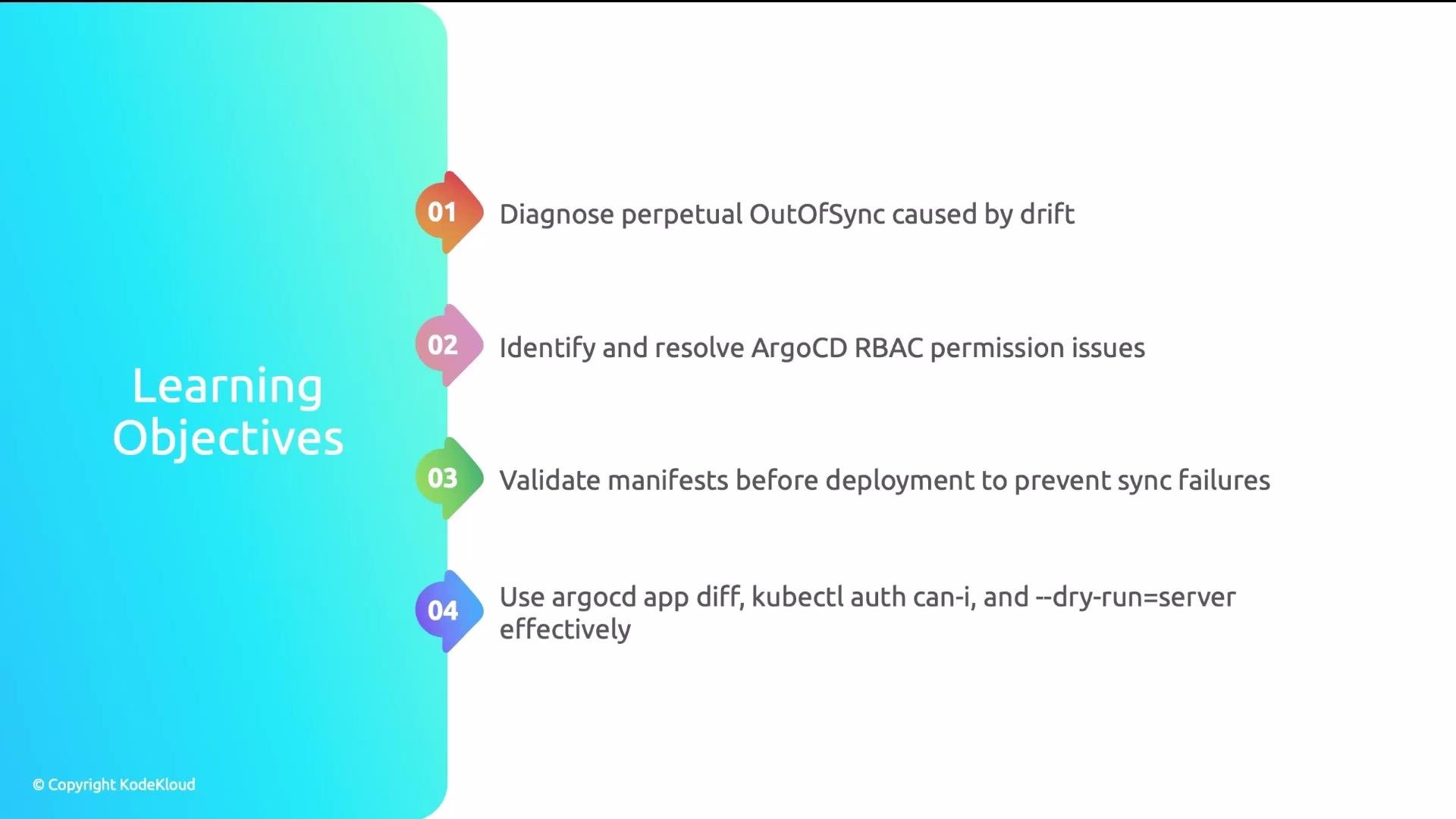
- Drift (external controllers or manual changes)
- Permissions (RBAC / service account limitations)
- Invalid configurations (bad manifests, missing CRDs, missing namespaces)
spec.replicas: 3, while the HPA scaled the Deployment to 7. Argo CD reconciled the Deployment back to 3; the HPA then bumped it to 7, causing a continuous drift loop.
Key lesson: not every difference between Git and the cluster is an error. Controllers (HPAs, operators) and the API server often mutate objects. Recognize expected drift and tell Argo CD what to ignore.
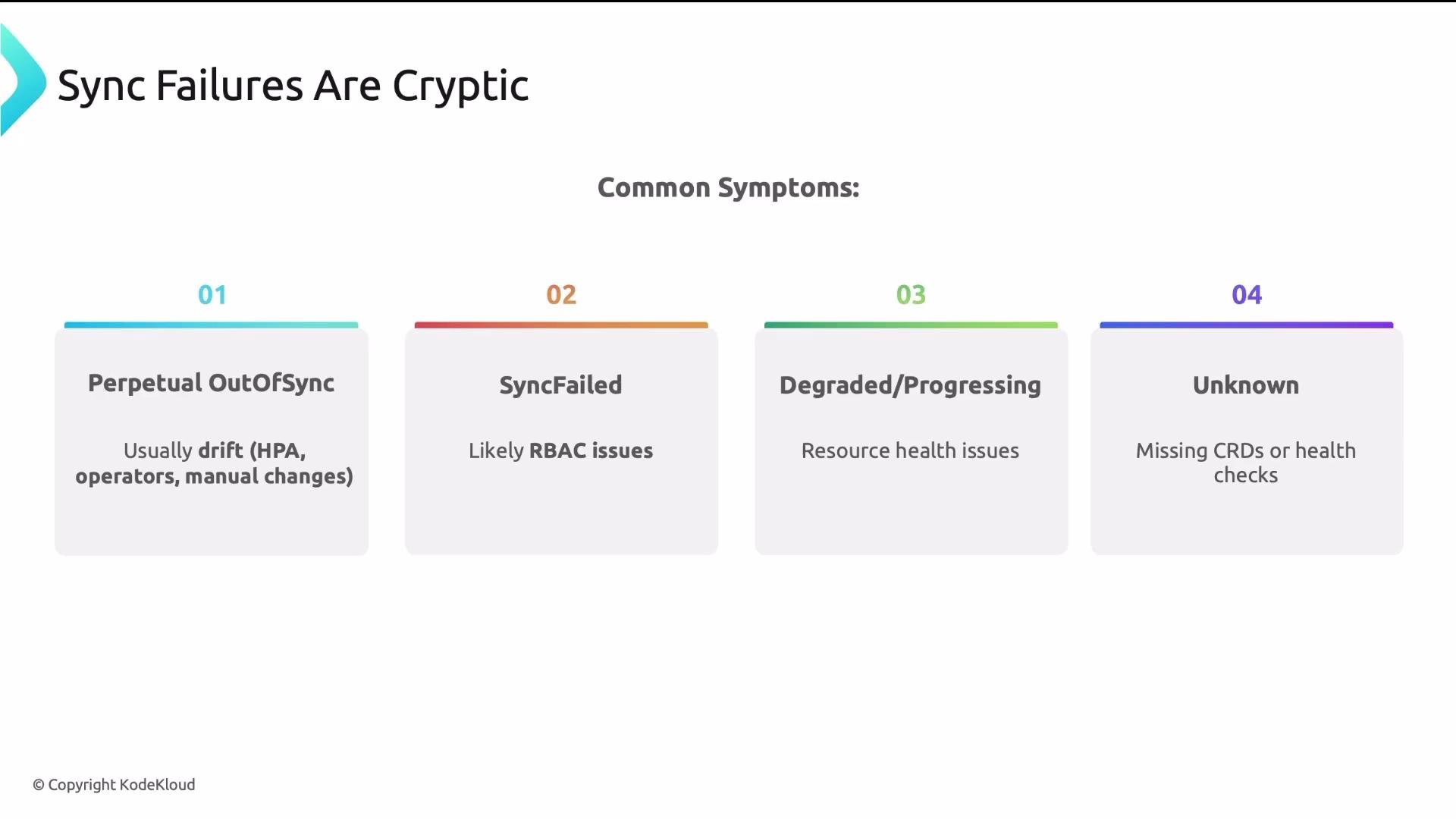
Common symptoms and usual causes
- Perpetual OutOfSync — often drift from HPAs, operators, or manual edits that continuously change cluster state.
- SyncFailed — typically permission problems: Argo CD cannot create/update/delete resources.
- Degraded / Progressing — resources were applied but are not becoming healthy; usually bad configurations (image pull errors, insufficient resources, missing dependencies).
- Unknown health — Argo CD cannot determine health for a resource type, often because CRDs or health checks are missing.
Diagnosis and remediation — start with the most common: drift
Drift (most common cause of perpetual OutOfSync)
- Diagnostic question: Why does my app stay OutOfSync even after syncing?
- Diagnostic tool: Argo CD diff (UI or CLI Diff tab) to see field-by-field differences between Git and live cluster.
spec.replicas (Git: 3, live: 7) or extra annotations/fields present only in the cluster.
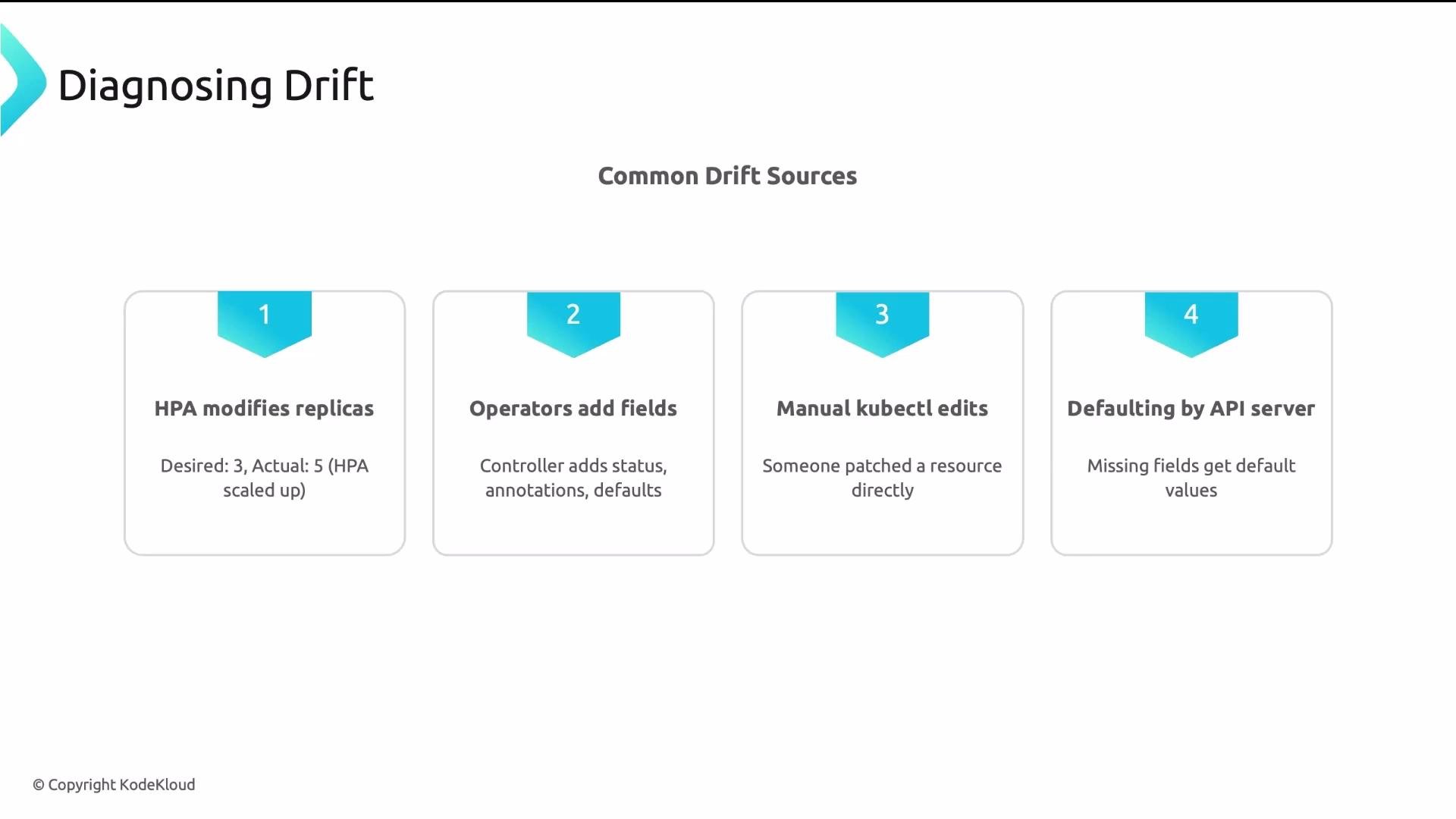
Common drift sources:
- HPA modifying
spec.replicas. - Operators adding fields or
statussubtrees. - Controllers adding annotations or labels.
- Manual
kubectledits or patches. - API server server-side defaulting.
spec.replicas), add an ignoreDifferences entry in the Application spec so Argo CD does not treat that as drift.
Example Application snippet:
Only ignore fields that are purposefully controlled by external controllers. Overusing
ignoreDifferences can mask genuine drift or configuration mistakes.- Symptoms:
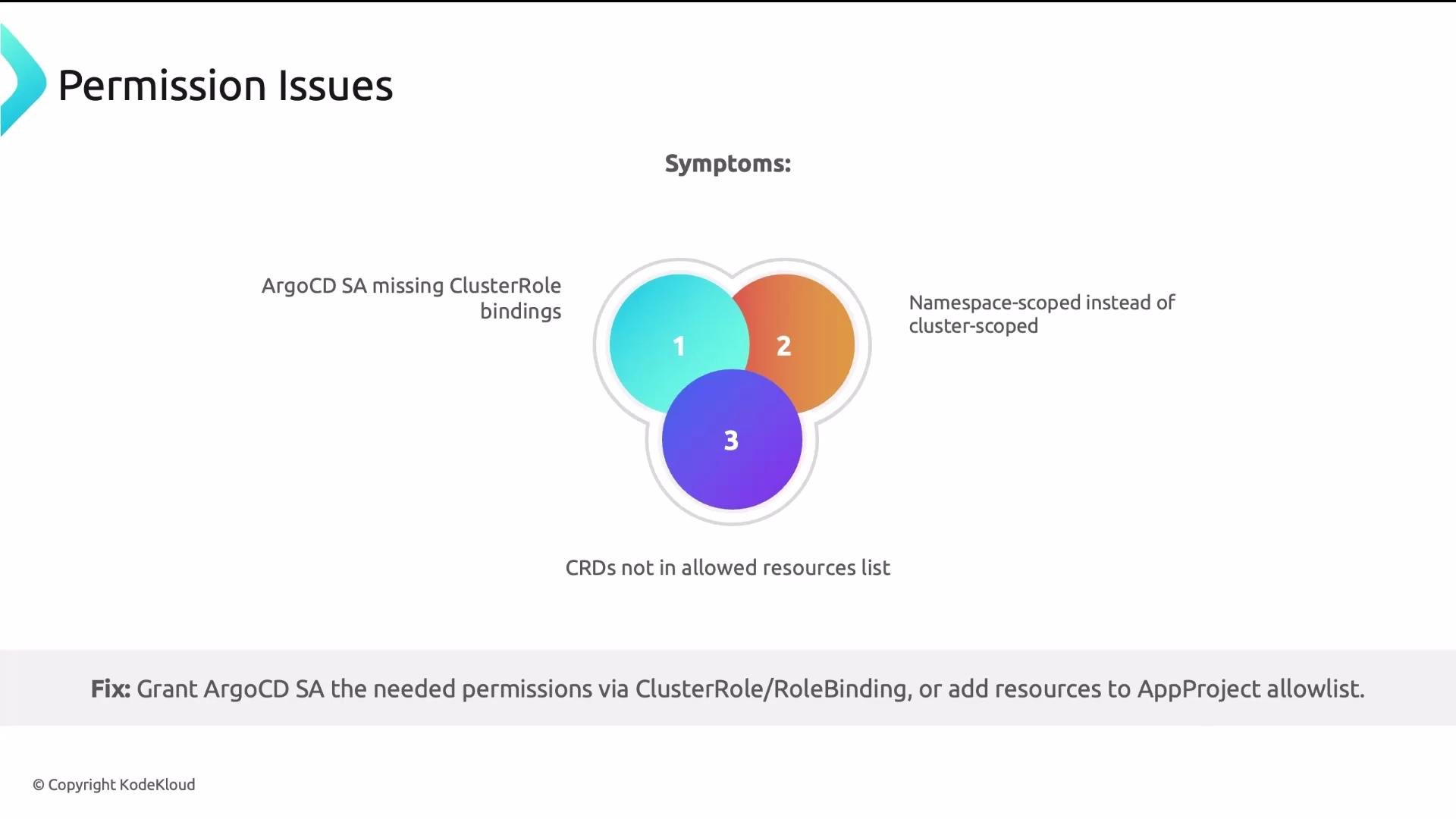
SyncFailedwithforbidden, partial syncs (some resources created while others fail), or inability to delete resources during auto-prune. - Cause: Argo CD’s service account lacks the required create/update/delete permissions for certain resource kinds, or the ApplicationProject restricts allowed kinds.
kubectl auth can-iwith impersonation to simulate Argo CD controller permissions.- Controller logs for detailed error messages (
argocd-application-controller).
- Grant missing permissions using
ClusterRole/ClusterRoleBindingfor cluster-scoped needs. - Configure namespace-scoped
Role/RoleBindingfor limited privileges. - Add required resource kinds to the ApplicationProject allow list if the project policy is blocking them.
- If CRDs cause permission or create errors, ensure CRDs are installed before Argo CD tries to manage CR instances.
- Symptoms:
SyncFailedor resources stuck in Degraded/Progressing because YAML is invalid, fields have wrong types, CRDs are missing, or target namespaces don’t exist. - Best practice: validate manifests before they reach Argo CD (CI pre-merge checks).
- Invalid YAML (indentation, missing colons).
- Schema validation errors (wrong types or unknown fields).
- CRDs not installed in the cluster.
- Target namespaces don’t exist or lack access.
argocd app diff locally too:
Add
kubectl apply --dry-run=server (or rendered Helm/Kustomize validation) to CI to block PRs that would fail validation in the cluster. This prevents the most common sync failures caused by invalid manifests or missing CRDs.- Check controller logs and
kubectl describe/kubectl logsfor failing pods. - For custom resource types, confirm CRDs exist and are compatible with the manifests being applied.
- Use Argo CD UI Diff/Sync history to see when drift started and what changed.
- When using operators, check operator documentation for which fields they manage so you can ignore them in Argo CD.
- Use
argocd app diffto see exact differences between Git and the cluster. - Use
ignoreDifferencesfor fields intentionally managed by external controllers (e.g., HPA-driven replicas). - Use
kubectl auth can-i(impersonating the Argo CD service account) andargocd-application-controllerlogs to diagnose RBAC problems. - Add
kubectl apply --dry-run=server(or rendered Helm/Kustomize validation) to CI to catch schema/CRD/permission issues before merge. - Most GitOps issues fall into drift, permissions, or bad configurations. Learning to diagnose each category reduces debugging time from hours to minutes.
- Argo CD documentation: https://argo-cd.readthedocs.io/
- Kubernetes RBAC: https://kubernetes.io/docs/reference/access-authn-authz/rbac/
- Kubernetes API conventions (defaulting & server-side apply): https://kubernetes.io/docs/reference/using-api/server-side-apply/