

Pod Security profiles and modes
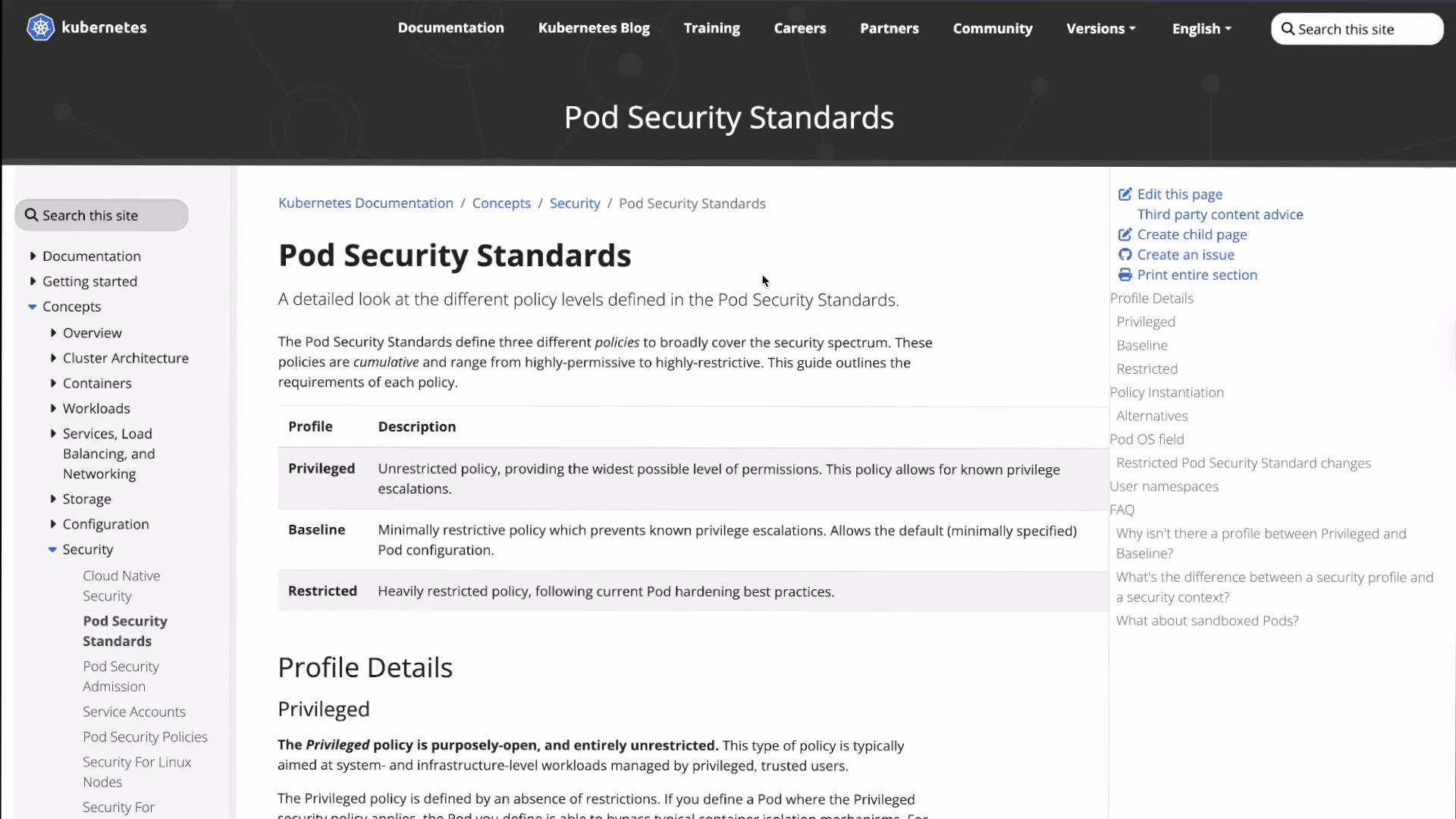
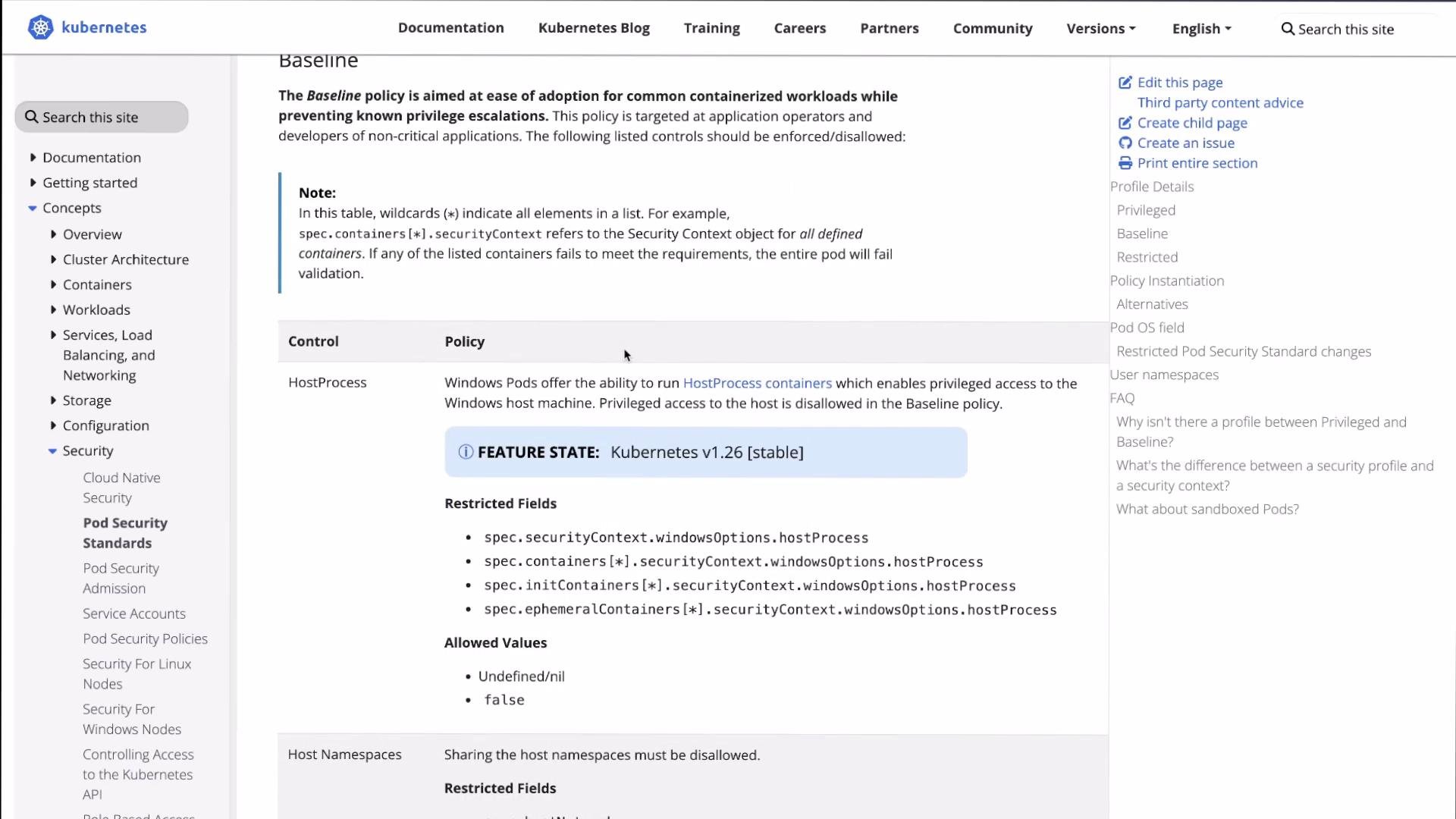
Pod Security Standards are label-driven: a namespace’s enforcement behavior is determined solely by labels on that namespace (for example
pod-security.kubernetes.io/enforce=baseline). Labels make policy auditable and easily reversible.Applying or changing PSS labels requires permission to modify namespaces (typically cluster-admin). Test changes in a non-production cluster or dedicated namespaces before rolling higher-level enforcement.
Typical workflow
The common progression is:- Inspect namespaces and labels.
- Label a namespace with PSS modes (
warn/auditfirst to surface issues). - Attempt non-compliant workloads to capture warnings/audit entries.
- Fix workloads to meet the profile.
- Switch to
enforcewhen ready to block non-compliant Pods.
- Check current namespaces and labels
- Label a namespace to enforce the
baselineprofile but alsoaudit/warntherestrictedprofile so you can see what would fail under stricter rules:
- Create a Pod that violates baseline to see the enforcement behavior
privileged-pod.yaml:
pss-baseline:
- Try a standard nginx Pod that baseline will admit but restricted will warn on
kubectl run for a quick test:
pss-baseline has warn/audit for restricted):
- Enforce the
restrictedprofile on another namespace and observe rejections
pss-restricted to enforce:
restricted is in enforce mode, creation is blocked and the required corrections are listed:
- Example Pod that complies with
restricted
restricted-pod.yaml:
nginx/nginx-unprivileged:alpine runs as a non-root user and the securityContext fields satisfy the restricted checks.
- Use
warnmode to discover non-compliant workloads (audit flow)
warn mode:
restricted and create another Pod, admission prints warnings for restricted violations:
Recommended minimal securityContext fields for restricted
Putting these into pod/container specs is the most common way to resolve
restricted violations.
Summary
- Start with
warnandauditmodes to safely discover issues. - Fix Pod specs (set
runAsNonRoot,allowPrivilegeEscalation=false, drop capabilities, setseccompProfile, avoid host namespaces, etc.) until warnings disappear. - Switch to
enforcefor the target profile to block non-compliant workloads. - PSS offers a simple, label-driven approach that is easy to audit and reverse without extra operators.