

- Why one-size-fits-all quotas fail
- How to choose sensible defaults for common workloads
- How to design environment-specific quotas (namespace tiers)
- How to apply observed usage to refine limits and requests
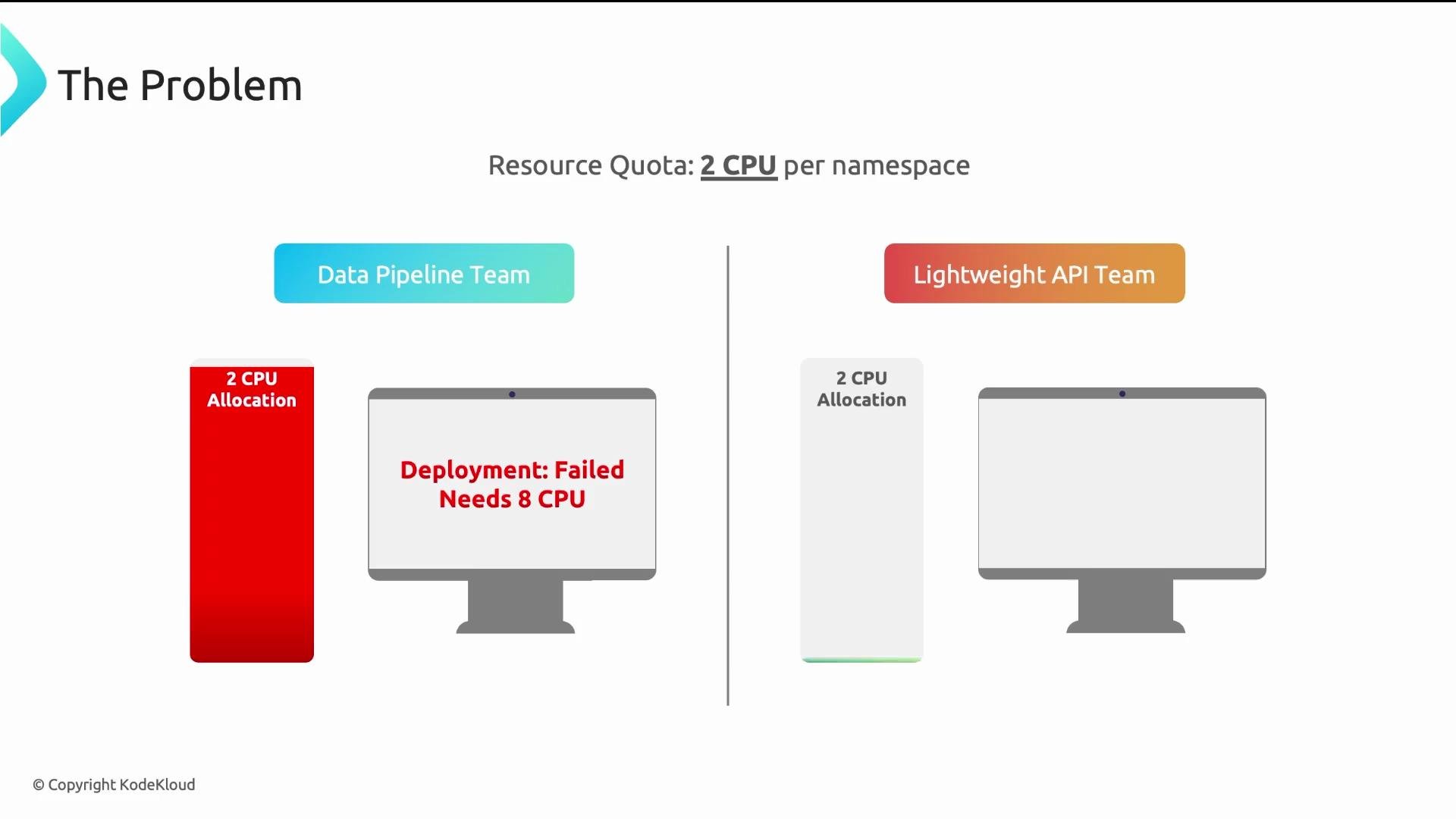
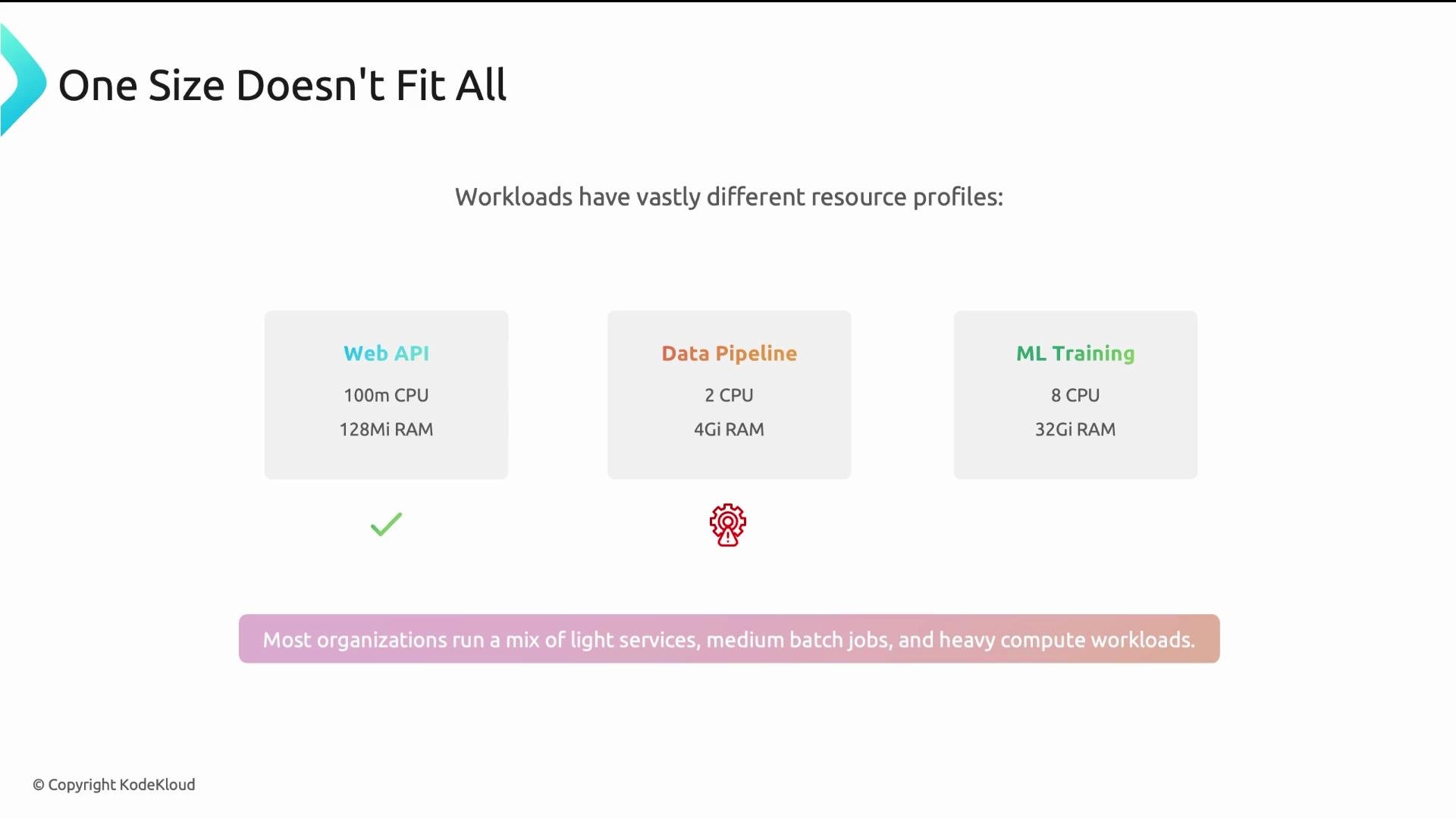
ResourceQuota of 2 CPUs to every namespace. Within 24 hours the data pipeline team could not deploy: their batch jobs required 8 CPUs per container. Meanwhile, a lightweight API team used only ~200m CPU of their 2-CPU allocation — most capacity was wasted. A single quota for all namespaces helped no one.
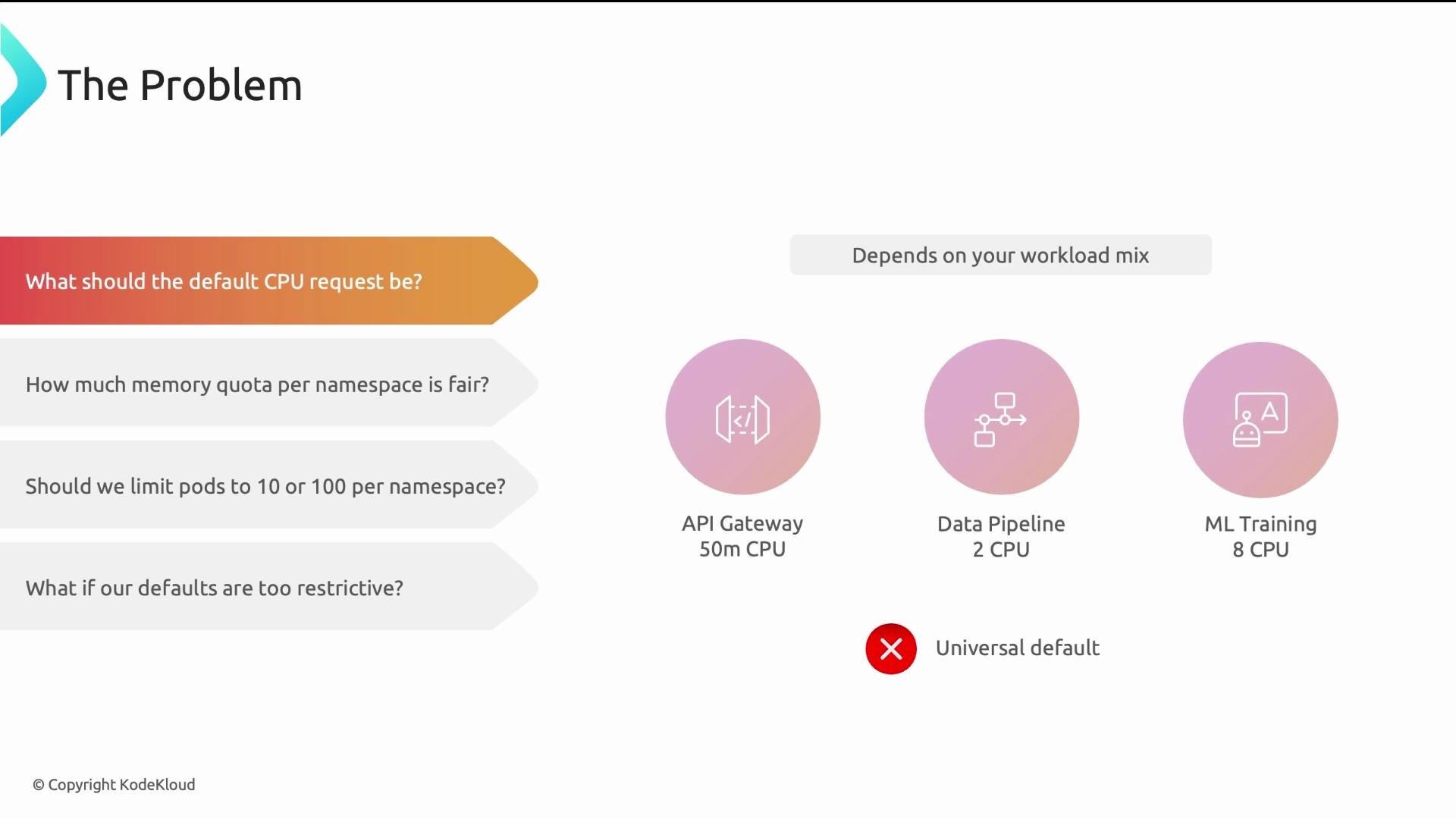
- What should the default CPU request be?
- Answer: it depends on the workload mix. A lightweight web API might request ~500m, a medium batch job ~2 CPUs, and an ML training pod may require 8+ CPUs. There is no single universal default.
-
How much memory quota per namespace is fair?
- Answer: it depends on how many services a team runs, their workload intensity, and whether the namespace is for exploratory dev or customer-facing production.
-
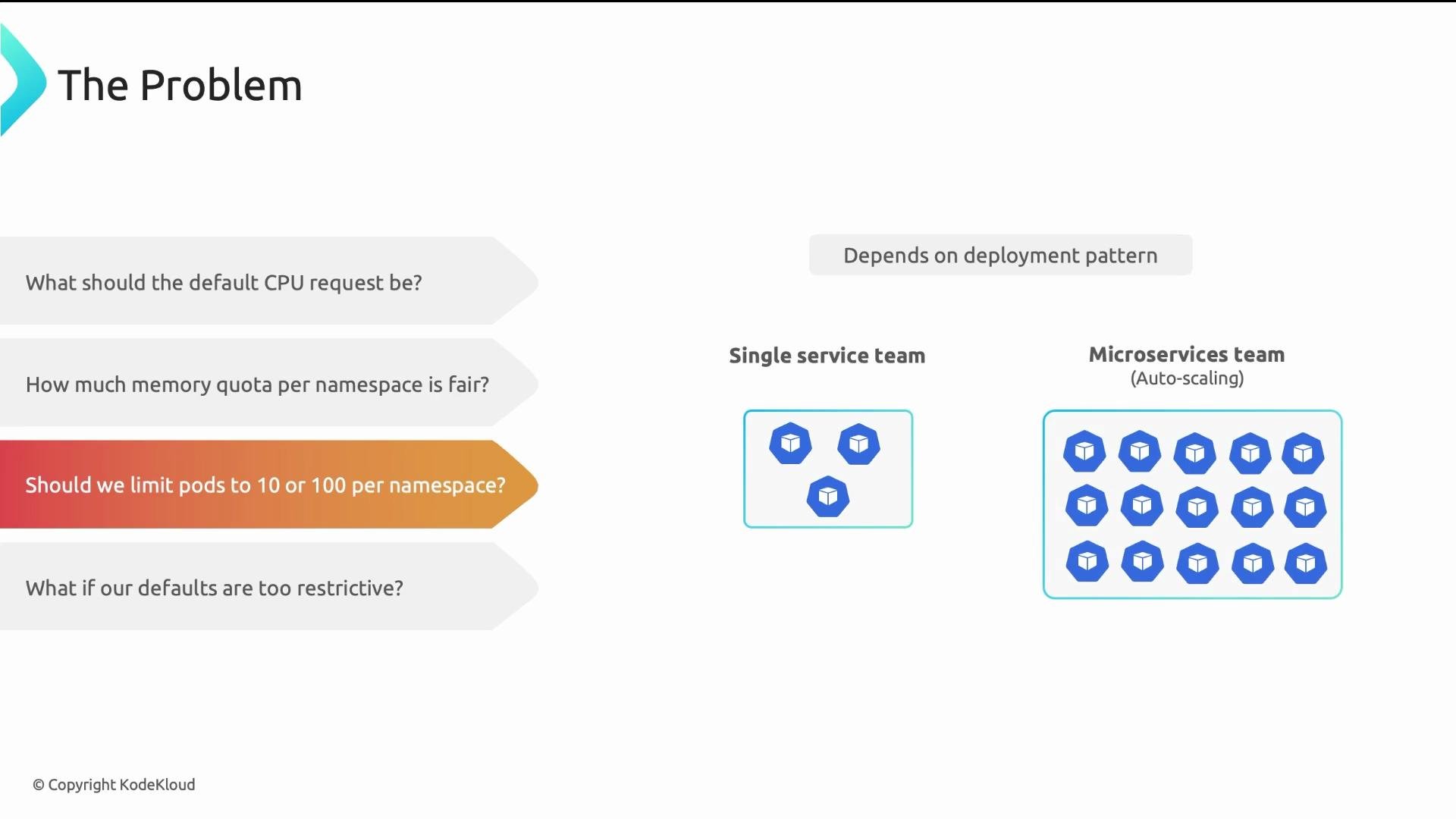
How many Pods should we allow per namespace?
- Answer: it depends on deployment patterns. A team with a single service and three replicas needs few Pods. A team running 20 microservices with autoscaling may need hundreds.
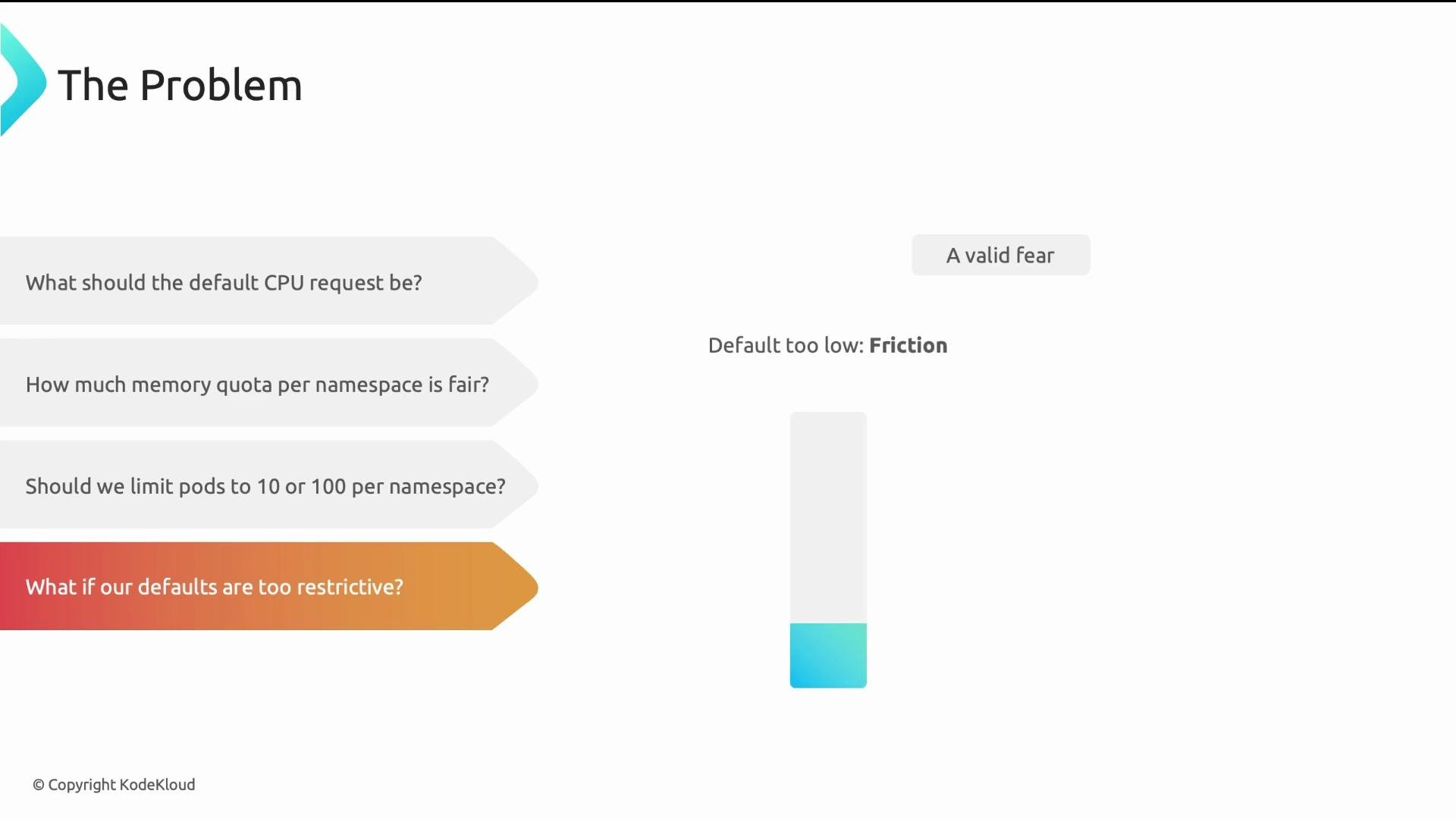
- What happens if defaults are too restrictive?
- Answer: low defaults increase developer friction (many quota escalation requests). High defaults defeat governance and waste cluster capacity.
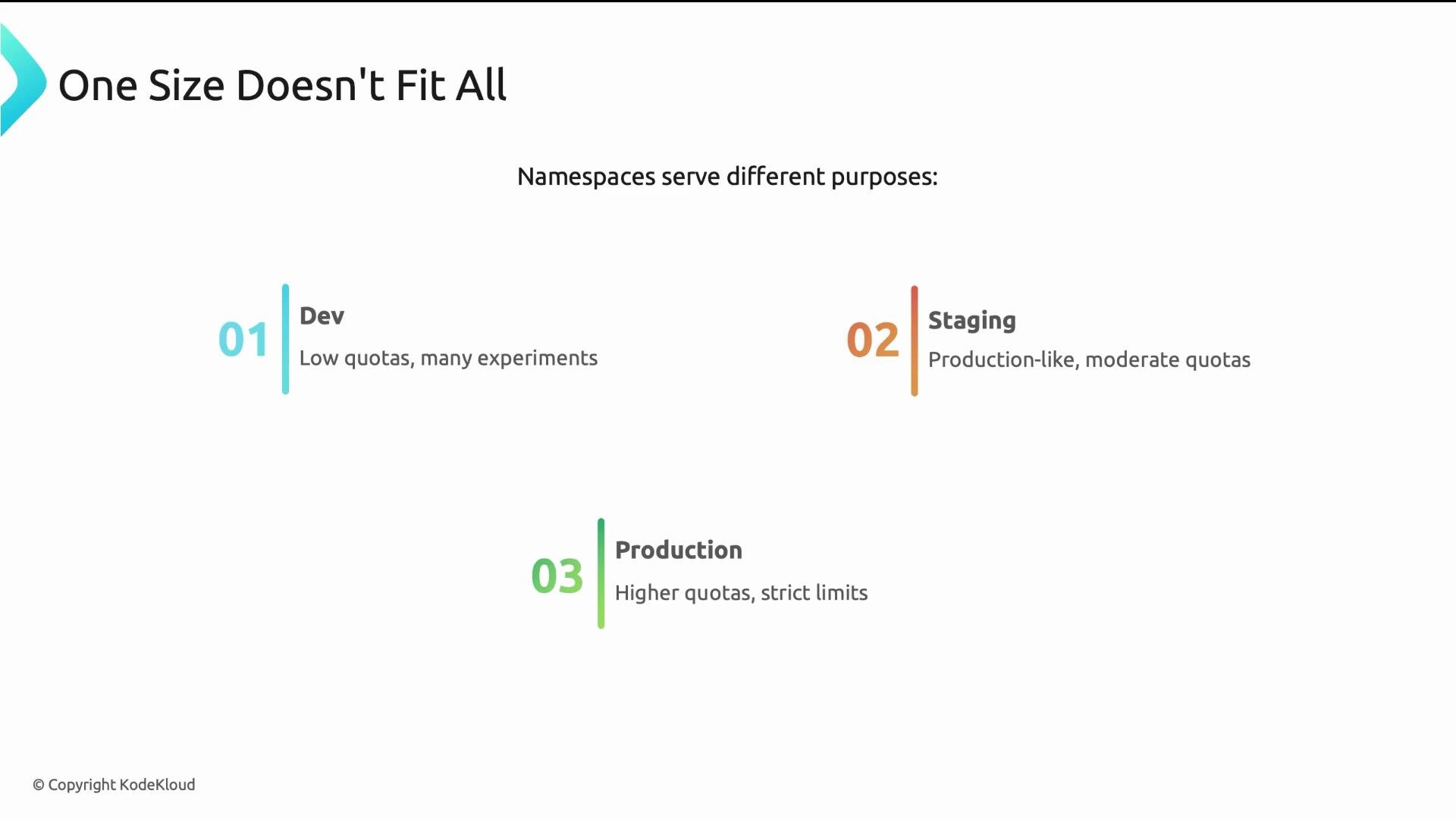
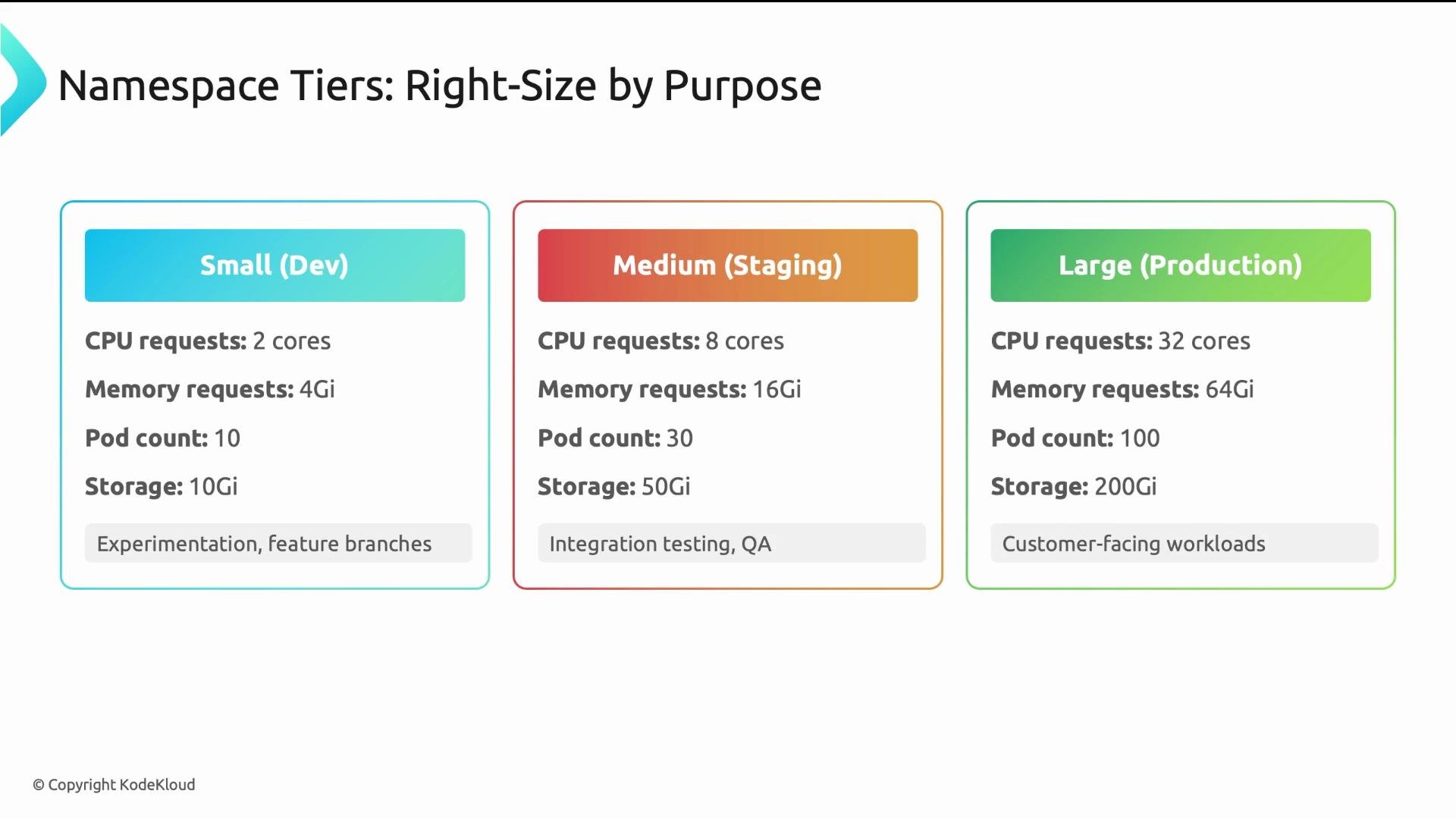
- Dev namespaces: low quotas for experimentation, quick feedback loops.
- Staging namespaces: moderate quotas to run production-like tests.
- Production namespaces: higher quotas and stricter controls for availability and performance.
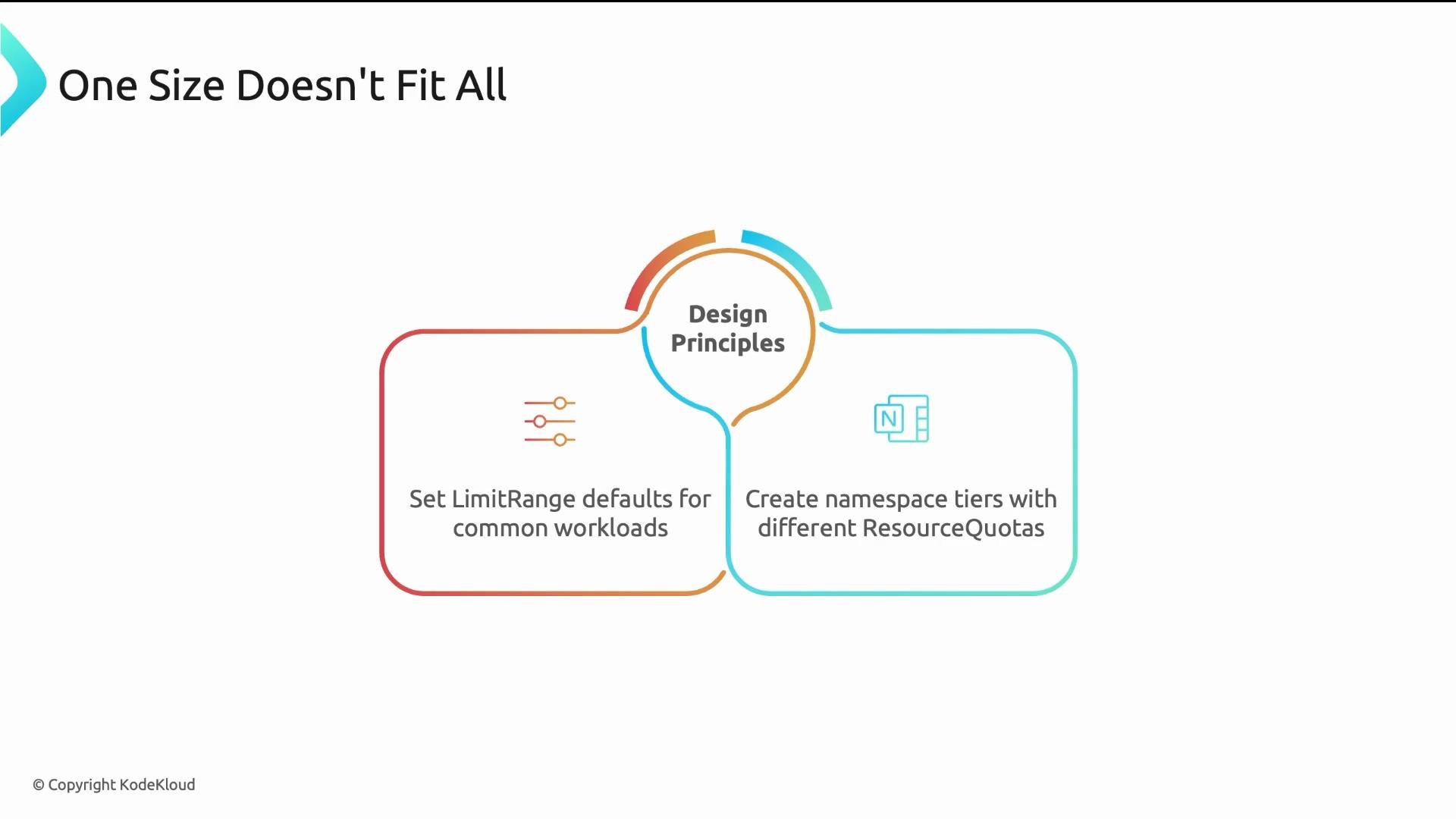
- Set LimitRange defaults to match common workload types and require explicit overrides for exceptional cases.
- Create namespace tiers (small, medium, large) and apply tier-specific ResourceQuotas.
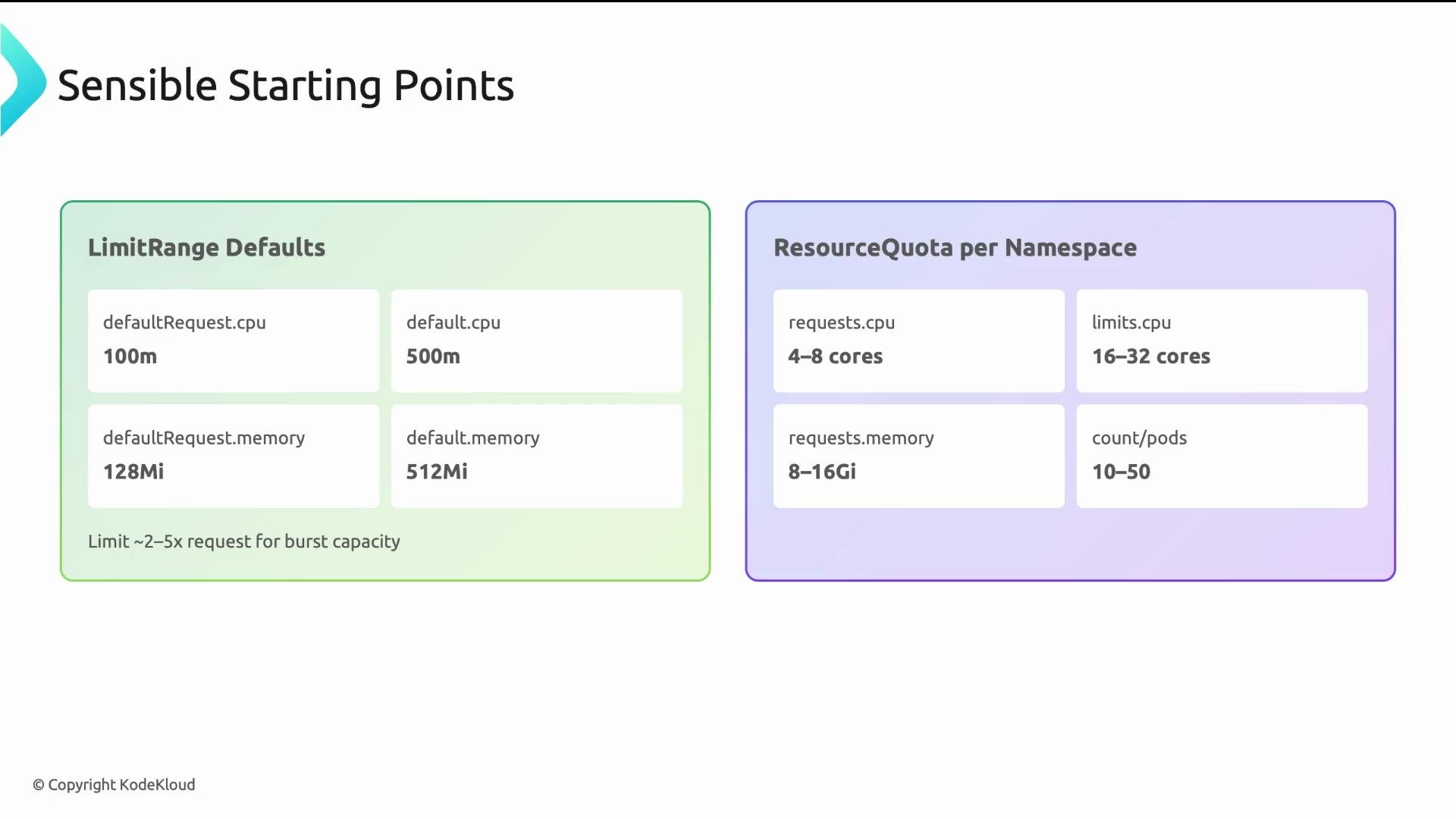
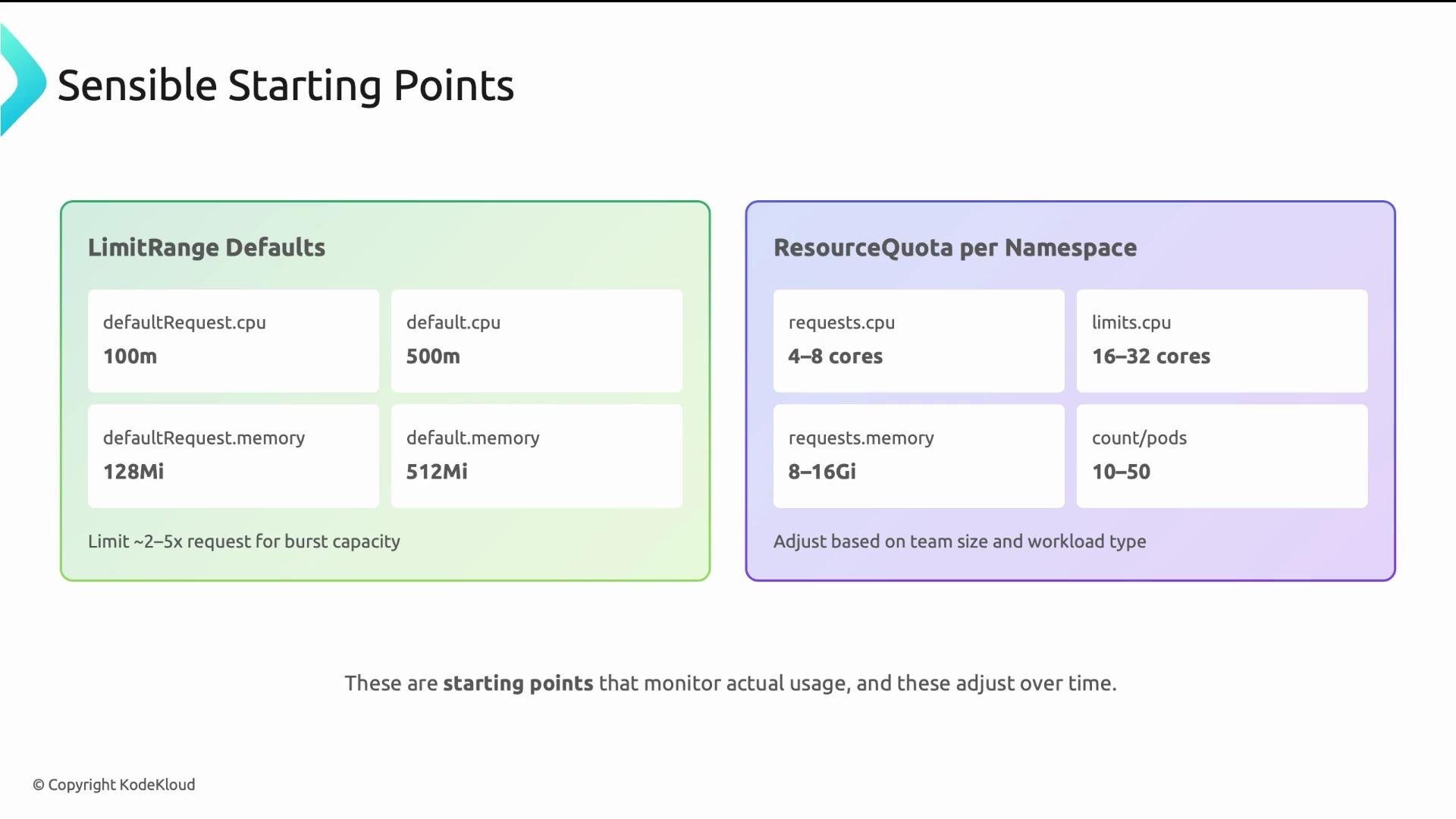
- LimitRange defaults (per-container) for lightweight services:
- default request: cpu: 100m, memory: 128Mi
- default limit: cpu: 500m, memory: 512Mi
- Multiplier guidance: limit/request commonly 2x–5x. CPU multipliers can be higher (3x–5x); memory multipliers should be tighter (2x–3x) to reduce OOM risk.
- ResourceQuota per namespace: select values based on expected service count and replica targets. Pairing ResourceQuota with LimitRange reduces Pod creation rejections by ensuring defaults are injected before quota checks.
spec.limits[].default: injected as container limits when a container omits explicit limits (caps burst).spec.limits[].defaultRequest: injected as container requests when omitted (scheduler reserves this).spec.limits[].max/min: optional hard bounds. Ifmax.cpuis “4”, a container limit >4 will be rejected.type: "Container"applies defaults and bounds per container. A Pod with three containers receives defaults three times (one per container). Usetype: "Pod"to apply at Pod level instead.
requests.*fields cap the sum of container requests in the namespace (the scheduler budget).limits.*fields cap the sum of container limits in the namespace (runtime/burst budget).- Typical pattern:
limits.*>requests.*to permit bursting (for example,limits.cpu: "8"vsrequests.cpu: "4"). podssets a hard cap on the number of Pods (prevents accidental sprawl).
services, configmaps, persistentvolumeclaims, etc.) to avoid object sprawl.
Behavioral note: Quota admission rejects Pod creations that would exceed tracked usage. LimitRange injection happens before quota validation, so using both together lowers the chance of unexpected rejections.
YAML example:
- Instrument cluster and namespace-level metrics (CPU, memory, pod counts, OOM events).
- Observe for 2–4 weeks across representative workloads.
- Adjust LimitRange defaults, min/max, and ResourceQuota hard limits based on real usage and growth trends.
- Communicate changes and provide a clear escalation path for teams that need temporary or permanent quota increases.
- Kubernetes LimitRange: https://kubernetes.io/docs/concepts/policy/limit-range/
- Kubernetes ResourceQuota: https://kubernetes.io/docs/concepts/policy/resource-quotas/
- Monitoring practices: use Prometheus/Grafana or cloud provider metrics to capture long-term trends
- Start with sensible defaults and iterate based on observed usage.
- Use namespace tiers to reflect environment intent (dev, staging, prod).
- Always pair ResourceQuota with LimitRange: quotas enforce totals, LimitRange provides defaults and validation.
- Monitor, review, and evolve quotas — governance is not “set-and-forget.”
- Good governance enables teams while protecting shared cluster resources and preventing accidental or malicious exhaustion.
Design for variability: different workloads and environments require different default strategies. Start with sensible defaults, monitor real usage, and evolve quotas and limits to match observed needs.