

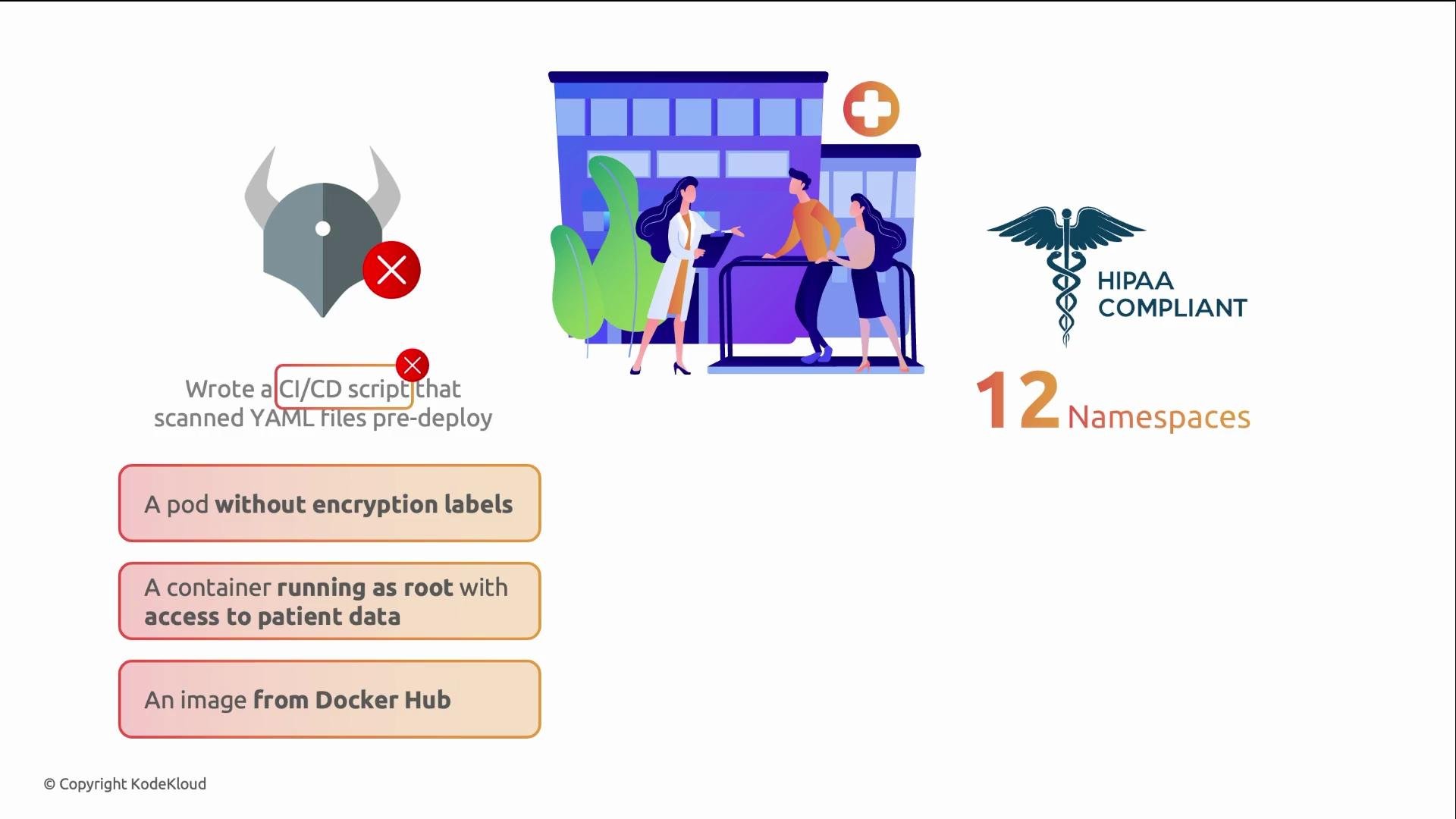
kubectl apply directly and bypass checks. In two months they logged three incidents: a pod missing encryption labels, a container running as root with direct patient-data access, and an unscanned image pulled from Docker Hub. Gatekeeper would have enforced these checks at the API server, preventing such resources regardless of how they were created.
How Gatekeeper’s two-resource model works
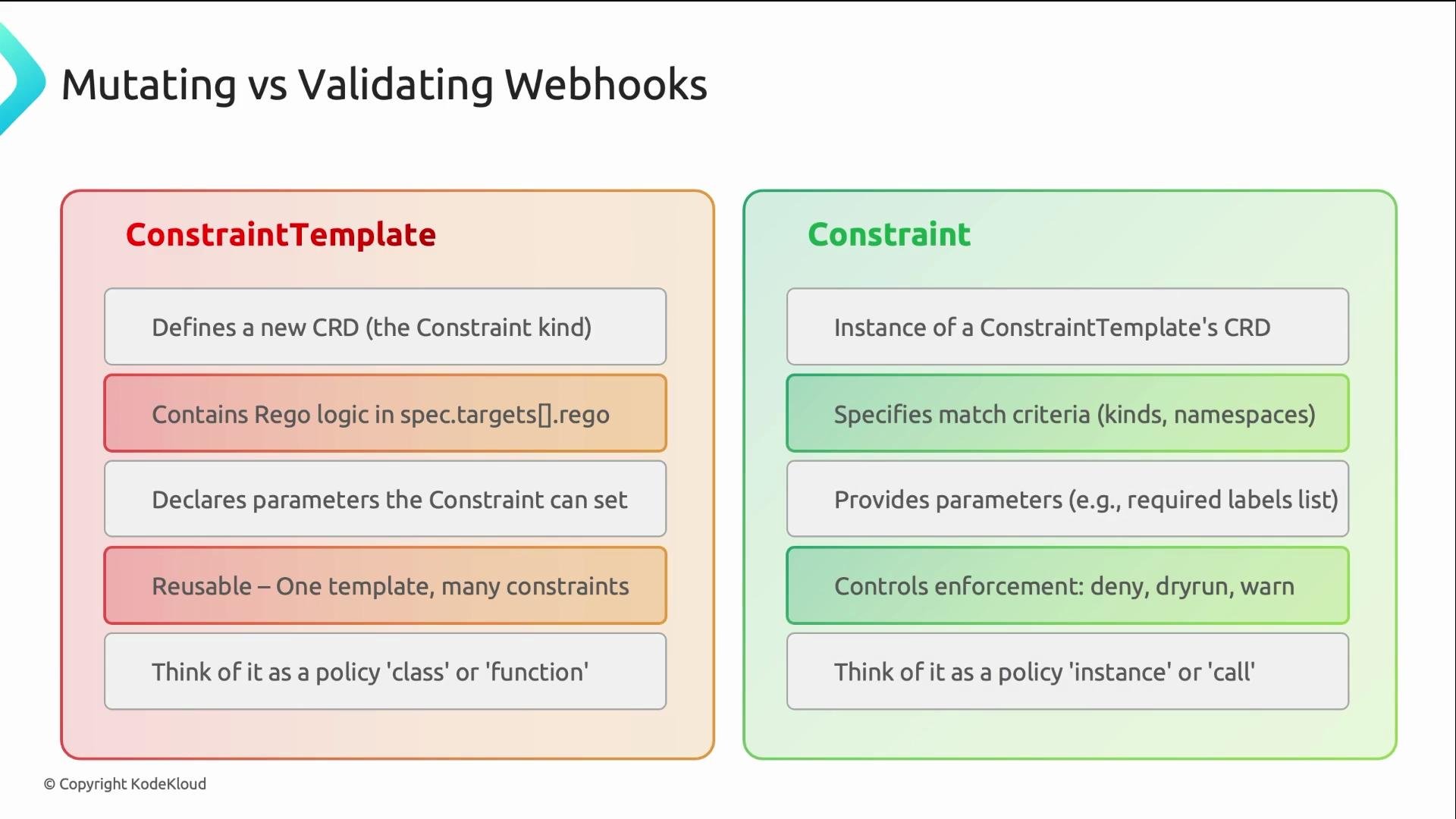
Gatekeeper separates policy logic from policy instances:- ConstraintTemplate: authored by the platform or security team. Contains the Rego policy logic and registers a new CRD (CustomResourceDefinition) when applied.
- Constraint: an instance of that CRD that specifies where the policy should be applied and supplies parameters.
Example: Required labels policy (ConstraintTemplate + Constraint)
The following example shows a ConstraintTemplate that enforces required labels on a resource. Key points:spec.crdcreates a new kind:K8sRequiredLabels.spec.targets.regocontains the Rego logic.- Rego inputs to know:
input.review— the admissionReview object; the resource under validation/ mutation isinput.review.object.input.parameters— parameters provided by the Constraint.
- The
violationrule iterates thelabelsparameter and checks whether each required label exists on the requested resource (input.review.object.metadata.labels). - When a label is missing, the rule emits a violation message, and Gatekeeper will act according to the Constraint’s
enforcementAction(e.g.,deny,warn,dryrun).
kind must match the K8sRequiredLabels CRD registered by the template. The enforcementAction controls behavior:
dryrun: record violations but allow the request.warn: allow the request, but return a warning to the caller.deny: reject the request.
team label will be rejected with a helpful message:
Recommended rollout strategy
A staged rollout prevents sudden breakage across clusters and teams:- Start with
enforcementAction: dryrun— captures violations without blocking resources. - Move to
warn— surfaces issues to users while still allowing requests. - Finally switch to
deny— fully enforce the policy once remediation is complete.
Rollout checklist: apply the ConstraintTemplate, create Constraints in
dryrun mode, monitor recorded violations and fix offending resources, switch to warn for visibility, then set enforcementAction: deny when remediation is complete.Important: Applying
deny without a phased rollout can cause outages. Always run dryrun first and ensure teams have time to remediate violations before enforcing.Debugging Gatekeeper
- If a ConstraintTemplate fails to register, inspect its
statusfor Rego syntax or schema errors. - Use
kubectl getandkubectl describeto inspect ConstraintTemplates, Constraints, and recorded violations. - Gatekeeper records violations even when rejecting requests — violations appear in the Constraint status.
- Check the Gatekeeper controller logs for runtime errors, webhook connectivity issues, or other controller-side problems.
- Verify the ConstraintTemplate is Ready and has no Rego compile errors.
- Confirm the constraint
kindexactly matches the CRD name created by the template. - Ensure the Gatekeeper controller pods and webhook services are healthy and reachable by the API server.
Useful commands and examples
Common issues
- Rego syntax errors or invalid schema in the ConstraintTemplate (check
kubectl describe constrainttemplate <name>and.status). - Misconfigured webhook or API server connectivity problems.
- Gatekeeper controller pods not running or crashing — check pod status and logs.
Summary
Gatekeeper enforces policies using a clear two-resource model:- ConstraintTemplates define Rego logic once and register a CRD.
- Constraints instantiate that CRD to define where and how to apply the logic using parameters.
input.review— the admissionReview object;input.review.objectis the resource.input.parameters— values supplied by the Constraint.
dryrun → warn → deny. Practice authoring ConstraintTemplates and Constraints, test them in dryrun, and monitor violations before enforcing to prevent surprises.