

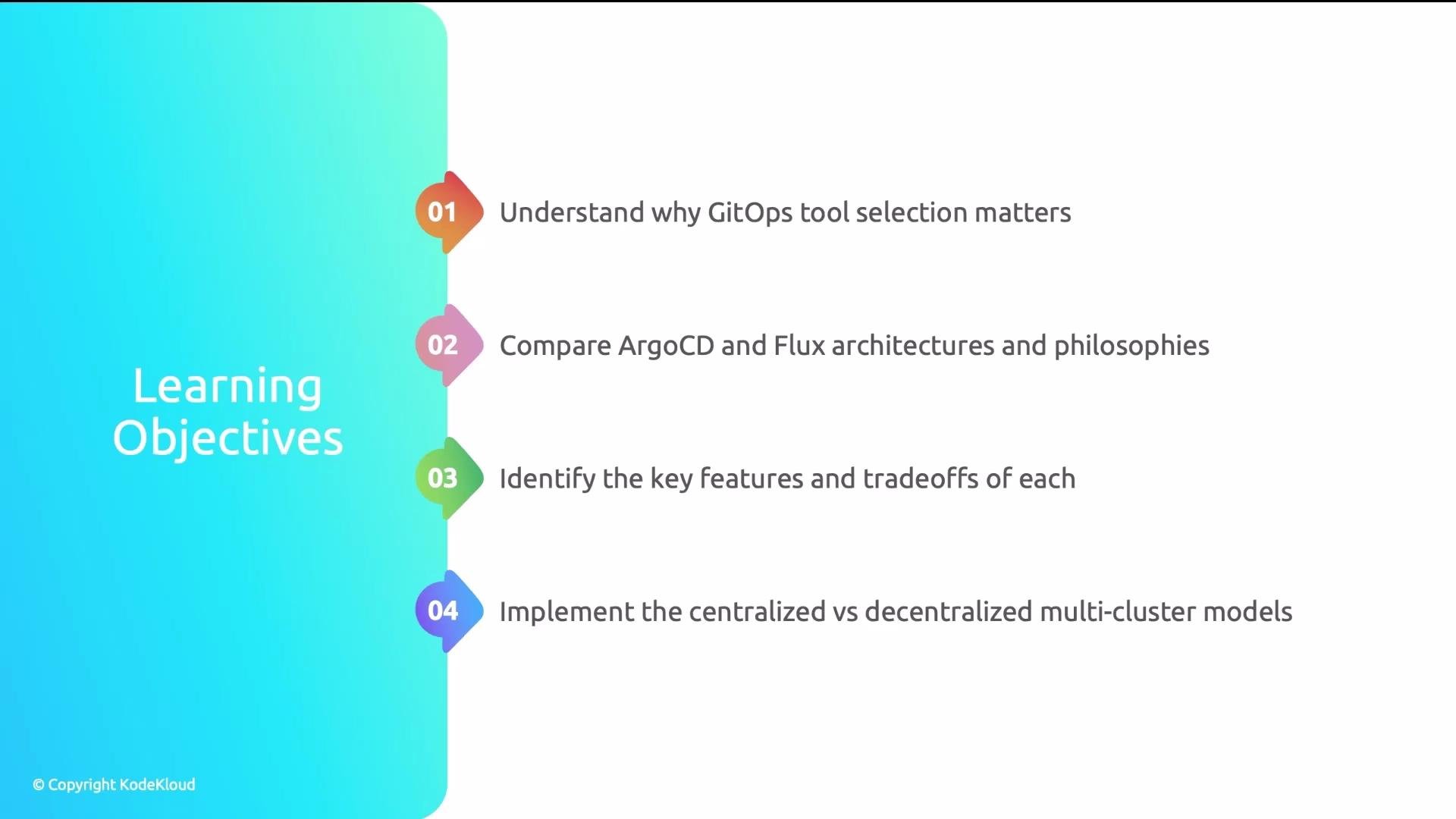
- Lock-in risk: Migrating between GitOps tools is non-trivial. Resource CRD models, webhooks, RBAC, and integrations typically need changes.
- Team adoption: If your team relies on a visual dashboard for troubleshooting and onboarding, a CLI-only approach introduces friction. Conversely, teams that prefer Git- and CLI-driven workflows may find a UI-heavy tool unnecessary.
- Ecosystem fit: How well the tool integrates with your CI, secret management, policy engines (OPA/Gatekeeper), and observability stack matters for operational efficiency.
- Multi-cluster strategy: The number of clusters, their topology (hub-and-spoke vs independent clusters), and tenancy model will influence the best-fit tool.
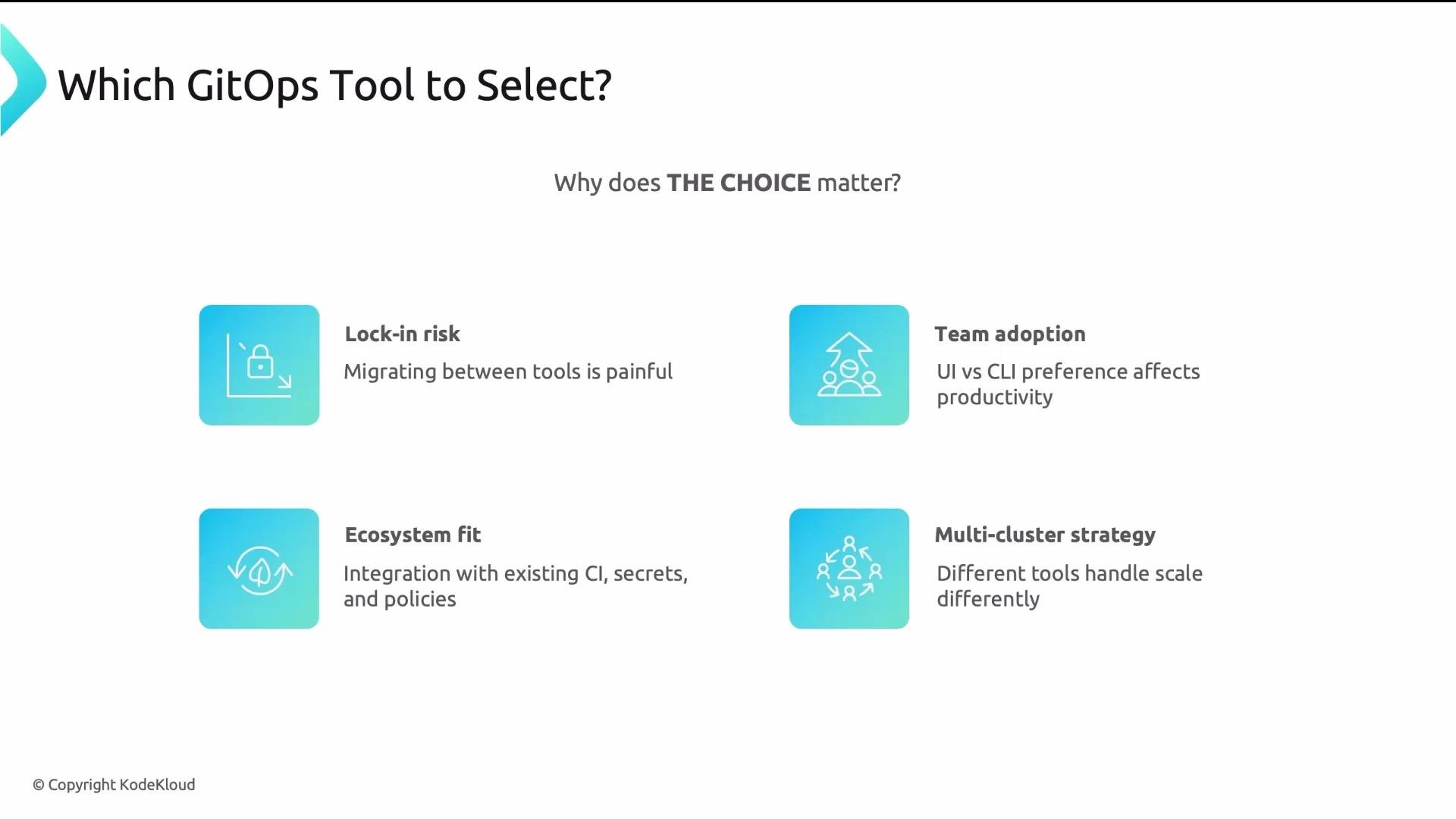
- Argo CD — application-centric: The Application resource is the primary abstraction. It emphasizes a centralized control plane and a rich web UI (hub-and-spoke model).
- Flux — Git-centric: The GitRepository / HelmRepository Source resources are central. Flux is composed of small controllers that typically run in each cluster (decentralized model).
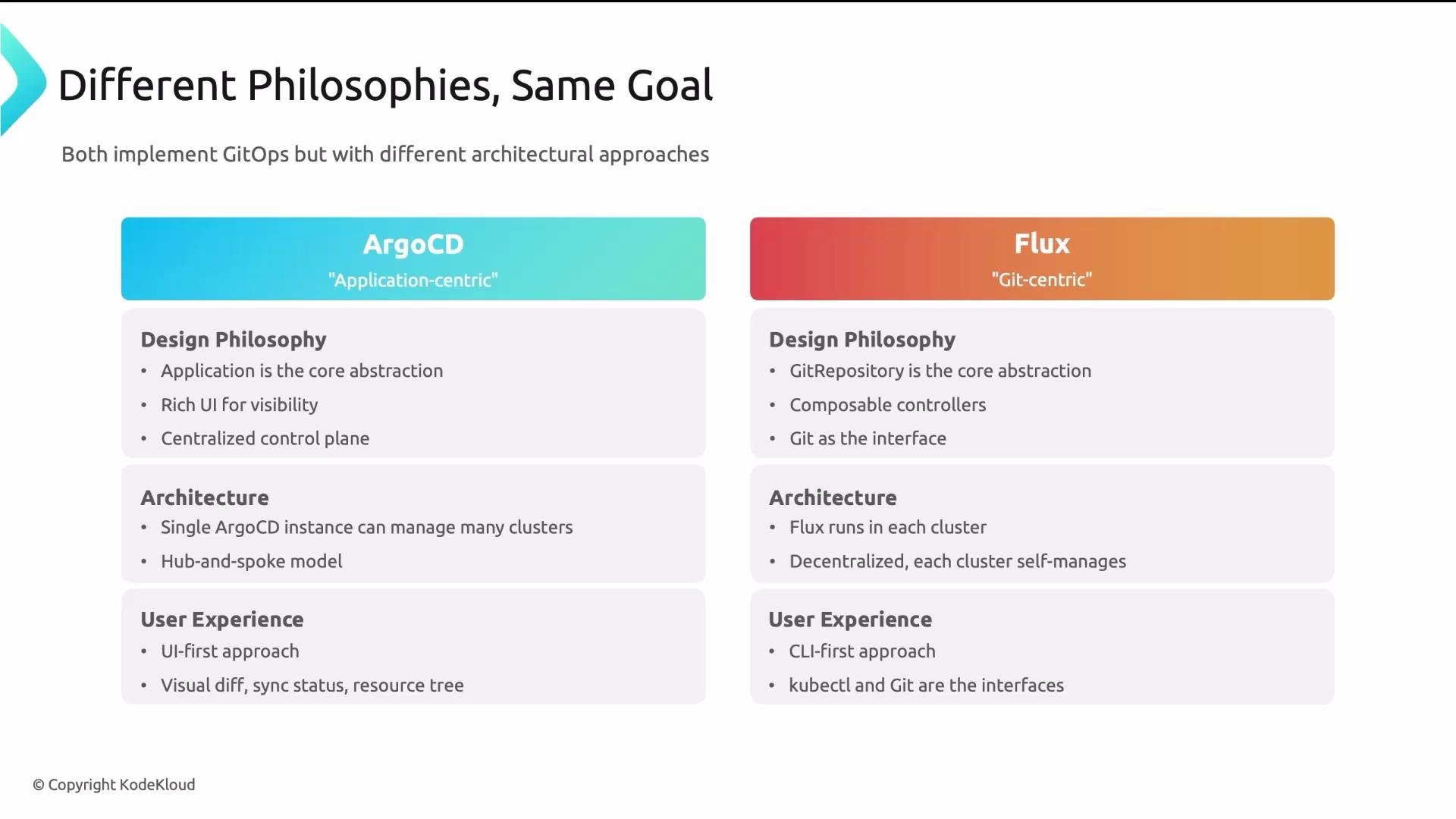
- An Argo CD server runs on a management/control cluster and can manage many target clusters.
- Key components:
- API server: serves the web UI and handles CLI/API requests.
- Repo server: clones Git repositories and renders manifests from generators like Helm and Kustomize.
- Controller: reconciles Application resources and drives changes to target clusters.
- Application: maps a Git source to a target cluster and namespace; it is the primary unit of sync.
- Project: groups Applications to enforce RBAC, quotas, and allowed destinations — useful for multi-tenancy.
- ApplicationSet: a generator that creates many Applications (e.g., deploying the same app to numerous clusters).
- Sync policy: controls auto-sync, self-heal, pruning, and hooks.
- Rich web UI and visual diffing of desired vs. live state.
- SSO integrations and project-level RBAC.
- Native support for Helm and Kustomize via the repo server.
- Centralized multi-cluster management with a single control plane.
- Flux is composed of multiple, focused controllers that typically run inside each cluster, enabling cluster autonomy.
- Common controllers:
- Source controller: watches
GitRepositoryandHelmRepositorysources. - Kustomize controller: applies manifests; the
KustomizationCRD is Flux’s apply unit. - Helm controller: manages
HelmReleaseCRDs. - Notification controller: routes alerts and notifications.
- Image controllers: handle image discovery and automation (
ImageRepository,ImagePolicy,ImageUpdateAutomation).
- Source controller: watches
GitRepository/HelmRepository: declare sources Flux should watch.Kustomization: applies manifests from a source to a cluster/namespace.HelmRelease: manages Helm chart lifecycle declaratively.ImagePolicy/ImageUpdateAutomation: enable image automation workflows and policies.
- Modular — install only the controllers you need.
- Built-in image automation and policies.
- Strong fit for decentralized, per-cluster operations and Git-centric workflows.
- Interactions are primarily via Git and CLI; no central UI by default.
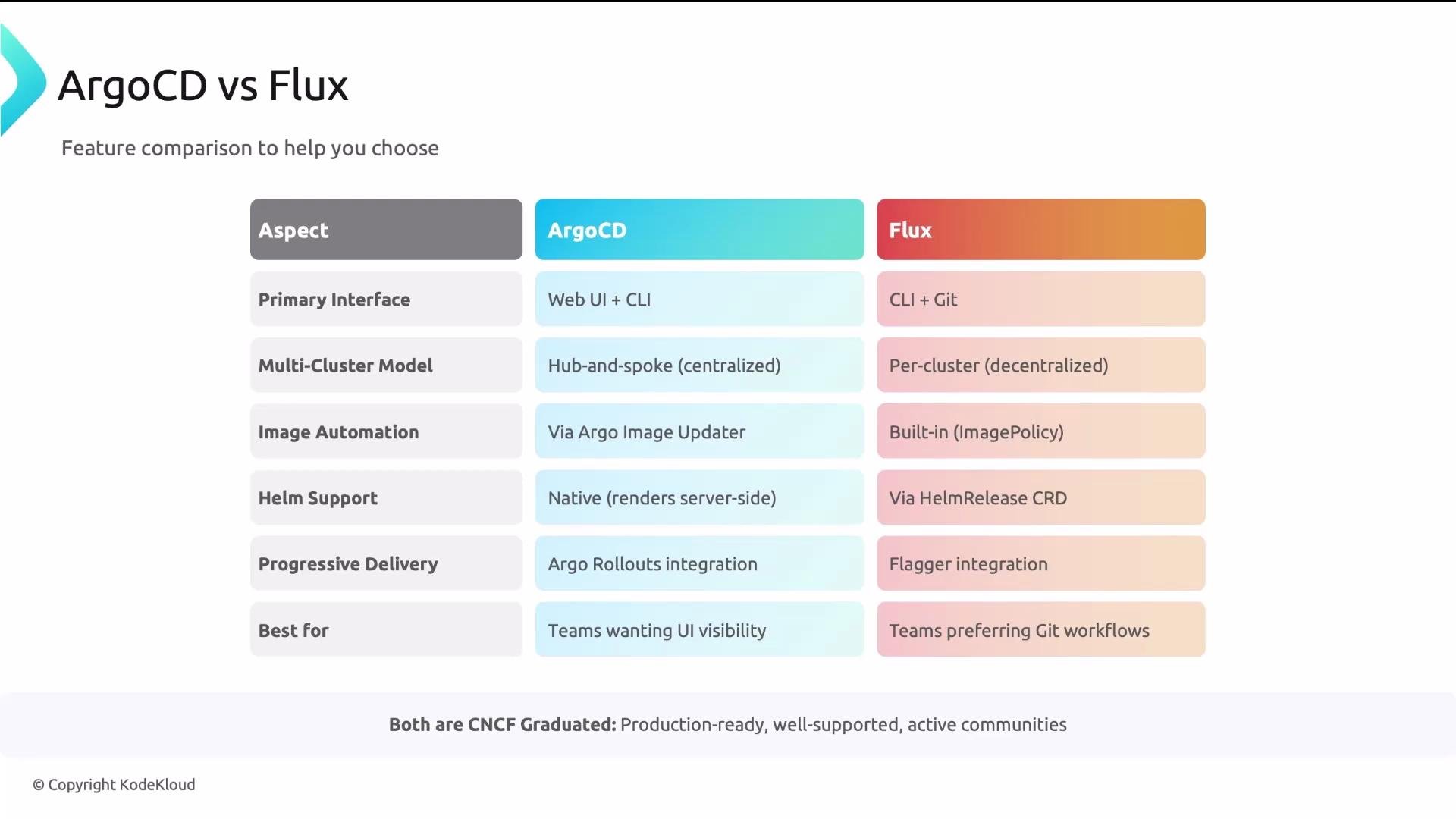
Both projects are CNCF-graduated, production-ready, and backed by active communities and vendor ecosystems.
Key takeaways
- Both Argo CD and Flux implement GitOps effectively; the decision should be driven by operational fit, not a perceived absolute superiority.
- Argo CD is application- and UI-centric, offering a centralized control plane for multi-cluster management.
- Flux is Git-centric and modular, designed for decentralized installations where each cluster manages itself.
- Evaluate team culture (UI vs CLI/Git), ecosystem integrations (image automation, progressive delivery, CI, secrets), and long-term multi-cluster strategy before committing.
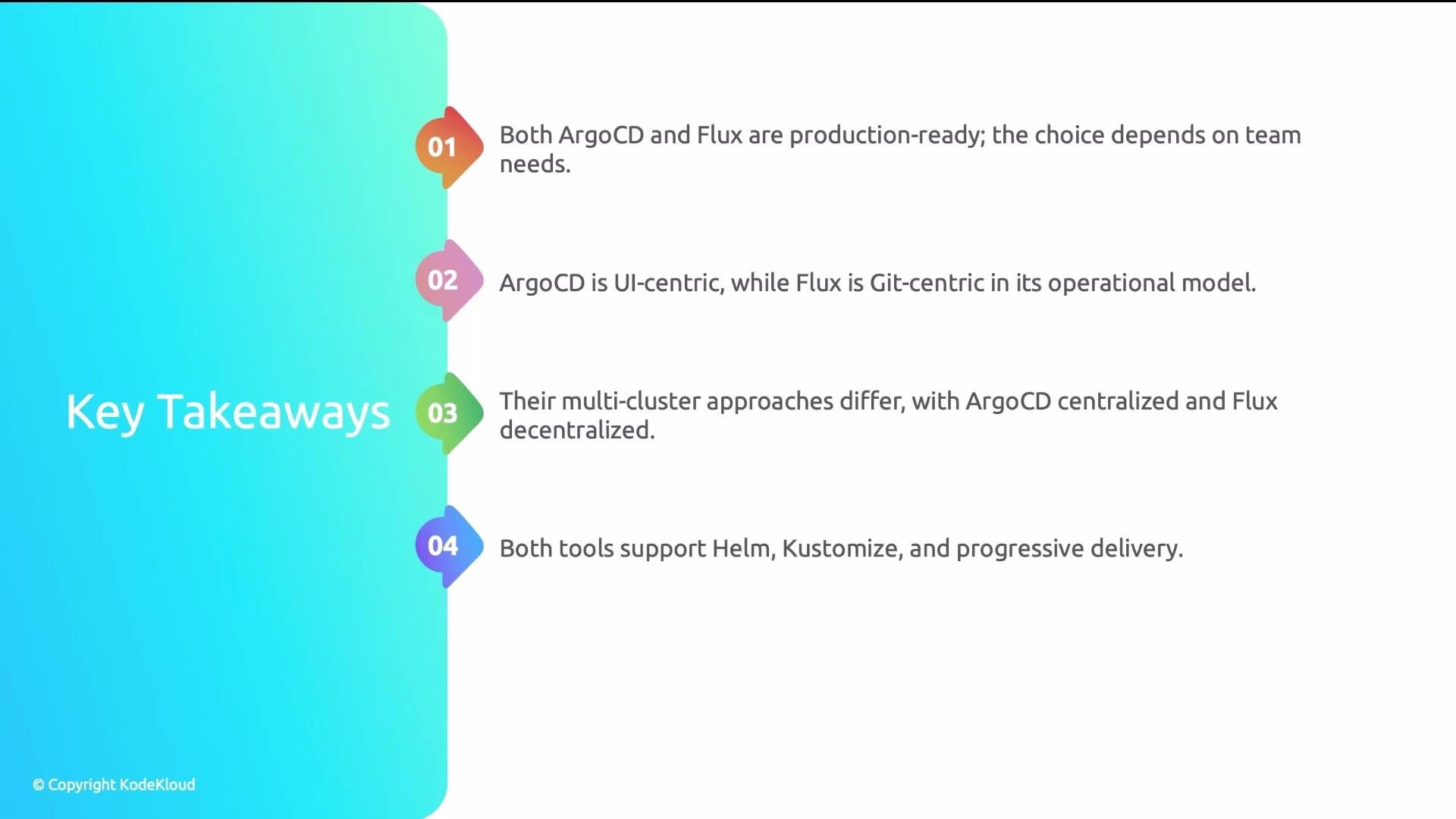
Both Argo CD and Flux are mature, production-ready GitOps engines. Choose based on operational model (centralized vs decentralized), team preferences (UI vs Git/CLI), and ecosystem fit (image automation, progressive delivery, CI and secret management).
Plan migrations carefully. Switching GitOps engines often requires converting resource models, updating webhooks, and revising runbooks — expect non-trivial effort and potential downtime windows.
- Argo CD documentation
- Flux Documentation
- Helm
- Kustomize
- Argo Rollouts
- Flagger
- Argo Image Updater
- Kubernetes Documentation