

The three security levels
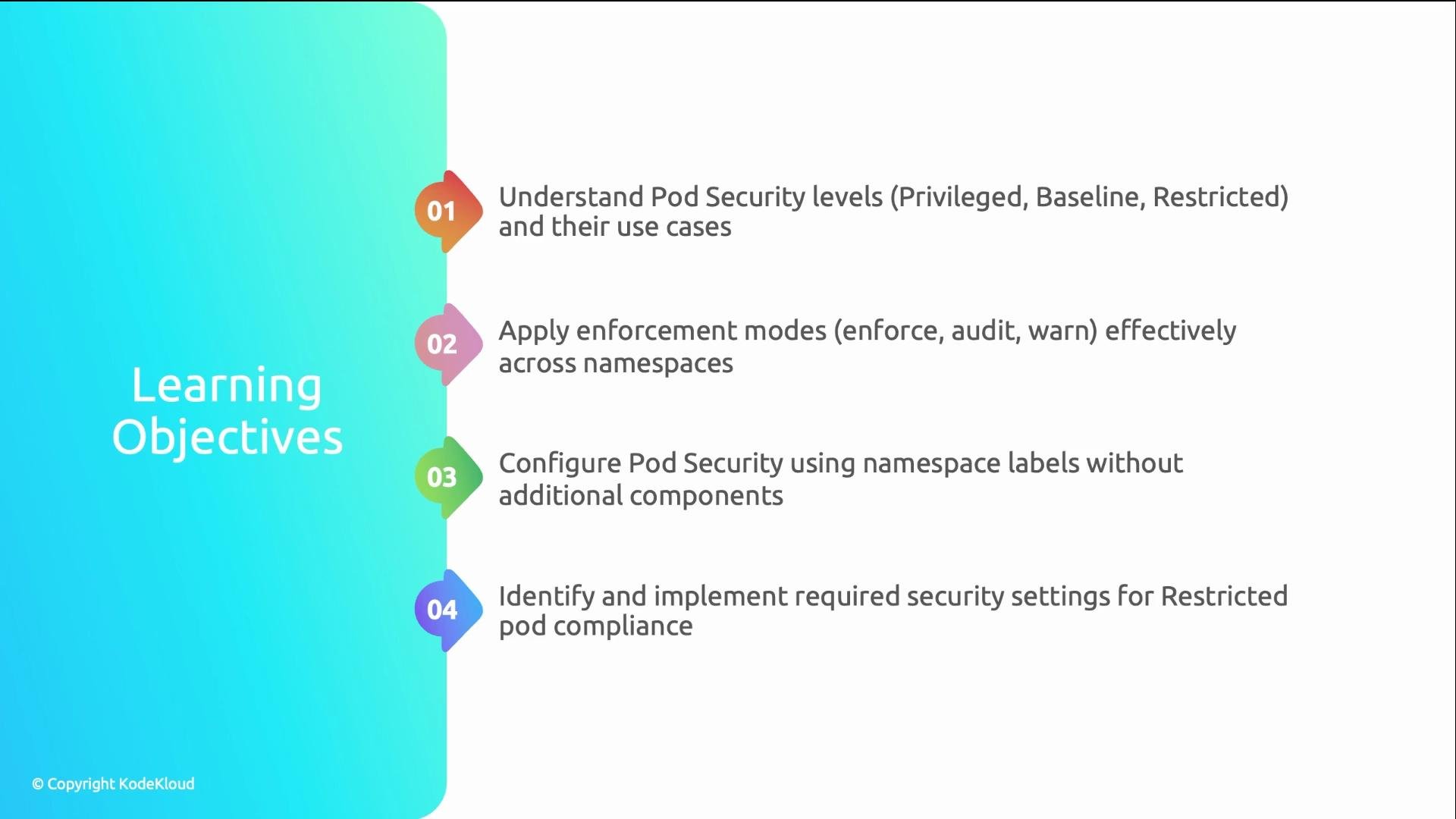
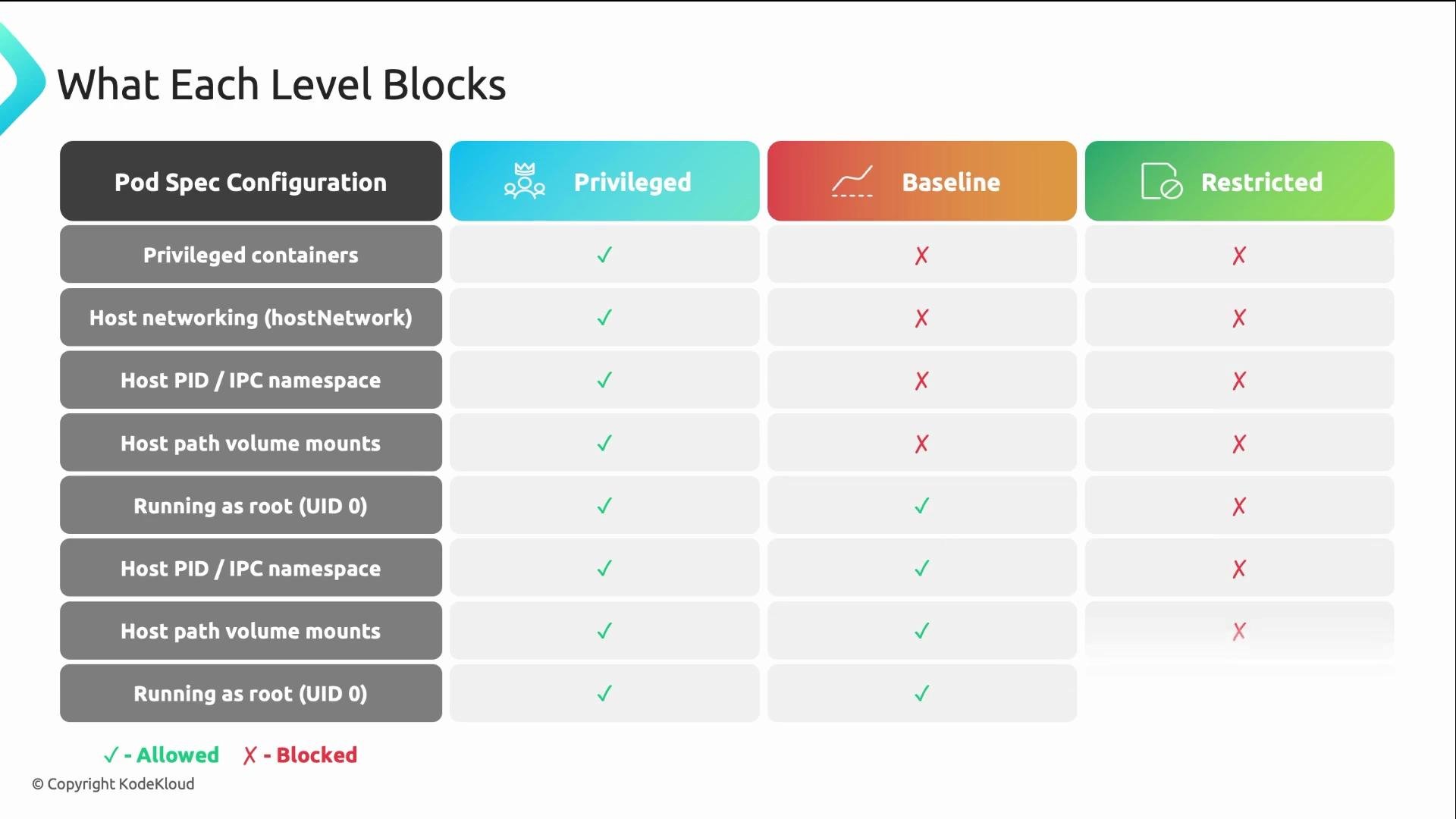
PSS defines three named profiles that express increasing restrictions. Use them to scope what pod configurations are allowed in a namespace.- Privileged — no restrictions. Pods may use host network, hostPID, privileged containers, run as root, etc. Reserve this for cluster infrastructure namespaces (for example
kube-system), CNI plugins, or monitoring agents that genuinely require host access.
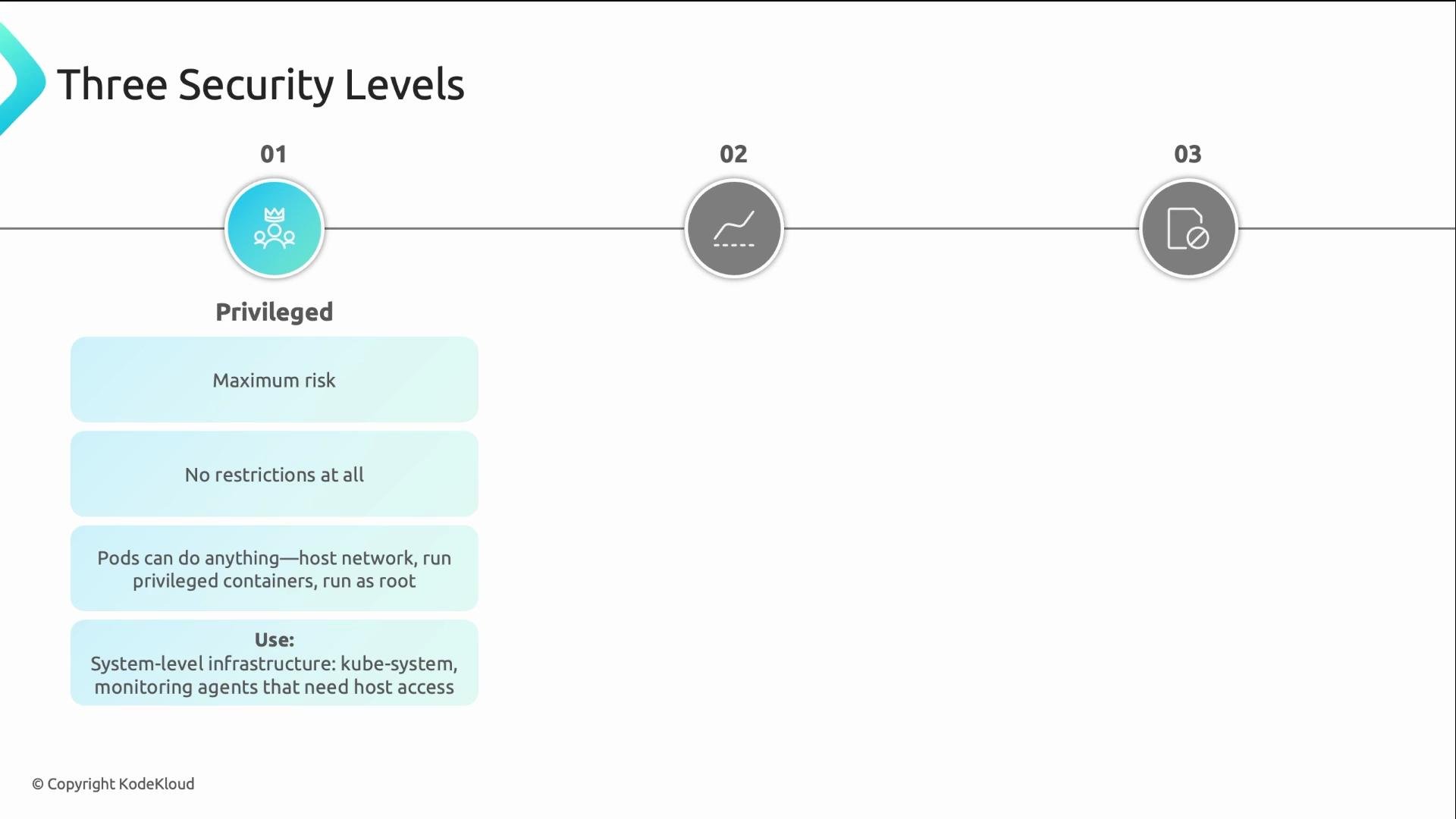
- Baseline — the recommended default for most application namespaces. Baseline blocks dangerous host-level privileges (for example,
hostNetwork,hostPID,privilegedcontainers) while remaining compatible with typical containerized applications.
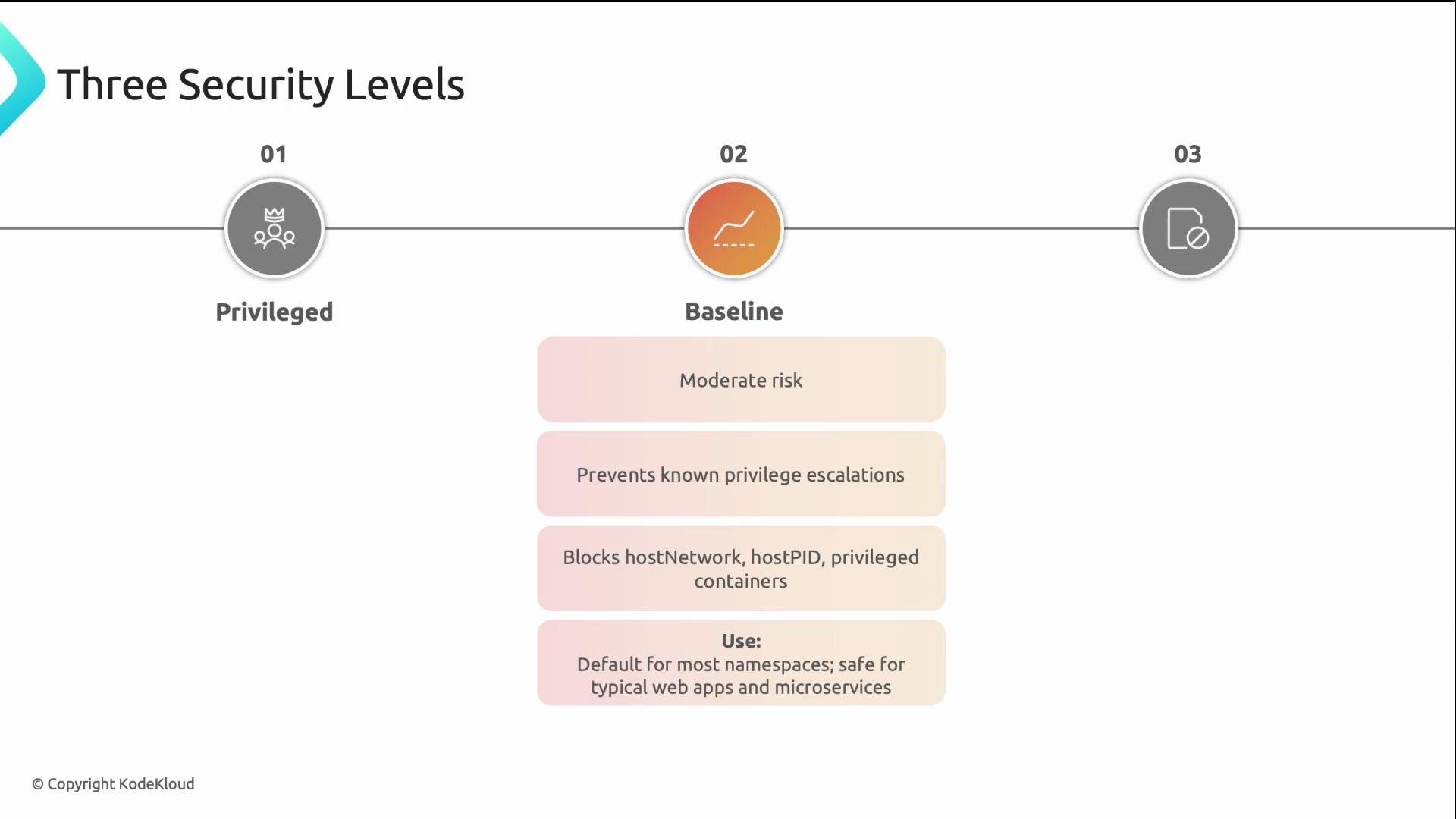
- Restricted — the strictest profile. Restricted includes Baseline restrictions and additionally requires pods to run as non-root users, disables privilege escalation, limits Linux capabilities, and encourages read-only root filesystems and selinux/seccomp profiles where appropriate. Use Restricted for sensitive workloads that must satisfy strong runtime controls.
baseline as your default for application namespaces, restricted for high‑security workloads, and privileged only where host access is required.
Enforcement modes — how to apply the levels
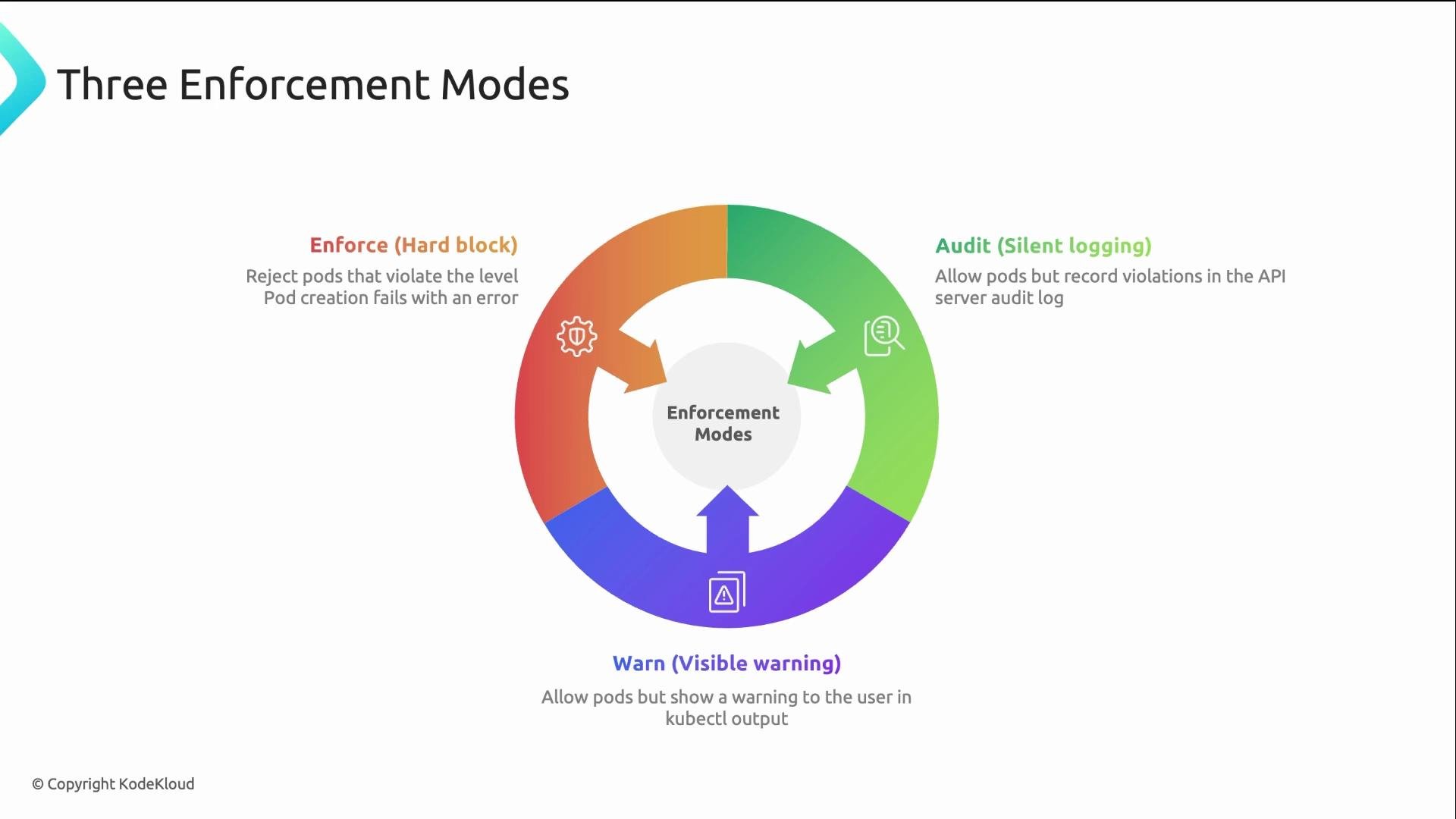
PSS supports three independent enforcement modes that you can set per namespace. Best practice is to stack modes so teams can iterate toward stricter profiles without breaking running workloads.enforce— hard blocker. Pods that violate the specified level are rejected during admission.audit— log only. Violations are recorded in audit logs but pods are allowed.warn— user-visible warning. Pods are allowed, but API responses include a warning message.
A common pattern: enforce
baseline to immediately block host-level risks, and use audit/warn for restricted so teams can remediate before you enable enforcement.
Recommended practice: Enforce
baseline for all application namespaces. Use audit/warn at restricted to surface work needed to move workloads to the stricter profile without breaking them.Applying Pod Security Standards with namespace labels
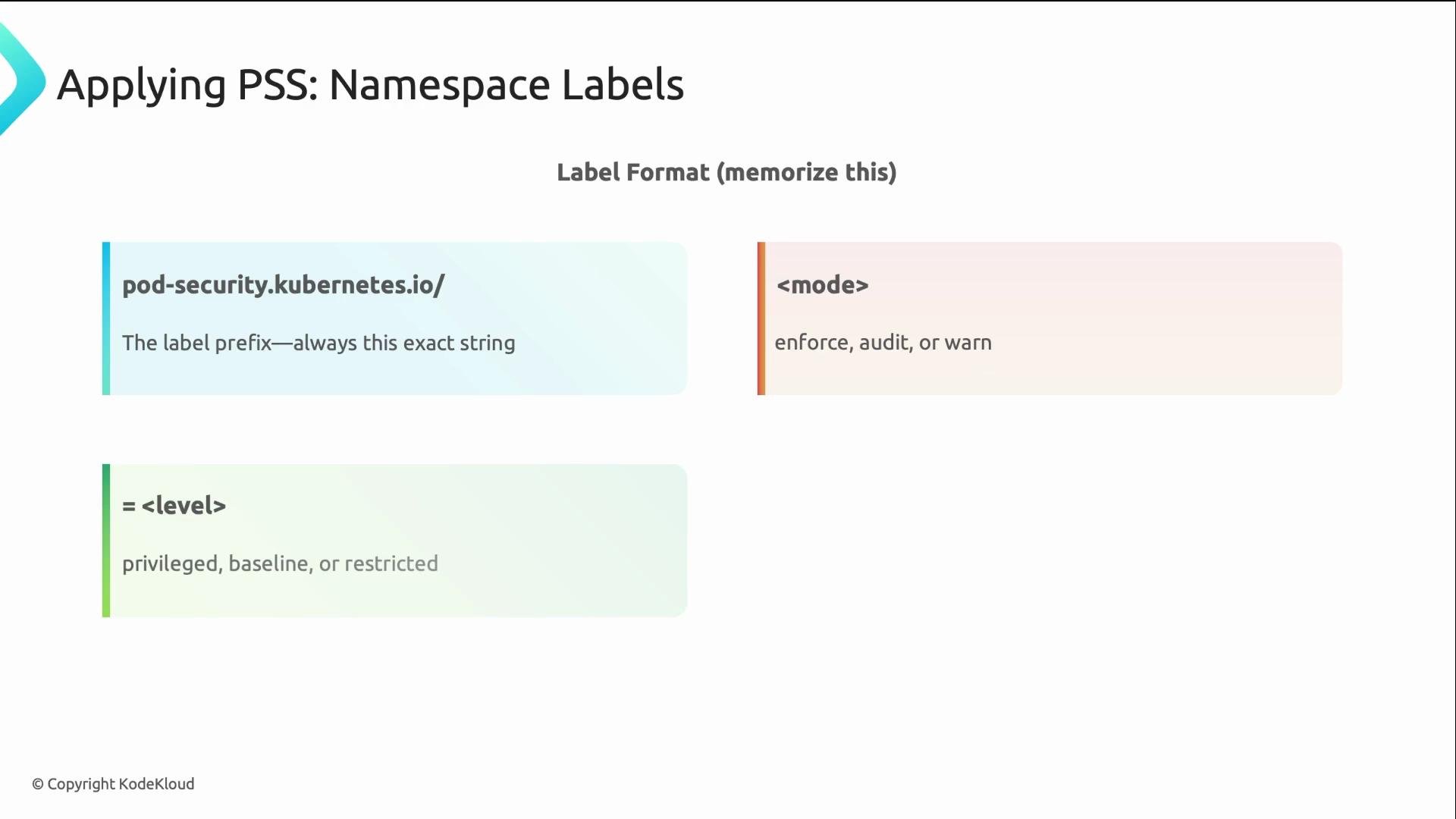
PSS is label-driven: no CRDs, no external admission controllers required. You apply levels and modes by labeling namespaces with thepod-security.kubernetes.io/* keys.
Example labels:
kubectl label. Example — apply restricted for enforce and warn on the payments namespace:
pod-security.kubernetes.io/enforce-version (for example v1.27) or set it to latest. If omitted, the cluster default behavior is used.
Do not casually label core system namespaces (for example
kube-system) as restricted or baseline unless you’ve validated operator and add-on compatibility. Mislabeling control-plane or infrastructure namespaces can break cluster components.PSS vs Gatekeeper / Kyverno
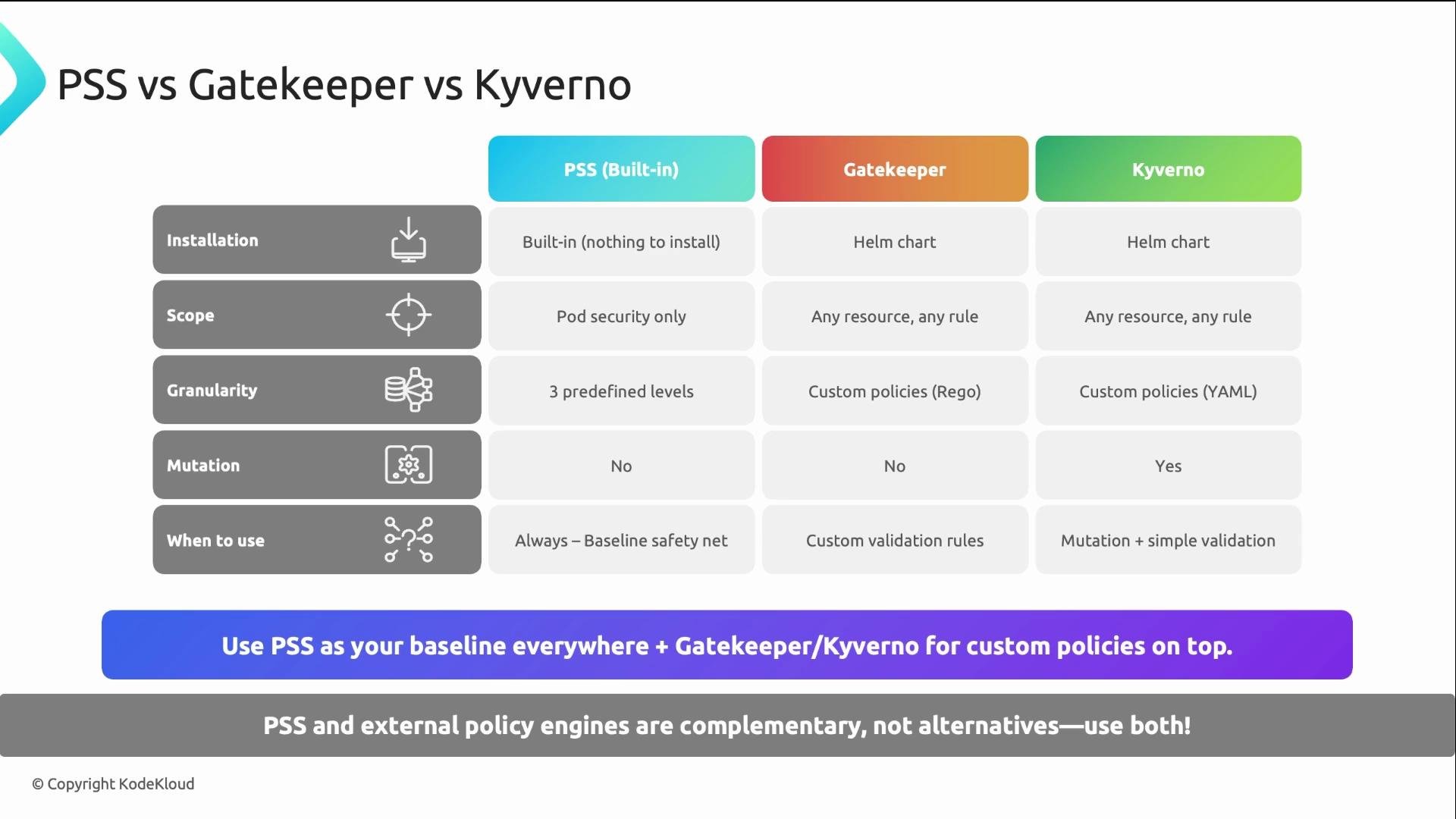
PSS provides a zero-install baseline covering critical pod-level security fields. It is intentionally limited in scope. For organization-specific constraints you should layer a policy engine.- PSS: built-in, minimal setup, enforces core runtime controls.
- Gatekeeper / Kyverno: support complex, custom policies (for example, image registries, required labels, resource quotas, mutation, multi-field constraints).
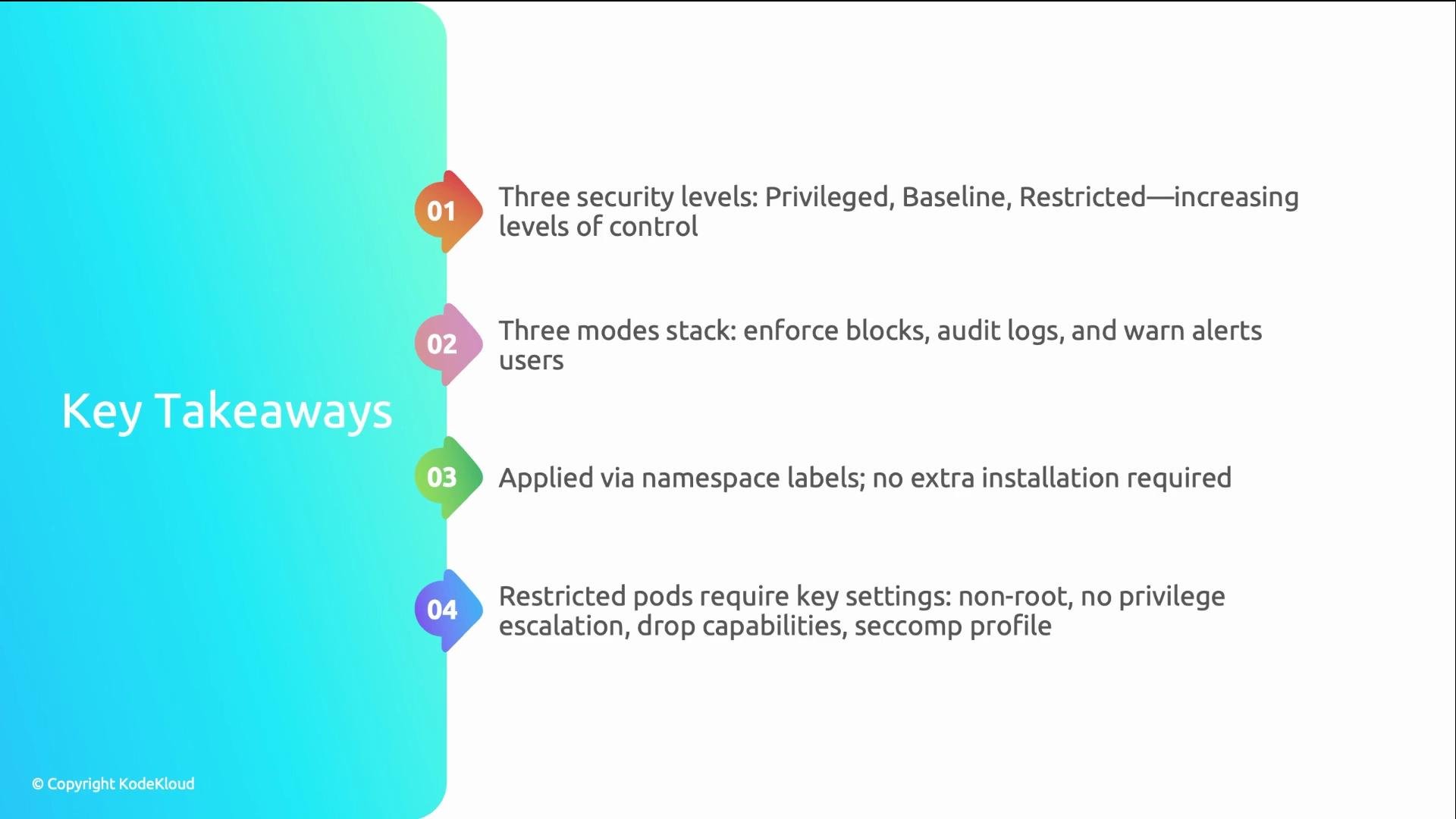
Summary / Key takeaways
- PSS levels:
privileged(most permissive),baseline(recommended default),restricted(most restrictive). - Enforcement modes per-namespace:
enforce(block),audit(log),warn(inform). Stack modes so teams can migrate safely. - PSS uses namespace labels only—no installation required. Use
kubectl labelto manage them and considerenforce-versionwhen pinning behavior. - For
restrictedcompliance, important settings include running as non-root, disabling privilege escalation, minimizing capabilities, enforcing seccomp, and using a read-only root filesystem where feasible. - Treat PSS as your baseline safety net and layer Gatekeeper or Kyverno for organization-specific policies.
Links and references
- Kubernetes Pod Security Standards
- Kubernetes Namespace Labels for Pod Security
- Gatekeeper (Open Policy Agent)
- Kyverno