We have covered platform organization, compute resource management, and storage. Now we connect everything together: networking. Kubernetes networking answers three fundamental questions:
  • How do Pods find each other inside the cluster? (service discovery)
  • How does external traffic reach your applications? (Ingress / Gateway)
  • How do you control which pods can talk to which other pods? (network security)
In this guide you will learn:
  • The four Kubernetes Service types and when to use each
  • How Services provide stable endpoints and load balancing for ephemeral pods
  • When to use Ingress vs Gateway API for external traffic
  • How NetworkPolicy implements pod-level firewalls (default-deny patterns)
  • How CoreDNS enables service discovery via DNS
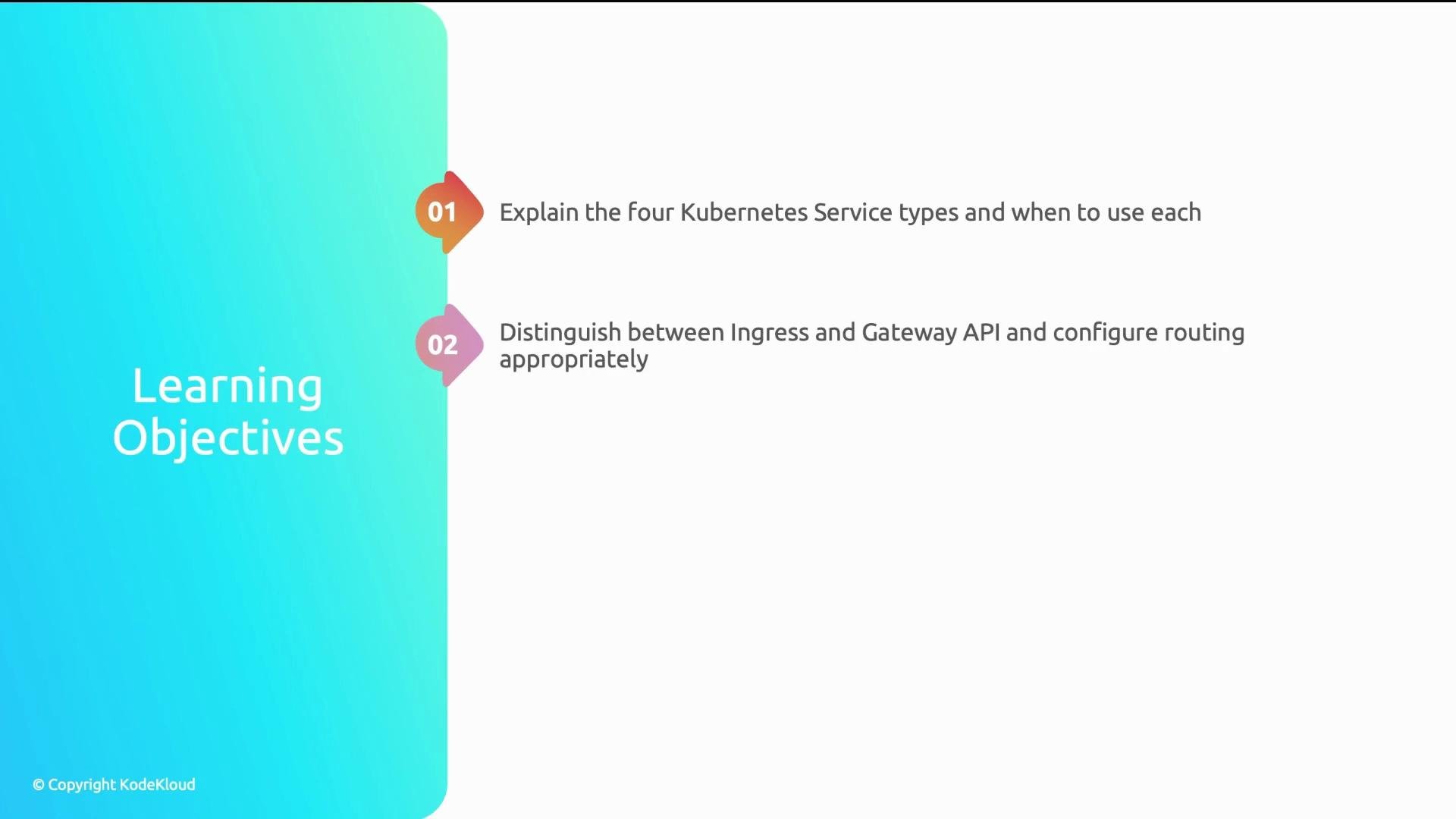
The image displays learning objectives for Kubernetes: explaining the four service types and distinguishing between Ingress and Gateway API.
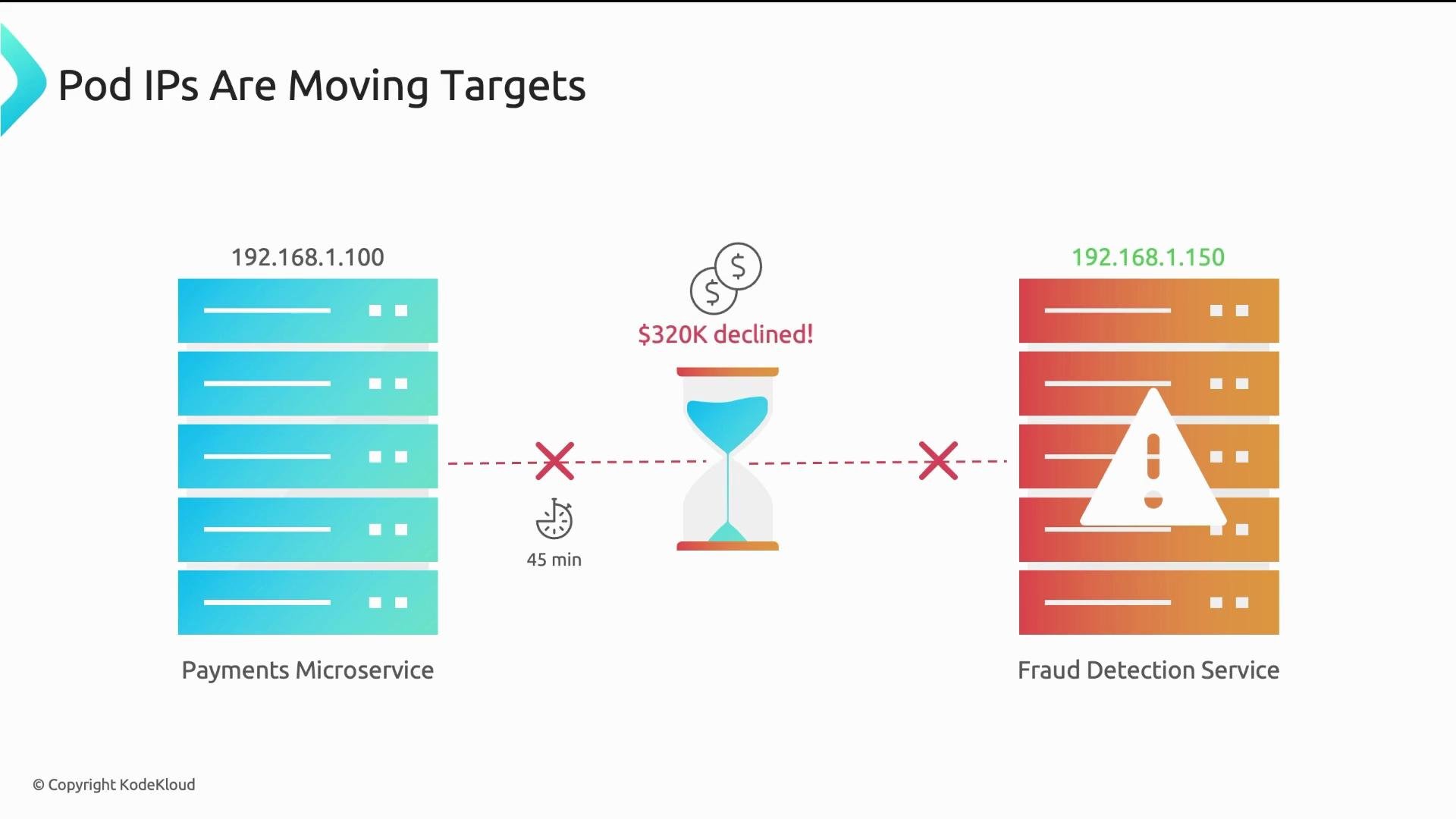
Problem scenario (why Services matter) A payments microservice hardcoded the IP address of a downstream fraud-detection pod. After a routine deployment the fraud pod restarted, received a new IP, and the payments service could no longer reach it. Payment authorizations silently failed for 45 minutes before monitoring caught the issue, resulting in many declined legitimate transactions.
The image illustrates a communication issue between a payments microservice and a fraud detection service, with an IP address mismatch leading to a declined transaction of $320K. An hourglass and clock indicate a time delay of 45 minutes.
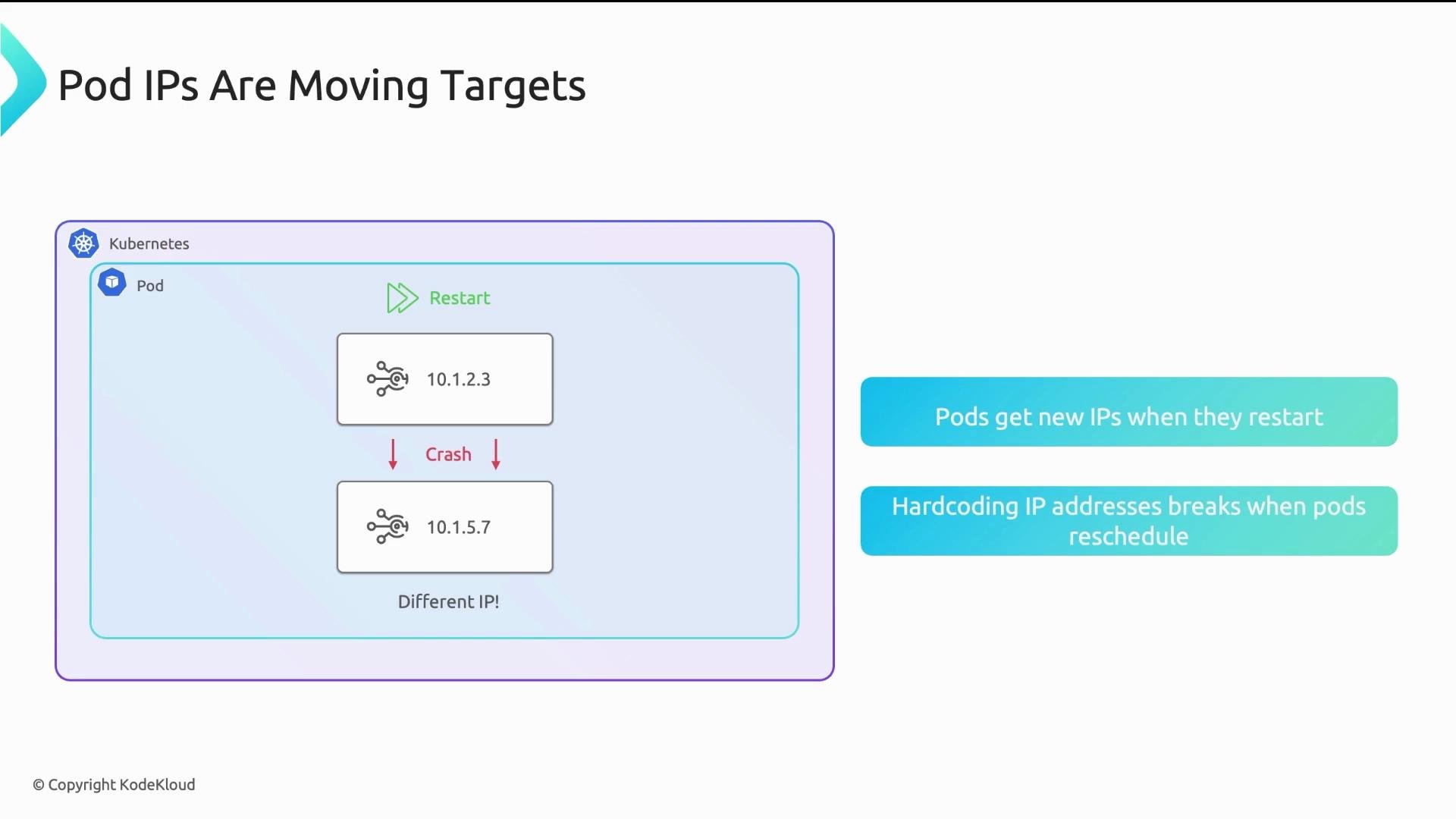
Why this happened Each Pod gets its own IP, but Pod IPs are ephemeral — they change when a pod restarts, is rescheduled, or replaced during a rollout. Hard-coding a Pod IP works temporarily but fails silently when the pod’s IP changes (timeouts, connection refused), which is why we use higher-level abstractions.
The image illustrates how Kubernetes pods receive new IP addresses when they restart, highlighting the issue with hardcoding IP addresses as they change with pod rescheduling.
Three core networking challenges
  1. Load balancing — How does a frontend distribute traffic across multiple, dynamically changing backend replicas?
  2. Service discovery — How does a frontend find backend replicas that may appear after the frontend is deployed?
  3. External access — How do Internet users reach applications when pods have private, non-routable IPs?
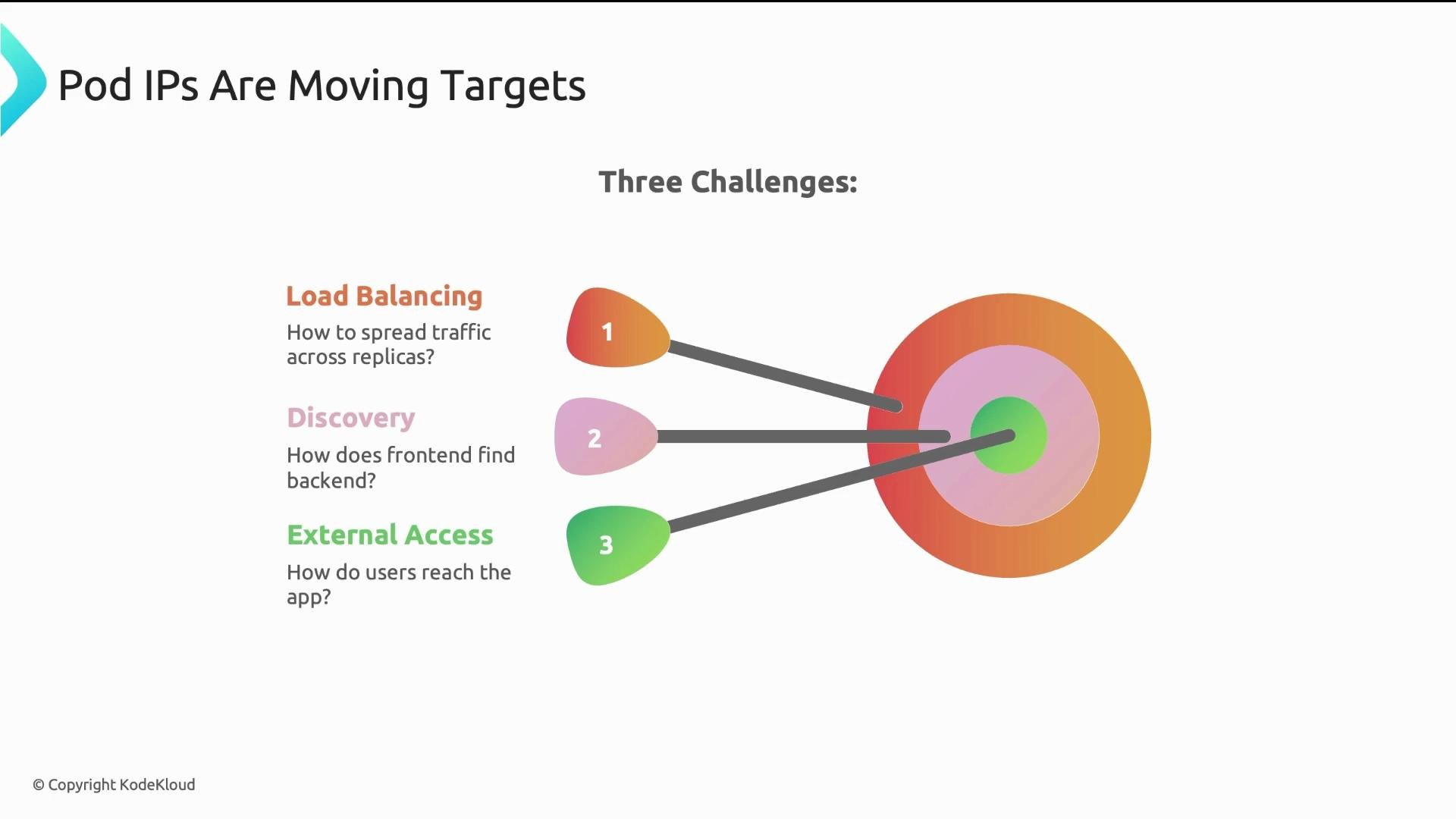
The image outlines three challenges related to pod IPs: load balancing, discovery, and external access, depicted as a target diagram with arrows pointing to different colored sections.
Services: stable endpoints for ephemeral pods A Kubernetes Service gives you a stable network endpoint that load-balances to the current set of backend pods. Typical flow:
  • Client pod calls a Service by DNS name (e.g., api-service).
  • CoreDNS resolves that name to the Service’s ClusterIP (for example 10.96.50.100).
  • The Service holds a label selector to discover backend pods and maintains an endpoints list.
  • A node-level proxy (kube-proxy or CNI equivalent) load-balances traffic sent to the ClusterIP across healthy pods.
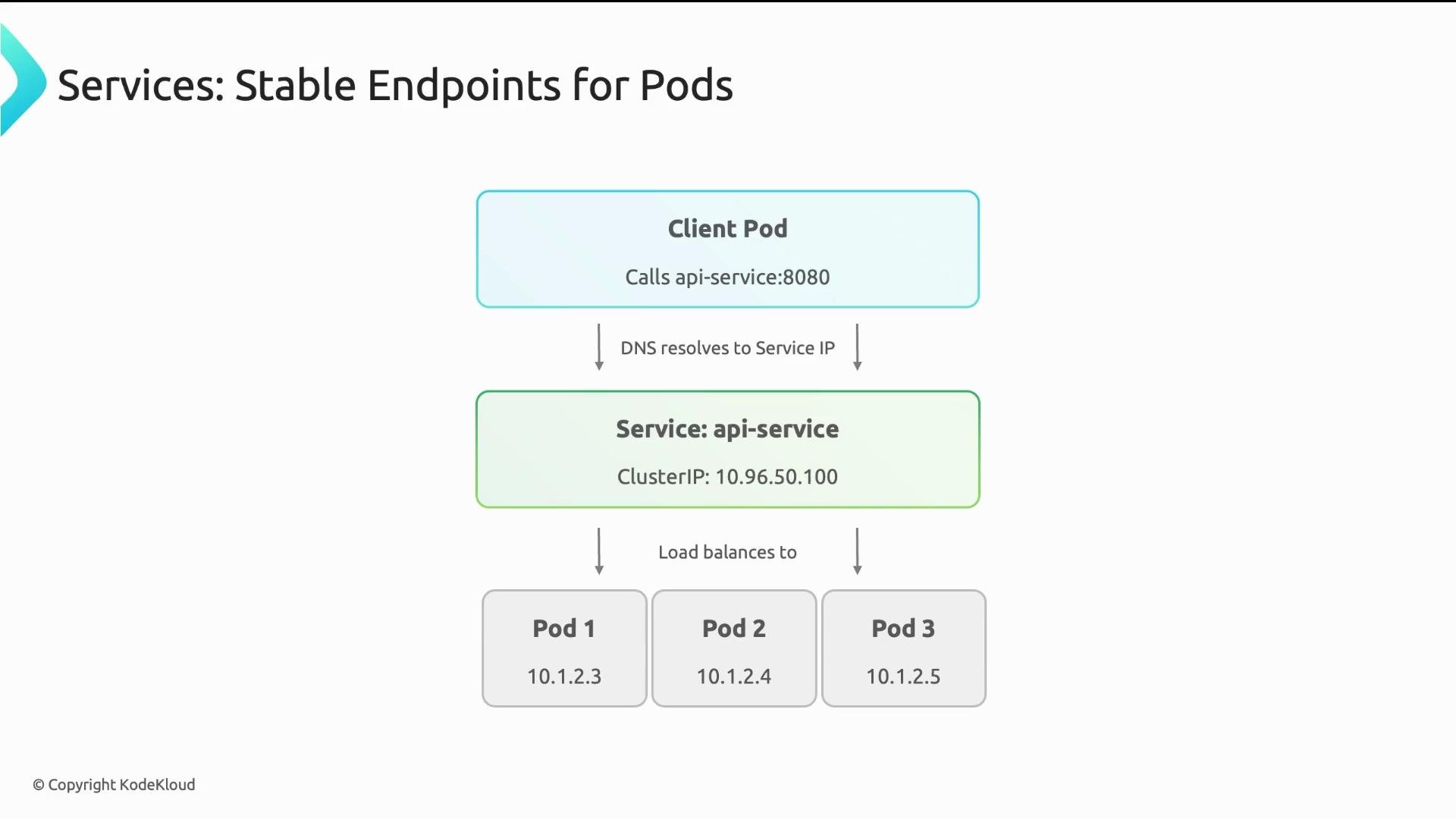
The image illustrates a Kubernetes service providing stable endpoints for pods, showing a client pod calling an API service, which resolves via DNS to a service IP and load balances to multiple pods.
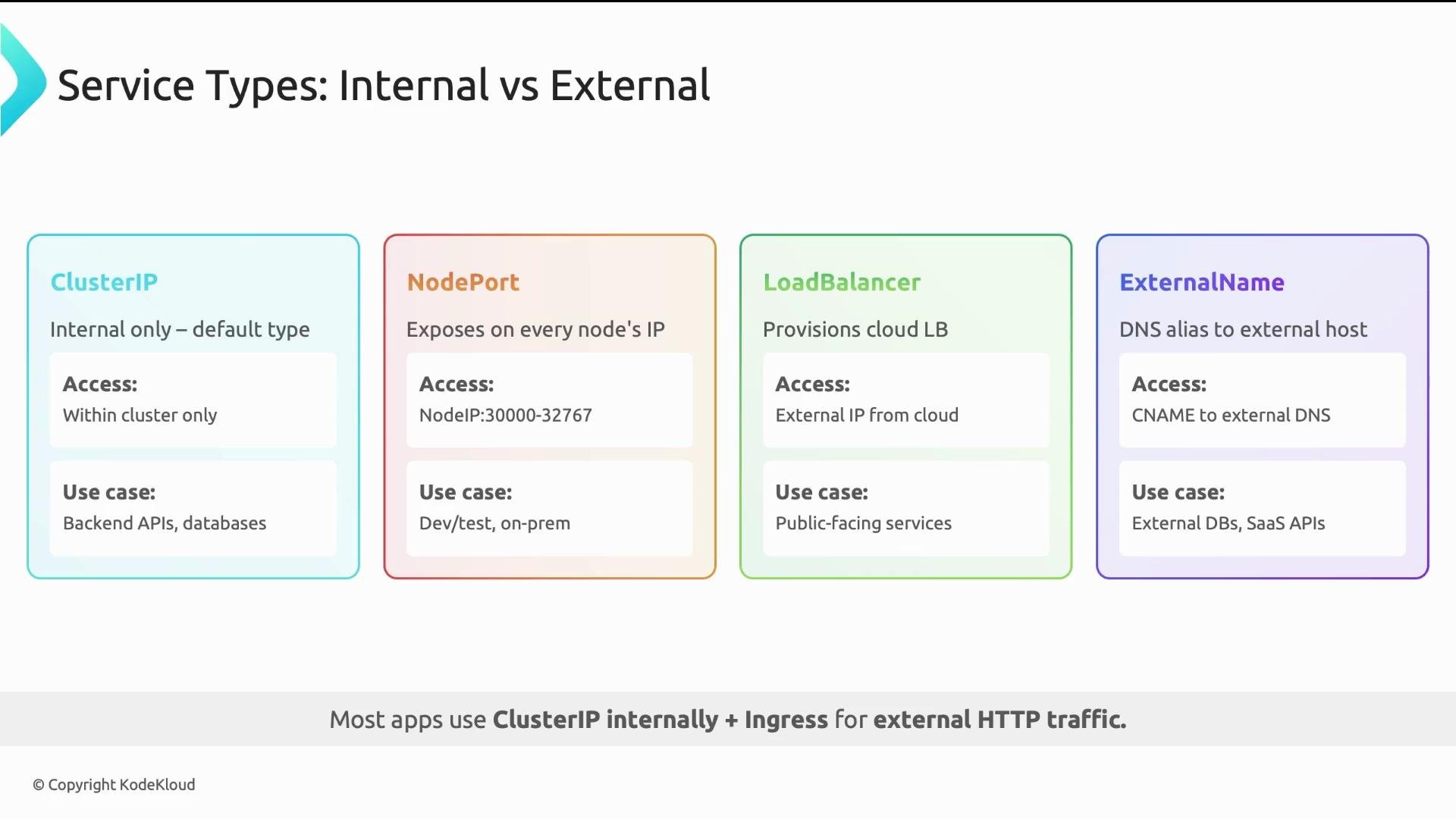
Kubernetes Service types (comparison)
The image is a comparison of Kubernetes service types: ClusterIP, NodePort, LoadBalancer, and ExternalName, showing access types and use cases for each.
Ingress vs Gateway API (external HTTP routing) For external HTTP(S) traffic, prefer an Ingress controller over many LoadBalancer Services to reduce cost and centralize routing (host/path routing, TLS termination). An Ingress resource maps hosts/paths to backend Services; an Ingress controller implements the routing and configures a reverse proxy. Example Ingress (path-based routing):
Internet traffic to app.example.com arrives at the Ingress controller; /api routes to api-svc and /web routes to web-svc. Common controllers include ingress-nginx, Contour (Envoy), and Traefik.
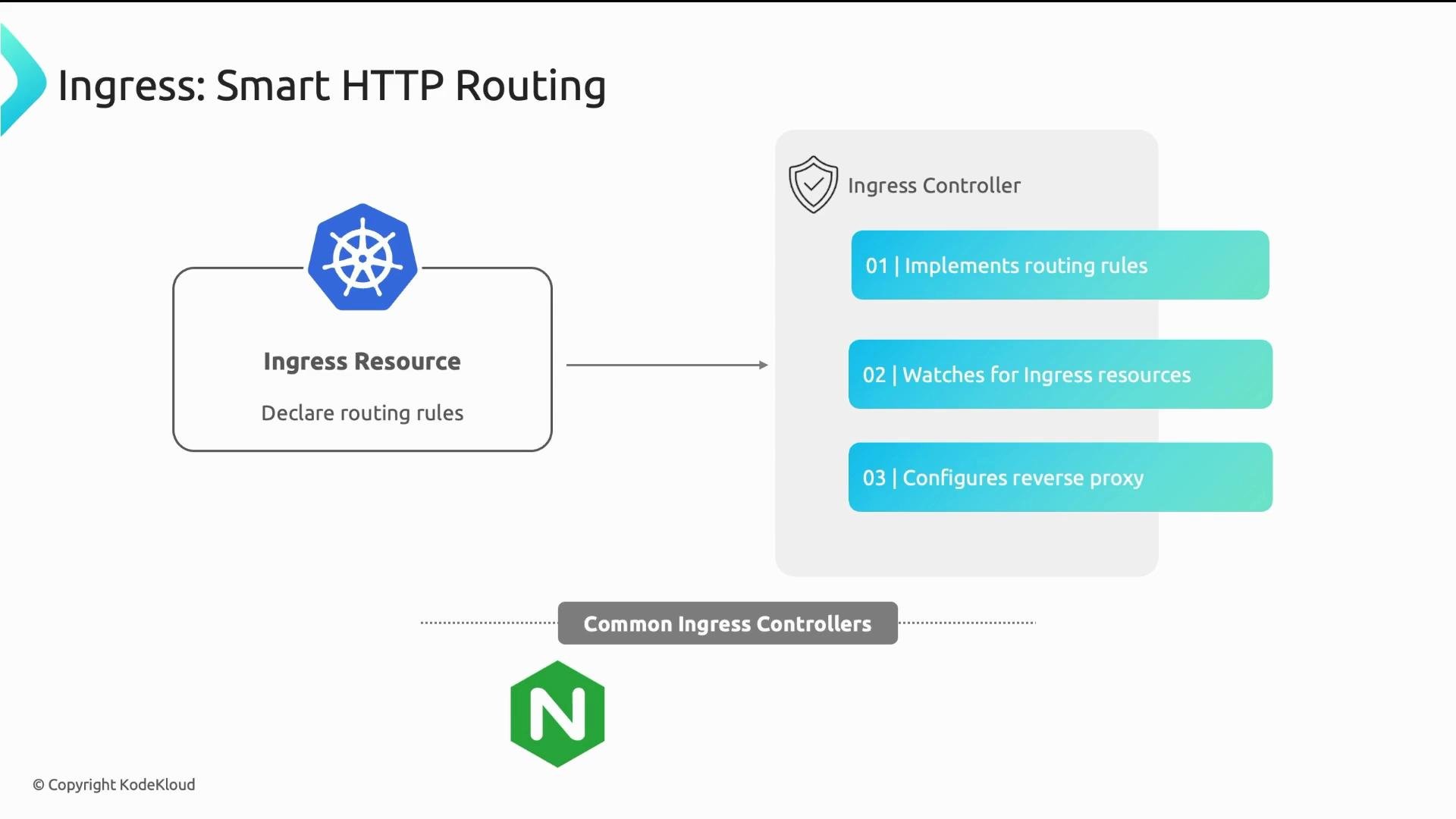
The image illustrates the concept of "Smart HTTP Routing" using Ingress resources and controllers, detailing the roles of implementing routing rules, watching for resources, and configuring reverse proxies. It includes logos and indicates common ingress controllers like Nginx.
Gateway API — modern replacement for Ingress Gateway API is now generally available and solves many limitations of Ingress by offering:
  • Better protocol support (HTTP, TCP, UDP, gRPC)
  • Extensibility and richer traffic features (splitting, mirroring, header-based routing)
  • Clear role separation between infrastructure, platform, and app teams
Example HTTPRoute with Gateway API:
Gateway API introduces three role-oriented resources:
  • GatewayClass — chosen by infrastructure providers to define load balancer types (similar to StorageClass).
  • Gateway — created by platform operators to instantiate LBs and listeners.
  • Routes (HTTPRoute, TCPRoute, UDPRoute, etc.) — defined by application teams to express routing.
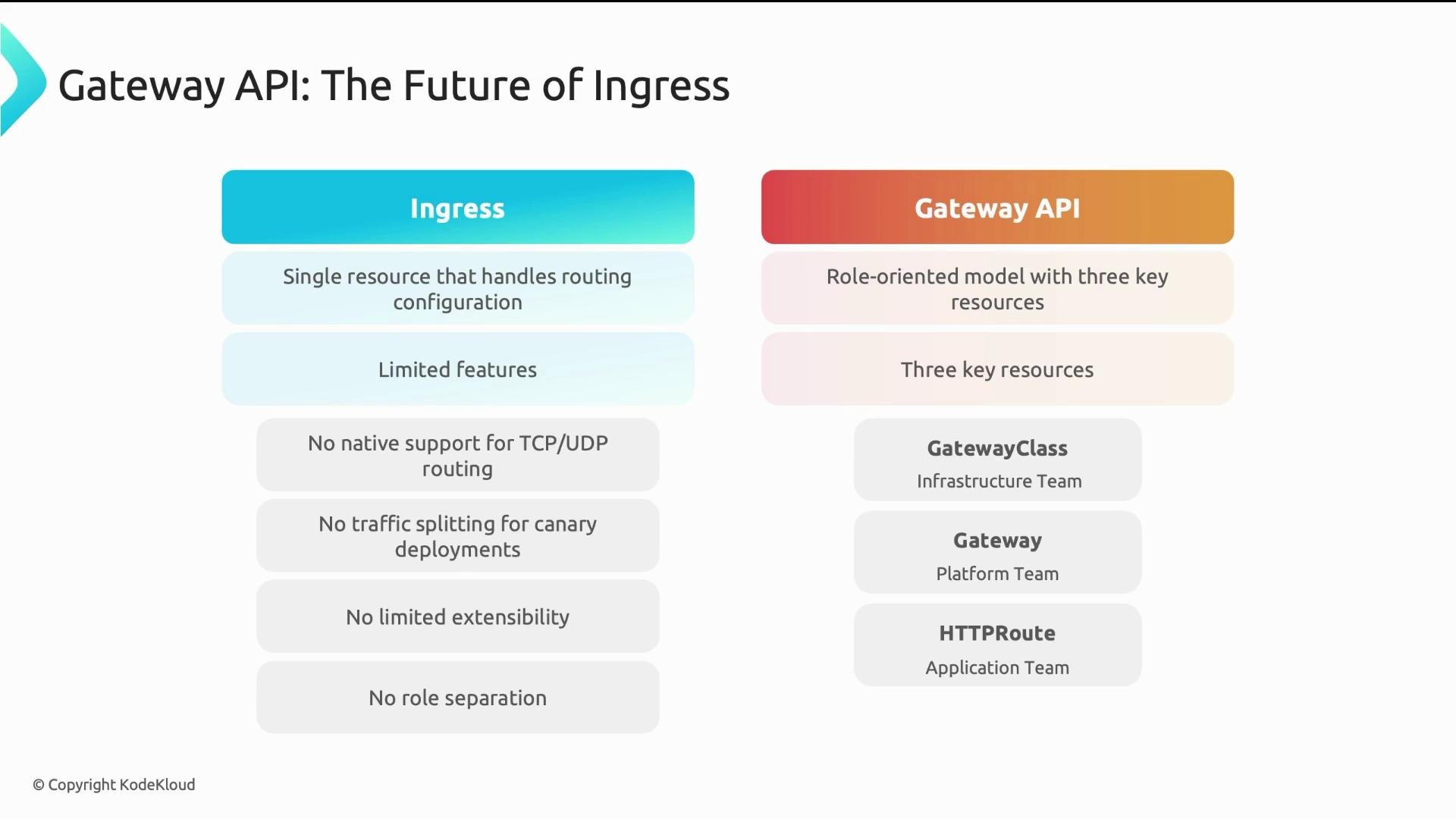
This model enables separation of responsibilities: infrastructure picks technology, platform manages exposure (ports/protocols), and app teams manage routing rules.
The image compares the Ingress and Gateway API in terms of features and structure, highlighting the Gateway API's role-oriented model with three key resources for better flexibility and role separation.
Gateway API supports advanced traffic features not available in Ingress: traffic splitting (canaries), request mirroring, header-based routing, and native TCP/UDP routing. Prefer Gateway API for new platform designs when supported by your controller.
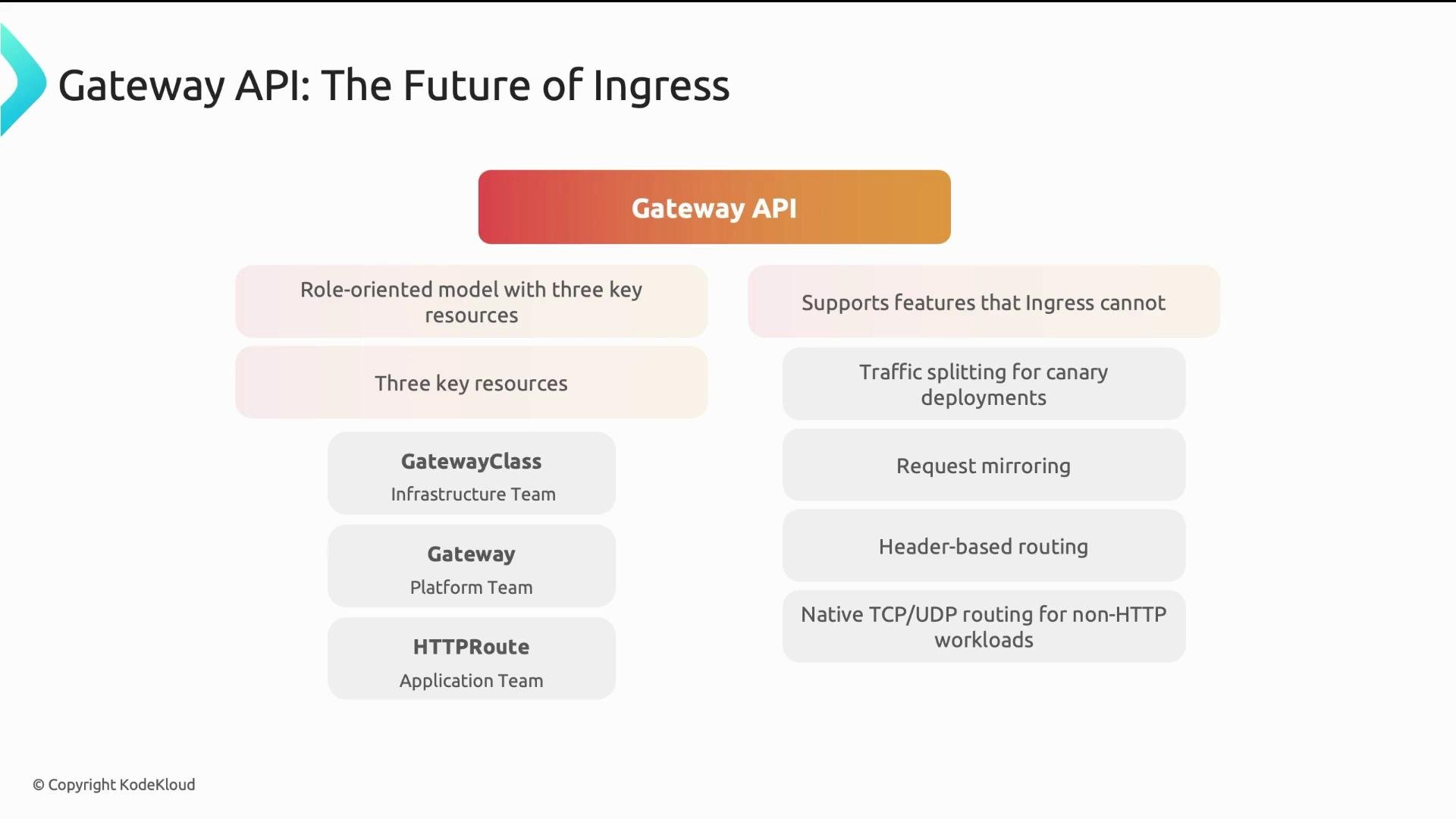
The image is a diagram explaining the Gateway API as the future of ingress, highlighting its features and role-oriented model with three key resources: GatewayClass, Gateway, and HTTPRoute. It also lists features like traffic splitting for canary deployments, request mirroring, header-based routing, and native TCP/UDP routing.
NetworkPolicy: pod-level firewalls By default, pods can talk to any other pod in the cluster. NetworkPolicy provides pod-to-pod firewall rules so you can implement least privilege (default deny, explicit allow). Example: allow only frontend pods to reach backend pods on TCP/8080.
Key NetworkPolicy points:
  • Namespace-scoped: policies in namespace A do not affect namespace B.
  • Additive model: if any policy allows a connection, it is allowed. There is no explicit deny object — you deny by omission.
  • Requires a CNI implementation that supports NetworkPolicy; otherwise policies are ignored.
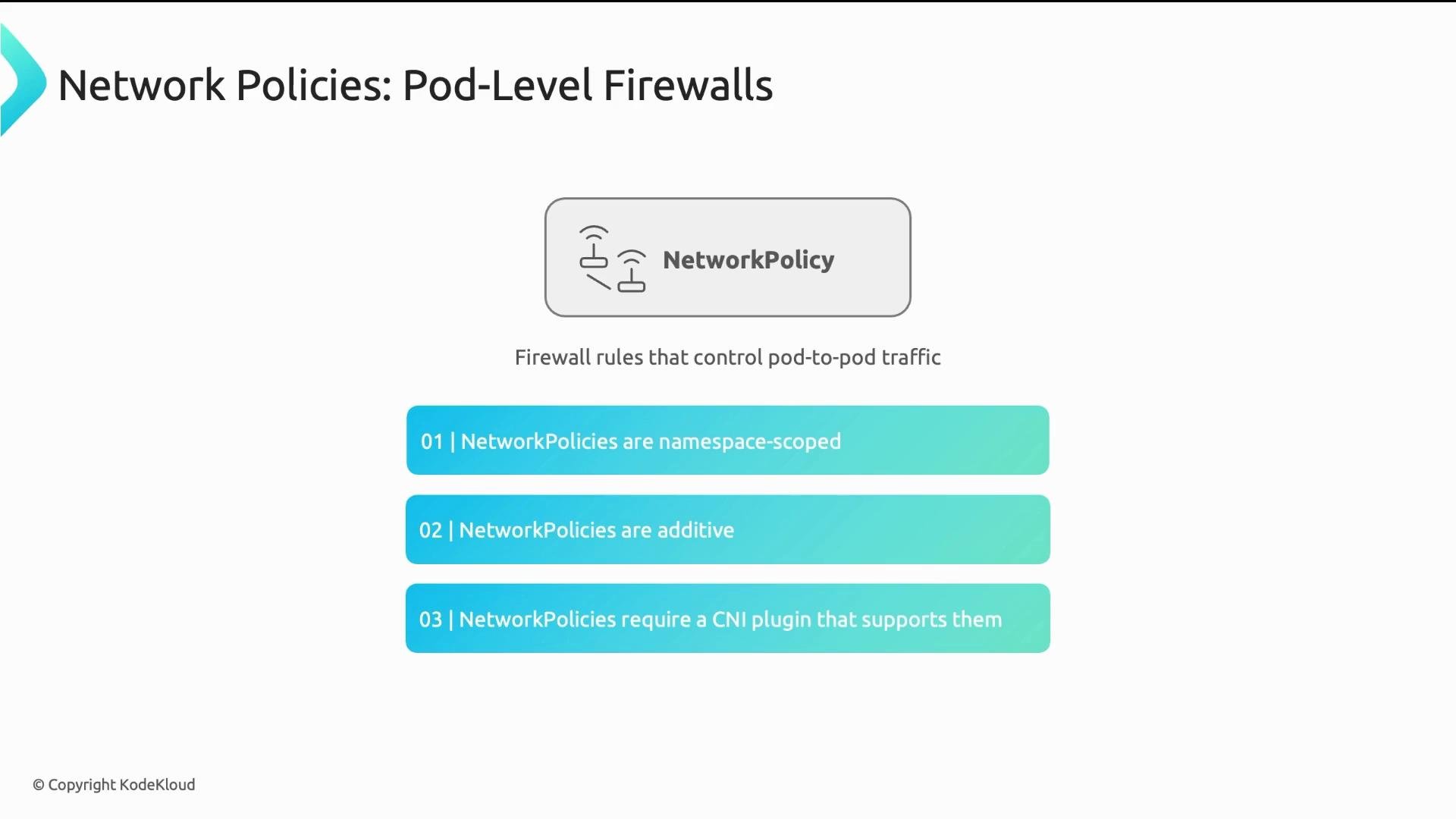
The image explains pod-level firewalls through network policies that control pod-to-pod traffic, highlighting that they are namespace-scoped, additive, and require a compatible CNI plugin.
NetworkPolicy rules are only enforced if your CNI plugin implements them. Test policies in a non-production environment first — otherwise policies may have no effect and pods will remain fully open.
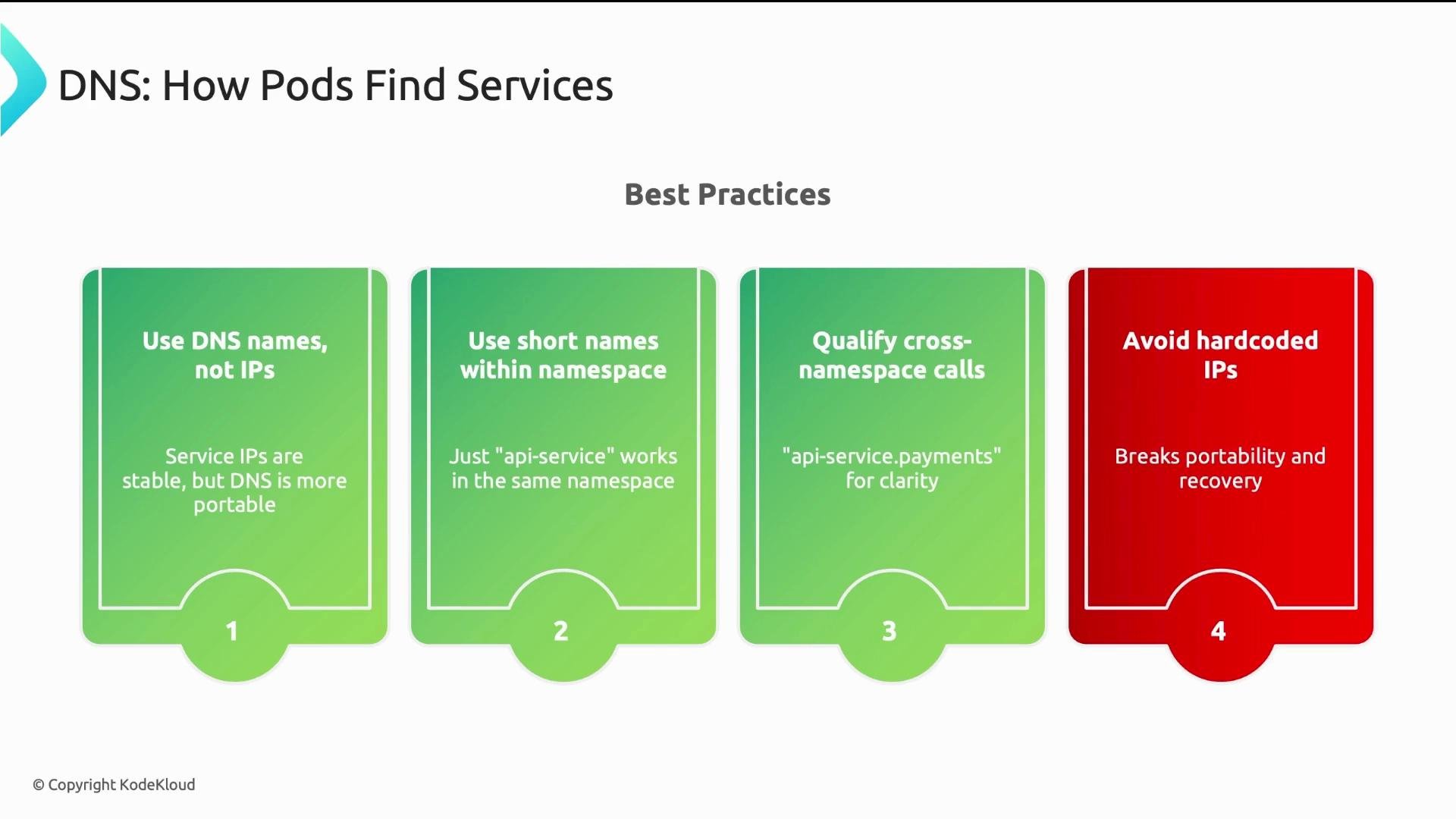
Service discovery with CoreDNS (DNS naming best practices) CoreDNS automatically creates DNS records for Services — this is the recommended way to discover services instead of using IPs. Three DNS name forms:
  • Short name (same namespace): api-service
  • Namespace-qualified (cross-namespace): api-service.payments
  • Fully qualified domain name (FQDN): api-service.payments.svc.cluster.local
Examples:
CoreDNS resolves short names by appending the pod’s namespace and cluster domain. Use short names inside a namespace for convenience; use namespace-qualified names for cross-namespace calls to avoid collisions; and use the FQDN in config or environment variables when you need absolute clarity.
The image presents best practices for how pods find services using DNS, emphasizing the use of DNS names over IPs and avoiding hardcoded IPs.
Best practices summary
  • Use Services (ClusterIP) to abstract pod IPs and enable stable DNS names and virtual IPs. Never hard-code Pod IPs.
  • Prefer Gateway API for new platforms (role separation, protocol flexibility, advanced traffic controls). Ingress remains widely used and supported.
  • Enforce least-privilege networking with NetworkPolicy: adopt a default-deny posture and add explicit allow rules. Confirm CNI support before enforcing policies.
  • Use DNS names for service discovery: short names within a namespace, namespace-qualified names for cross-namespace calls, and FQDN for full clarity.
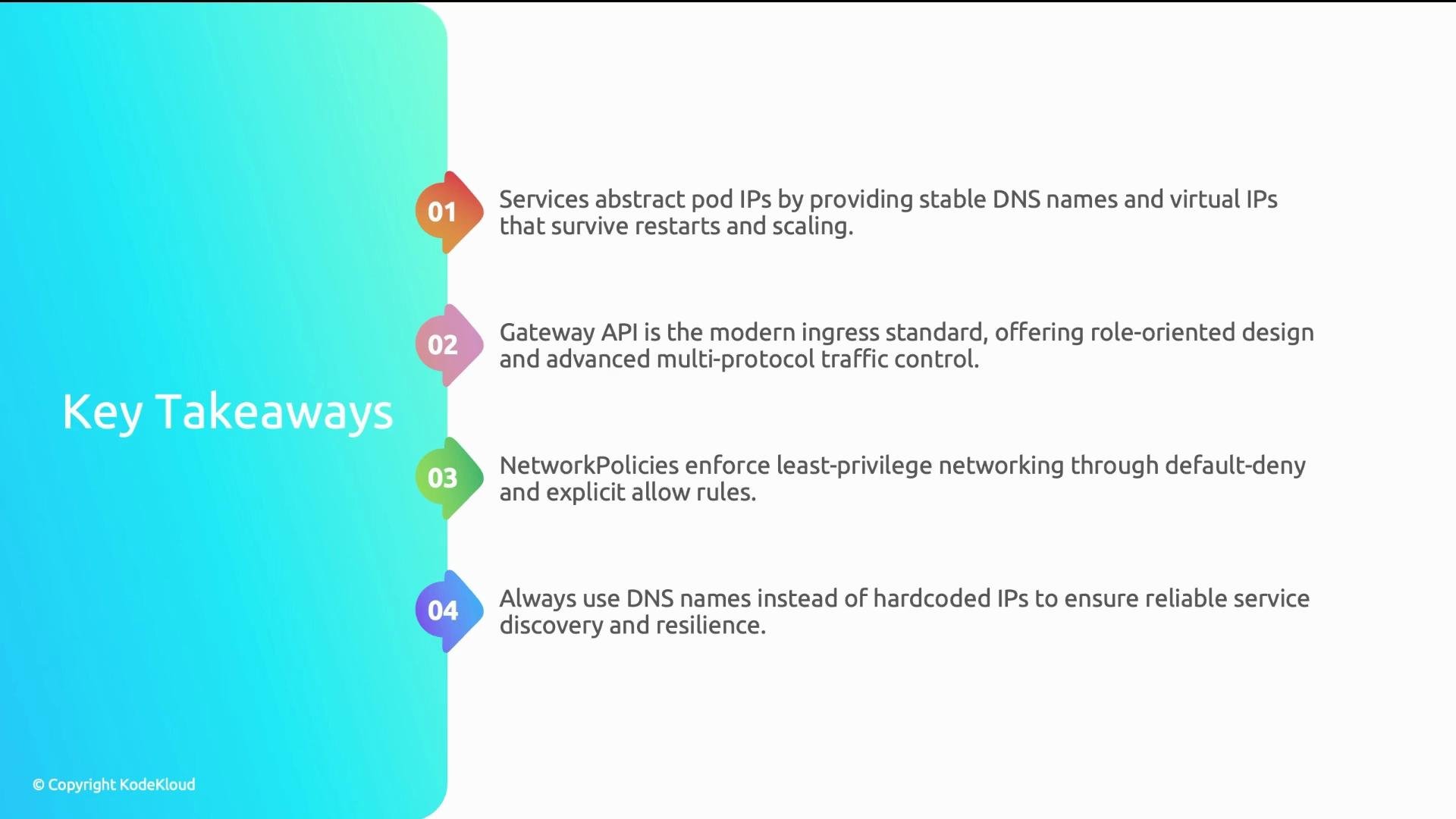
The image lists four key takeaways related to networking and services, highlighting the use of DNS names, Gateway API, NetworkPolicies, and services for abstracting pod IPs.
Links and references

Watch Video