

Real-world pain: repo chaos
A SaaS startup started small: one developer, a few YAML files. A year later the repo contained hundreds of files in a flat directory. New hires spent days figuring out what was used and what was stale.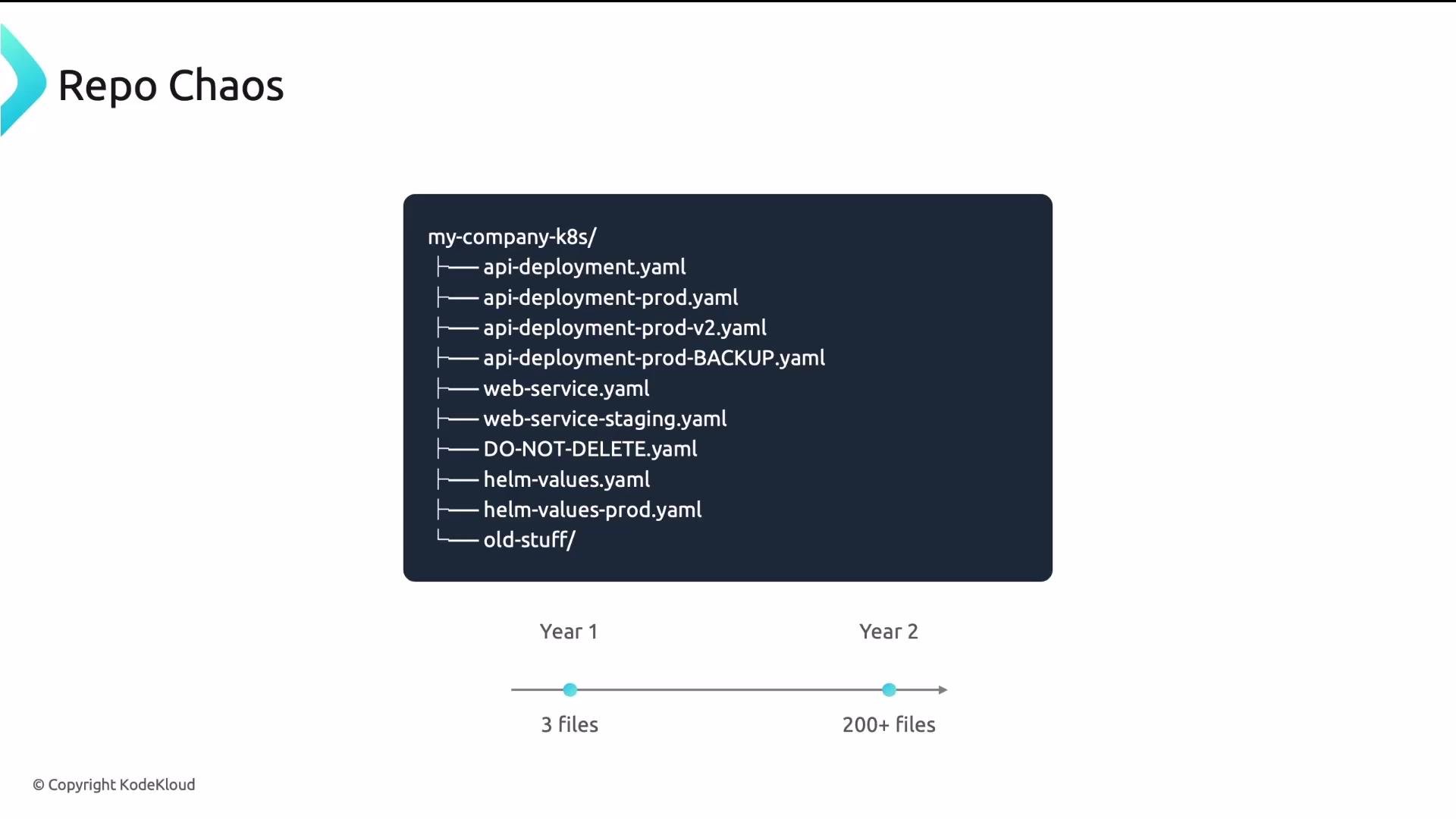
Four common problems in a flat repo
These issues are not about negligence — they’re about the fact that Git doesn’t enforce a structure. You must design it.
Principle 1: separate application source from GitOps configuration
Application code and deployment/configuration files have different owners, lifecycles, and security requirements:- Application code: source, Dockerfiles, unit tests. Fast iteration cadence (many commits/day).
- GitOps configuration: Kubernetes manifests, Helm values, Kustomize overlays. Slower cadence, stricter reviews, and platform ownership.
Mixing app source and GitOps config leads to coupling of lifecycles, larger review scopes, and permission escalations. Use separate repos to enforce different PR workflows and access controls.
Monorepo vs multi-repo for GitOps configs
Choose based on org size, team boundaries, and required access controls.
A common hybrid path: start with a monorepo, and split into per-app repos when you hit ~20–30 services or need stronger team isolation.
Example monorepo layout:
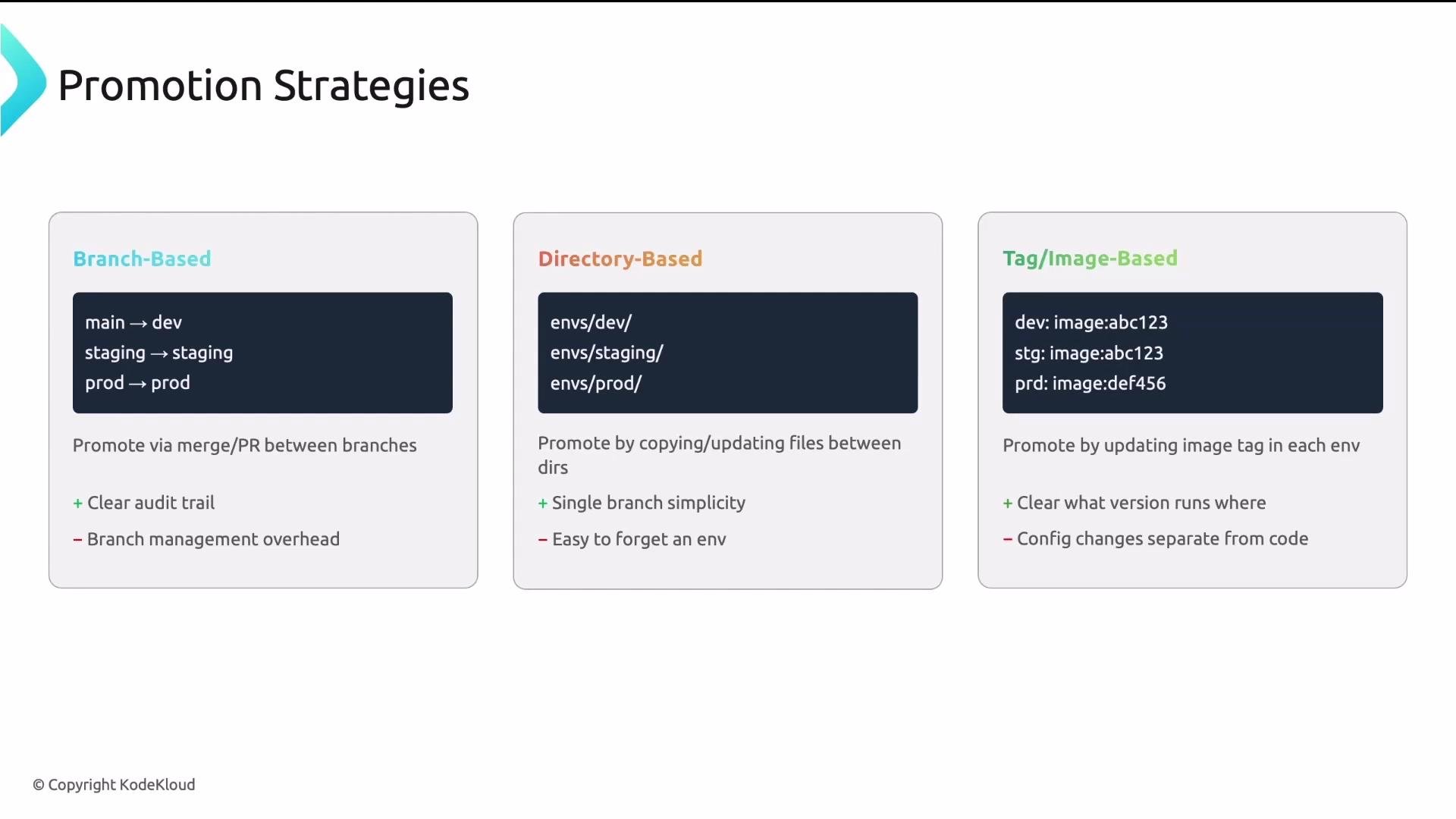
Managing environment-specific configuration: base + overlays (Kustomize-style)
Follow a base + overlay pattern so the canonical manifests live in one place and environment differences are expressed as minimal deltas.- base/: reusable, valid manifests shared across environments.
- overlays/: per-environment patches that keep differences explicit and small.
Promotion strategies: how changes move between environments
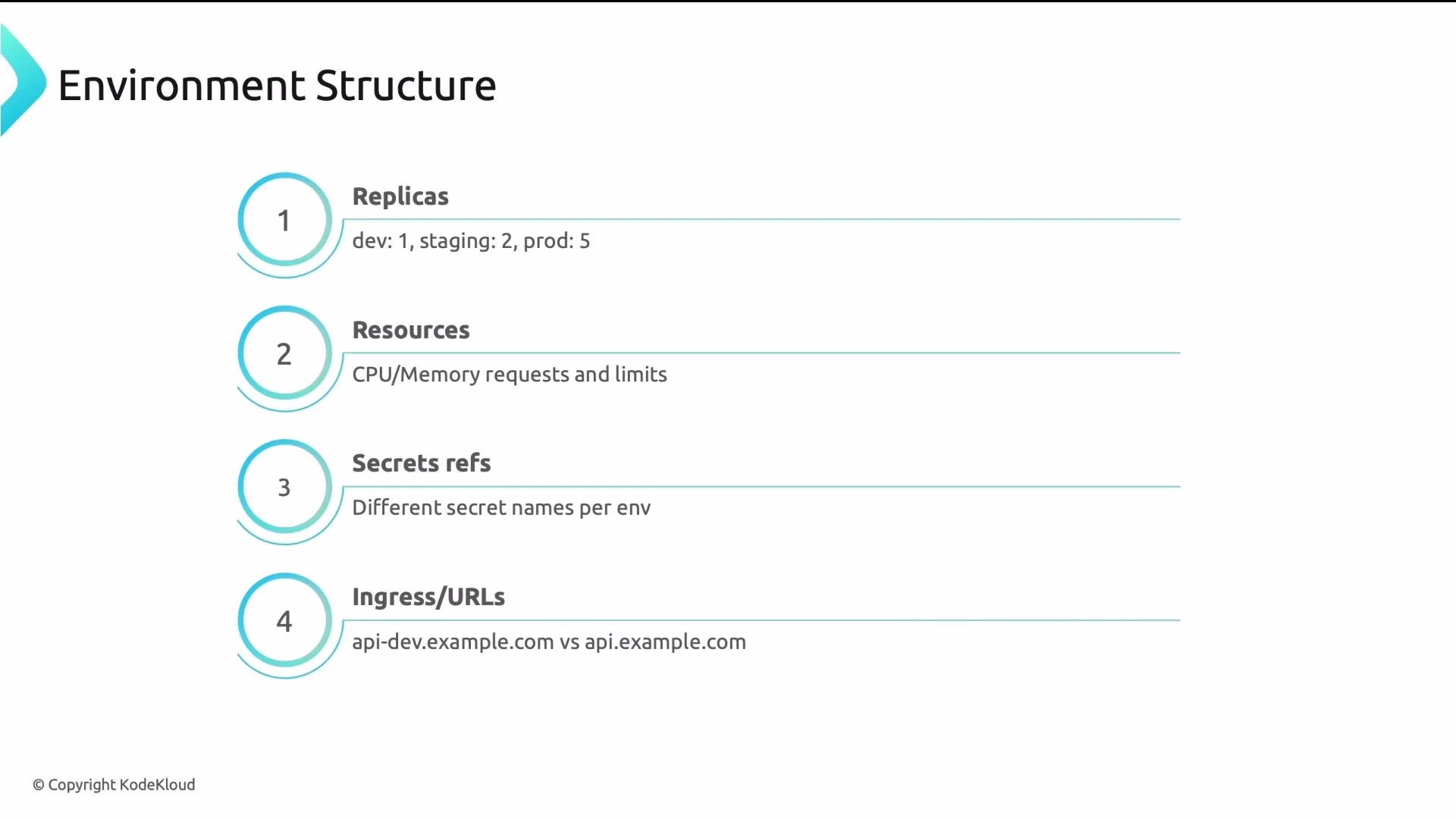
Choose a promotion strategy that matches your team’s workflow and tooling.- Branch-based: each environment corresponds to a branch (e.g.,
main,staging,prod). Promote by merging. Simple, but branch management adds overhead. - Directory-based: each environment is a directory path (e.g.,
clusters/dev,clusters/staging,clusters/prod). Promote by PRs that copy or update the config into the next environment directory; audit-friendly. - Tag/image-based: each environment references a container image tag. Promote by updating the image tag in the next environment’s config (e.g., bump
my-app:1.2.3→my-app:1.2.4).
- Use clear, small overlays per environment (so Argo CD Applications can point to overlay paths).
- Promote by bumping the image tag in the next environment — this keeps diffs small, auditable, and focused on the artifact version.
Recommendation: Use directory-based environment layouts with small overlays, and promote by updating image tags. This produces small, auditable PRs and integrates well with tools like Argo CD. See Argo CD concepts for Application and ApplicationSet patterns: https://learn.kodekloud.com/user/courses/gitops-with-argocd
Reference repo structure (payoff)
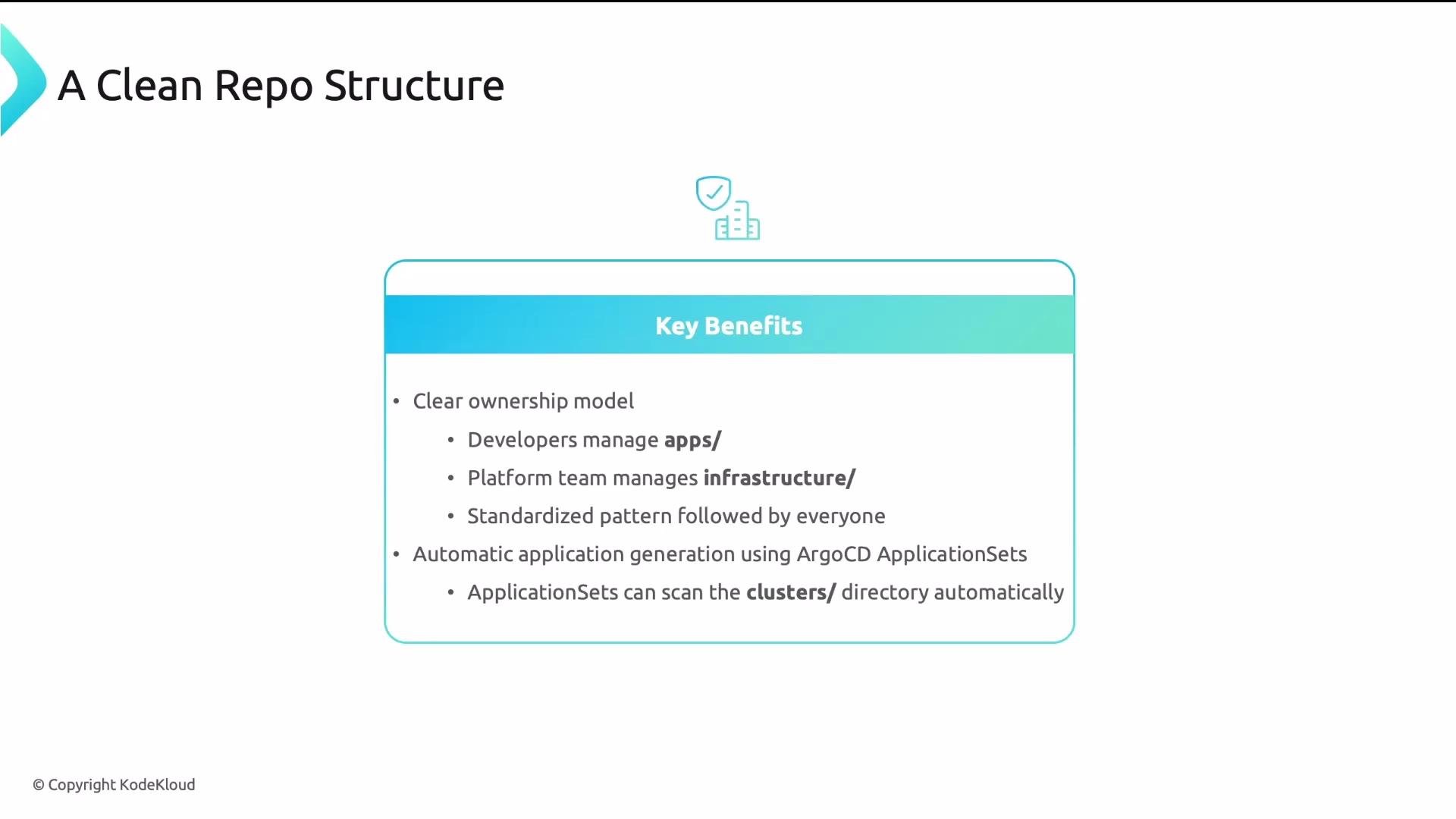
A clean, top-level layout clarifies ownership and scales with growth. Suggested top-level directories:- apps/: application workloads owned by development teams. Each app uses base/overlays.
- infrastructure/: platform components owned by the platform team (monitoring, ingress, cert-manager).
- clusters/: cluster-level config and environment definitions that declare which apps and infra to deploy.
- Clear ownership boundaries.
- Standardized patterns across teams.
- Declarative mapping: Argo CD ApplicationSets can scan directories and generate Applications automatically.
Four final takeaways
- Separate code from config so each follows an appropriate lifecycle and access policy.
- Use base + overlays to avoid duplication and keep environment differences minimal.
- Define a clear promotion path (dev → staging → prod) so changes move predictably and are auditable.
- Separate apps from infrastructure so teams have distinct ownership, review policies, and reduced merge conflicts.