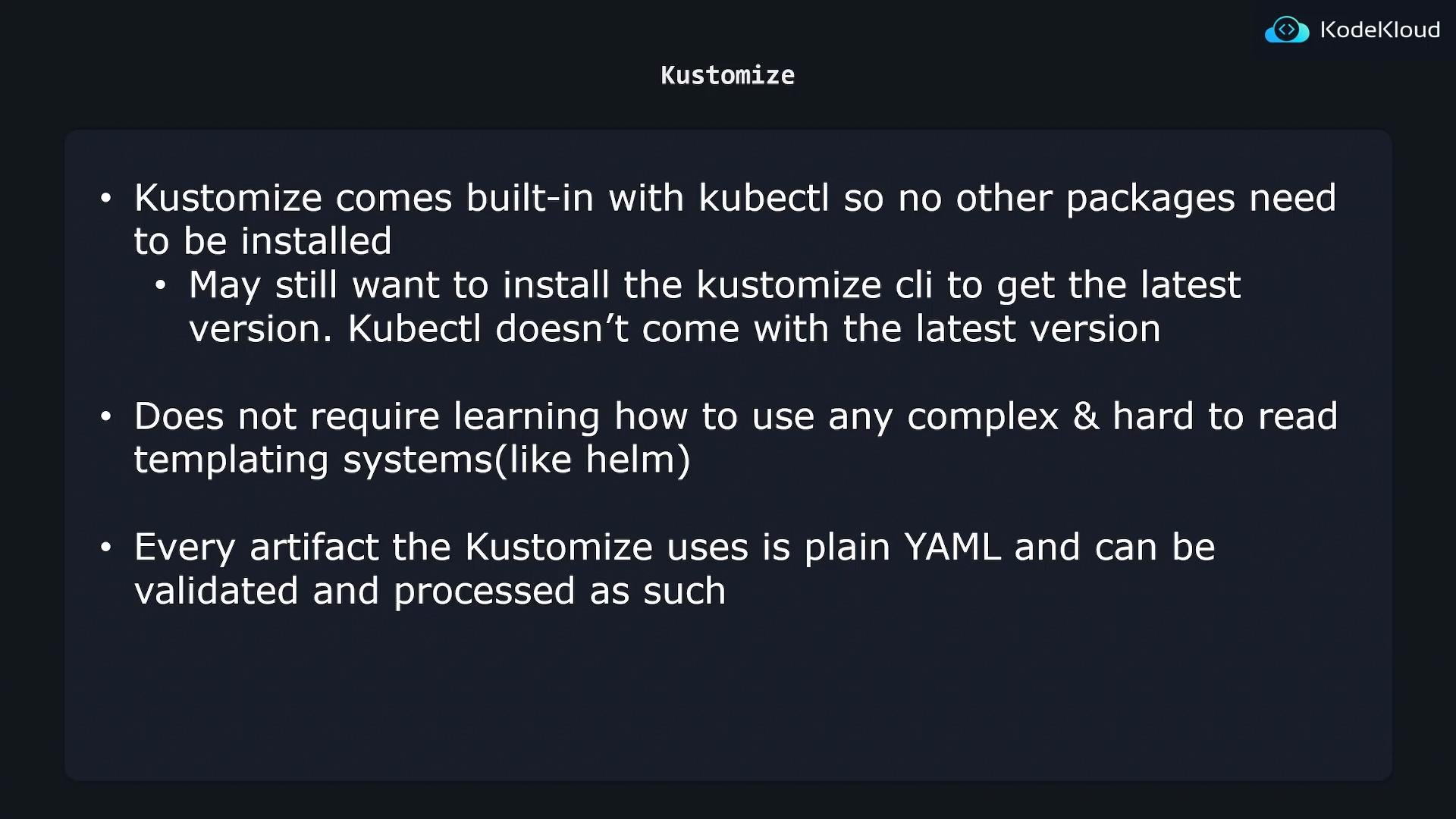
dev (local), stg (staging), and prod (production) — with environment-specific behavior such as different replica counts:
A naive approach is to copy the same YAML files into each environment directory and update only the environment-specific values (like
replicas) in each copy.
For example, you might duplicate the Deployment for each environment and run:
Example — base (shared) NGINX Deployment:
replicas: 1, the dev environment typically needs no replica override. For stg and prod we create small overlay patches that adjust only the replica count.
Staging overlay patch:
kustomization.yaml that references the base and the patch. For example, the staging overlay’s kustomization.yaml:
kubectl apply -k), Kustomize:
- Loads the base resources,
- Applies the overlay patches/transformations,
- Produces the final manifests for that environment.
- Put shared manifests in
base/. - Create one overlay folder per environment under
overlays/. - In each overlay, reference the base and include only the patches/overrides and environment-specific resources.
- Build and apply environment manifests with Kustomize or
kubectl apply -k overlays/<env>(use backticks for angle brackets).
kubectl (you can use kubectl kustomize or kubectl apply -k), but the embedded Kustomize version in kubectl may lag behind the standalone Kustomize release. If you require the latest Kustomize features, consider installing the standalone Kustomize CLI.
Kustomize operates on plain YAML without introducing templating syntax. Define base resources as regular YAML and describe overlays as YAML patches — there is no templating language to learn, unlike Helm.
The Kustomize version bundled into
kubectl may not include the newest features or flags. If you depend on recent Kustomize functionality, install the standalone CLI from the official Kustomize releases or follow the project documentation.