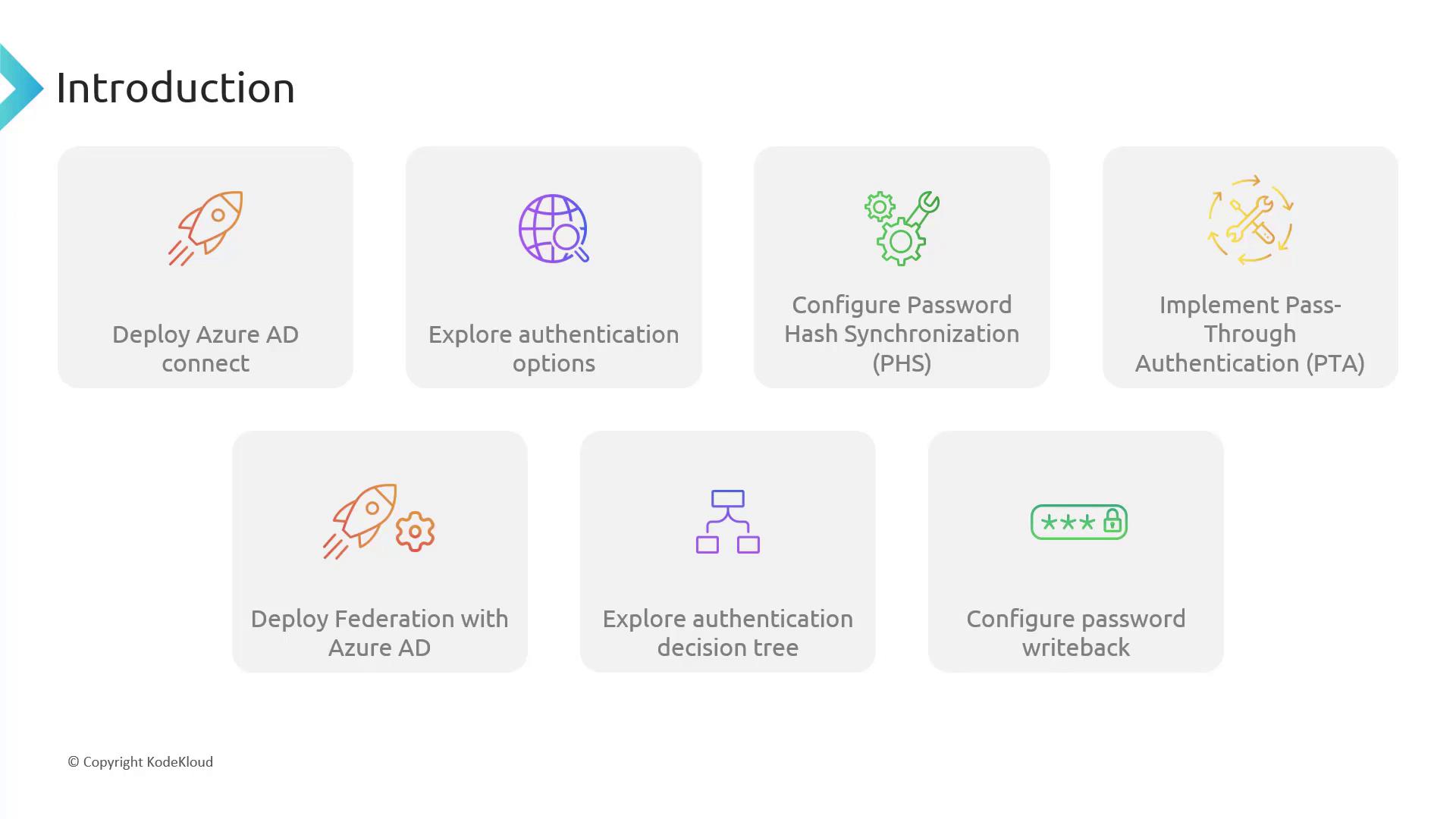
- Deploying Azure AD Connect
We will deploy a domain controller using a script that also configures the Azure AD Connect service. This service synchronizes your on-premises users to the cloud.
If you are using the core cloud labs, be aware of potential limitations. If you have your own tenant, you can test the full functionality without restrictions.
-
Exploring Authentication Options
Azure AD Connect offers flexibility in handling authentication for synchronized accounts. You can choose from several methods based on your security and operational requirements:- Password Hash Synchronization: Stores the password hash in the cloud.
- Pass-through Authentication: Keeps the password on-premises and relays the authentication to your domain controllers.
- Federation Service: Although gradually being phased out, this method is still supported.
-
Decision-Making Process for Hybrid Identity Configuration
With three authentication options, we provide a step-by-step decision tree to help guide you through selecting the most appropriate method for your environment. -
Configuring Password Write-back
Learn how to set up password write-back, allowing cloud-based password resets to be immediately applied to your on-premises domain controllers.