

- Something you are or know (such as biometrics or a PIN).
- Something you have (like a Windows 10 device, phone, or security key).
Windows Hello for Business
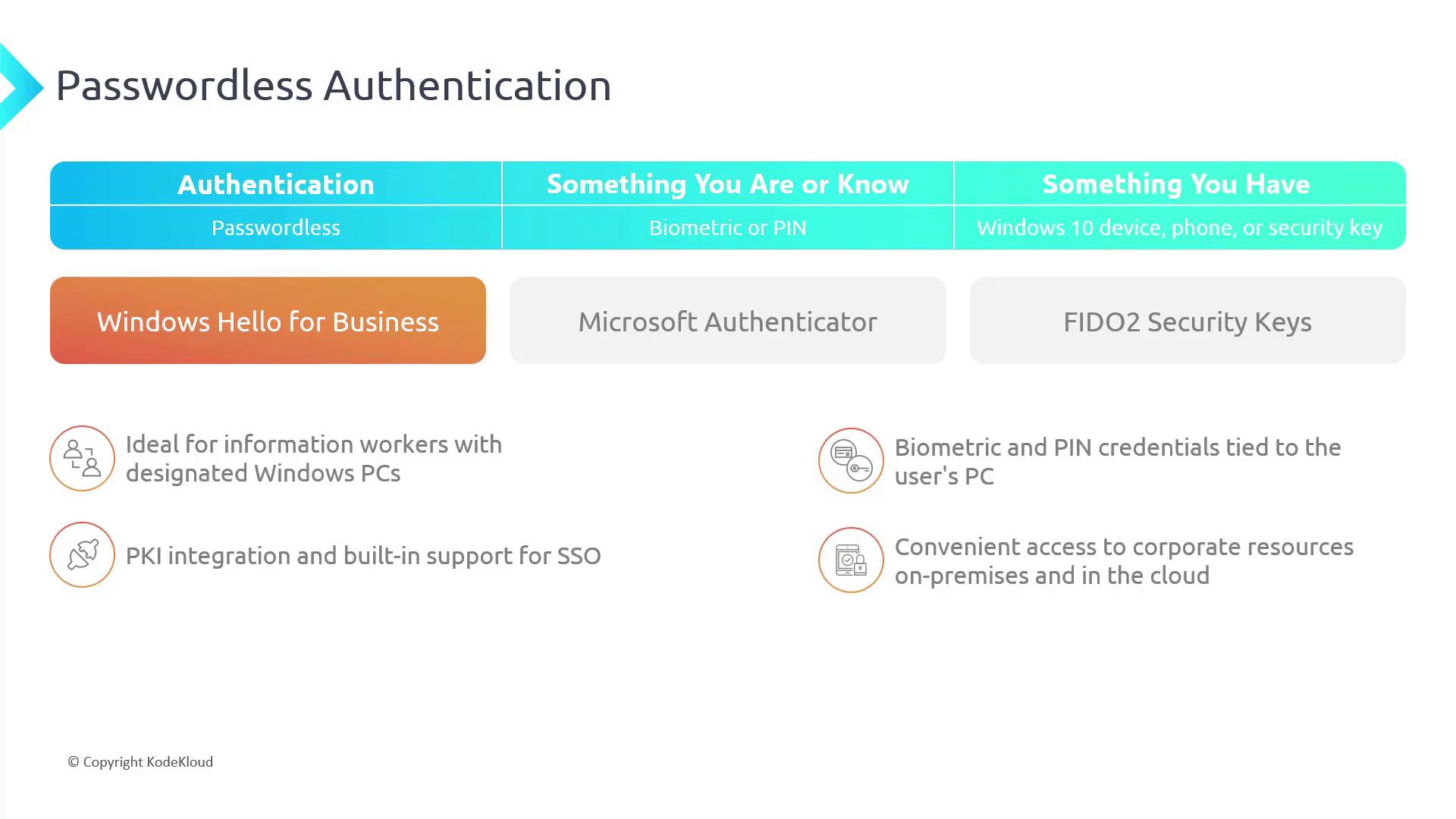
Windows Hello for Business is an excellent solution for enterprise scenarios, especially for information workers using designated Windows PCs. Even users with personal Windows devices can take advantage of this feature. Depending on your device hardware, you can use biometric authentication such as fingerprint or facial recognition or simply set up a PIN if biometric hardware is unavailable. Key benefits of Windows Hello for Business include:- Use of biometric and PIN credentials tied specifically to the user’s PC.
- Support for Public Key Infrastructure (PKI) integration.
- Built-in single sign-on for seamless access to both corporate resources and on-premises or cloud services.
Microsoft Authenticator
The Microsoft Authenticator app transforms your smartphone into a secure authentication device. Once you add your account by scanning a QR code, the app supports various authentication workflows, including:- Displaying a time-sensitive code that refreshes every 30 seconds.
- Sending a push notification that allows you to approve the sign-in quickly.
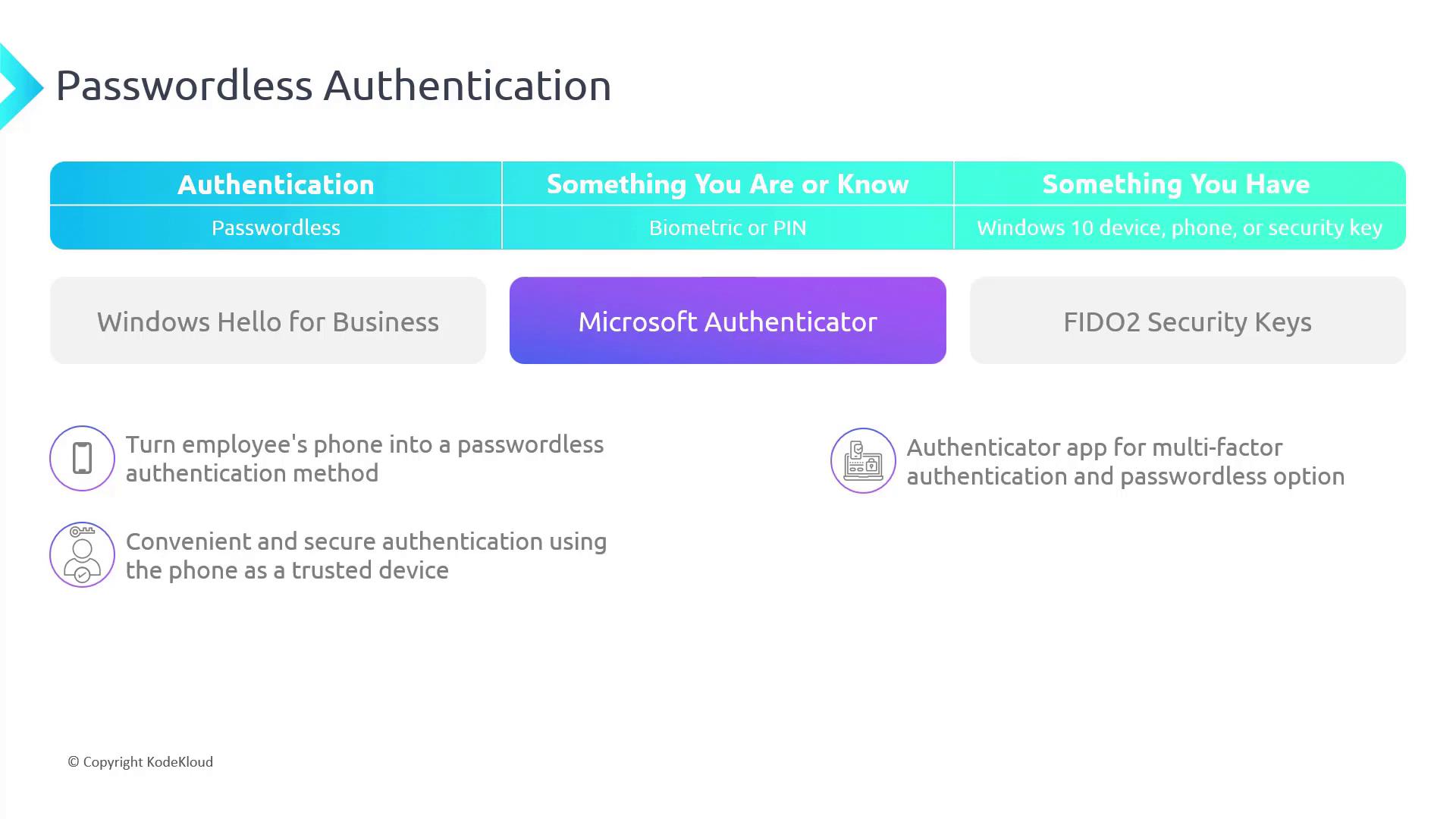
It is important to secure your phone with proper protection to prevent unauthorized access when using it for authentication.
FIDO2 Security Keys
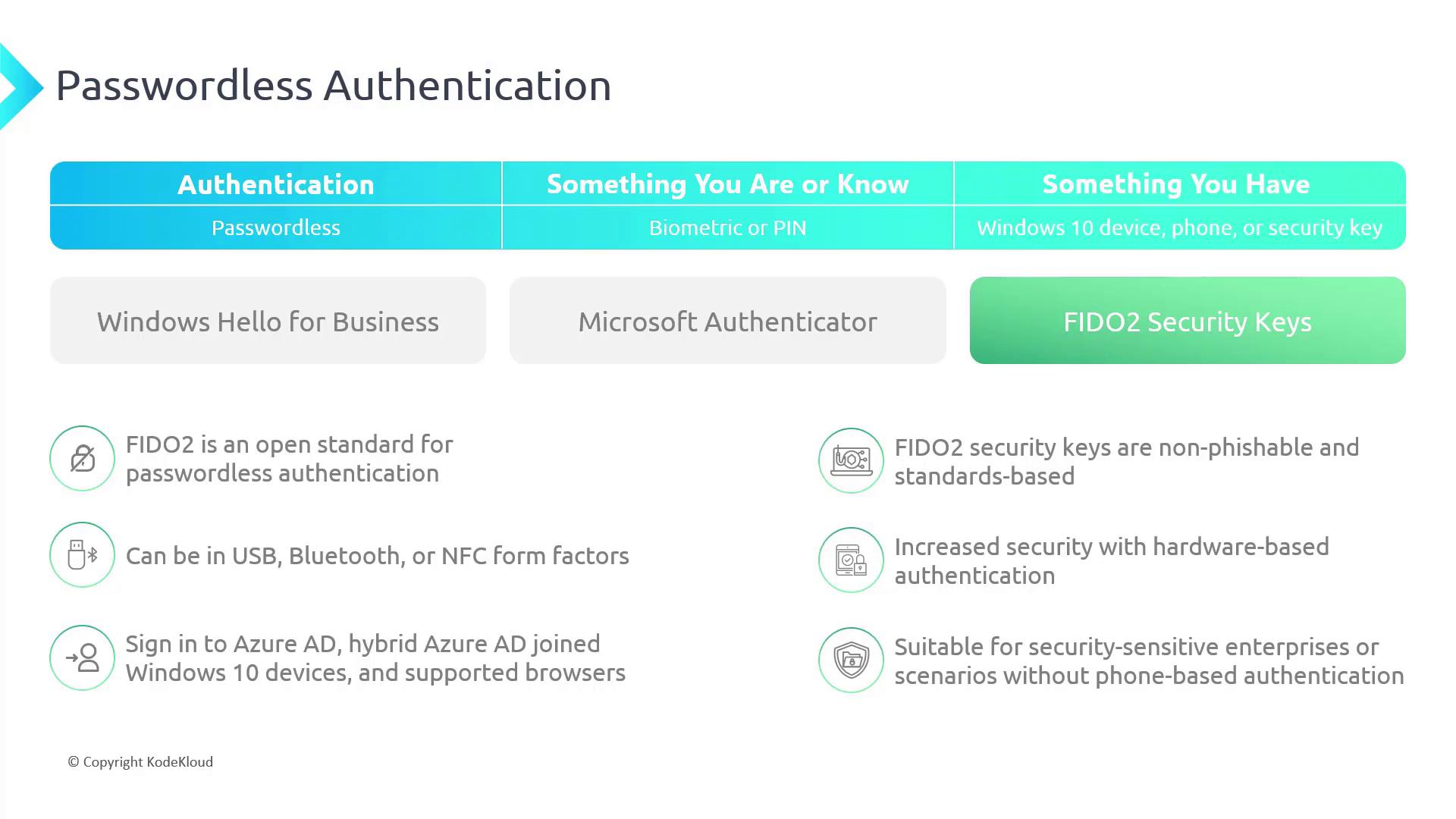
FIDO2 is an open standard that enables hardware-based, passwordless authentication. FIDO2 security keys are designed to be non-phishable and are available in a variety of form factors, including:- USB
- NFC (Near Field Communication)
- Bluetooth
Configuring Passwordless Options on Windows
To configure passwordless options on your Windows device, follow these steps:- Open the Settings app.
- Navigate to Accounts > Sign-in options.
- Facial recognition (if your device supports it)
- Fingerprint recognition (if your hardware supports it)
- PIN (often pre-configured)
- Security key
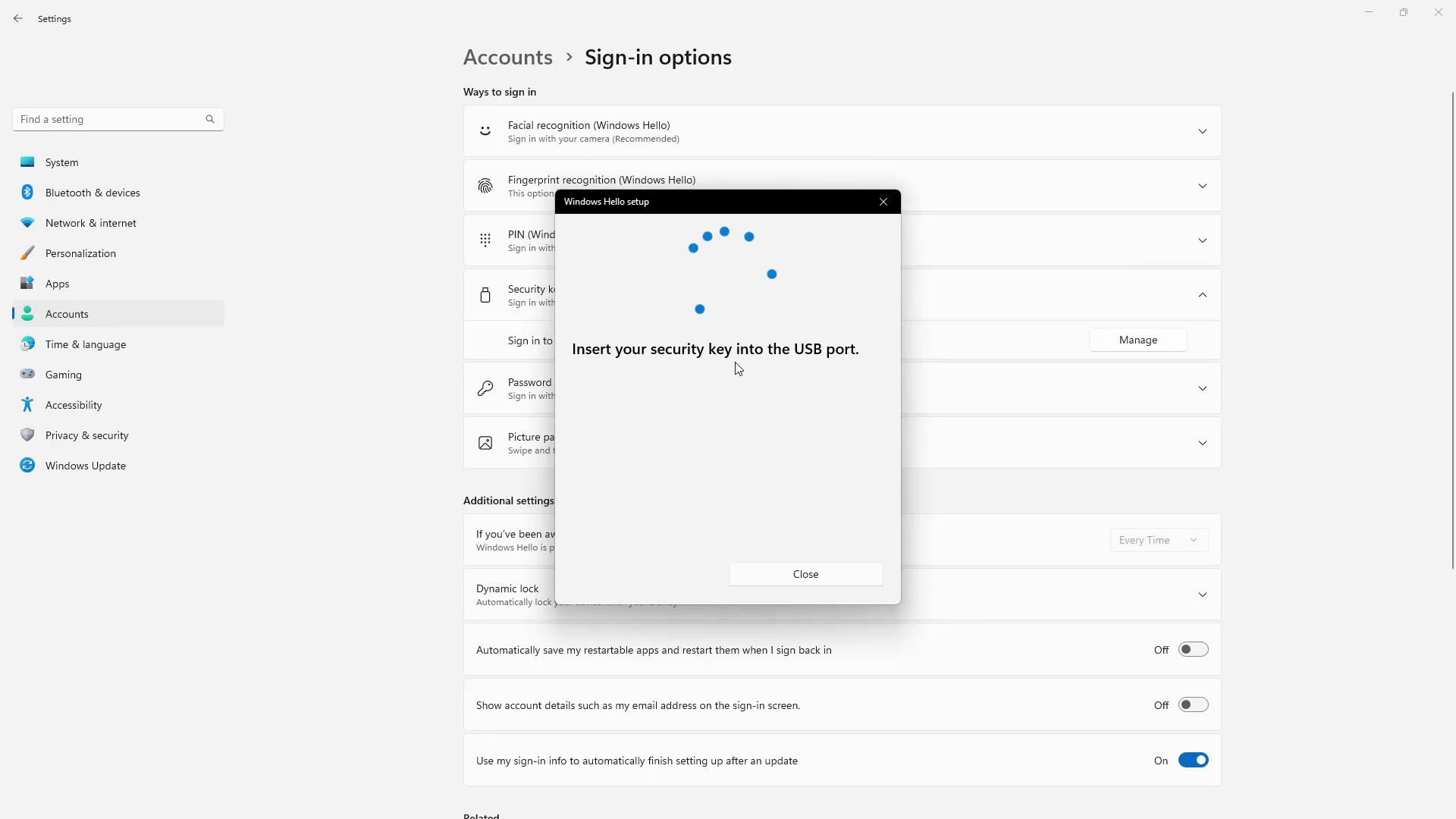
If you do not have a USB security key available during testing, you will be unable to complete the process. However, the interface clearly displays all available sign-in options.
Conclusion
In this article, we examined the primary methods for implementing passwordless authentication in Azure AD, including:- Windows Hello for Business
- Microsoft Authenticator
- FIDO2 Security Keys