

Question 1: What is the Main Goal of Steganography?
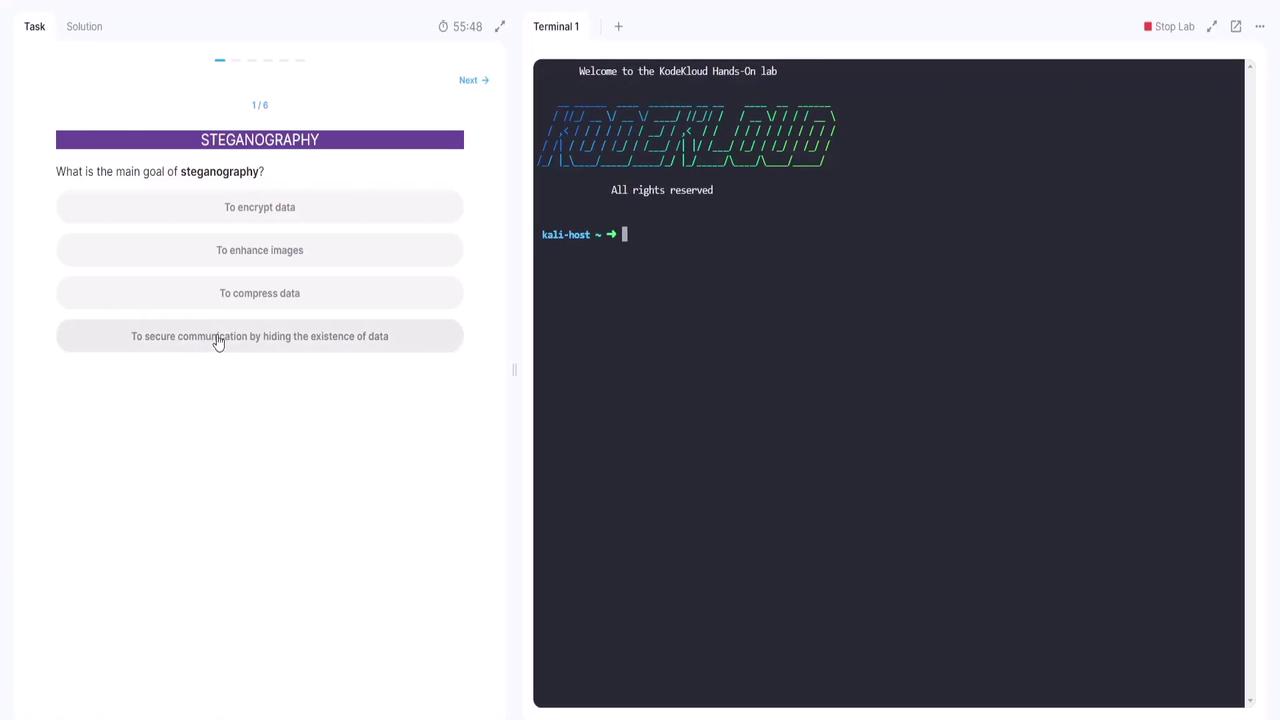
The first question in the Hands-On Lab asks: What is the main goal of steganography? The provided options are:- Encrypt data
- Enhance images
- Compress data
- Secure communication by hiding the existence of data
Question 2: Which File Type is Most Commonly Used for Steganography?
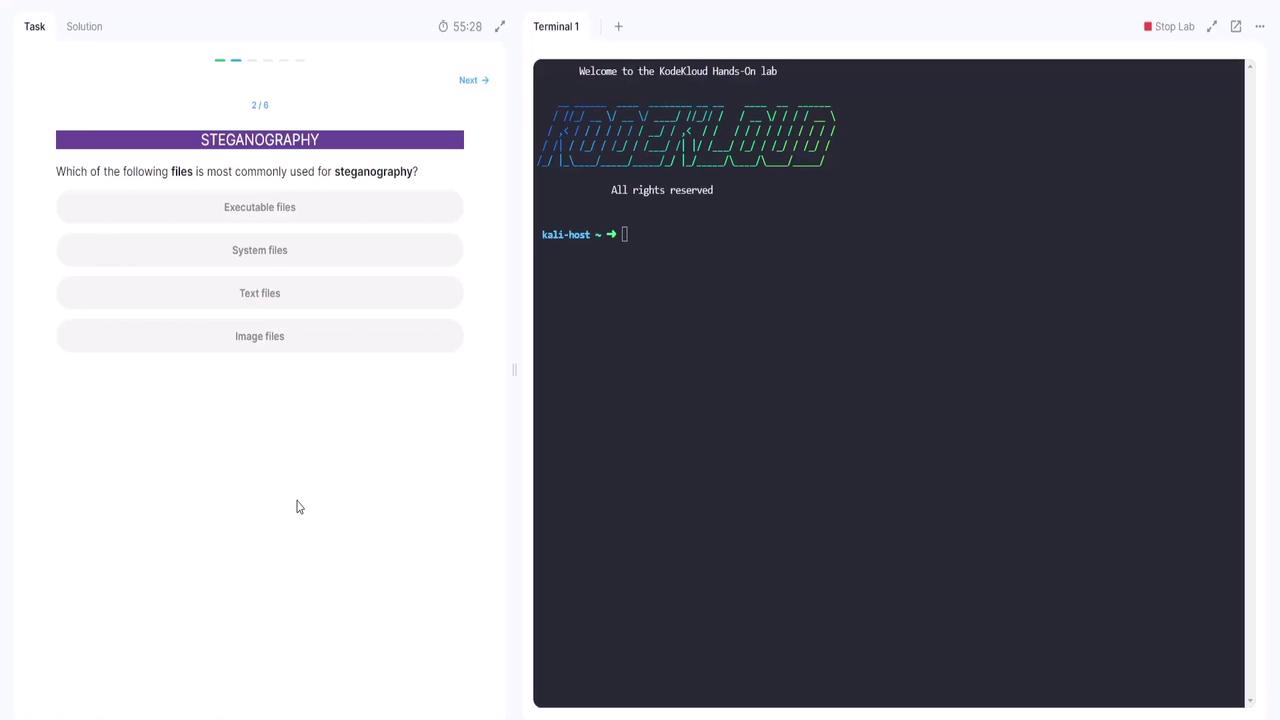
The second question asks: Which of the following files is most commonly used for steganography? The options include:- Executable files
- System files
- Text files
- Image files
Question 3: Which Technique is Used to Detect Steganography?
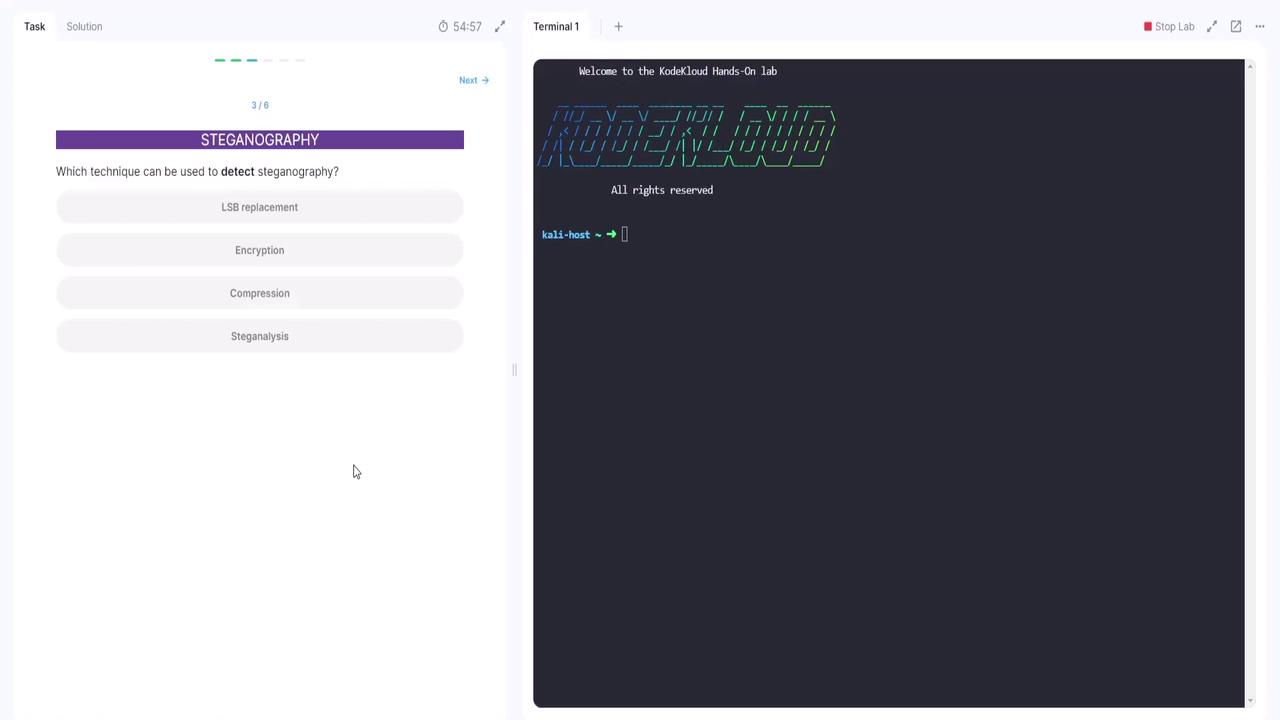
The third question is: Which technique can be used to detect steganography? The options are:- LSB replacement
- Encryption
- Compression
- Steganography
Question 4: What are the Challenges in Steganography?
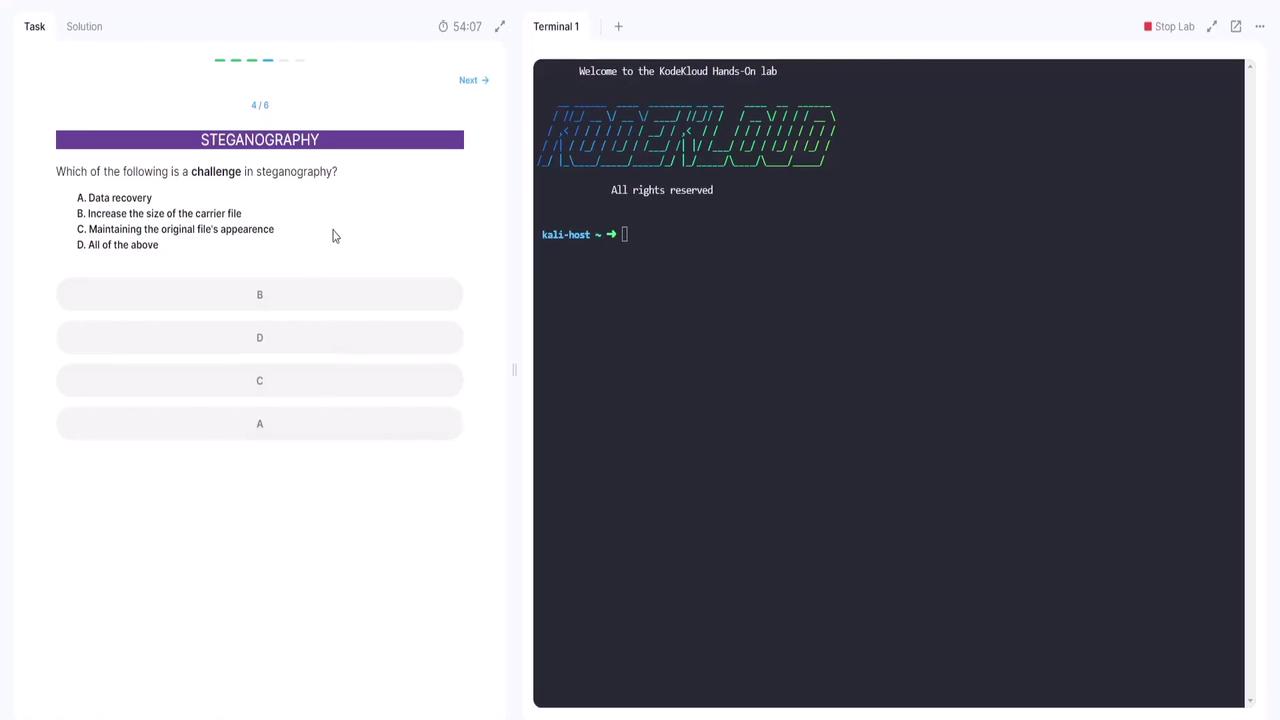
The next question addresses the challenges associated with steganography: Which of the following is a challenge?- A. Data recovery
- B. Increase in the size of the carrier file
- C. Maintaining the original file’s appearance
- D. All of the above
Hands-On Steganography Decoding
In this section, you will have the opportunity to decode secret messages hidden within image files.Decoding the Secret Message for Location
Follow these steps to decode the secret message that reveals a specific location from a picture of a puppy:- Save the image file to your hard drive.
- Navigate to an online steganography encoder/decoder tool.
- Switch to the “decode” tab within the tool.
- Select the saved image file.
- Execute the decoding process to reveal the hidden message.
Decoding the Secret Meeting Schedule
Now, decode another image file to determine when the secret meeting is scheduled. The hidden message contains both the date and time. Follow these steps:- Save the provided image file to your hard drive.
- Open your web browser and go to the online steganography tool.
- Use the “decode” function to select the newly saved file.
- Run the decoding process to reveal the hidden date and time.
Now it’s your turn to try the lab for yourself. Experiment with online tools, decode hidden messages, and explore additional hands-on challenges in our next section.