

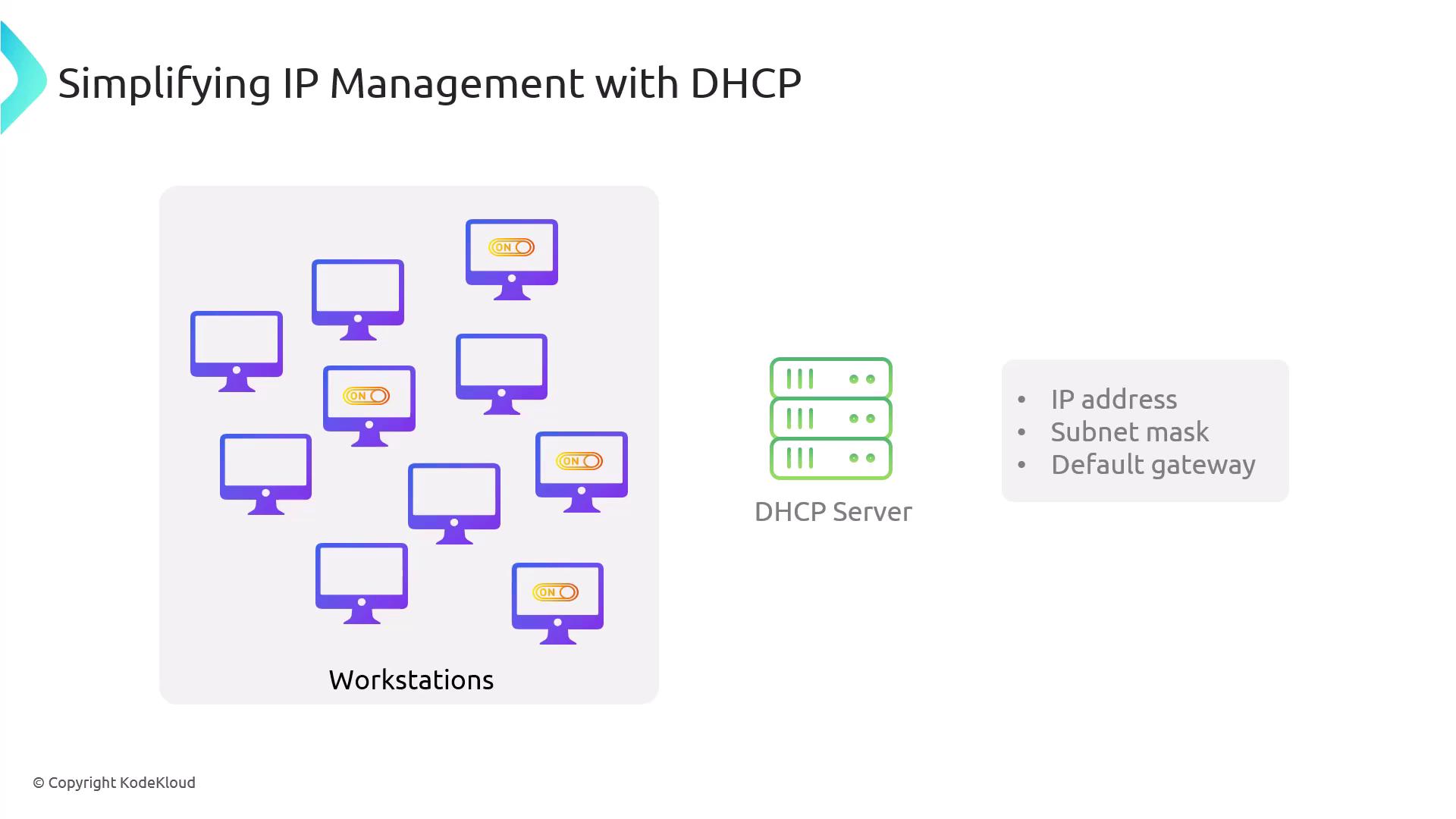
How DHCP Works
When a client powers on, it initiates the DHCP process by broadcasting a DHCP Discover message that seeks a DHCP server to provide the necessary configuration details. Upon receiving this broadcast, a DHCP server responds with a DHCP Offer containing an IP lease. The client then selects an offer and sends a DHCP Request to confirm the chosen server’s offer. Finally, the DHCP server sends a DHCP ACK (acknowledgment), finalizing the configuration process.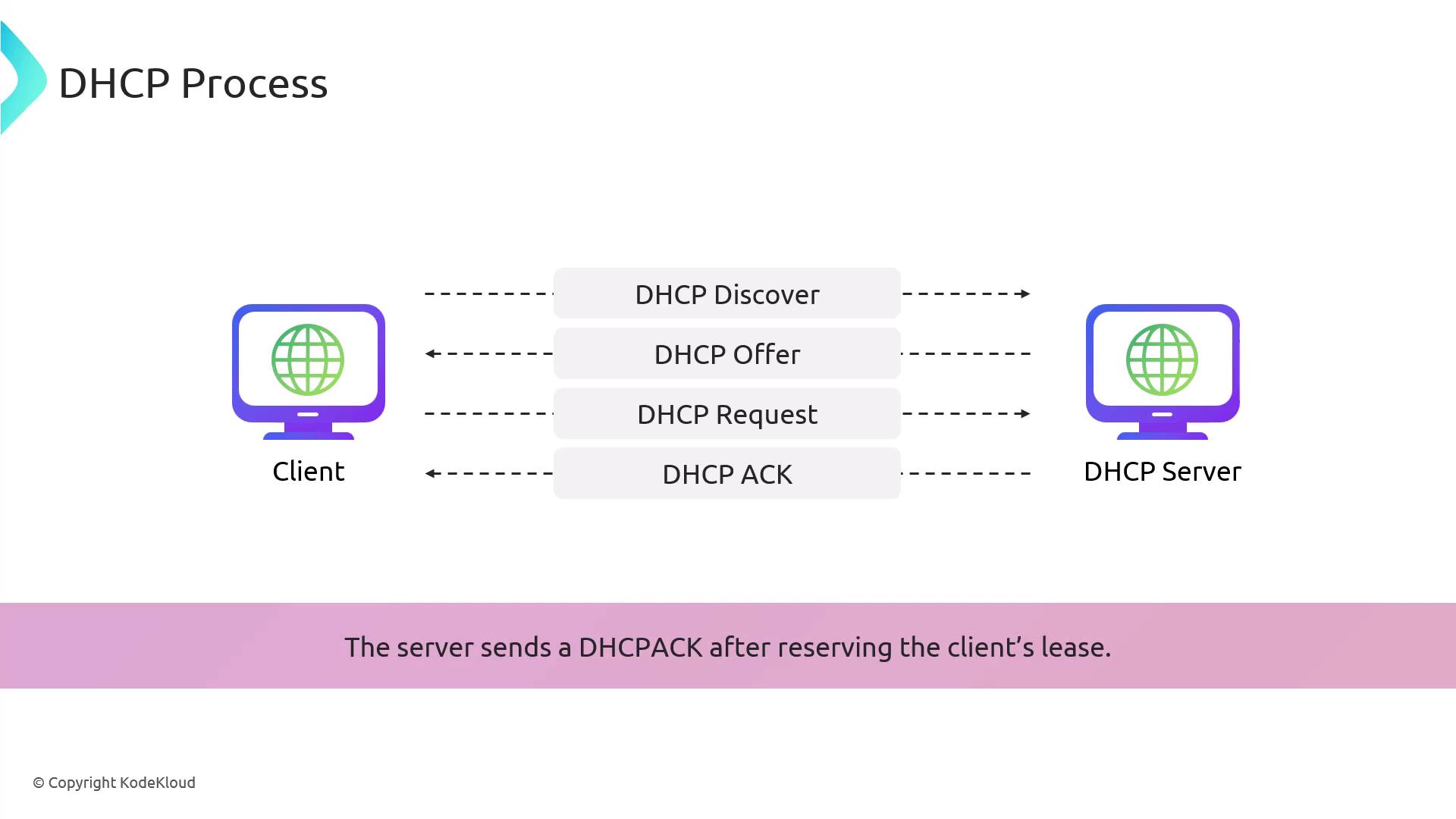
Rogue DHCP Servers
A rogue DHCP server is an unauthorized server that can distribute false network configuration settings. Attackers can exploit this by providing incorrect information to clients—for example, designating the rogue server as the default gateway. This misdirection causes clients to send all outbound traffic through the attacker-controlled gateway, allowing the attacker to intercept, manipulate, or capture data. Since the rogue server can seamlessly forward traffic to the intended destination like a proxy, the attack may remain undetected.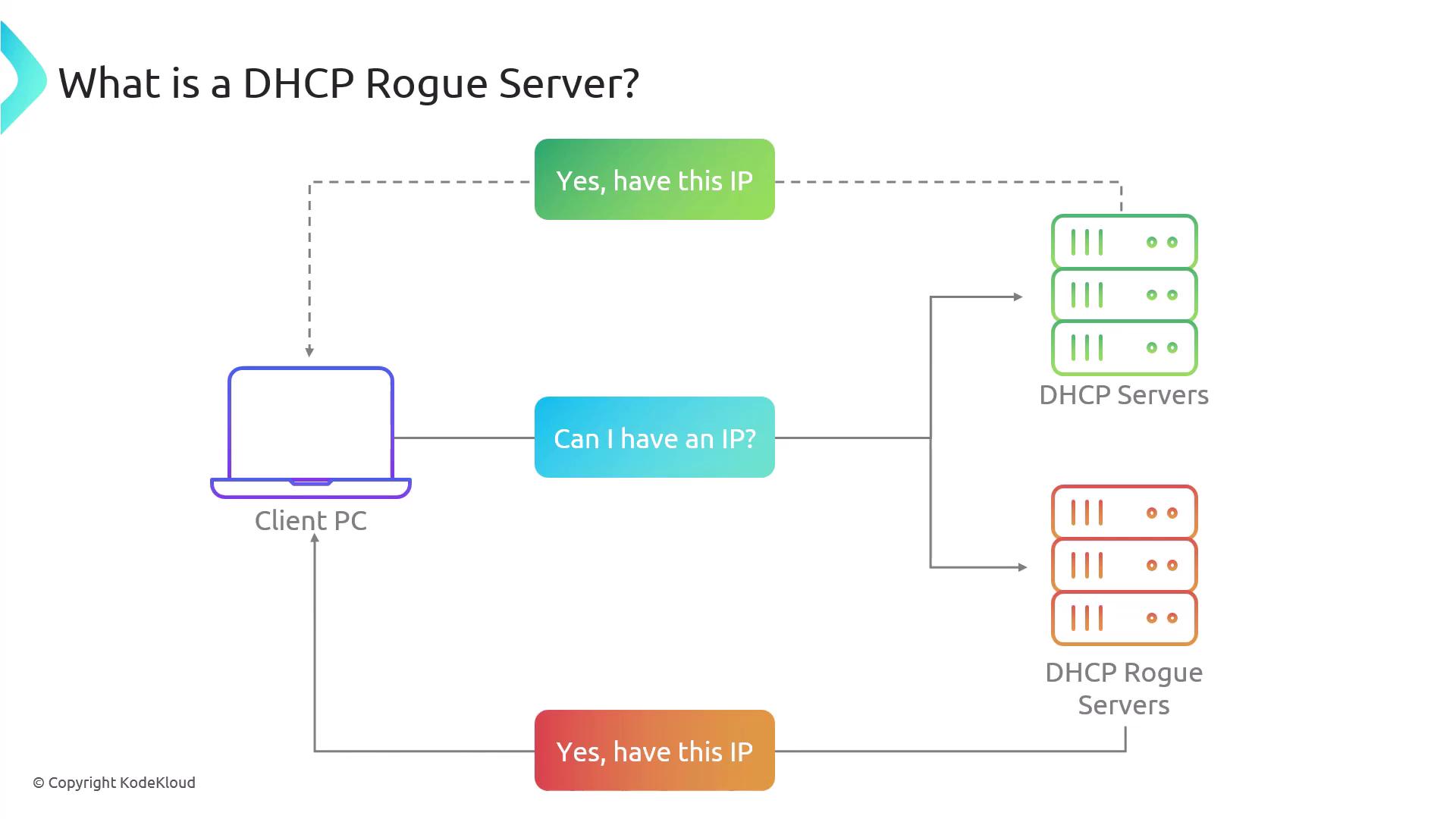
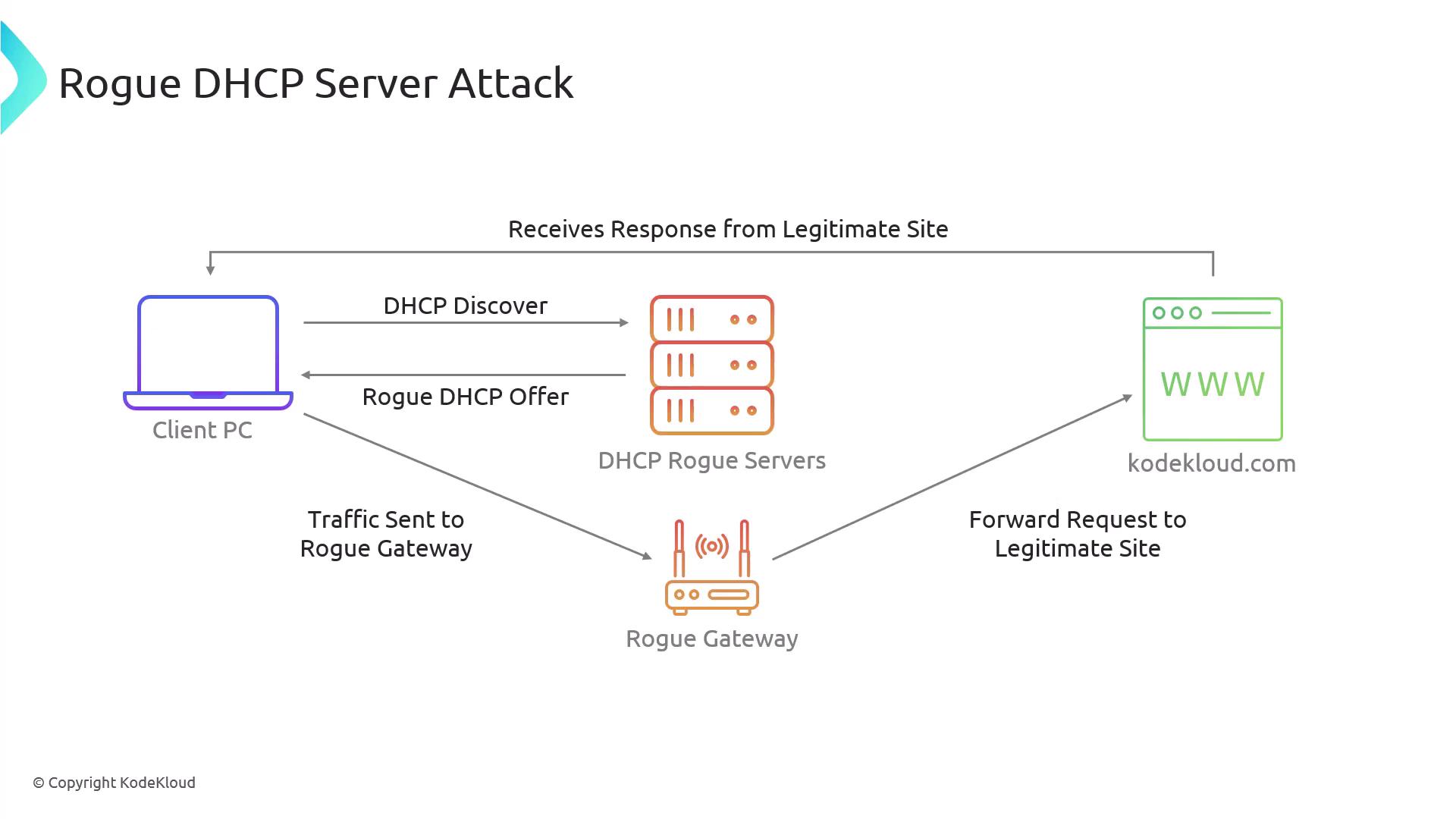
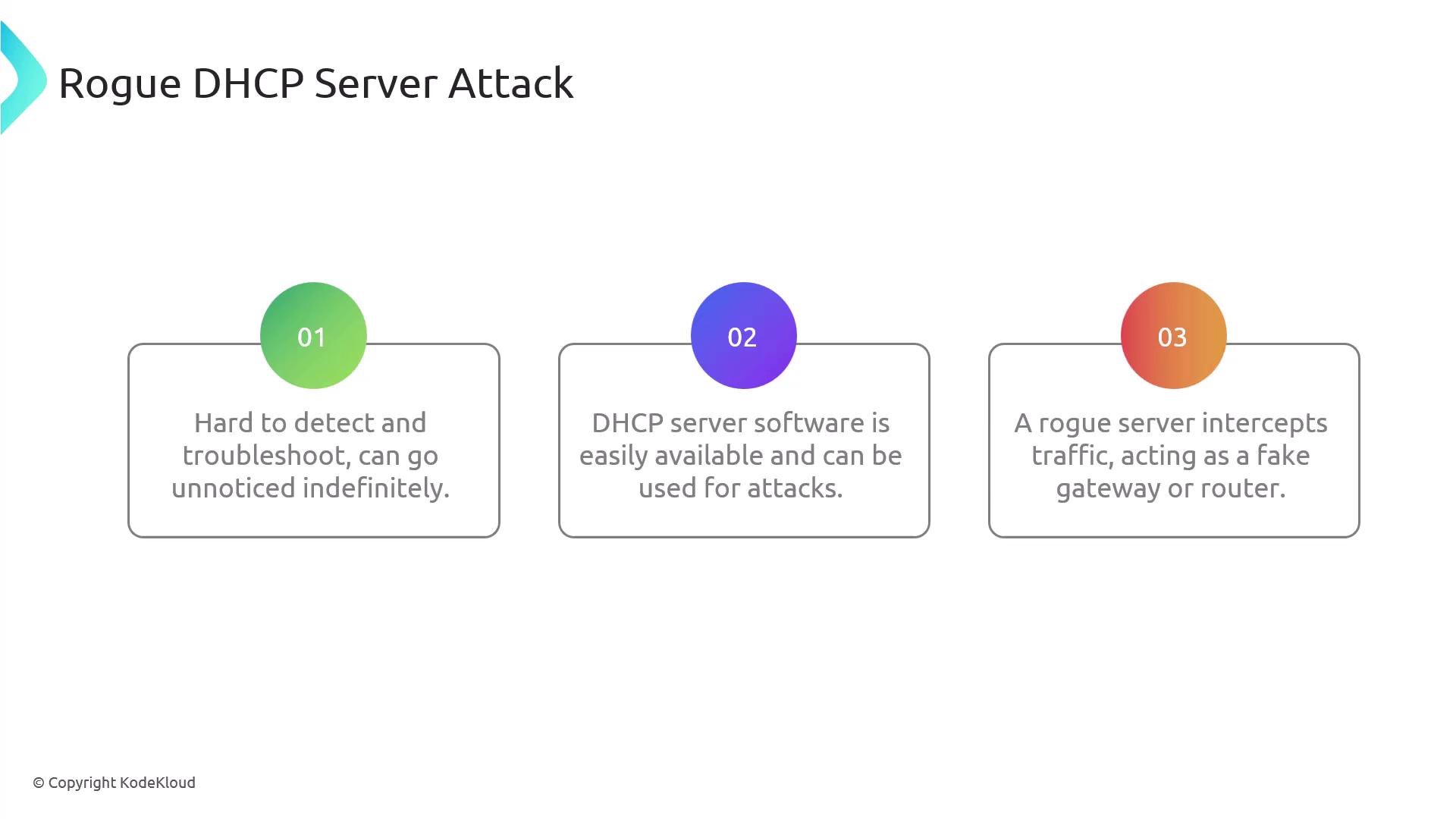
In this lab, you will learn how to set up a rogue DHCP server using Ettercap and understand its impact on network security.
Lab Questions
-
What is the primary goal of a rogue DHCP server attack?
The main objective is to disrupt network services by misconfiguring client networks and directing traffic through an attacker-controlled gateway. -
Which protocol does a rogue DHCP server use to offer IP addresses?
The rogue server uses the DHCP protocol. -
What information can a rogue DHCP server provide to a client?
It can supply the IP address, default gateway, and DNS server information. -
How can a rogue DHCP server affect network security?
A rogue server can redirect network traffic to malicious servers, compromising data integrity and confidentiality. -
Which tool is commonly used to set up a rogue DHCP server for educational purposes?
Among the available options, Ettercap is frequently used, while tools like Nmap are more suited for network discovery.
Installing and Running Ettercap
To set up the rogue DHCP service, start by installing Ettercap on the control plane node. Ensure you are logged in as a root or an authorized user, then execute the following command:Configuring Ettercap’s DHCP Settings
Edit the Ettercap DHCP configuration file to include the following settings:ifacespecifies the network interface (eth1).subnetandnetmaskdefine the network parameters.rangedetermines the IP lease range offered to clients.
Testing the Rogue DHCP Server
To verify that your rogue DHCP server is operational, follow these steps on a client node:-
Release the current DHCP lease and request a new one:
-
Run Ettercap on the control plane to initiate DHCP spoofing:
When you see DHCP Discover and Request messages followed by responses from the rogue server, it confirms that the rogue DHCP server is actively intercepting traffic.
Conclusion
In this lab article, you learned:- How DHCP automatically assigns essential network configuration details.
- The step-by-step process of DHCP communication, including Discover, Offer, Request, and ACK.
- How a rogue DHCP server can intercept network traffic and redirect it to a malicious gateway.
- The process of setting up and testing a rogue DHCP server using Ettercap.