Welcome back! In this lesson, we dive into Open Source Intelligence (OSINT), a crucial part of the reconnaissance phase in penetration testing. OSINT involves collecting publicly available information about your target to identify potential vulnerabilities in hardware, software, and even to uncover opportunities for social engineering attacks. The more data you gather, the better you can plan and execute your tests. For instance, online posts, images, and files often carry hidden metadata—information about the data—that specialized OSINT tools can retrieve.
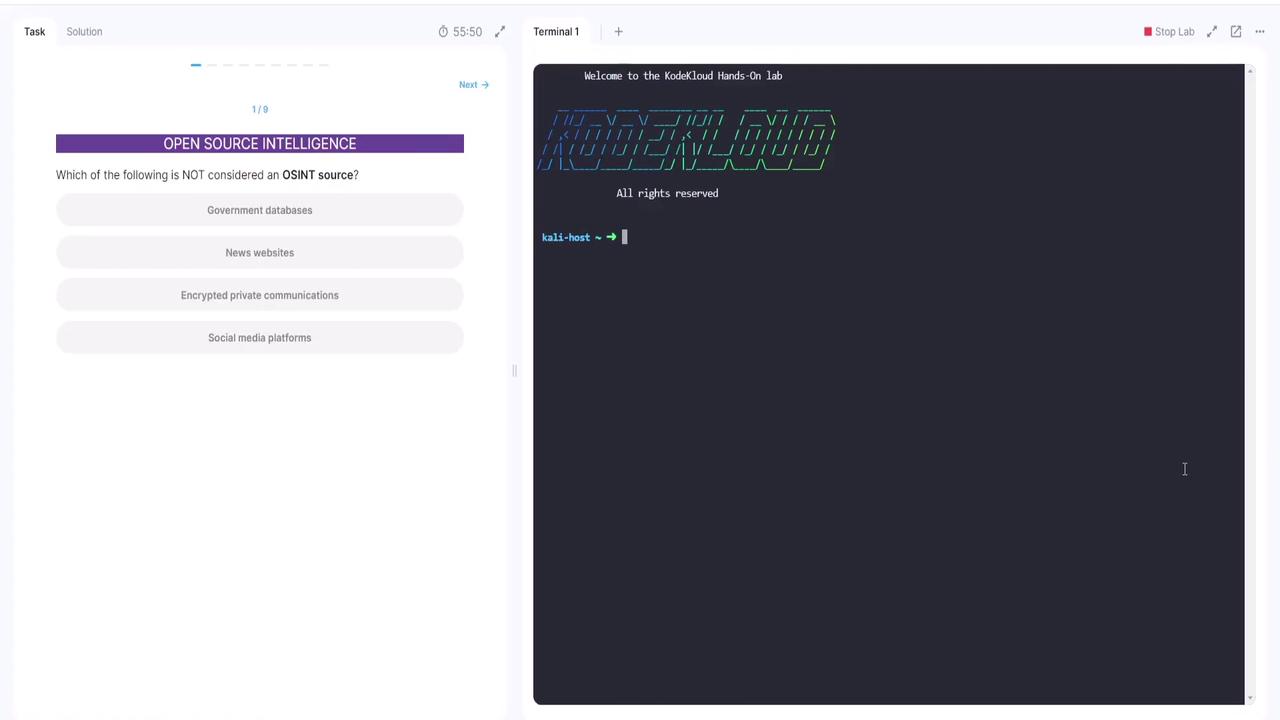
The image shows a split screen with a multiple-choice question about OSINT sources on the left and a terminal window with a welcome message to a lab on the right.
Let’s explore sample questions and see these OSINT tools in action.

Question 1: OSINT Sources

Which of the following is not considered an OSINT source?
  • Government databases
  • News websites
  • Social media platforms
  • Encrypted private communications
Government databases, news websites, and social media platforms are valuable because they provide public information. Encrypted private communications, however, are not publicly available and therefore do not qualify as OSINT.

Question 2: Identifying OSINT Tools

Which tool is commonly used for OSINT investigations?
Although Nmap excels in network discovery by identifying active IP addresses and open ports, it is not primarily an OSINT tool. Similarly, Wireshark is tailored for network packet analysis and Metasploit is intended for penetration testing. The correct answer is Shodan, a tool specifically designed to search for internet-connected devices.
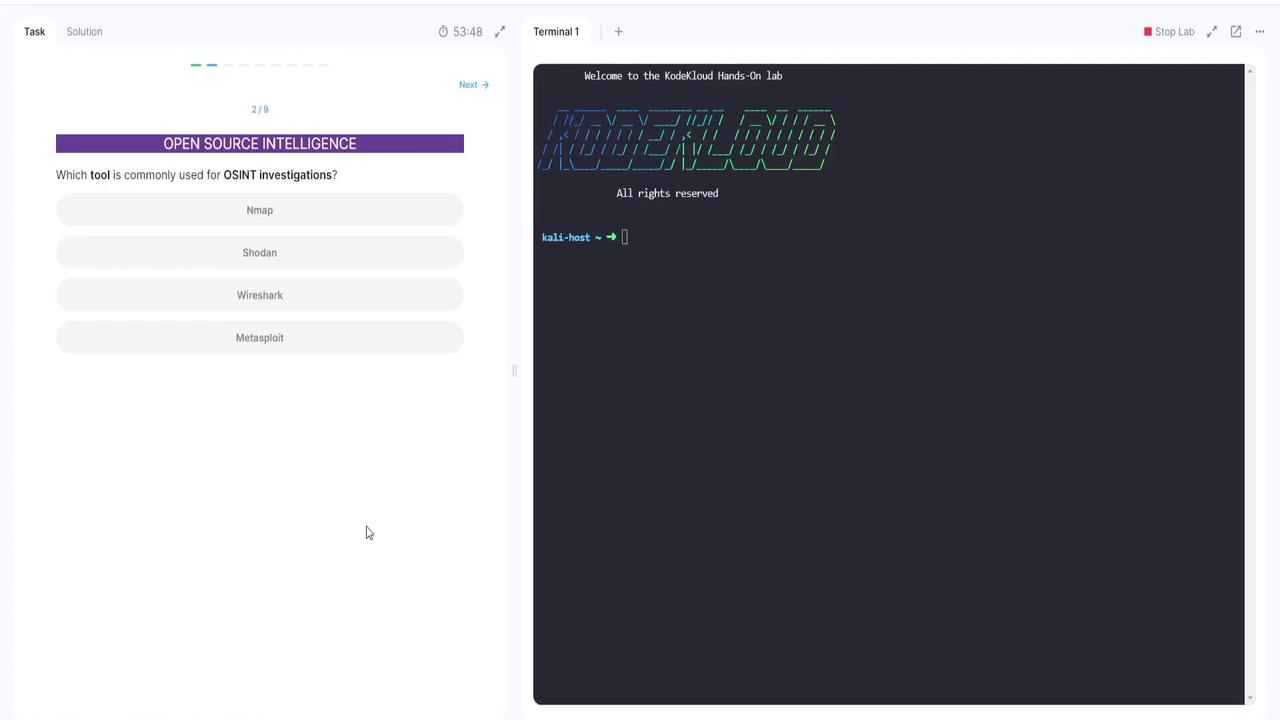
The image shows a question about which tool is commonly used for OSINT investigations, with options including Nmap, Shodan, Wireshark, and Metasploit. On the right, there's a terminal window with "Welcome to the KodeKloud Hands-On lab" displayed.

Question 3: Objective of OSINT

What is the primary objective of OSINT?
While options might include launching social engineering attacks, hacking private systems, or defending against malware, the real goal of OSINT is to gather information from public sources.
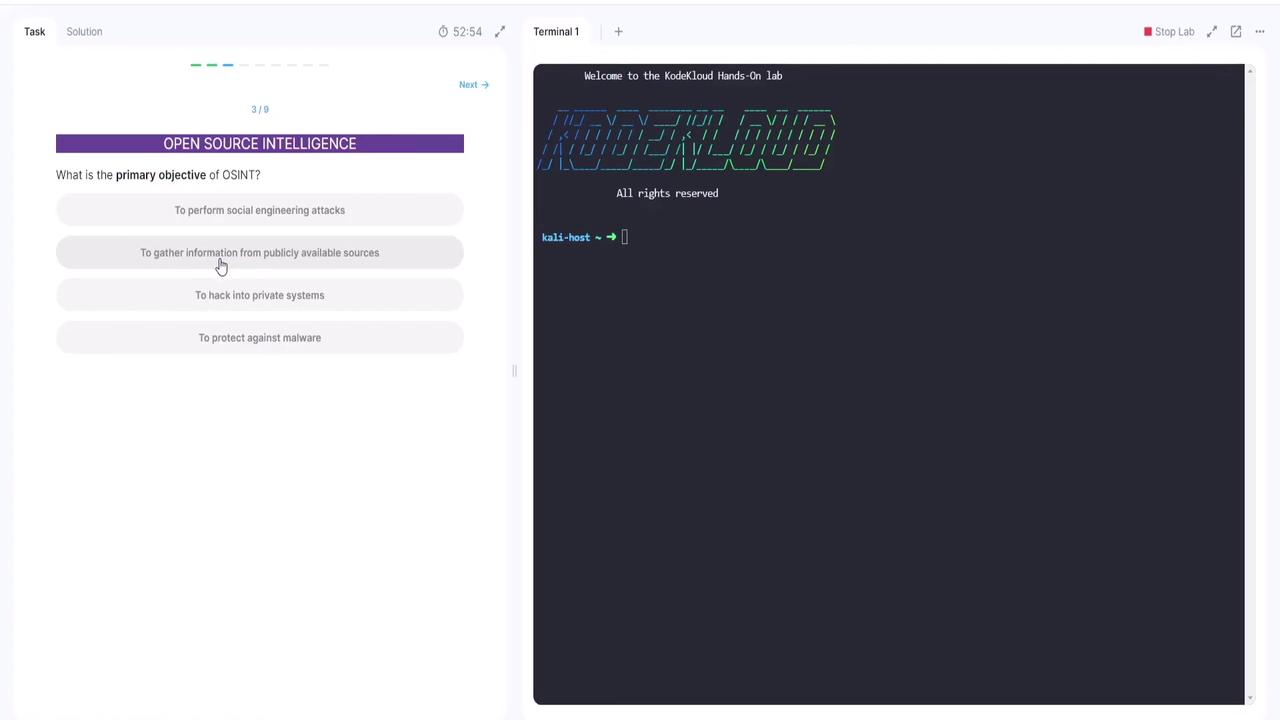
The image shows a split screen with a multiple-choice question about the primary objective of OSINT on the left and a terminal window with a welcome message to the KodeKloud Hands-On lab on the right.
Once you select the correct answer, you can move on to the next question.

Question 4: OSINT Framework Developer

Which organization is known for developing the OSINT framework?
Among the provided options, the Meta Corporation is recognized for its contributions to open source intelligence.
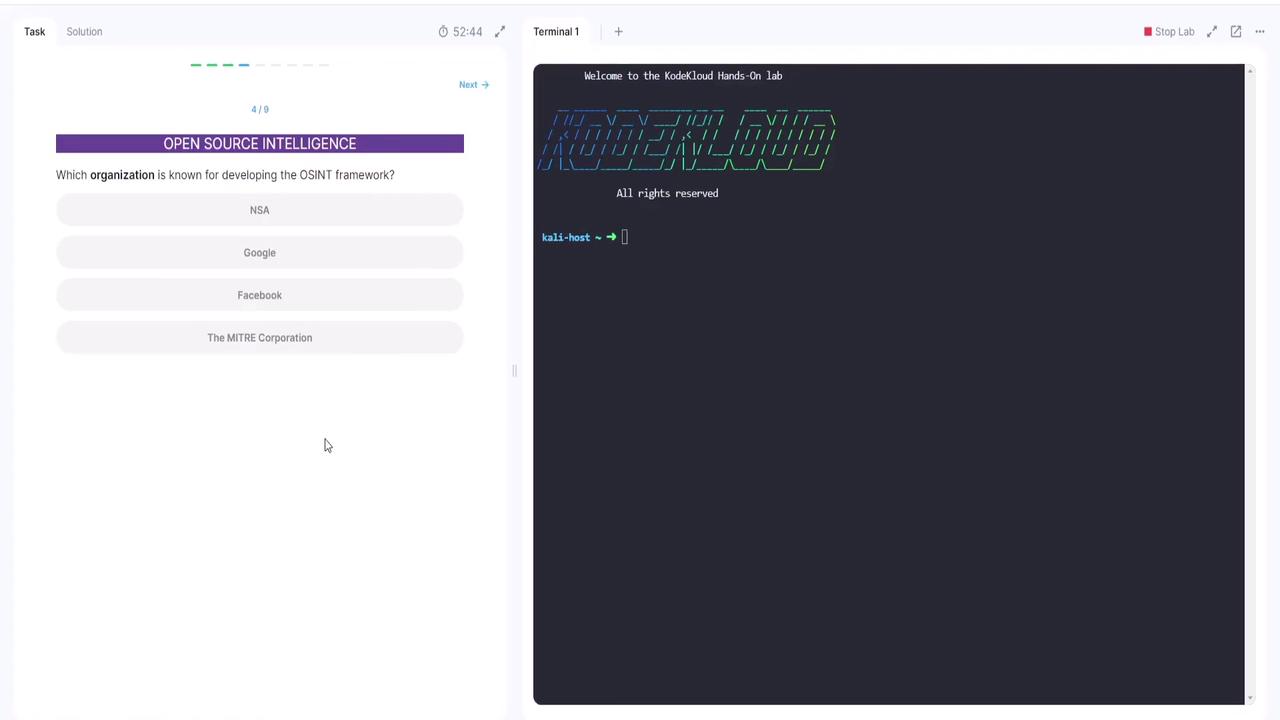
The image shows a split screen with a multiple-choice question about the OSINT framework on the left and a terminal window with "KodeKloud" branding on the right.

Question 5: Understanding Maltego

What is Maltego?
Your options are: a data mining tool used for OSINT, firewall software, a penetration testing tool, or a network scanning tool. Maltego is a data mining tool specifically designed for OSINT, not for network scanning, penetration testing, or firewall purposes.
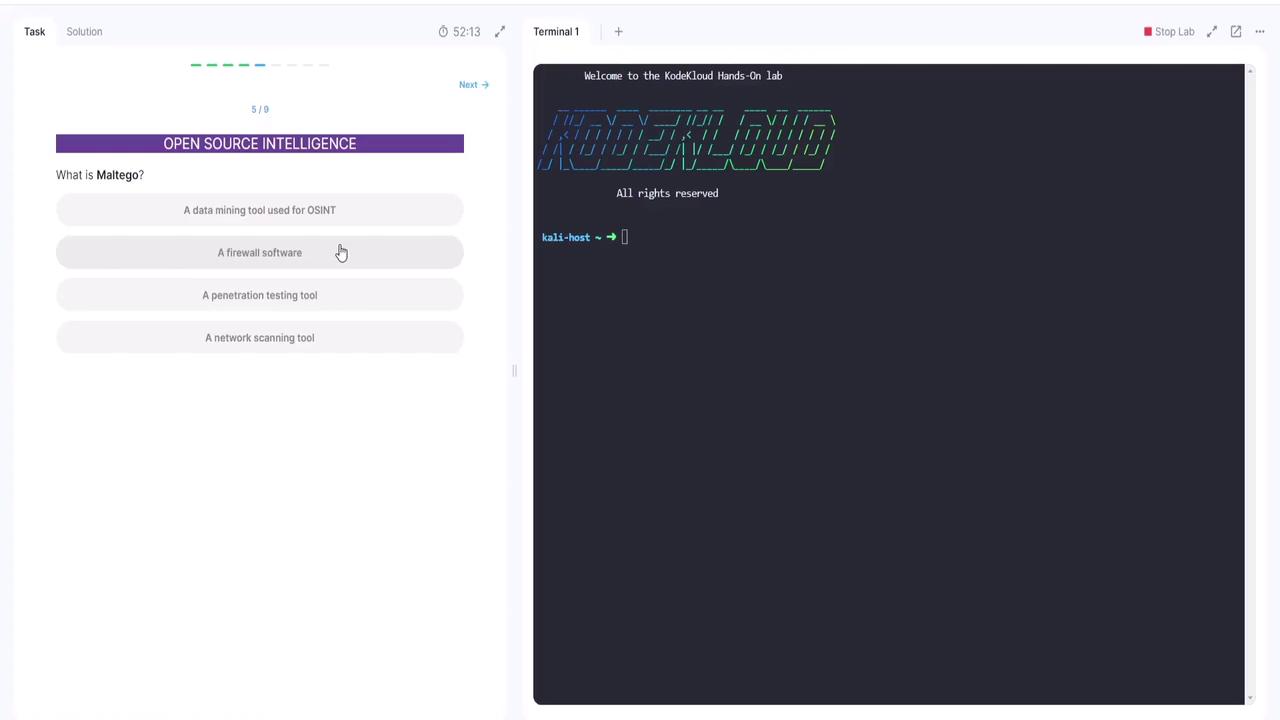
The image shows a question about Maltego in an open source intelligence context, with multiple-choice answers, alongside a terminal window displaying a welcome message for the KodeKloud Hands-On lab.

Question 6: People Search OSINT Tool

Which OSINT tool specializes in searching for people across multiple social networks?
The correct answer is SpiderFoot, which is engineered to gather information about individuals from various online sources.

Hands-On Practice with EXIF Data

Now let’s put theory into practice. In this exercise, you will extract the GPS location (latitude and longitude) from an image file. Although the image appears to show a simple wooden walkway in a forest, its metadata holds valuable information.
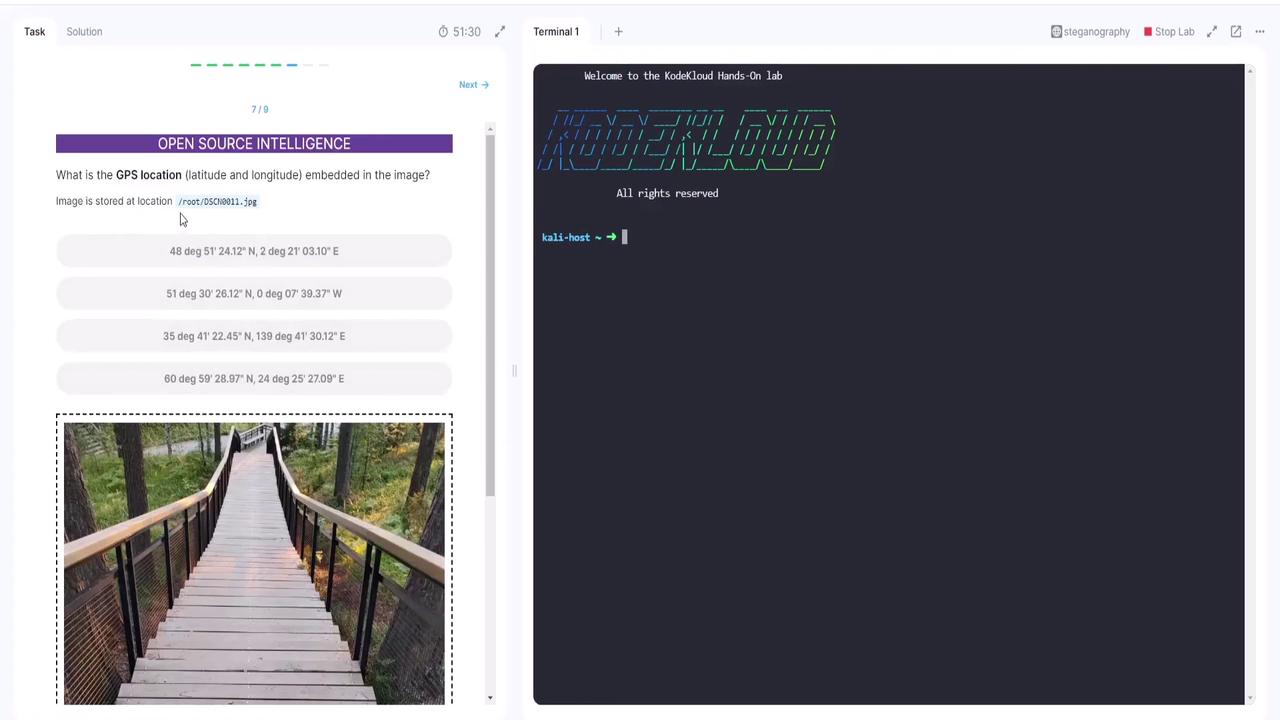
The image shows a wooden walkway with railings in a forested area. On the left, there is a task asking for the GPS location embedded in the image, with multiple-choice options.
To extract this metadata, use a tool called EXIFTool. For instance, the following command executed on our file (assumed to be DSCN0011.jpg) displays detailed metadata that includes the GPS latitude and longitude:
Within the retrieved metadata, note the GPS latitude and longitude values. In this example, they indicate a latitude of 60° and a longitude of 24°, confirming the correct result. Next, you are presented with another file where you need to identify the ISO sensitivity setting used during capture. Running EXIFTool on this file produces the following excerpt:
After reviewing all metadata, you locate the ISO setting, which is 64. Choosing 64 confirms the correct answer. !!! note “Additional Example of Metadata Output” For further reference, below is an expanded metadata output from a file taken by a Nikon COOLPIX P6000:

Final Question: Determining the Camera Model

The final challenge is to identify the camera model from a given VAS file. Reviewing the metadata confirms the camera details. Below is one example from running EXIFTool on the file DSCN0012.jpg, showing that the camera model is Nokia 8.3 5G:
A subsequent run of EXIFTool on the same file may show slight differences in formatting, but the camera model remains confirmed as Nokia 8.3 5G.

Conclusion

As demonstrated, OSINT tools like EXIFTool are incredibly powerful for extracting key metadata from files. From uncovering GPS coordinates and ISO settings to determining the camera model, these methods provide essential insights for security assessments and research. Now it’s your turn to explore similar labs on your own. Happy investigating, and thank you for following along in this tutorial! For more detailed information on OSINT and related tools, check out the following resources:

Watch Video

Practice Lab