Alerts make monitoring manageable by continuously evaluating telemetry (metrics, logs, traces) and notifying the right teams when predefined conditions are met. Proper alerting reduces mean time to detection and enables controlled responses instead of frantic firefights. What alerts do, in short:
  • Continuously evaluate telemetry.
  • Fire when a configured condition or threshold is met.
  • Deliver notifications to your teams or channels so they can take action.
A concrete example Your company processes payroll for multiple businesses. Payments execute at 1 a.m. on the last day of every month. If payroll jobs fail or are delayed, employees will likely contact support en masse. Without proactive alerting, you’ll wake up to dozens (or hundreds) of complaints and have to scramble to diagnose and remediate. An alert that detects failed or delayed payroll jobs would notify the on-call team immediately, enabling a controlled investigation and remediation before employee outreach escalates.
The image shows a person sitting at a desk, working on a computer displaying bug icons, with a caption about alerts handling issues.
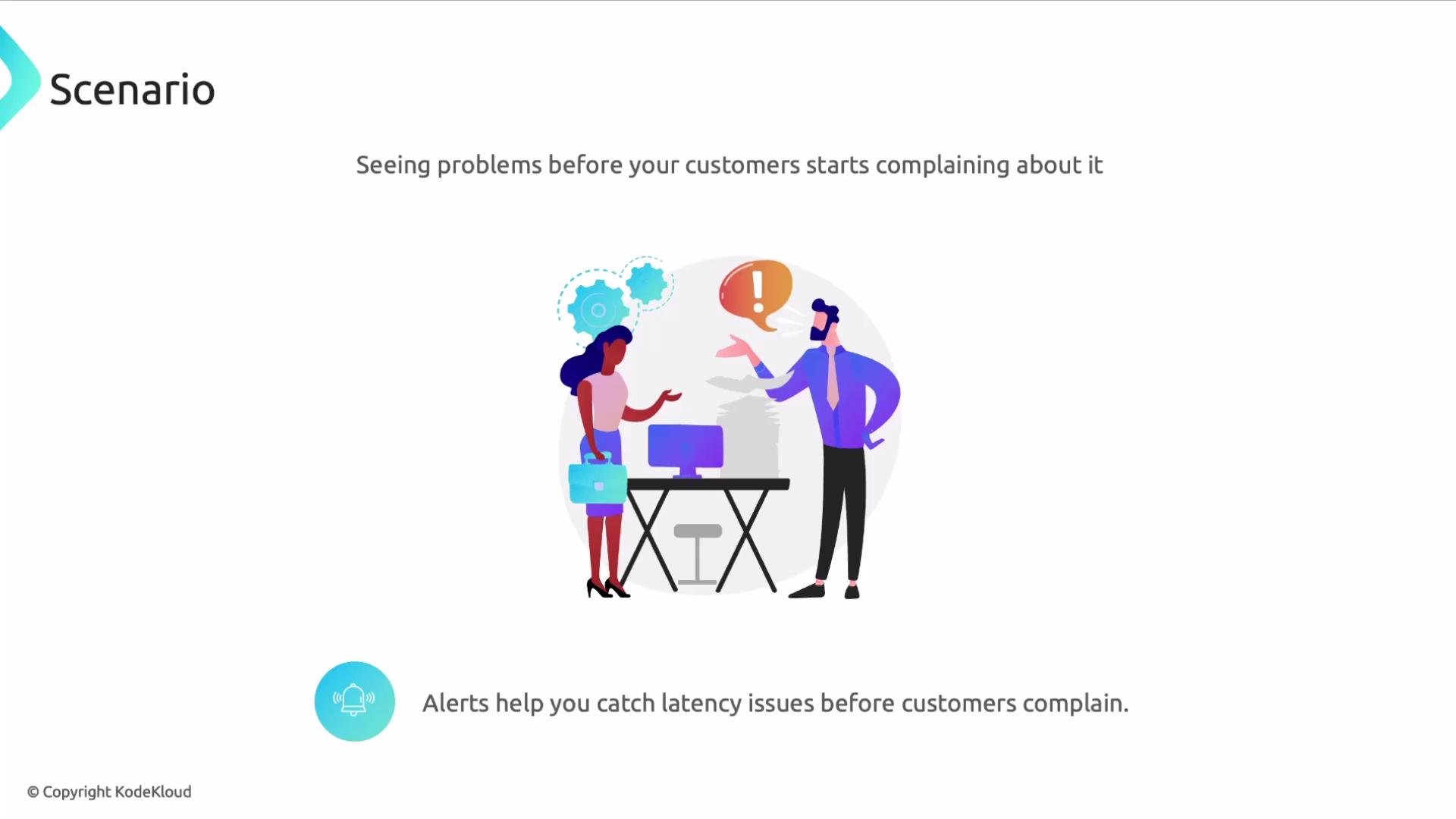
Use alerts to catch performance regressions early Alerts aren’t only for failures. Track application latency, error rates, throughput, or resource saturation so you can detect regressions before customers notice. For example, a latency alert that triggers when p95 response time increases beyond a threshold lets you investigate before SLA breaches occur.
The image illustrates a scenario where two people are discussing issues with a computer, emphasizing the importance of alerts in identifying latency problems before customers complain.
Alert migration: a recommended sequence When migrating alerts into a new monitoring system (for example, migrating to Datadog), follow a repeatable, low-risk sequence:
  1. Ensure required data is available
    • Confirm collection of metrics, logs, and traces for the services you want to monitor.
    • Request any necessary changes to the Datadog Agent configuration from your DevOps/infra team: https://docs.datadoghq.com/agent/
  2. Confirm access to the monitoring console
  3. Validate notification targets
    • Ensure recipients (email groups, PagerDuty services, Slack channels, Microsoft Teams, etc.) are configured and reachable.
  4. Test alerts
    • Simulate conditions or temporarily lower thresholds to confirm monitors fire and notifications are delivered.
  5. Deactivate legacy alerts
    • After Datadog monitors are validated in production, disable the old alerts in Grafana, Alertmanager, Dynatrace, or other tools you’re replacing.
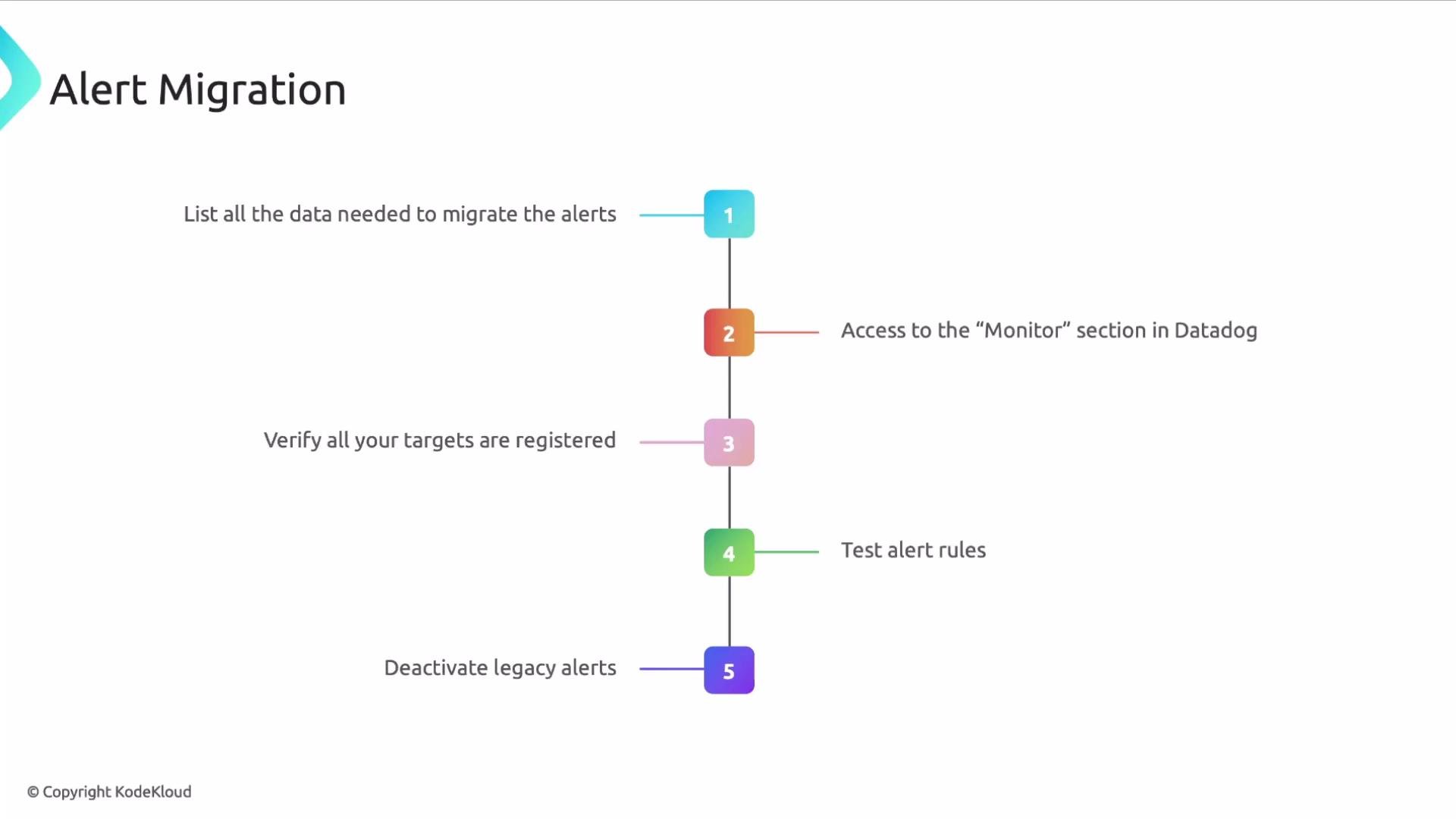
The image shows a flowchart outlining the steps for alert migration, which include listing data, accessing Datadog, verifying targets, testing alert rules, and deactivating legacy alerts.
Migration checklist (summary)
StepPurposeExample / Link
Ensure telemetryMake sure metrics/logs/traces exist for servicesDatadog Agent docs: https://docs.datadoghq.com/agent/
Console accessGrant permissions to create/manage monitorsDatadog Monitors: https://docs.datadoghq.com/monitors/
Notification targetsValidate recipients and routingPagerDuty, Slack, Teams, email groups
Test alertsVerify firing and deliverySimulate incidents or lower thresholds
Deactivate legacy alertsAvoid duplicate notifications once validatedGrafana, Alertmanager, Dynatrace
Common alert notification integrations
  • Datadog mobile app
  • Jira
  • PagerDuty
  • Slack
  • Microsoft Teams
  • ServiceNow
Best practices and tips
Tune thresholds and use multi-condition monitors to reduce noise. Prefer cloud-native integrations (PagerDuty, Slack) for reliable on-call routing, and run repeatable tests for each alert before decommissioning legacy monitors.
When you disable legacy alerts, keep them active until you have validated the new monitors in production and verified notifications reach the intended recipients. Accidentally deactivating early can blind you to outages.
When disabling legacy alerts, keep them enabled until Datadog monitors are fully validated in production. Accidentally deactivating alerts too early can leave you blind to outages.
Further reading and references That’s it for this lesson—use the migration checklist, validate thoroughly, and iterate to keep alerting effective and actionable.

Watch Video