

When you can’t fully retire the legacy system
Some migrations require the legacy platform to remain operational for a transition period. Typical reasons:- Limited engineering capacity or competing priorities delay migration work.
- Critical integrations or capabilities don’t yet exist on the new platform.
- Regulatory or compliance constraints require a gradual cutover.
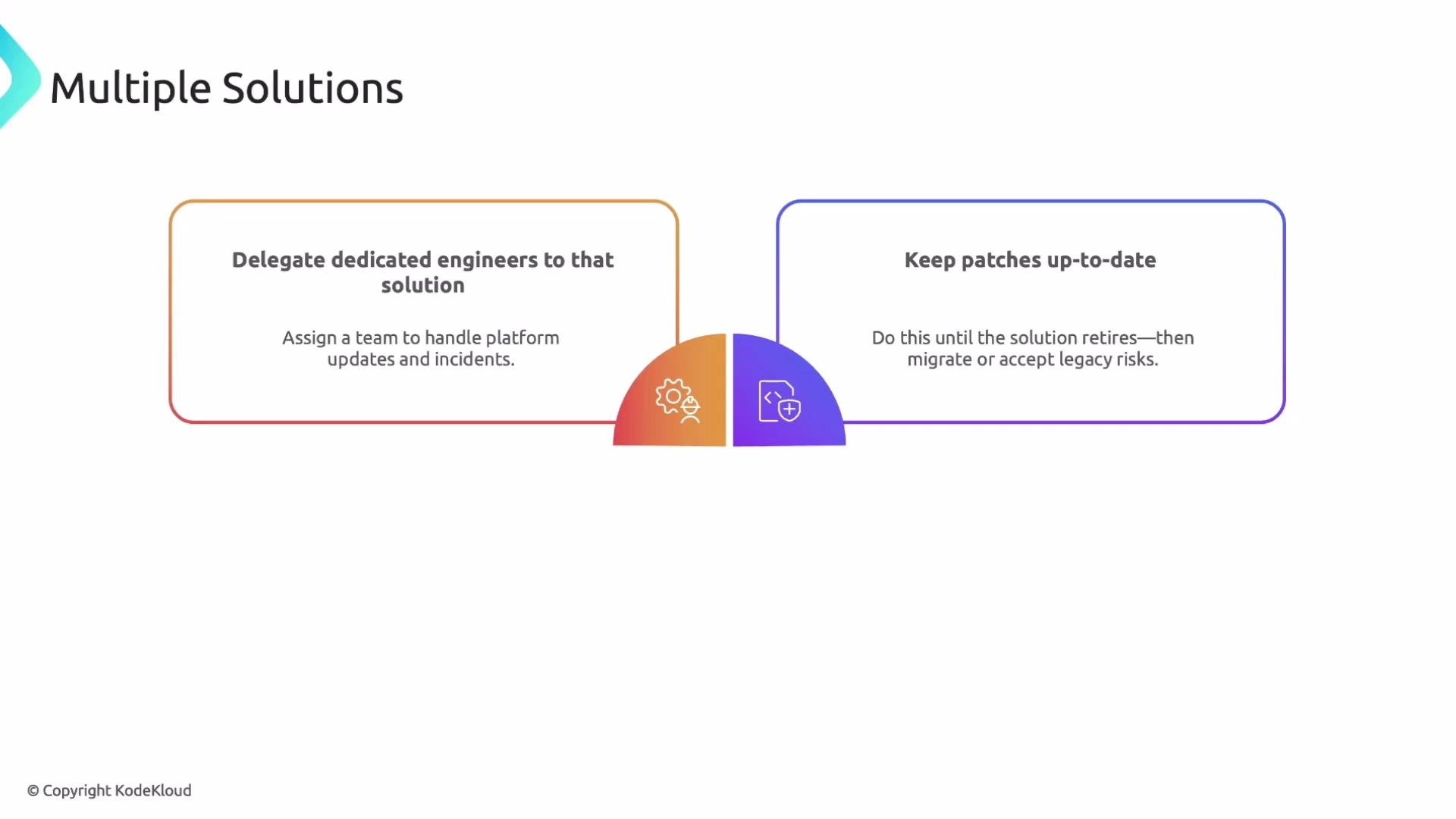
- Assign a small, dedicated engineering team to maintain the legacy environment — handling incidents, critical fixes, and any emergency updates.
- Continue applying security and functional patches until the legacy system is fully retired.
- Track the legacy product’s end-of-life (EOL) schedule and plan either migration, vendor extended support, or formal risk acceptance.
- Invest the resources to complete a migration before support ends.
- Purchase vendor extended support (if available) to buy time at additional cost.
- Accept the operational and security risks associated with running an unsupported system.
Managing stakeholder alignment and operations
Engage support, operations, and security teams early in the migration and any interim coexistence plan. Early involvement reduces surprises during cutover and ensures playbooks, runbooks, and incident-response processes are updated for both environments.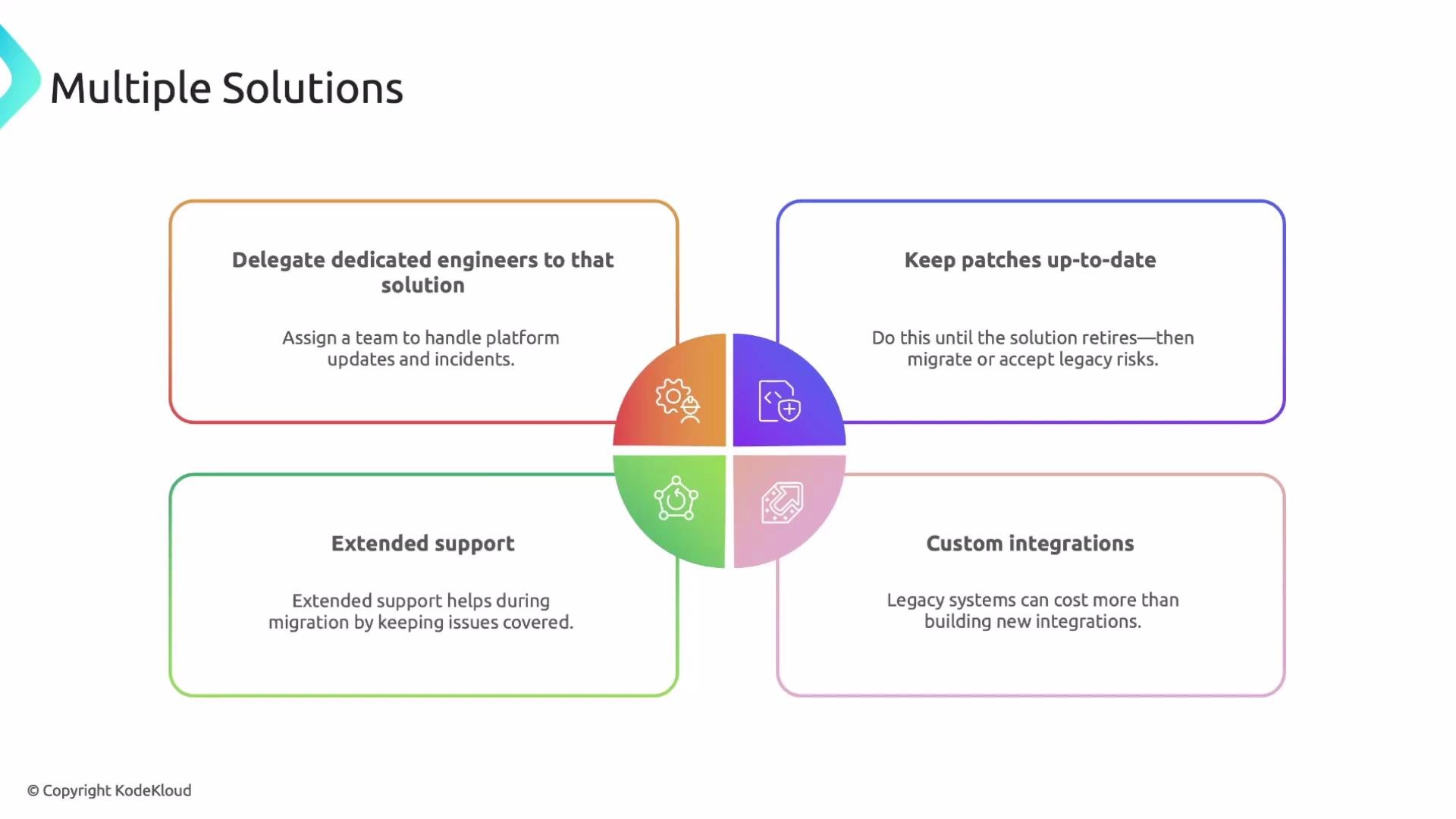
What to do when a required feature is missing
Before committing to a custom solution, validate the vendor’s roadmap and talk directly with sales or product teams — the capability you need might be in development or slated for general availability soon. This step can save significant time and cost. If the feature is not planned or on a distant timeline, follow a structured evaluation:- Survey the market for third-party tools that provide the feature.
- Speak with engineers at similar companies for real-world feedback.
- Run focused proofs of concept (PoCs) to validate functionality, performance, and operational fit.
- Evaluate pricing and long-term maintenance implications.
Compare your options
Use the following guide when weighing extended support, integrations, third-party tools, and custom builds.When evaluating options, compare total cost of ownership, time-to-value, operational risk, and the long-term maintenance burden. Prioritize solutions that reduce technical debt and align with available engineering resources.
Quick migration checklist
- Assign a legacy-maintenance team and define responsibilities.
- Confirm EOL dates and vendor support options.
- Validate vendor roadmap and escalate feature asks when appropriate.
- Run PoCs for third-party tools and integrations.
- Produce an operations and incident-response runbook covering both legacy and new platforms.
- Create a measurable cutover plan with rollback criteria.
Links and references
- Datadog Documentation
- Vendor roadmap and support pages (contact your vendor representative for roadmap details)
- Guides on building integrations and evaluating PoCs (search vendor or community resources for examples)