

Key success criteria
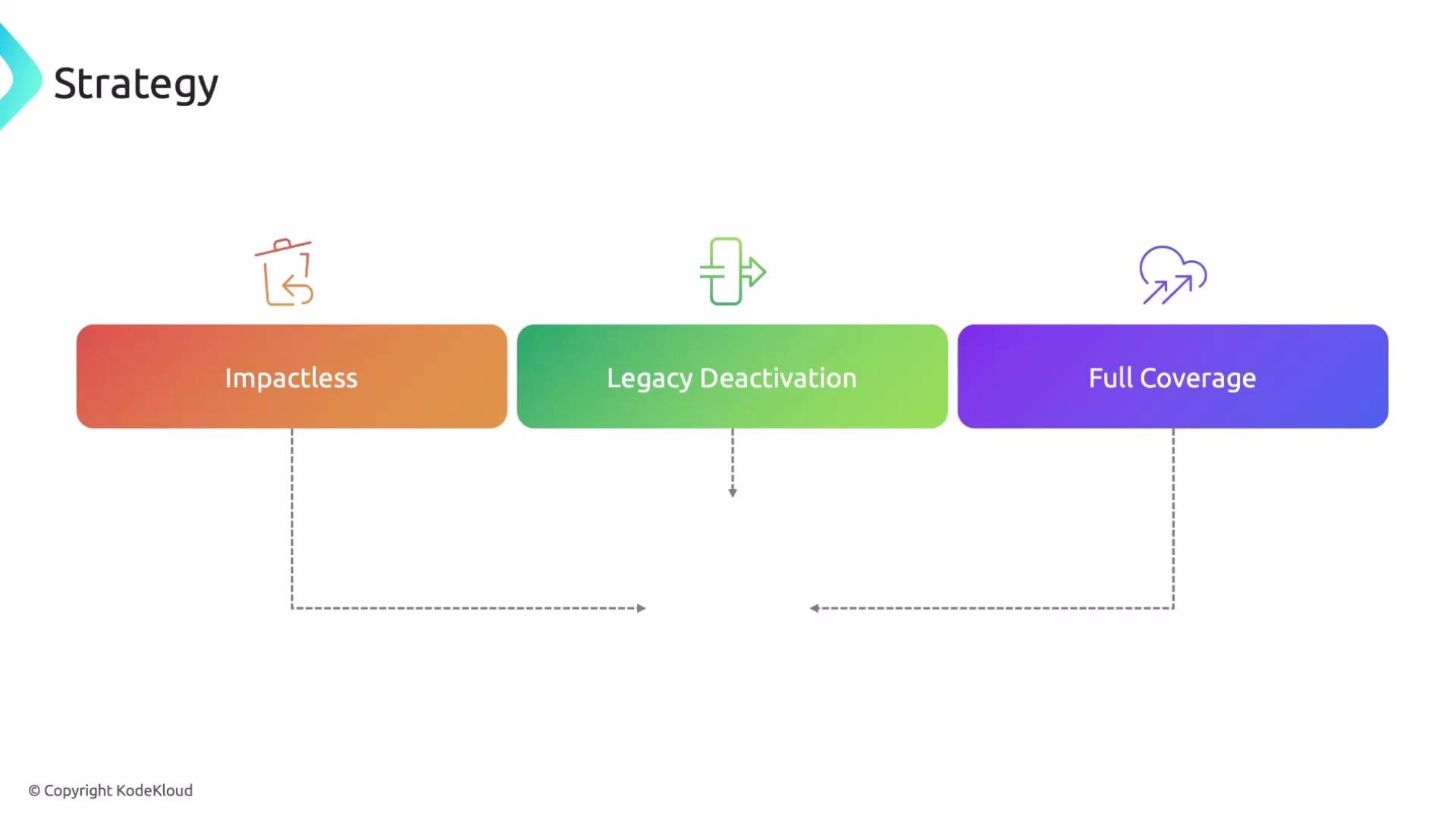
Any migration plan should target these three outcomes:- Impactless: End users and production behavior must not be negatively affected. Platform teams should coordinate feature migrations, communicate deadlines and changes clearly, and expect a feedback loop where product teams request help or provide implementation feedback.
- Legacy deactivation: Decommission legacy tools as equivalent capabilities are validated on the new platform to avoid duplication and configuration drift. Ownership for deactivation is determined by where the feature runs — either the platform team or the owning product team.
- Full coverage: Confirm that every monitoring capability—metrics, logs, traces, and alerting—works on the new platform before switching off legacy tooling. Missing observability data during an incident severely impedes debugging and recovery.
Do not deactivate legacy systems until you have validated coverage and run-throughs for critical incidents. Accidental gaps in observability are a major operational risk.
Types of migration approaches
Two common migration approaches are used depending on risk tolerance, timelines, and organizational capacity.
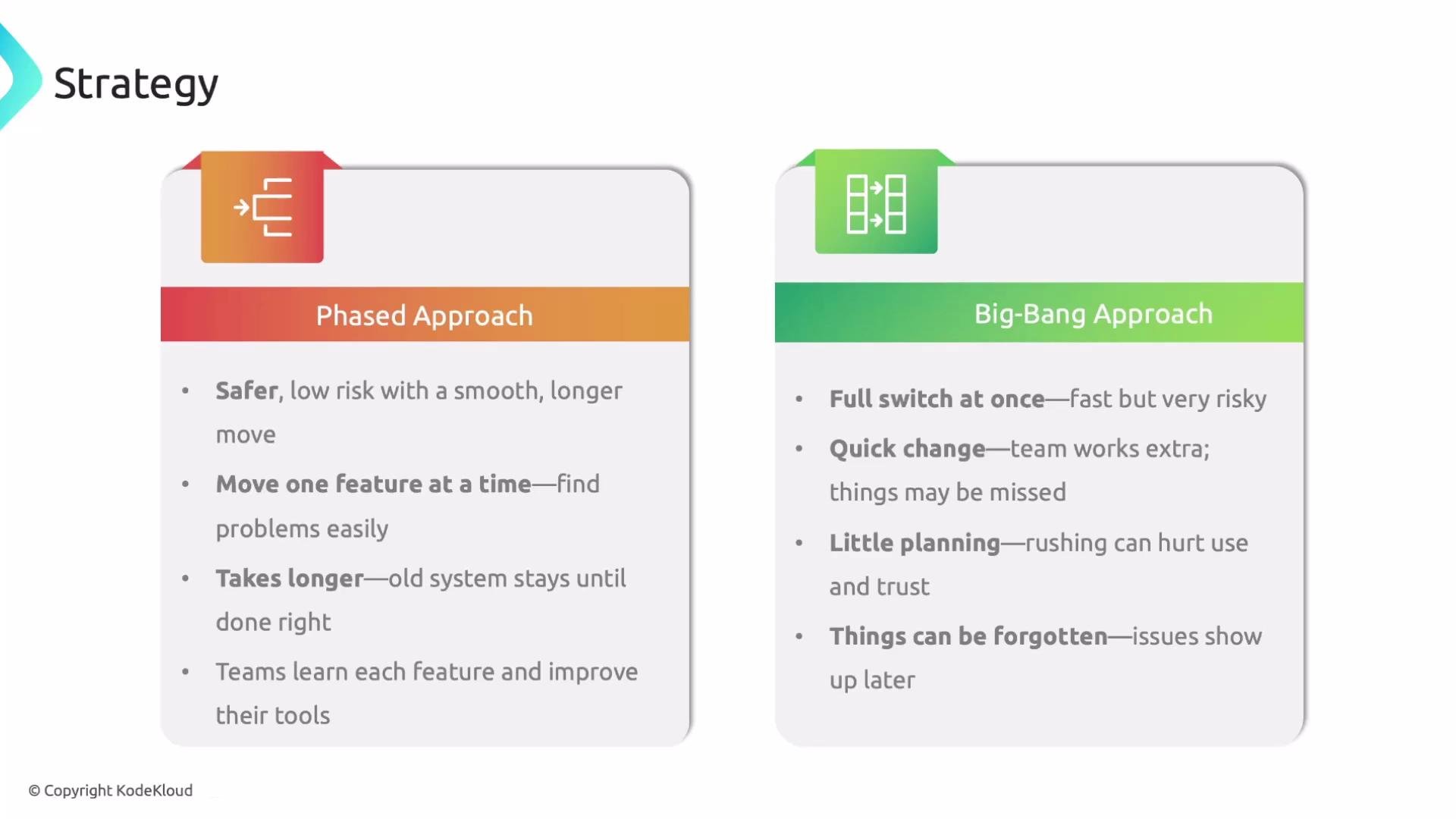
Phased approach (recommended when risk mitigation and learning are priorities)
- Migrate features incrementally. Map features (dashboards, alerts, traces, log parsers) and move them one at a time.
- Easier isolation of issues, better troubleshooting, and continuous improvement.
- Allows product teams to adopt and tune dashboards/alerts progressively.
- Expect a longer timeline because the legacy platform stays active until verification is complete.
- Migrate everything in a short window and switch over at once.
- Faster overall completion but much higher risk: missing capabilities, insufficient testing, or poor adoption are common.
- Teams have less time to learn the new platform, increasing operational pressure and likelihood of mistakes.
- Only recommend this when the business accepts the higher risk for a rapid cutover.
Three variables that shape your migration plan
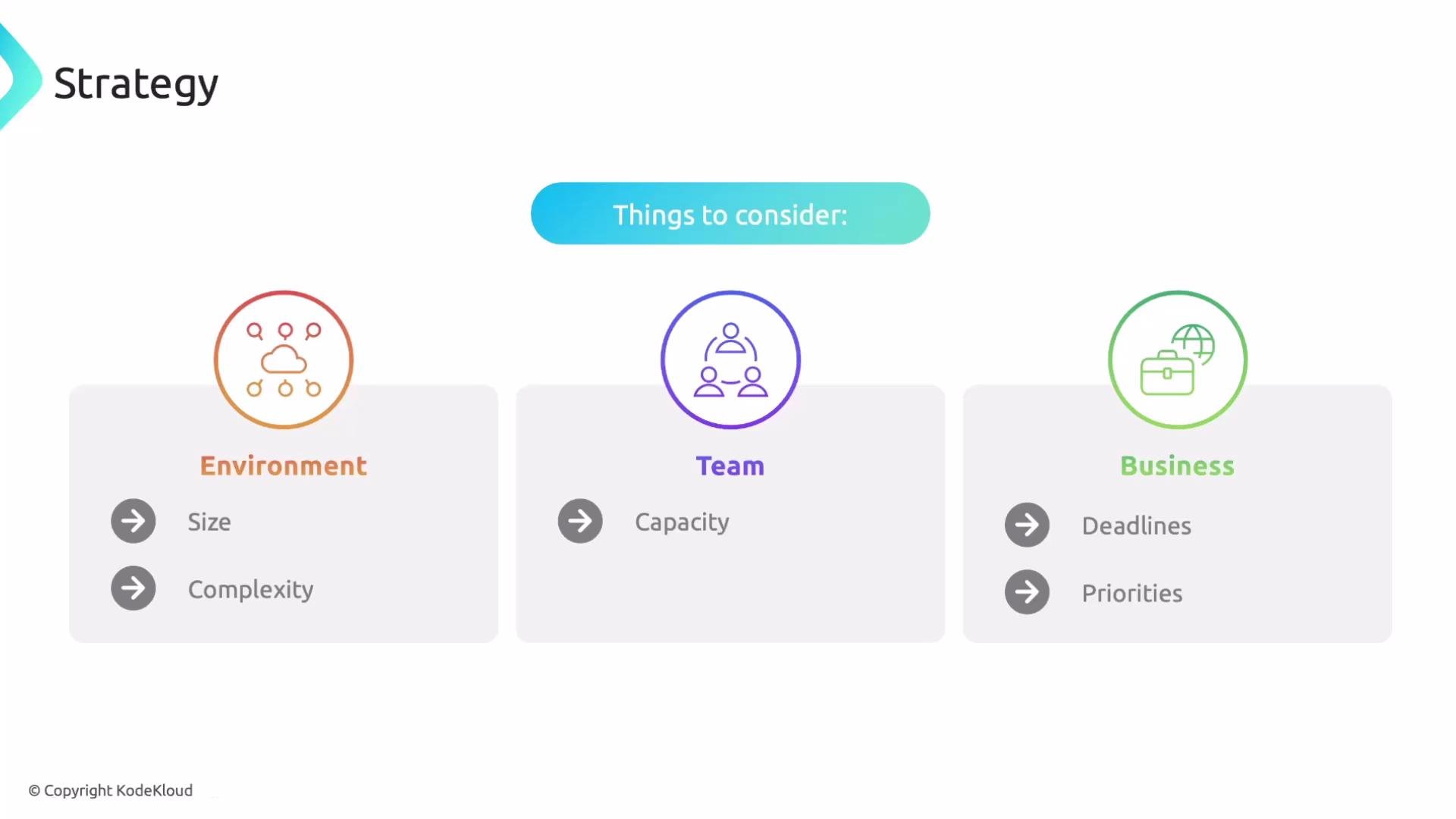
When choosing an approach and building a schedule, explicitly consider these variables:-
Environment topology
- Most organizations run multiple environments (development, QA/staging, production). Use lower environments to validate instrumentation, dashboards, and alerts prior to production rollout.
- Create promotion gates (e.g., dev → staging → production) with validation checklists for each stage.
-
Team capacity
- Estimate engineering bandwidth and coordinate with project managers and product owners. Migration work competes with feature work and requires realistic capacity planning.
- Identify owners for observability artifacts (dashboards, monitors, runbooks) to avoid single-person bottlenecks.
-
Business backlog and priorities
- Align migration timelines with business milestones. Migration typically competes with product backlog items; coordinate with stakeholders so critical features aren’t blocked.
- Accept that business work rarely pauses for infrastructure projects—prioritize migration tasks that reduce risk or unblock high-impact features.
Schedule and buffers
Build a timeline that includes explicit verification gates and contingency buffers. Even well-planned migrations surface edge cases: add slack time for validating coverage, fixing instrumentation, and iterating on alerts and dashboards. Recommended practices:- Add a contingency buffer of 10–25% of the planned duration to absorb unforeseen issues.
- Include verification gates after each environment promotion (e.g., smoke tests, alert validation, incident runbooks).
- Run full-playbook incident simulations in a staging environment to confirm observability coverage and resolution steps.
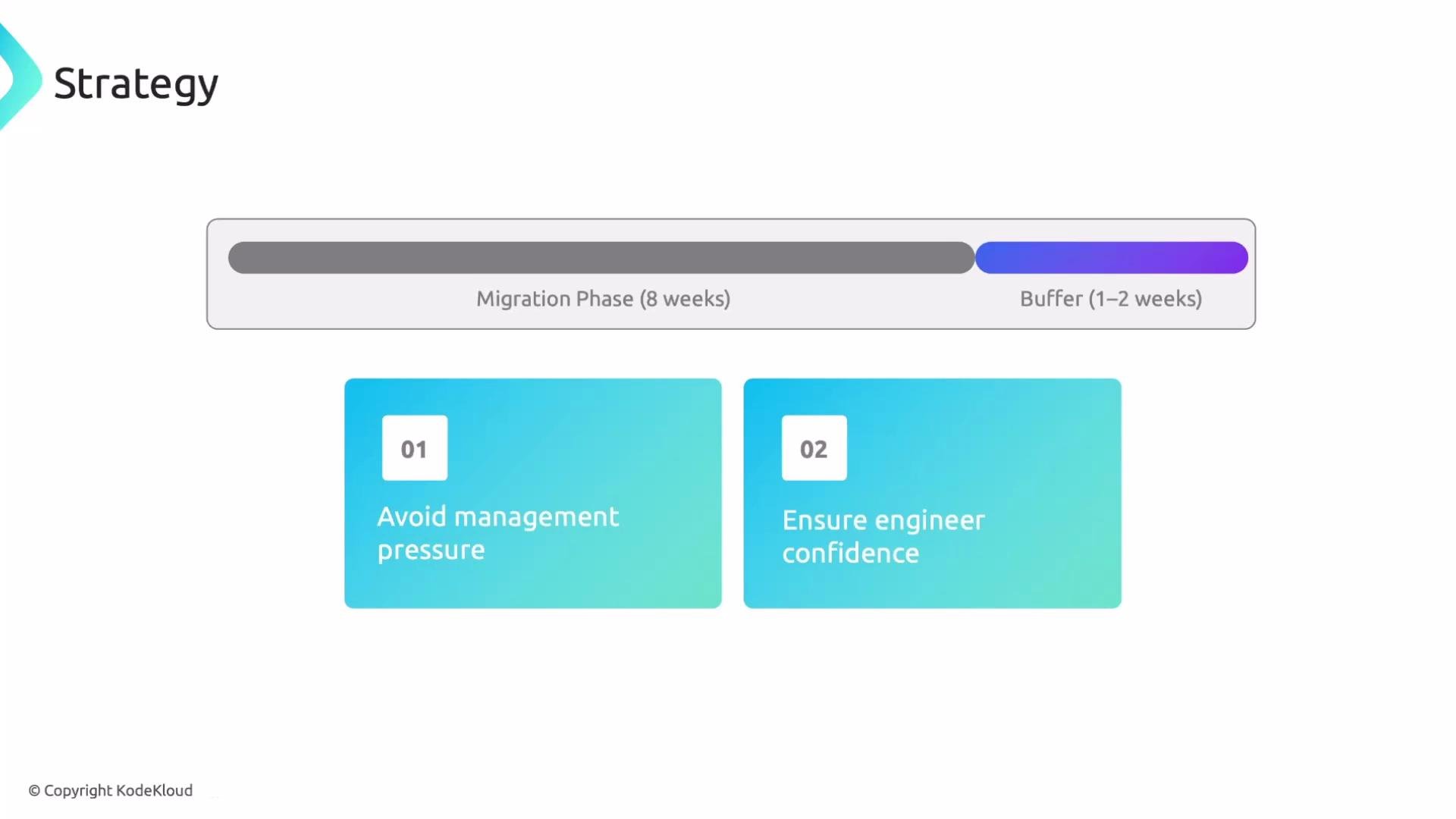
Add a contingency buffer to your timeline (for example, 10–25% of the planned duration). This protects the team from last-minute pressure and gives time to verify that coverage, alerts, and dashboards are functioning before decommissioning the legacy system.
Summary
- Define clear success criteria: impactless migration, controlled legacy deactivation, and full coverage on the new platform.
- Choose the migration approach that matches your risk tolerance and timelines: phased for lower risk and learning; big-bang only when a fast cutover is required and the business accepts higher risk.
- Account for environment topology, team capacity, and business priorities when scheduling work and assigning owners.
- Add verification gates and schedule buffers to reduce risk, build confidence, and ensure reliable decommissioning of legacy tools.