

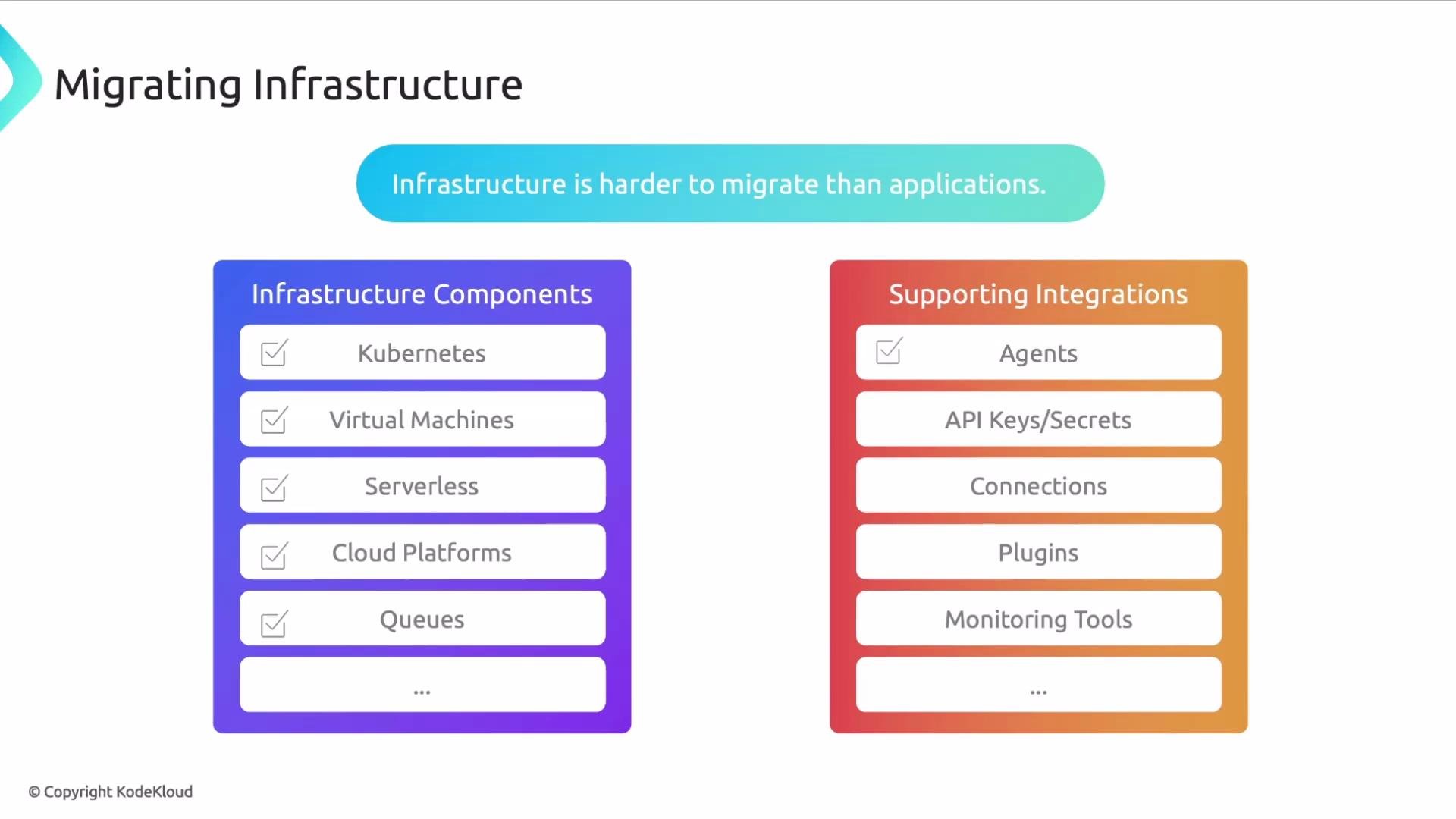
Why infrastructure migrations are harder
- Broad component surface area: clusters, VMs, databases, queues, serverless, and cloud services.
- Cross-team dependencies: shared resources mean changes can have wide impact.
- Observability complexity: agents, exporters, and API keys must be migrated and validated.
- Version and configuration sensitivity: upgrading agents or exporters can change metric labels or behavior.
Suggested checklist for infrastructure migration
Start by creating a shared migration plan and a migration runbook per component that includes owners, a test checklist, and rollback steps.
Migration steps (detailed)
- Discovery & inventory
- Compile a complete inventory of components and integrations.
- Map owners and downstream consumers for each item.
- Recommended commands and tools:
kubectl, cloud provider CLIs, CMDB exports, and observability agent registries.
- Compatibility review
- Check agent/exporter versions and breaking changes in release notes.
- Validate configuration formats and credential access patterns.
- Validation test design
- Define tests for telemetry ingestion, alert firing, dashboard rendering, and performance baselines.
- Create automated smoke tests where possible (synthetic requests, metric presence checks).
- Staged rollout
- Start with non-critical environments or canary workloads.
- Monitor key telemetry and alert thresholds before expanding the rollout.
- Monitoring & verification
- Continuously verify telemetry, dashboards, and alerts after each stage.
- Maintain a short feedback loop with affected teams.
- Rollback & remediation
- Trigger rollback on predefined thresholds or manual approval.
- Post-mortem and follow-up fixes before resuming the rollout.
Validation checklist (example)
- Telemetry: Are expected metrics and logs present in the target system?
- Alerts: Do existing alerts trigger (or remain suppressed) correctly after migration?
- Dashboards: Do visualizations show expected data and time ranges?
- Connectivity: Are components reachable and performing within SLAs?
- Performance: No regressions in latency or throughput compared to baseline.
Because infrastructure is shared, validate changes in a staging environment first and communicate rollbacks immediately. A single misconfiguration can affect many teams.
Communication & coordination
- The platform or central observability team should coordinate schedules, validation results, and impact notifications.
- Provide regular status updates (e.g., daily migration digest, Slack channel, runbook updates).
- Document decisions, post-migration verification steps, and any follow-up actions.
Practical tips and commands
- Inventory examples:
- Kubernetes:
kubectl get pods --all-namespaces -o wide - AWS EC2:
aws ec2 describe-instances --filters "Name=tag:Environment,Values=prod"
- Kubernetes:
- Use automated checks to validate telemetry arrival (API queries, metric existence checks).
- Keep a change log for every component migrated and who approved it.