

- Rollback: the process of reverting a change to its previous version to restore a stable state.
- Minimize downtime by restoring a known-good release quickly.
- Preserve observability and diagnostic context so teams can investigate incidents.
- Enable safer migrations by keeping older artifacts until integrations are validated.
- Make rollbacks auditable and repeatable when automated through CI/CD and IaC tooling.
- You build a new version of a component and the CI/CD pipeline deploys it to a Kubernetes cluster or another environment.
- After deployment, you detect a problem in the cluster or in application behavior (e.g., increased errors, degraded performance, failed health checks).
- To recover quickly, you trigger a rollback. The pipeline or operator redeploys the previous stable version.
- After the rollback completes, the environment should return to the prior working state while you diagnose and fix the root cause.
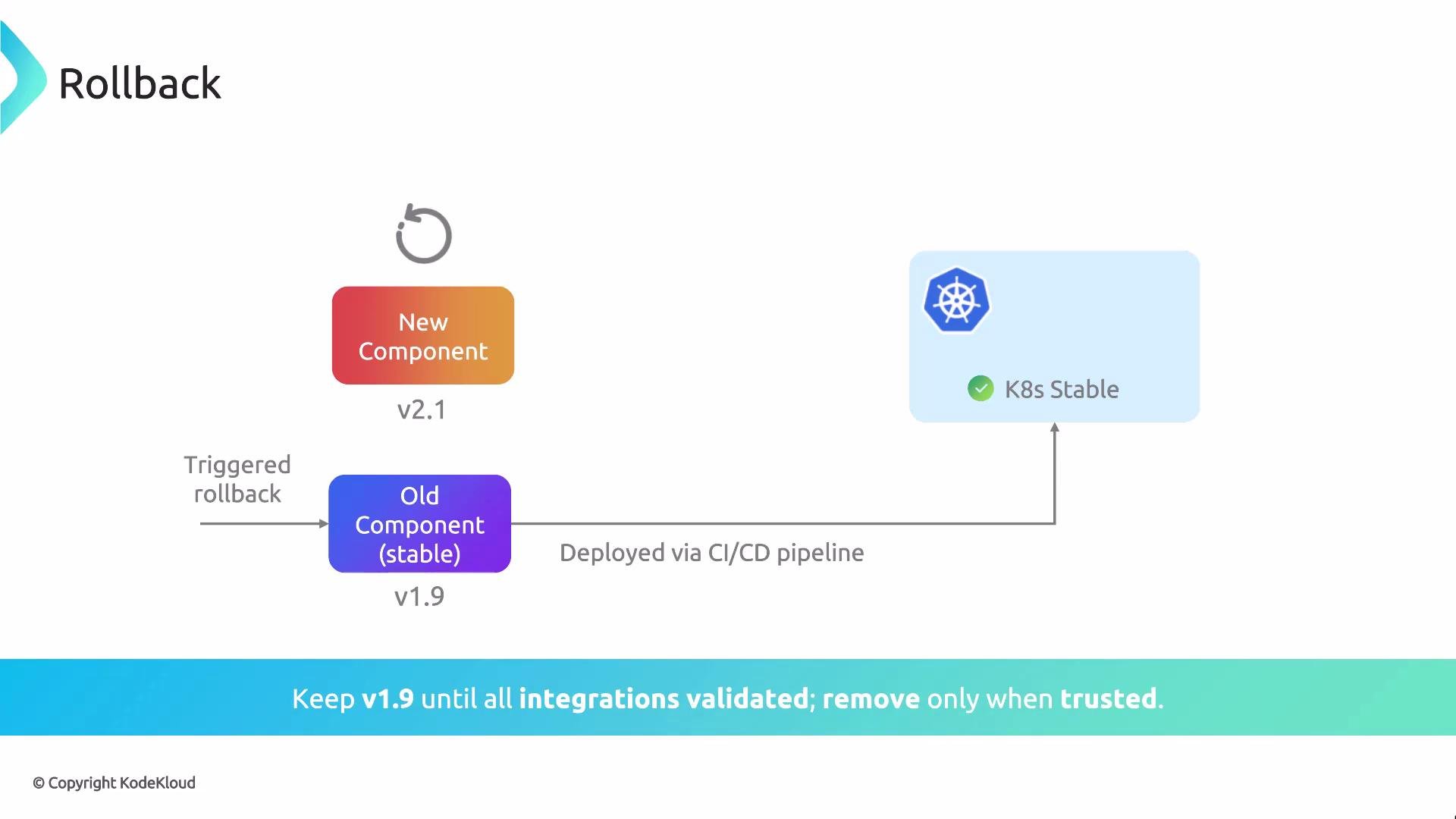
Keep build artifacts, deployment manifests, and image tags for a reasonable retention period. This ensures you can quickly redeploy a known-good version without relying on rebuilds that may produce different artifacts.
Be cautious with stateful or schema-changing migrations. Rolling back code without rolling back incompatible database schema changes can leave the system in an unusable state. Coordinate application, schema, and data migrations with clear forward/backward compatibility strategies.
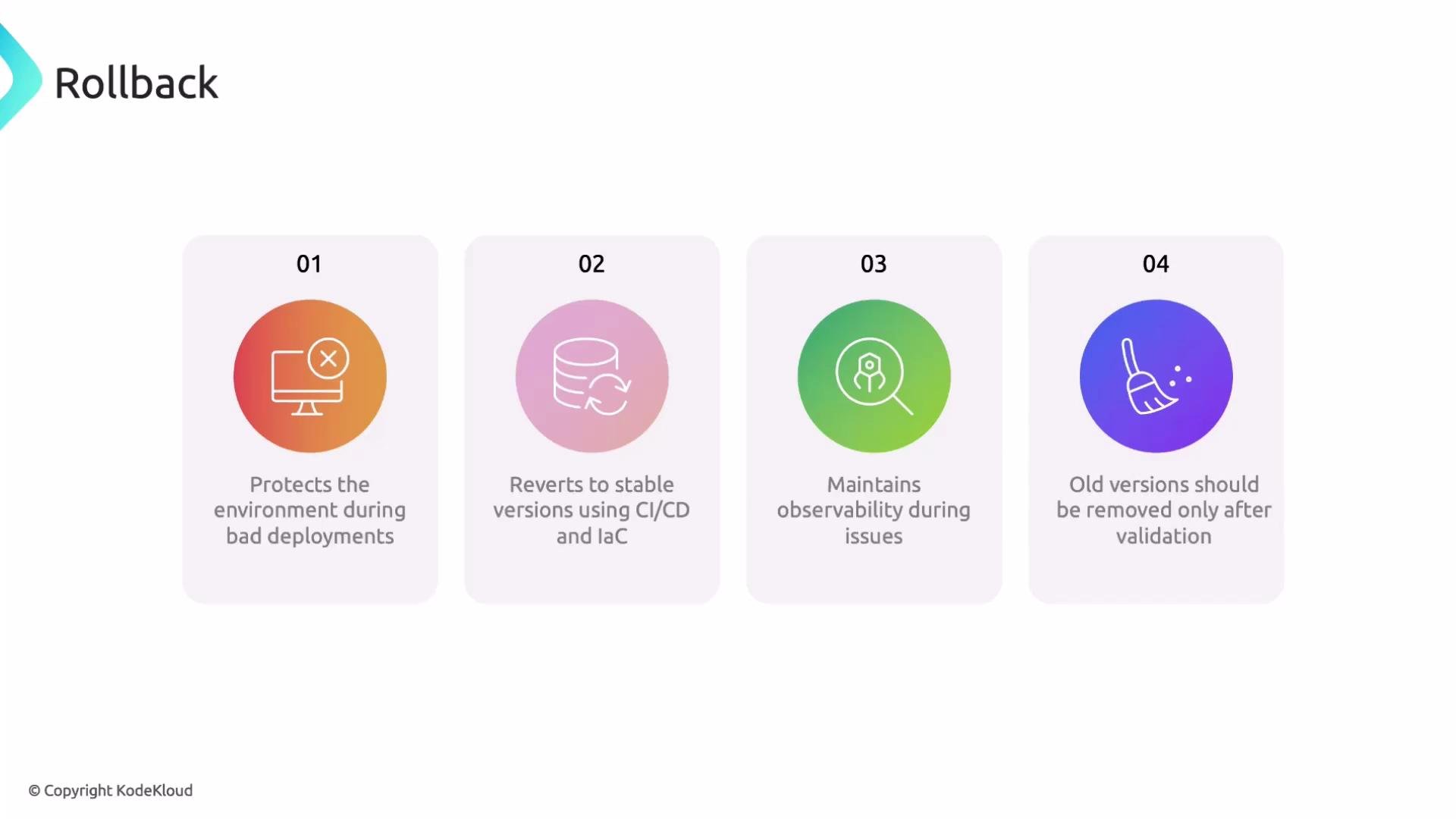
- Automate rollback paths where possible and test them regularly as part of your deployment pipeline.
- Retain artifacts (images, manifests, Helm charts) for a defined retention window to guarantee reproducibility.
- Maintain full observability (logs, metrics, traces) before and after rollbacks to speed root-cause analysis.
- Use feature flags and progressive rollouts (canary, blue/green) to reduce blast radius and make rollback safer.
- Document rollback runbooks and make them easily accessible to on-call teams.
- Rollbacks are an intentional, tested part of release and migration strategies.
- Automate rollback paths and preserve artifacts and observability so you can recover fast and investigate with full context.
- Treat data migrations and schema changes with extra caution—ensure forward/backward compatibility or add explicit migration rollback steps.