Migrating a monitoring or observability platform requires a careful study of your current (legacy) technology stack. Successful migrations keep systems connected and functional while moving teams to a more sustainable platform. This guide helps you plan a safe, predictable migration by understanding what you have, why it matters, and how to prioritize work. Start by inventorying the legacy systems and integrations. That early context reduces risk and lets you design a migration approach that aligns with business needs, deadlines, and compliance constraints.
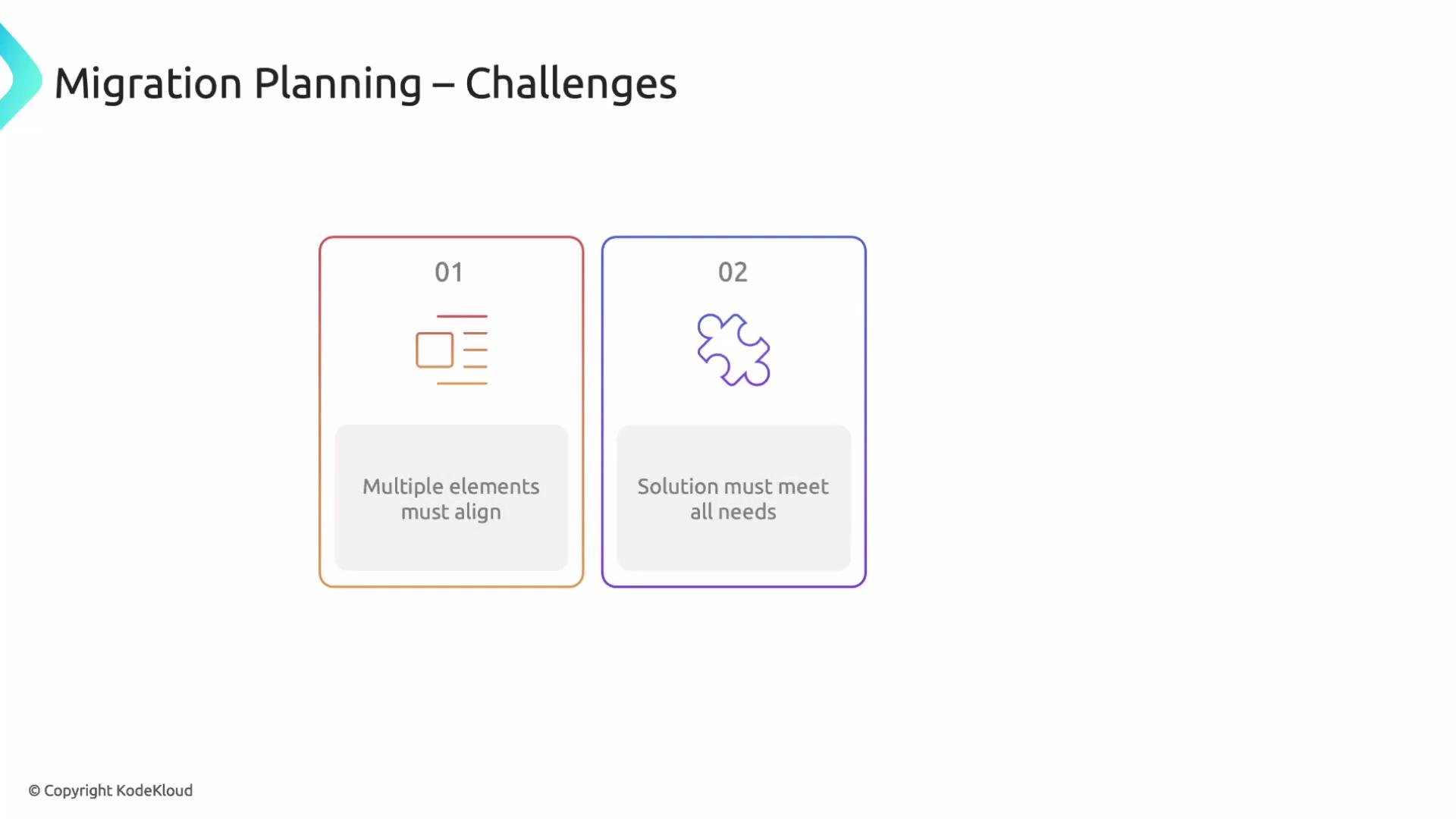
The image is a slide titled "Migration Planning – Challenges" with two numbered boxes describing challenges: 1) aligning multiple elements, and 2) ensuring solutions meet all needs.
Understanding your legacy environment uncovers risks early and helps you select a target platform that supports your business needs, integrations, and compliance constraints.
Why collect legacy information early?
  • Reveal actual business needs and whether the current stack provides them.
  • Surface shadow IT and undocumented systems for proper support and security.
  • Document customizations to reproduce or improve them in the new platform.
  • Expose application-level issues and environmental gaps that migrations must address.
Keep users at the center. The migration exists to make teams more effective — faster incident response, more reliable deploys, and better outcomes for customers. Replacing a useful tool with one that slows teams will reduce adoption and productivity. Not knowing existing integrations or undocumented systems is a common migration failure point. Systems that have been left to drift often include critical but unseen dependencies. Map these before cutover, so you don’t accidentally remove visibility into essential workflows. That’s why you don’t jump straight into migrating a solution — you plan and map first.
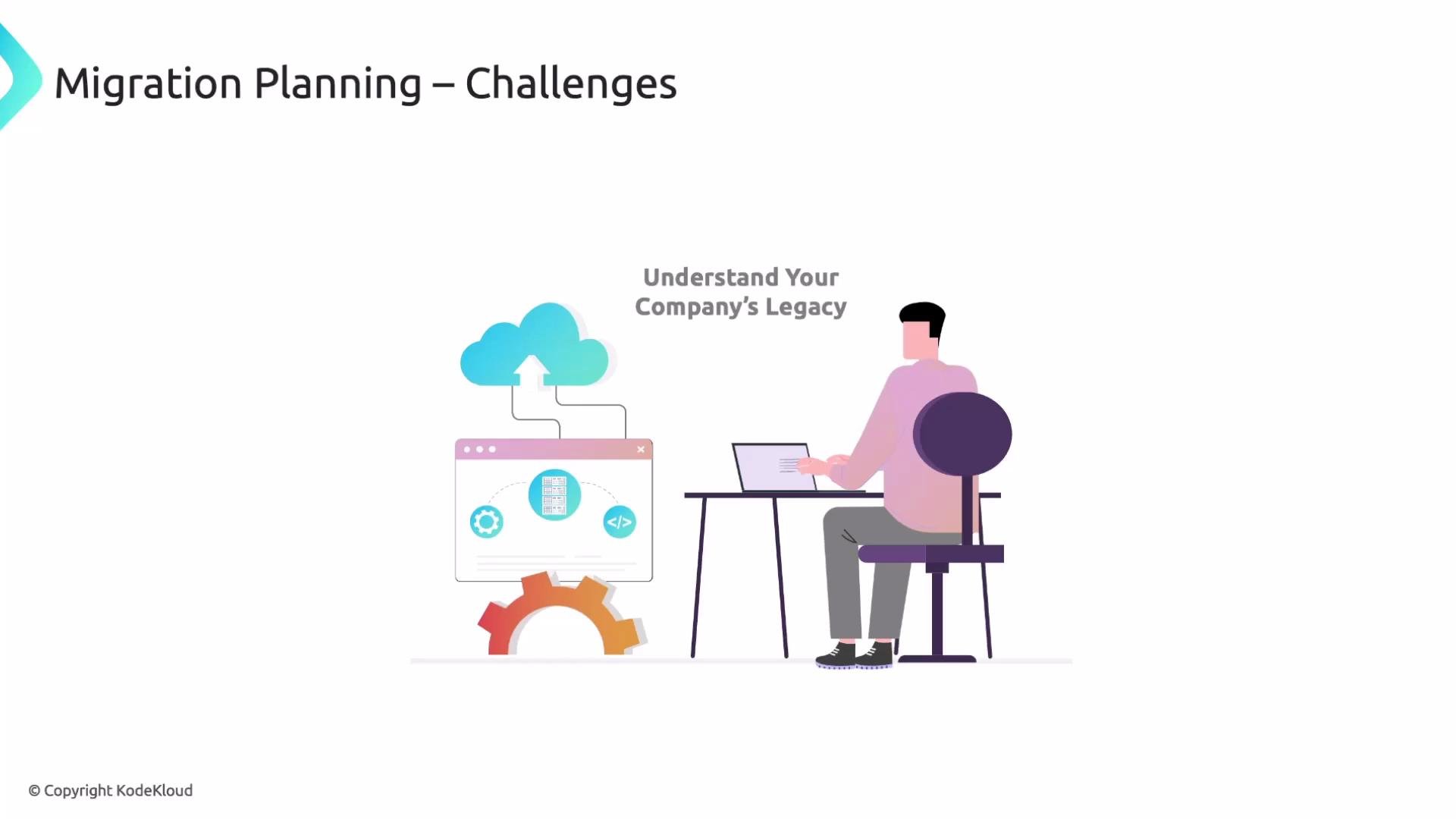
The image depicts a person working on a laptop with a graphic illustrating cloud migration, labeled "Migration Planning – Challenges" and "Understand Your Company's Legacy."
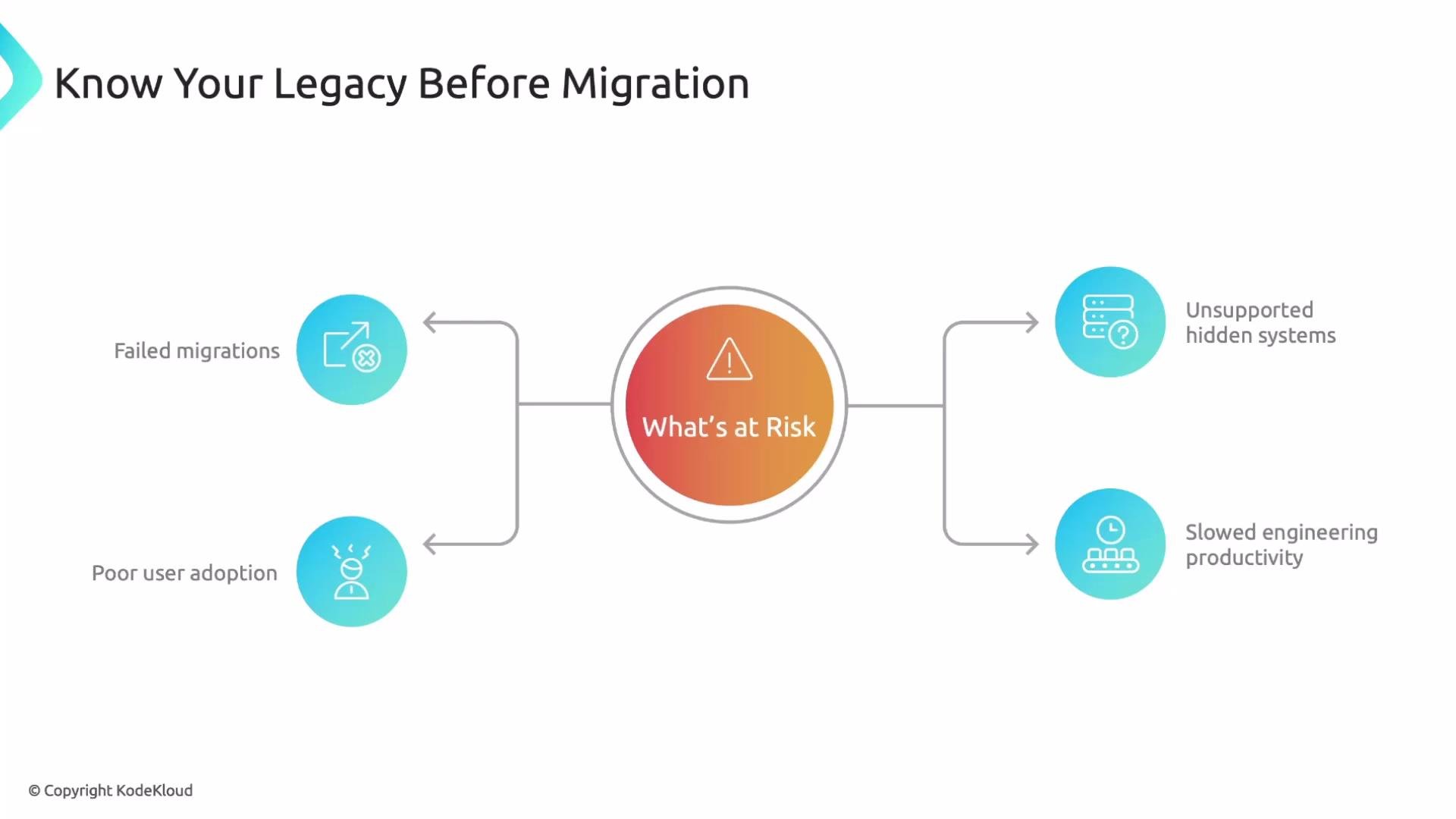
If teams fail to understand these areas, common consequences include poor adoption, unsupported hidden systems, slowed engineering velocity, and failed outcomes.
The image is a diagram titled "Know Your Legacy Before Migration," illustrating risks such as failed migrations, poor user adoption, unsupported hidden systems, and slowed engineering productivity.
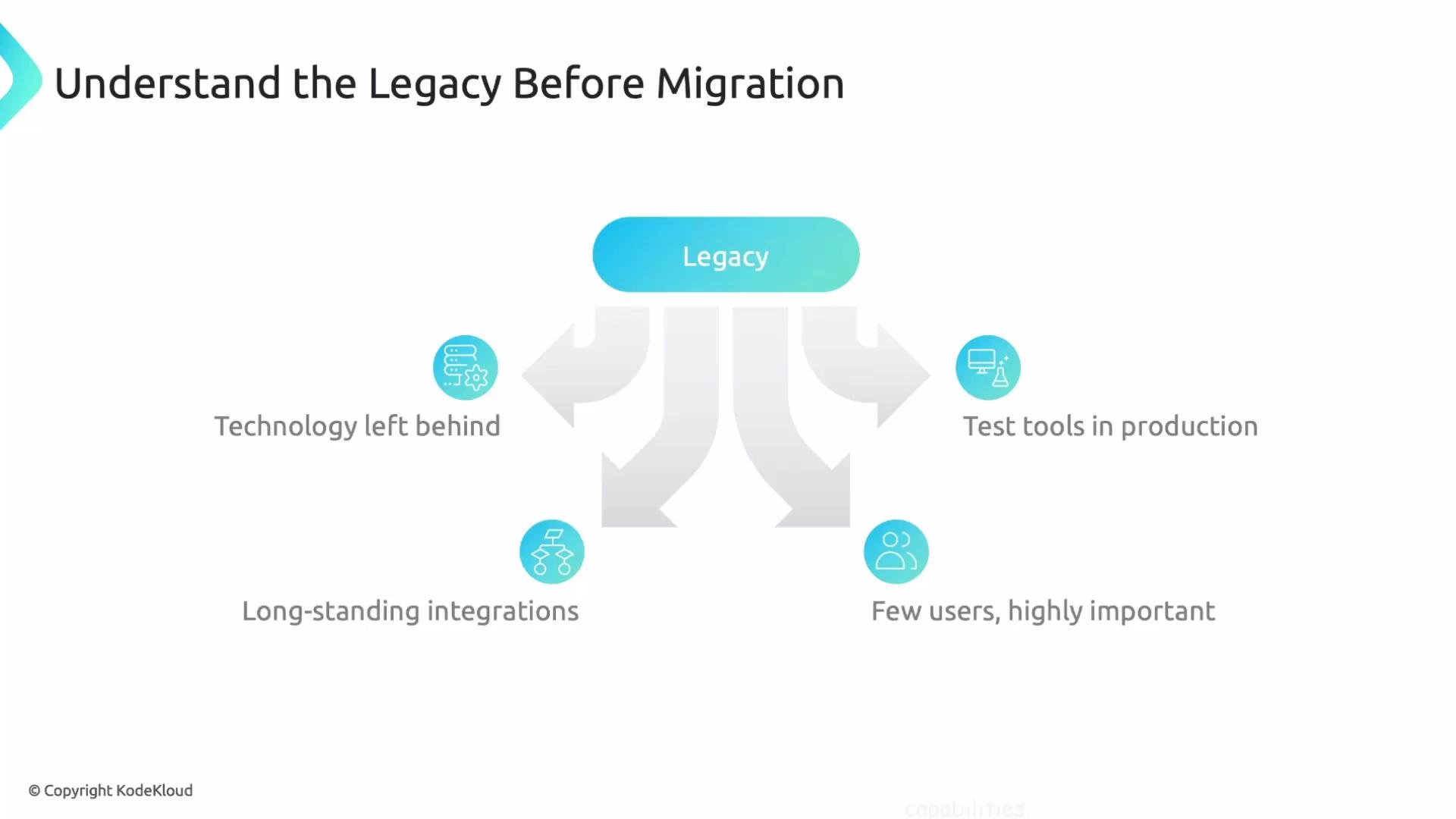
Always leave room to improve. Perform a legacy stack study to map what’s running and why before you migrate. Legacy can mean many things: technology left behind, long-standing integrations, systems with few users but high impact, or tools that began as experiments and became production. Each of these needs special attention during planning.
The image is a diagram titled "Understand the Legacy Before Migration," highlighting aspects like technology left behind, long-standing integrations, test tools in production, and few but important users.
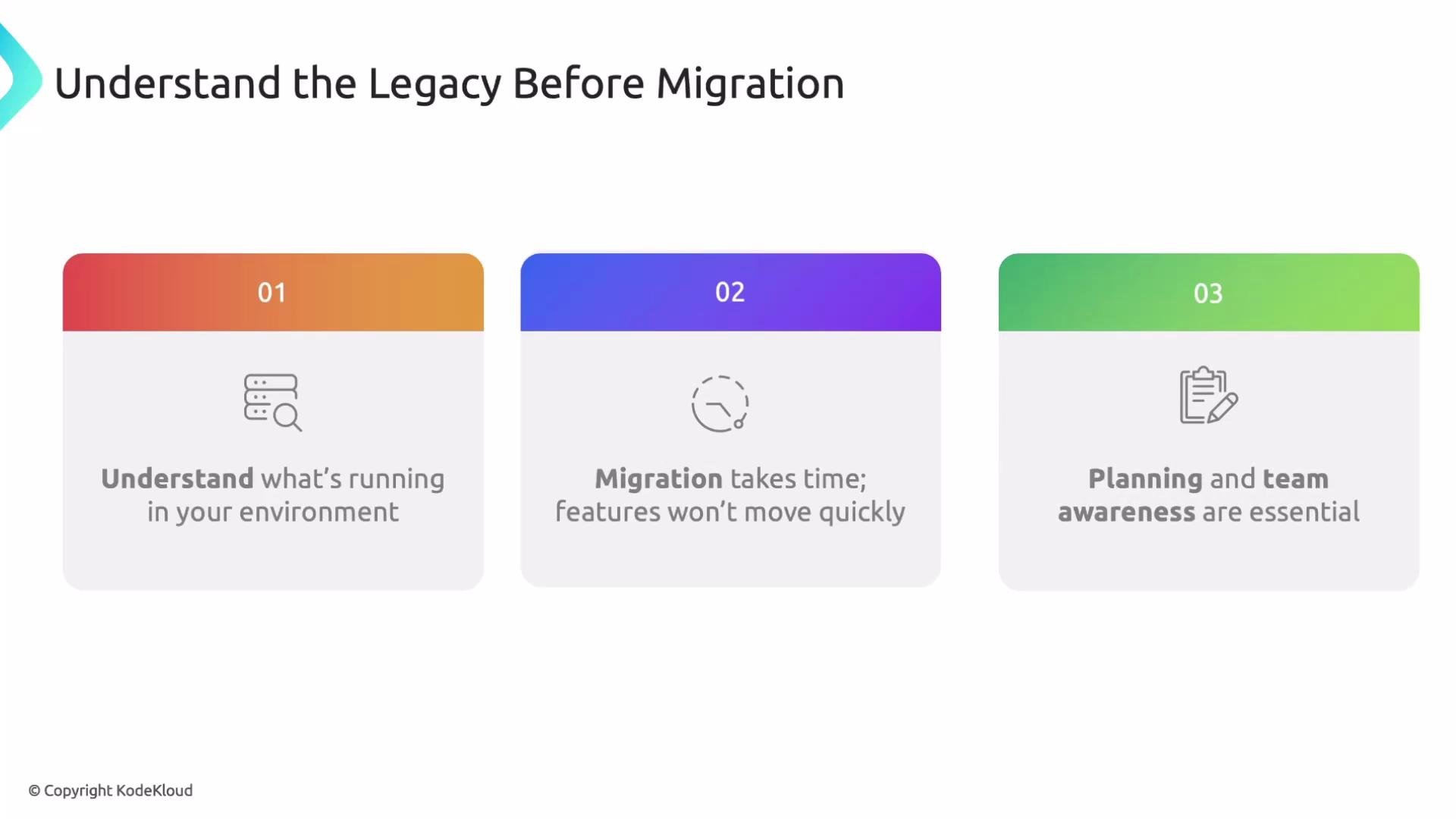
Expect migration timelines to be measured in months for large environments. Plan phased rollouts, validation windows, and time for teams to adopt the new platform.
The image outlines three steps for understanding the legacy before migration: understanding the environment, acknowledging the time it takes for migration, and emphasizing planning and team awareness.

Practical to-do list for mapping legacy systems

Below is a concise migration discovery checklist followed by detailed steps you can follow.
StepGoalKey actions
1. Gather existing knowledgeCapture institutional memory and constraintsInterview long-time users, read docs, pull config from running systems
2. Map deployments & environmentsKnow where services run and how they differInventory dev/stage/prod, regional differences, and config drift
3. Interview users & ownersUnderstand day-to-day usage and prioritiesCapture feature gaps, runbooks, and pain points to address during migration
4. Identify legacy integrationsFind critical data and control flowsTrace APIs, message buses, scripts, and note fragile or undocumented links
5. Understand environment nuancesEnsure compliance and operational continuityDocument network topology, compliance zones, data residency, and limits
Detailed steps:
  1. Gather existing knowledge
    • Interview long-time users and operators who understand historical decisions.
    • Retrieve available documentation and extract configuration directly from existing systems.
    • Collect feedback on pain points and common workarounds that you should address in the migration.
  2. Map current deployments and environments
    • Inventory where each solution is deployed (dev, stage, prod) and regional variations.
    • Identify multiple implementations of the same product and where configuration drift exists.
    • Record operational runbooks, maintenance schedules, and escalation paths.
  3. Interview users and owners
    • Understand how each tool is used daily and which features are critical.
    • Capture feature gaps and prioritize which issues the migration should resolve.
    • Use migration windows to deliver immediate value (e.g., fix known pain points during cutover).
  4. Identify legacy integrations
    • Trace integrations between systems: APIs, message buses, mainframes, custom scripts, and scheduled jobs.
    • Mark integrations that are business-critical and need continuity during migration.
    • Document undocumented or fragile connections that require careful migration handling.
Undocumented integrations are a major risk—map them before cutover. Migrating without this knowledge can break essential business functionality.
  1. Understand environment nuances
    • Capture environment-specific constraints: network topology, compliance zones, data residency, and resource limits.
    • Confirm the target architecture accommodates these constraints and remains maintainable long-term.
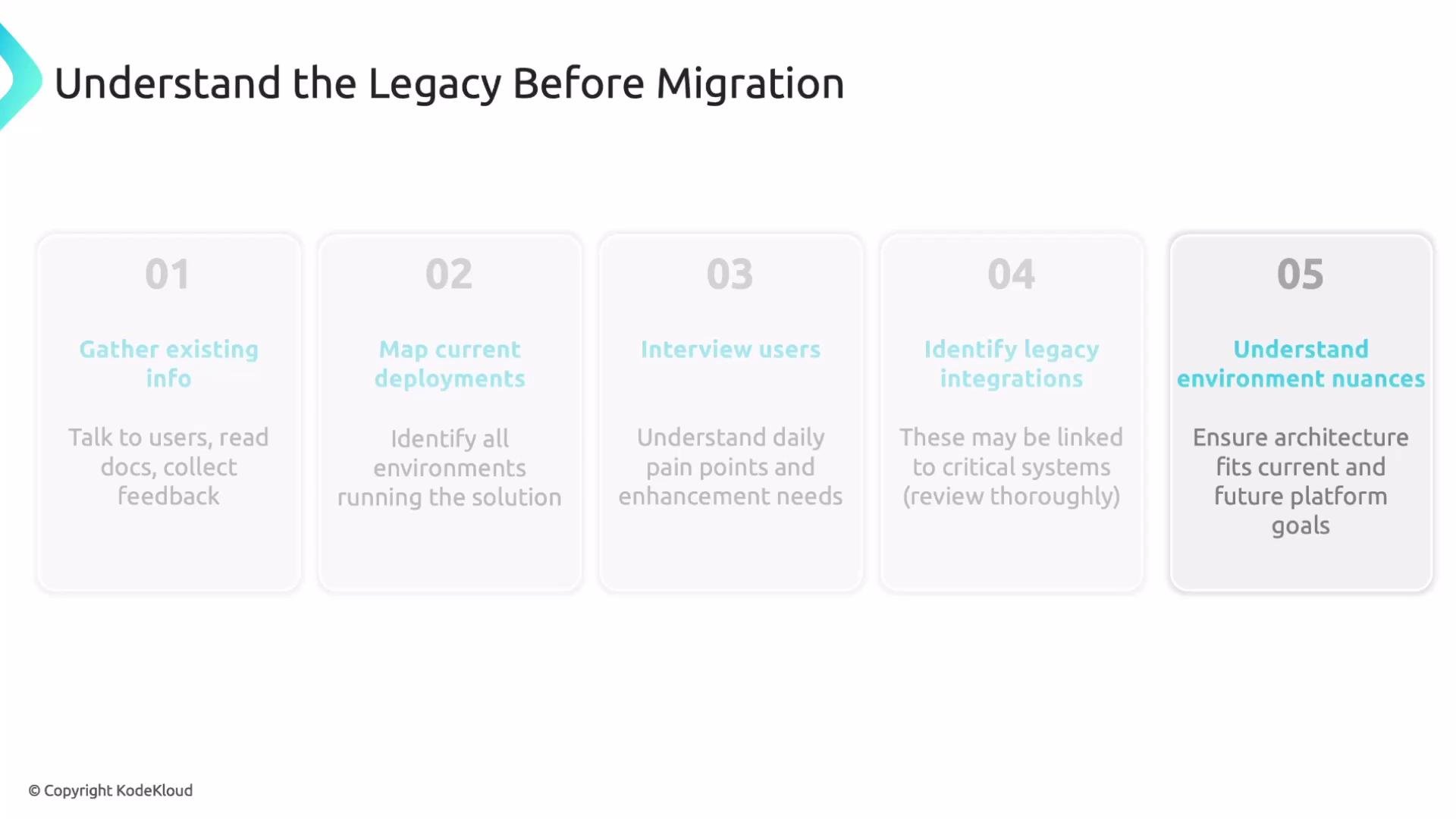
The image is a flowchart titled "Understand the Legacy Before Migration" outlining a five-step process: gather existing info, map current deployments, interview users, identify legacy integrations, and understand environment nuances.

Design principles for the target platform

Apply these guiding principles when designing the new platform so your migration delivers sustainable value:
  • Users first: Prioritize developer and operator experience. The platform should make teams faster and more confident.
  • Technology alignment: Align with company standards so performance, cost, and maintainability are predictable.
  • Security and compliance: Involve security and compliance teams early; noncompliance can invalidate the migration outcome.
  • Sustainability: Design for maintainability and future migrations. Expect platforms to evolve; make future moves cheaper and faster.
Quick reference: How each principle maps to action
PrincipleExample actions
Users firstProvide clear runbooks, dashboards, and simple onboarding
Tech alignmentUse standard images, automation, and policy-as-code
Security & complianceMap data residency, encryption, and access control needs early
SustainabilityBuild modular integrations and document migration patterns

Next steps and resources

  • Start with the discovery checklist and schedule interviews with platform owners.
  • Build a phased rollout plan with validation windows and rollback criteria.
  • Prioritize integrations and high-impact, low-effort fixes for early wins.
Further reading and references: That concludes this material. Use this guidance to plan a safer, more predictable migration that preserves visibility, supports users, and meets compliance needs.

Watch Video