This final lesson reviews your migration outcomes and outlines practical next steps to stabilize operations after cutover. At this point your migration is complete and you have two environments running in parallel: the legacy environment and the modern environment. That’s an important milestone — now perform a thorough evaluation to ensure the new platform operates as intended and improves (or at least matches) the legacy behavior. Core post-migration verification
  • Confirm dashboards, monitors, queries, and alerts are firing and presenting expected results.
  • Validate that reliability and functionality are maintained or improved compared to the legacy platform.
  • Ensure visibility parity: don’t lose monitoring coverage, alerting fidelity, or key observability signals.
Collect structured telemetry and incident data during the first few weeks after cutover so you can quantify differences between the old and new environments.
Gather end-user feedback
  • Solicit feedback from users who now interact with the modern environment — they will surface operational issues you might not have seen during migration (for example: misconfigured alerts, permission gaps, or degraded user experiences).
  • Triage and prioritize fixes based on impact: safety/stability issues first, followed by usability and performance improvements.
  • Close the feedback loop: communicate resolved issues and expected timelines to stakeholders.
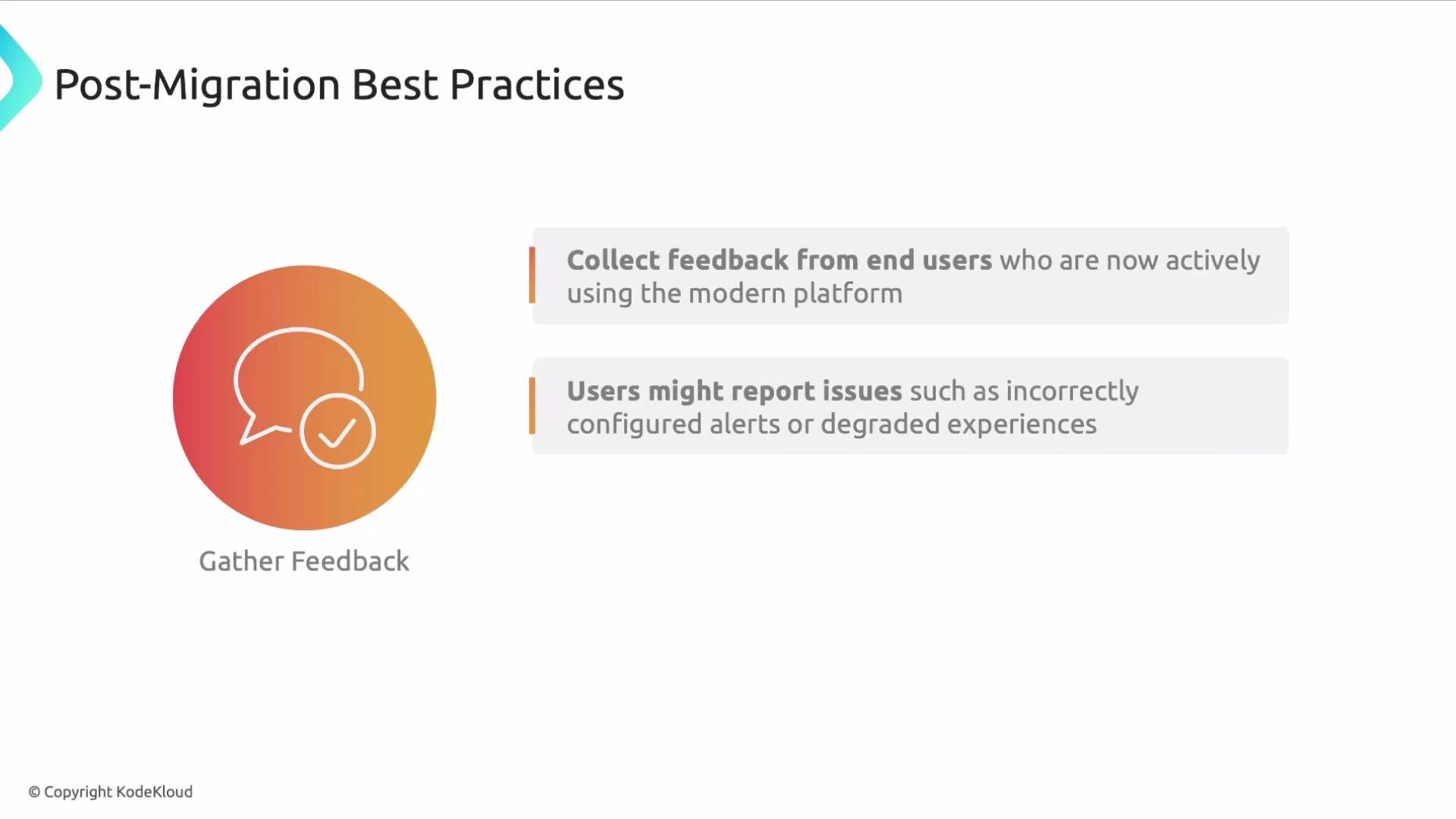
The image outlines post-migration best practices, emphasizing collecting feedback from end users and addressing any reported issues like misconfigured alerts or degraded experiences.
Re-evaluate observability architecture Now that the full system runs in production, revisit your observability design to optimize cost, signal quality, and future maintainability:
  • Reassess data retention, collection granularity, and sampling to balance cost with signal fidelity.
  • Add enhancements or new features that were deferred during migration (for example: more granular traces, additional dashboards, or enriched context in logs).
  • Remove redundant or low-value metrics, tags, and dashboards to reduce noise and storage costs.
Inventory, documentation, and governance One commonly overlooked but critical activity is updating your inventory and documentation. Accurate, versioned records make future troubleshooting, audits, and migrations predictable and less error-prone.
Keep an authoritative, versioned inventory of services, hosts, dashboards, monitors, and alerting policies. This prevents repeating past mistakes and makes future migrations smoother.
Post-migration checklist Use the table below as a concise checklist to guide your post-cutover evaluation and stabilization work.
AreaKey actions
Monitoring parityConfirm alerts, dashboards, and queries match or improve upon legacy behavior
Telemetry collectionValidate metrics, logs, and traces are complete and correctly correlated
Incident dataCollect structured incident and on-call data for the first 2–4 weeks post-cutover
User feedbackAggregate and prioritize user-reported issues and usability regressions
Cost & samplingReassess retention and sampling to optimize cost without losing signal fidelity
HousekeepingRemove redundant metrics/tags and clean up stale dashboards
DocumentationUpdate inventories, runbooks, diagrams, and configuration repositories
Links and references That concludes this lesson. Use these steps to validate your migration, prioritize follow-ups, and keep your monitoring and operations predictable and resilient.

Watch Video