

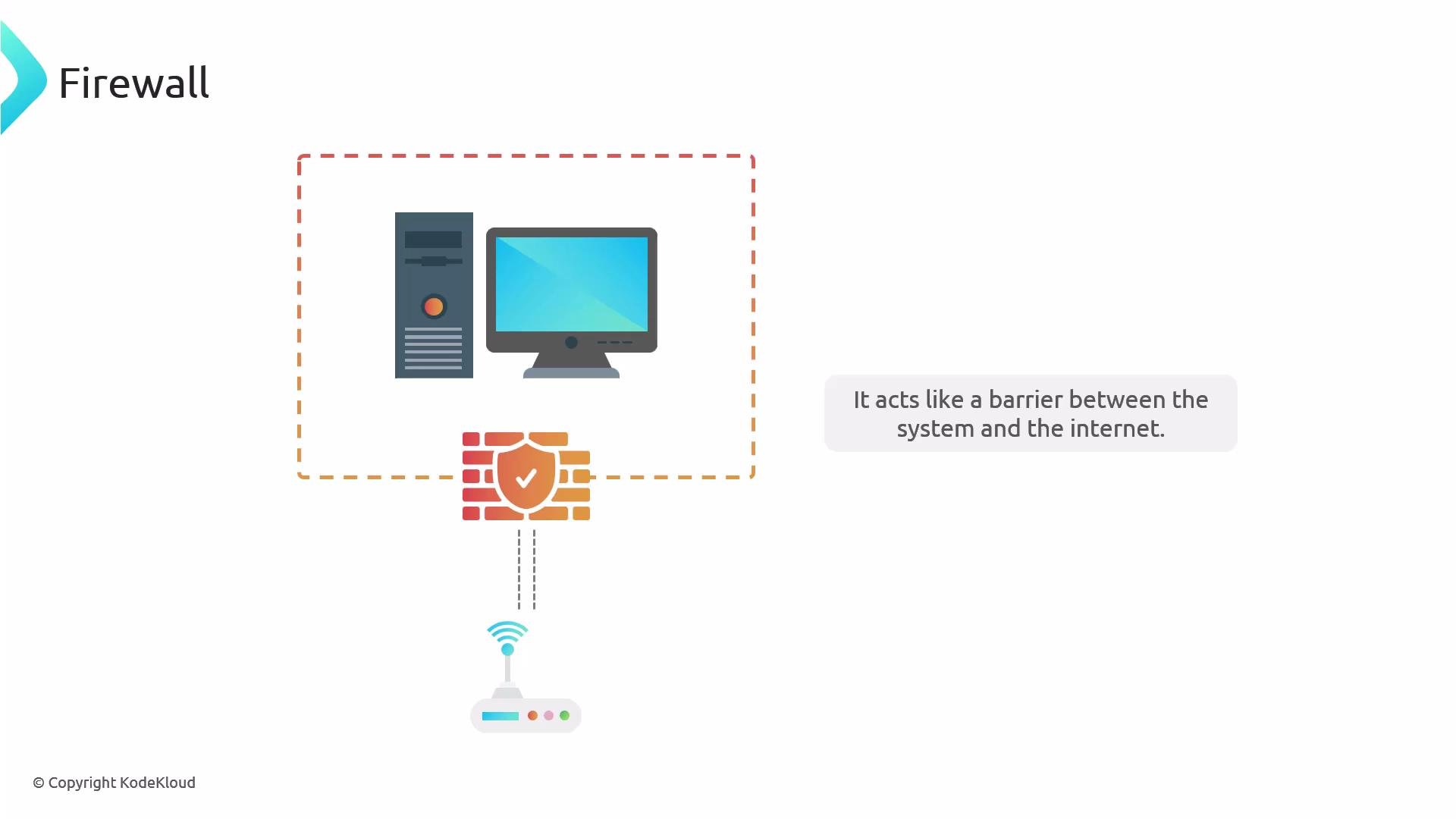
iptables, increasingly nftables). For example:
- Debian / Ubuntu: UFW (Uncomplicated Firewall)
- Red Hat / Fedora / CentOS: Firewalld
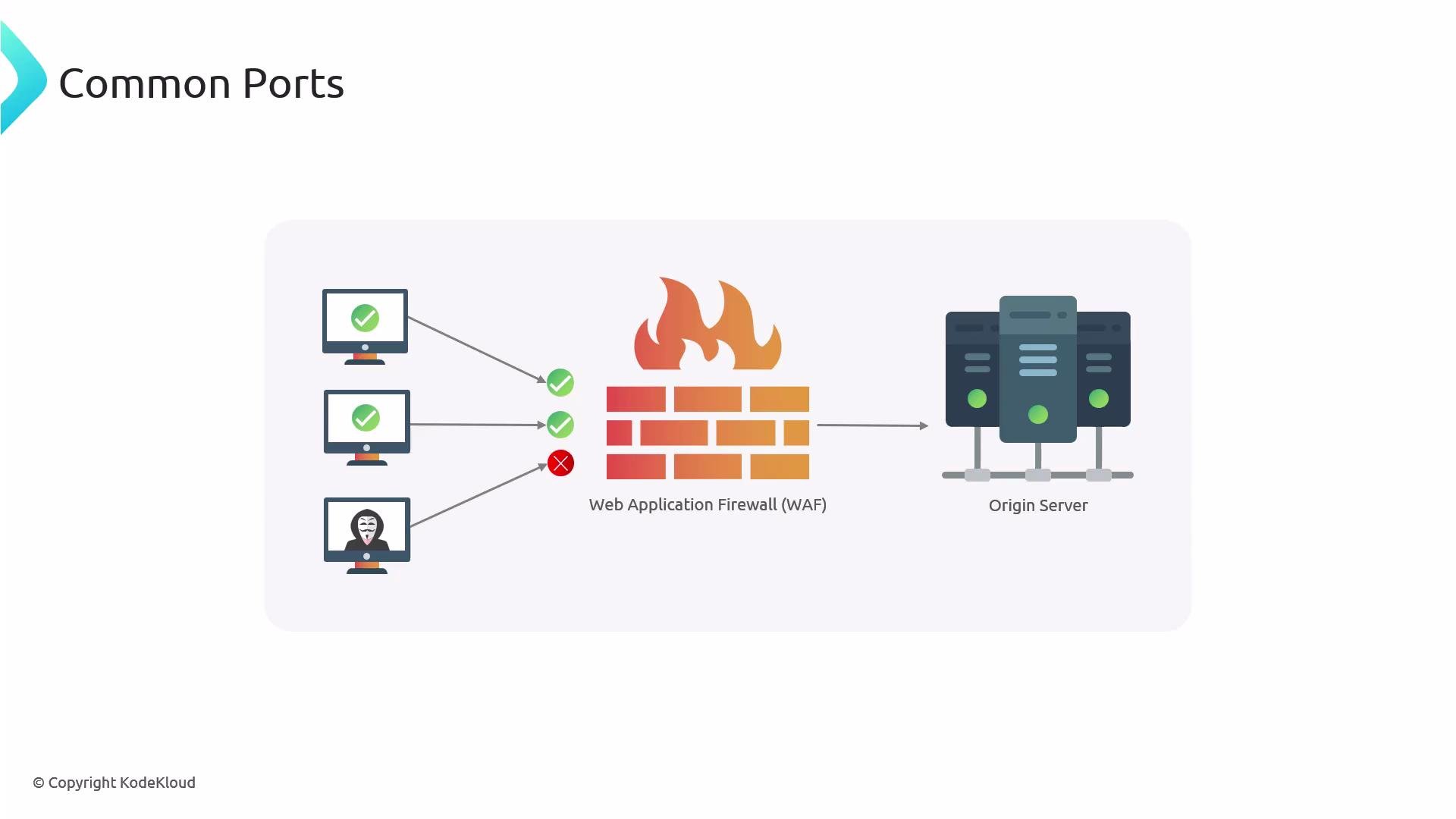
You don’t need to memorize every port number, but know
80, 443, and 22. For servers exposed to the public internet, generally only open the web ports (80/443) and any management port (like SSH) restricted to trusted IPs. If you must open additional ports, prefer IP whitelisting or VPN access over broad exposure.
Avoid opening ports to “anywhere” unless absolutely necessary. Exposing management ports to the internet increases risk—use IP allowlists, SSH keys, or a VPN.
Always allow SSH first. Example:
sudo ufw allow 22/tcp before running sudo ufw enable on a remote server.- Use
sudo ufw status numberedto see rule indices and remove rules safely. - UFW is deliberately simple — it’s suitable for host-level firewalling and quick rule management.
firewall-cmd with --permanent for persistent rules, then --reload to apply them immediately.
Common Firewalld commands:
--permanentchanges the persistent configuration;--reloadapplies changes to the running runtime.- You can enable and start Firewalld in one command with
sudo systemctl enable --now firewalld.
Inspecting listening ports with netstat / ss
Tools like
netstat (from net-tools) or ss (from iproute2) show which services are actually listening on ports — they do not show firewall rules.
Install net-tools if needed:
-nshow numeric addresses/ports-lshow listening sockets-tshow TCP-ushow UDP-pshow PID/program name
netstat/ssshow which services are bound to ports (i.e., listening). If no service is listening on a port, opening that port in the firewall does not make the service available.- Firewall tools (UFW / Firewalld) control whether packet flows can reach those services. Both pieces must be configured correctly for a service to be reachable from the network.
- UFW documentation: https://help.ubuntu.com/community/UFW
- Firewalld documentation: https://firewalld.org/documentation/
- netstat / ss references:
man netstat,man ss - General Linux firewall concepts: https://www.kernel.org/doc/html/latest/networking/index.html