Welcome to the final module — congratulations on making it this far. In this lesson you’ll learn practical, production-ready performance techniques for NGINX that help protect and speed up your web server. These short, actionable configurations are easy to apply and suitable for most deployments. Here are the objectives we’ll work through:
  • Rate limiting — control how much traffic reaches your site to protect against DDoS, brute-force attacks, and aggressive scraping.
  • Caching — use NGINX caching to boost response times and reduce backend load.
  • Compression — use gzip to compress responses and improve delivery. gzip is supported out of the box by NGINX, so you don’t need to install anything else.
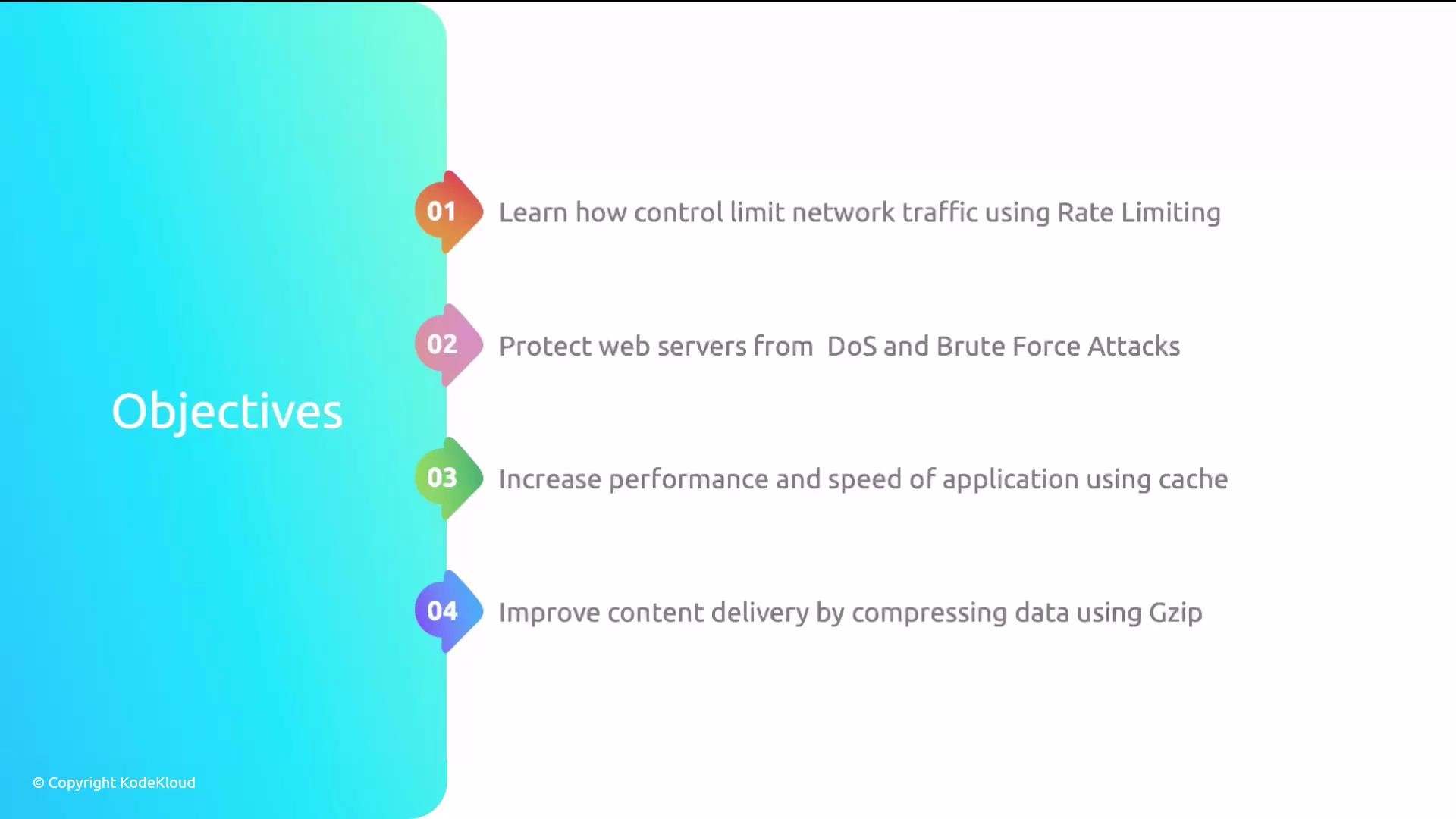
A presentation slide titled "Objectives" with a teal gradient sidebar and four colorful numbered markers. The listed goals are: rate-limit network traffic, protect web servers from DoS and brute-force attacks, boost application speed with caching, and improve delivery by compressing data with Gzip.
We’ll also cover these supporting topics:
  • Keep-alive connections — what they are and how they improve connection reuse and latency.
  • Log analysis — how to analyze access and error logs to troubleshoot and optimize.
  • Monitoring — an overview of using Datadog to monitor NGINX metrics and system performance.
The Datadog section includes installation and configuration examples, but we will not run a hands-on Datadog lab because it requires a personal Datadog account. You can follow the steps in this lesson to set it up in your own environment.
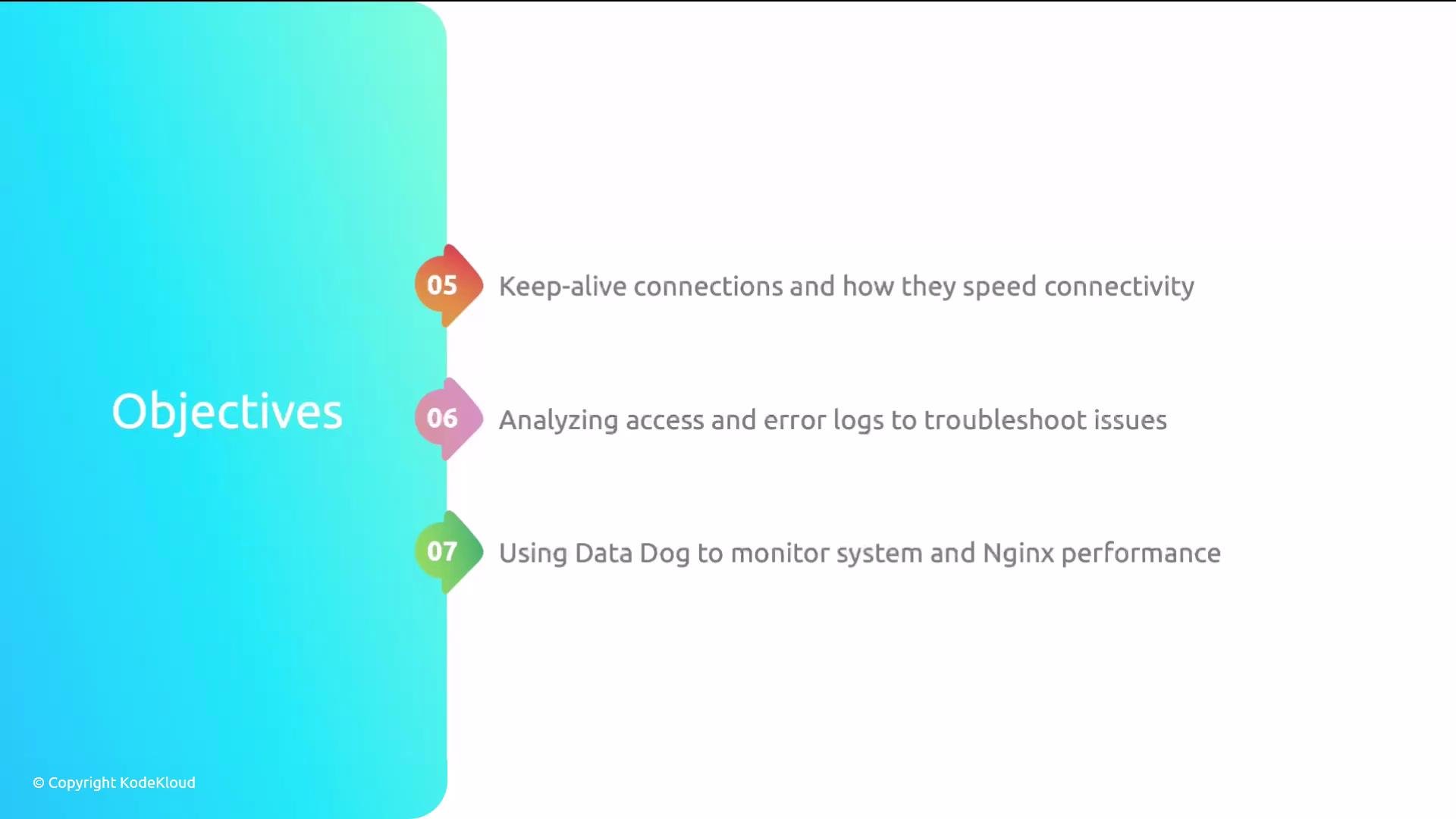
A presentation slide titled "Objectives" with a turquoise gradient panel on the left. On the right are three numbered items about keep-alive connections, analyzing access and error logs, and using Data Dog to monitor system and Nginx performance.
That’s the plan — rate limiting, caching and compression, keep-alive tuning, log analysis and troubleshooting, and monitoring with Datadog. The configurations we cover are practical and quick to apply; anyone can follow them. Grab a cup of coffee and let’s get started.

Quick reference: features and example directives

Watch Video