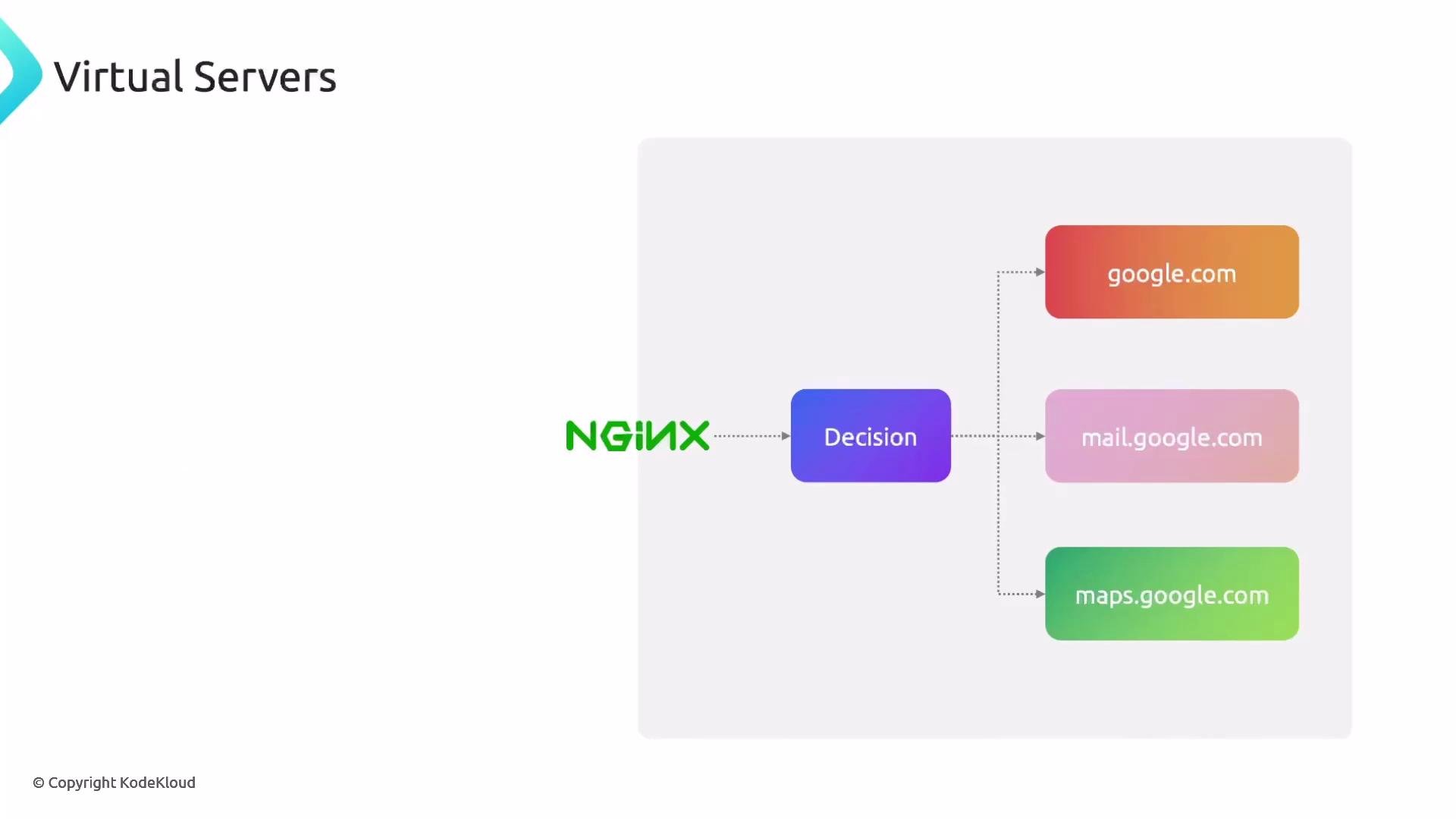
In this lesson we’ll dive into NGINX virtual servers (a.k.a. server blocks) and how a single NGINX instance can host multiple websites. This is a common pattern for consolidating hosting, reducing cost, and centralizing configuration and TLS termination. Think of it like living in an apartment building: the building address (1234 Main Street) is the physical server, and each apartment number (301, 302, etc.) is a virtual server. When a delivery arrives, the driver goes to the building and then to the correct apartment. Similarly, NGINX receives a request for the server’s IP and then routes it to the correct virtual server based on the Host header, port, or other criteria.
A slide titled "Virtual Servers" showing NGINX pointing to a "Decision" box that routes traffic to three backend blocks labeled google.com, mail.google.com, and maps.google.com.
What a virtual server does
  • Matches incoming requests (usually by Host header and listen port).
  • Applies the configuration for that site (root directory, proxying, rewrites, TLS, etc.).
  • Lets one NGINX process host many sites (each with its own behavior and files).
For example:
  • A request for google.com is handled by the virtual server whose server_name matches google.com.
  • A request for mail.google.com is routed to a different virtual server that may have different document root or proxy settings.
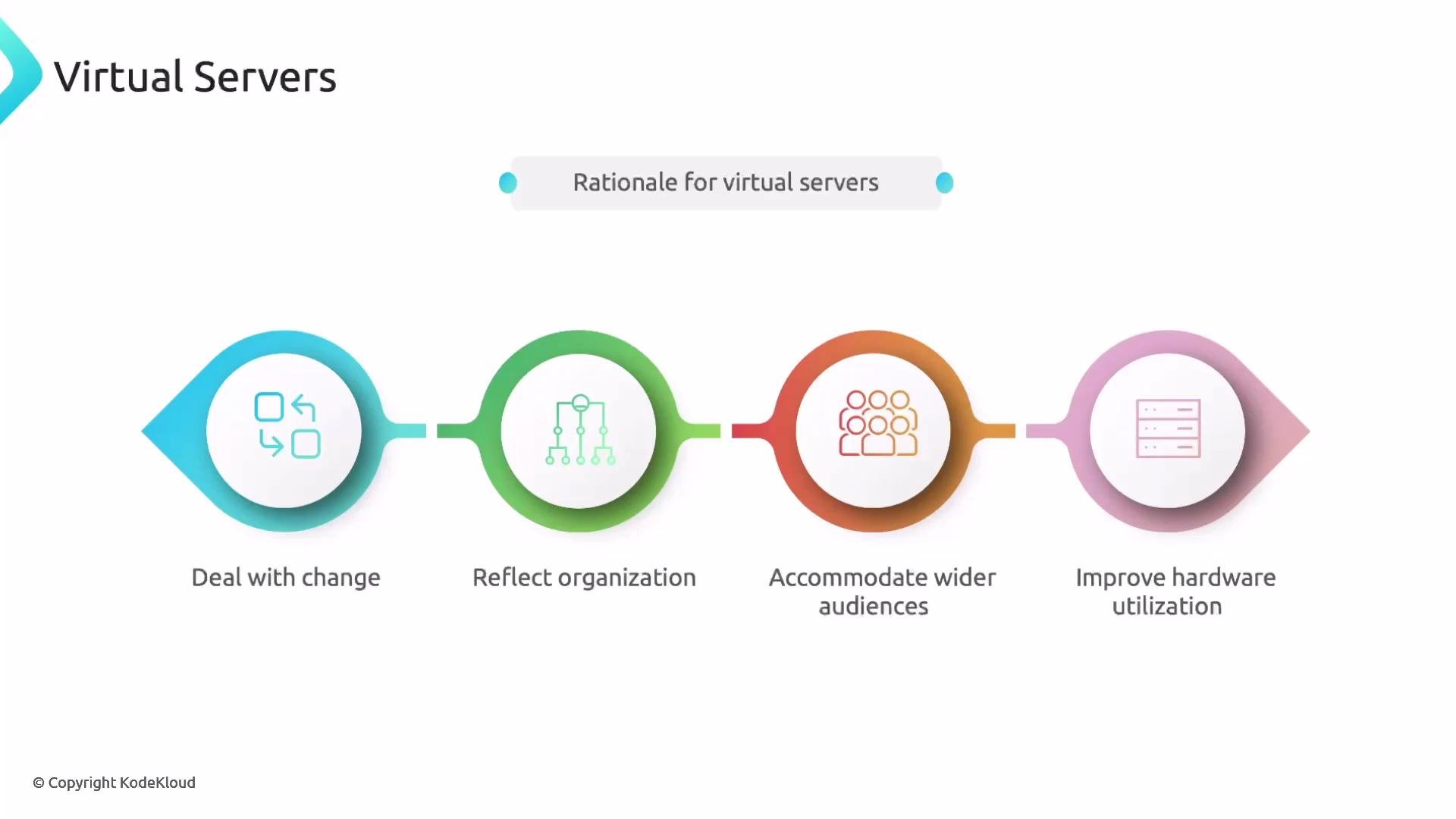
Running multiple virtual servers on one host reduces overhead (fewer machines to maintain), centralizes logging and monitoring, and simplifies TLS certificate management when using a single reverse proxy.
An infographic titled "Virtual Servers" showing the "Rationale for virtual servers." It displays four colored icons with labels: Deal with change, Reflect organization, Accommodate wider audiences, and Improve hardware utilization.
Basic server block example This minimal server block listens on port 80 and responds when the request matches the specified IP or hostname. Note that server_name can be an IP address or a DNS hostname.
Listening on nonstandard ports NGINX can listen on any port. Standard HTTP uses port 80 and HTTPS uses 443. If you use a nonstandard port like 8080, clients must include it in the URL (for example, http://wiki.example.com:8080).
Multiple server blocks in one configuration file You can define many server blocks in a single NGINX configuration. Each block handles a distinct site or hostname.
Quick reference — common server block directives Ports and user experience Best practices and deployment tips
  • Keep each site’s configuration in a separate file and enable them selectively (for example, /etc/nginx/sites-available/ with symlinks in /etc/nginx/sites-enabled/). This minimizes the blast radius of configuration errors and simplifies automation.
  • Use a single reverse proxy on ports 80/443 to route traffic to internal ports (avoids exposing nonstandard ports to users).
  • Consolidate TLS termination at the front-end reverse proxy, or use tools like Certbot/ACME to automate certificates per site.
  • Test configuration changes with nginx -t before reloading: sudo nginx -t && sudo systemctl reload nginx.
Store each site’s configuration in its own file and enable them individually (for example, with /etc/nginx/sites-available/ and /etc/nginx/sites-enabled/). This reduces blast radius when editing configs and makes management easier.
Additional resources You can now create a demo environment: add site files under /var/www/, create per-site server block files, test configuration, and reload NGINX to see multiple virtual servers served from a single NGINX instance.

Watch Video