

return) and rewrites (rewrite, try_files) — when to use each, how they behave, and practical examples you can apply during site migrations or reorganizations.
Think of URLs like a postal address. If you moved from 111 Main Street, Apt 204 to 555 Meadows Drive, the post office (or senders) must be told where to send new mail. Similarly, redirects tell clients the resource has permanently or temporarily moved (the client is instructed to request a new URL). Rewrites change how the server internally resolves a request so content from a different path is served without telling the client about a new URL.
Why this matters:
- Redirects are ideal when moving content to a new domain or path and you want search engines and clients to update their records.
- Rewrites are useful when you want to serve the same content under a new, nicer URL without changing what the client sees.
Redirecting to a new domain
Redirects are typically implemented with thereturn directive. Use 301 for permanent, 302 for temporary.
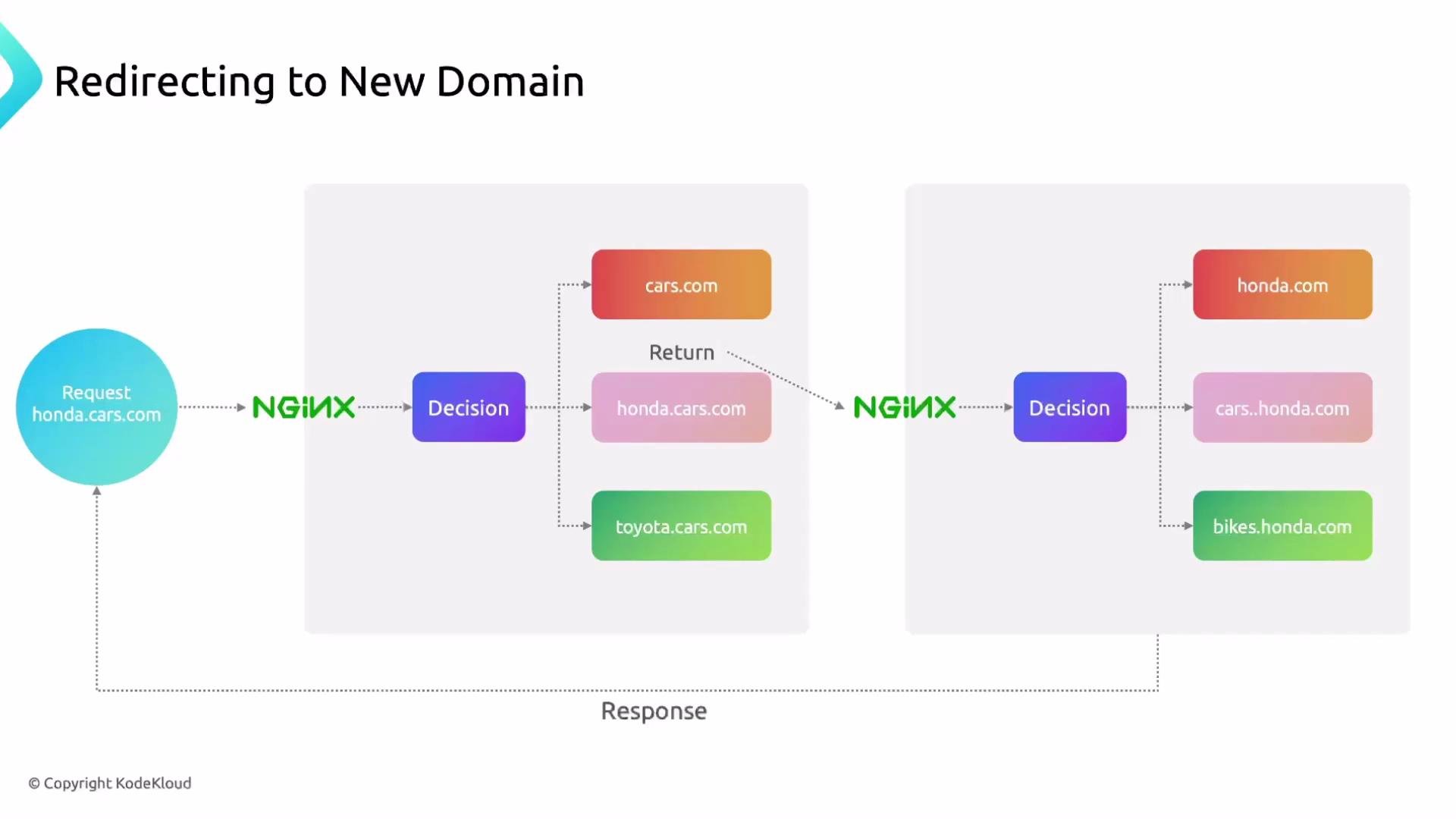
honda.cars.com to cars.honda.com, preserving the full request URI and query string:
443.
When redirecting HTTP to HTTPS, ensure the server block on port
443 is configured with valid TLS certificate and key files; otherwise clients will fail to connect securely.$host— the host name from the request (for example,honda.cars.com).$request_uri— the full original request URI including query string (for example,/2024/civic-type-r?color=red).
- Incoming request:
honda.cars.com/2024/civic-type-r - With
return 301 https://cars.honda.com$request_uri;the client is redirected to:https://cars.honda.com/2024/civic-type-r
return inside a location block to redirect a single page rather than the entire domain. Example:
HTTP status codes quick reference
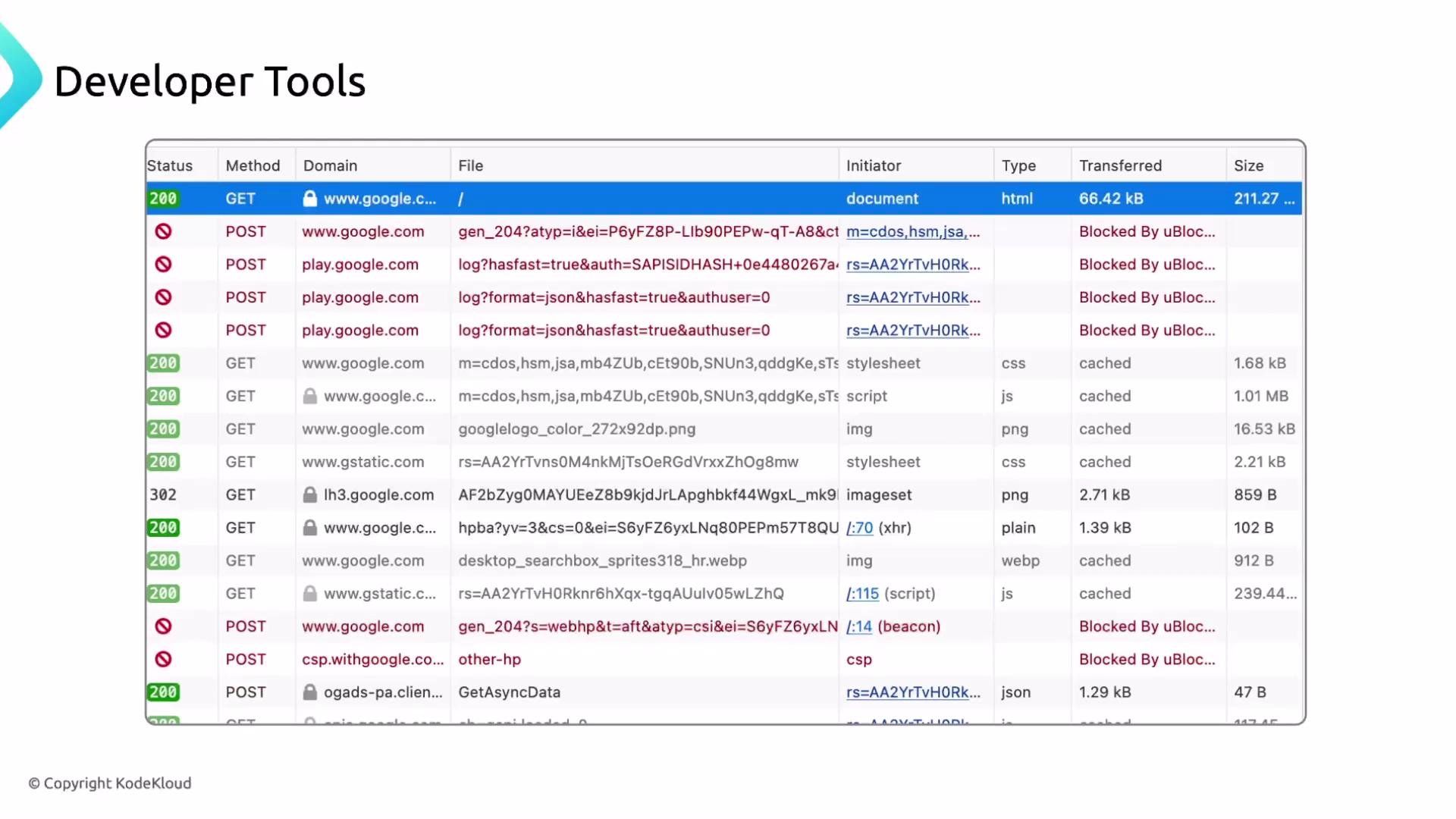
Tip: Inspect status codes and request metadata in your browser Developer Tools → Network tab to see how redirects and rewrites behave in practice.
Rewrite rules — when to rewrite vs redirect
Rewrite rules change how the server resolves an incoming URI. Use rewrites when you want to:- Keep the visible URL the same while serving content from a different backend path.
- Provide clean URLs that map to existing files or application routes.
- Avoid breaking links after reorganizing site structure.
Simple rewrite (client-visible redirect)
If you want clients redirected from an old path to a new one (permanently), userewrite ... permanent or return 301:
301). If you want the server to internally serve content from another path without redirecting the client, use try_files or an internal rewrite.
Serving images from a new path (example)
Suppose your site files originally store images inpics, but you want them served from /images. You can either rename the folder or rewrite requests from /pics/* to /images/*.
Initial tree:
/pics/... to /images/...:
http://honda.cars.com/pics/type-r.jpg will be redirected to http://honda.cars.com/images/type-r.jpg.
Option 2: internal rewrite (serve content from /images without redirecting):
- Prefer
try_filesor an internalalias/rootconfiguration for better performance and less client-visible churn.
- Preserve bookmarks and external links after reorganizing content.
- Present user-friendly URLs while keeping implementation details hidden.
- Support incremental migrations without downtime.
Regular expressions (Regex) primer for Nginx
Regex is frequently used inrewrite rules and location match patterns to capture and transform URIs.
^— start of string$— end of string.— any single character (except newline)*— 0 or more of the preceding token+— 1 or more of the preceding token?— 0 or 1 of the preceding token()— capture group[]— character class, e.g.,[a-z]|— alternation (logical OR)\d,\w,\s— shorthand for digits, word characters, whitespace (availability may vary by flavor)
$1, $2, etc.
Example:
^/old_page/(.*)$captures everything after/old_page/into$1.- Replacement
/new_page/$1reuses that captured part.
- Regex testing: https://regex101.com
Links and references
- Nginx documentation — rewrite module
- Nginx documentation — return directive
- Regex101 — interactive regex tester
- Kubernetes Basics (example reference)
- Docker Hub
- Terraform Registry