

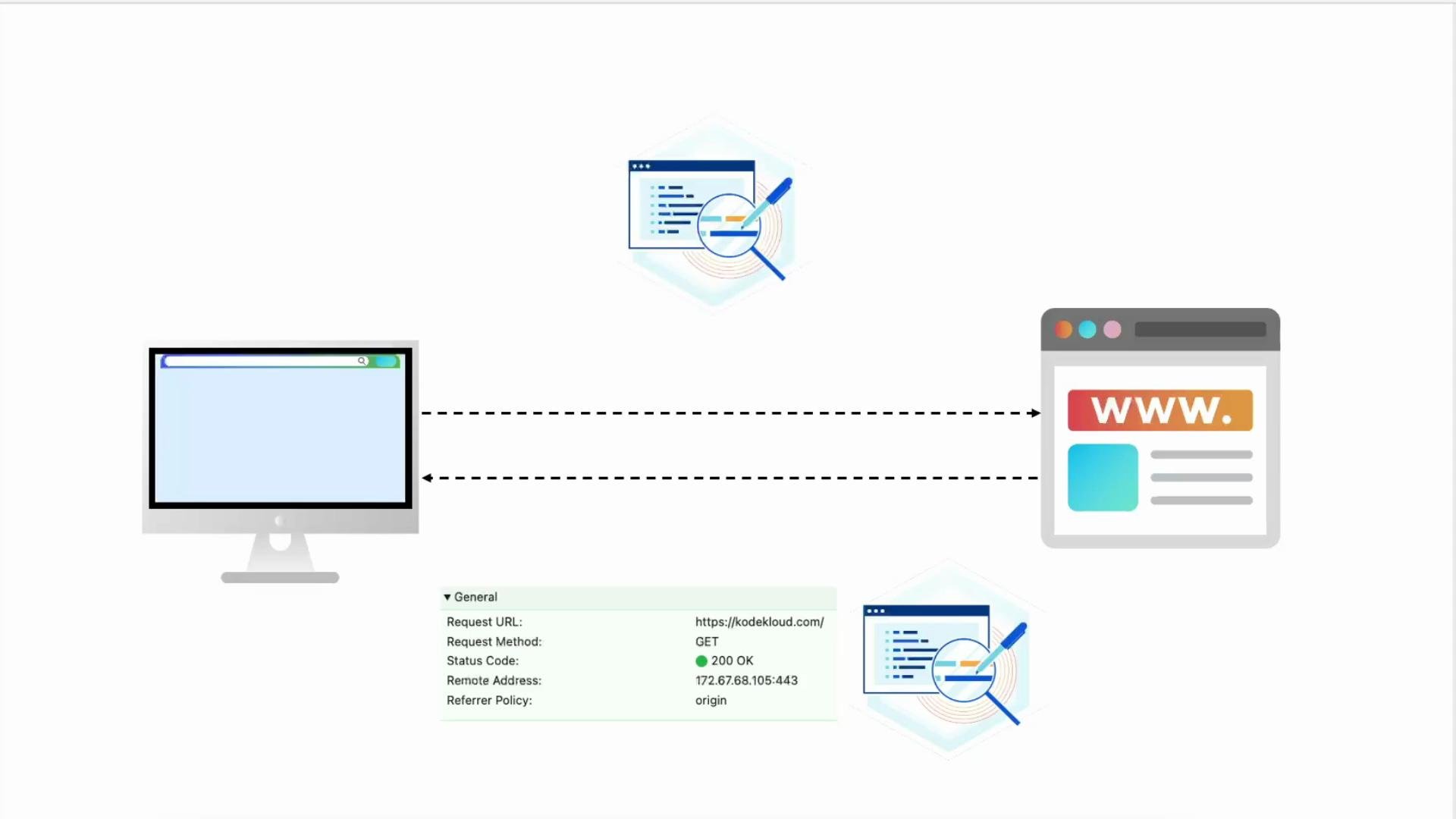
- Inspect current response headers from the site.
- Add security headers to the TLS (
listen 443 ssl) server block. - Configure an
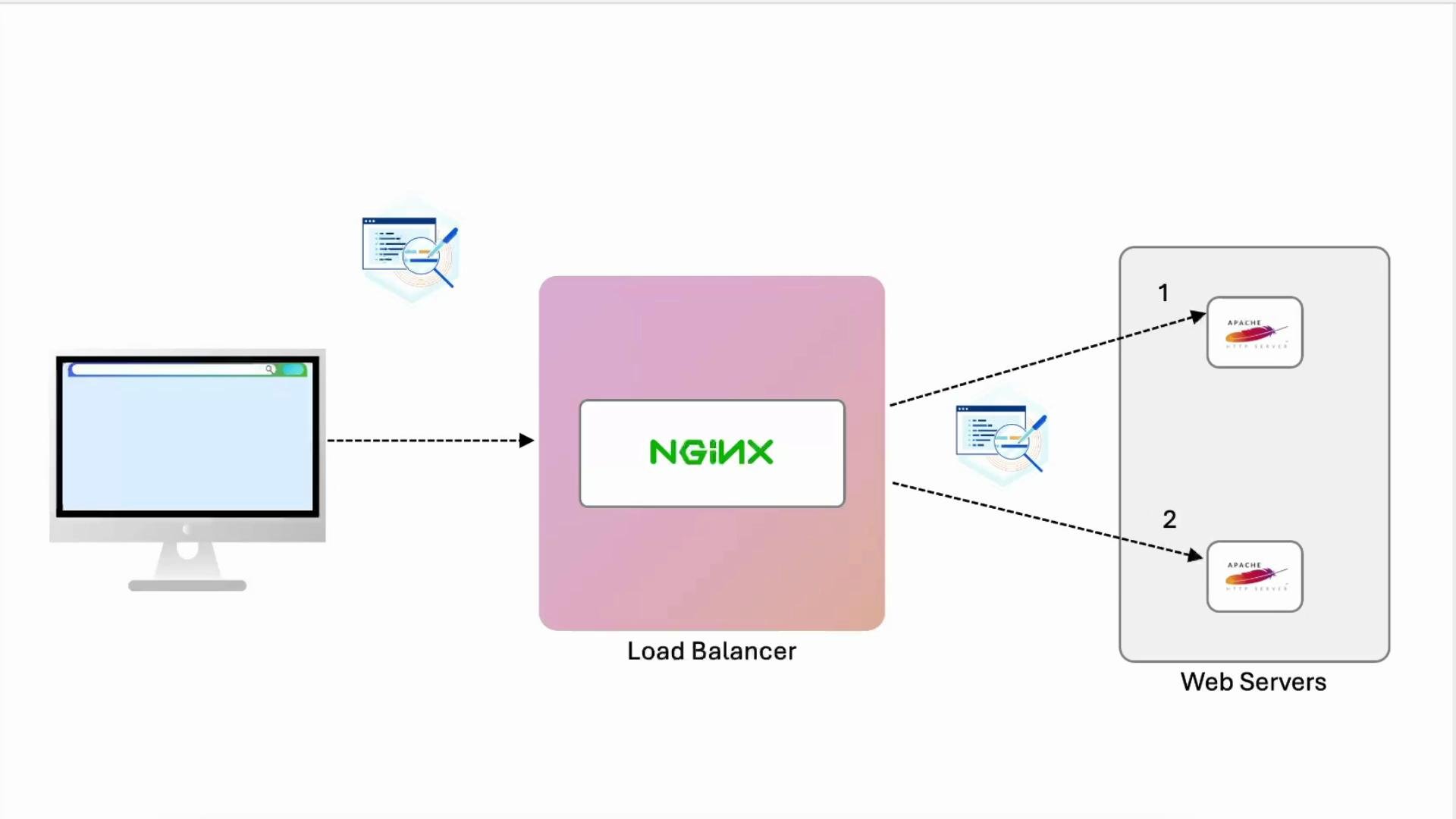
upstreamblock and proxy traffic to two Apache backends. - Add
proxy_set_headerdirectives so the backend sees the original client IP and scheme. - Update Apache logging to include forwarded headers or use
mod_remoteip.
1) Initial checks — inspect current headers
I added an internal DNS entry forexample.com pointing to loopback. For example, your /etc/hosts may include:
Server and Date, but no custom security headers yet.
2) Add security headers in NGINX (TLS server block)
Edit your site config (e.g.,/etc/nginx/sites-available/example-https) and add the security headers inside the server { listen 443 ssl; ... } block.
Example configuration:
Strict-Transport-Security, X-Frame-Options, Content-Security-Policy, and Referrer-Policy in DevTools → Network for resource responses.
Strict-Transport-Security (HSTS) instructs browsers to access the site only over HTTPS. When testing, use a conservative
max-age (for example, a few hours) before committing a long duration or adding preload. For more, see the HSTS specification and browser docs.3) Configure NGINX as a load balancer (upstream block)
Add anupstream block and change the site location / to proxy requests to the example upstream. Initially this will forward traffic, but backends will only see the load balancer IP unless we forward proxy headers.
Example:
4) Forward proxy headers so backends see original client info
To ensure Apache backends can log and act on the original client IP and protocol, set the appropriate proxy headers inside thelocation block.
Update location /:
X-Real-IPsends the immediate client IP as seen by NGINX ($remote_addr).X-Forwarded-Foraccumulates client IPs across hops;$proxy_add_x_forwarded_forappends the current hop.X-Forwarded-Prototells the backend whether the original request usedhttporhttps.- Always end directives with semicolons.
5) Inspect backend Apache logs and include proxy headers in log format
On the Apache backend nodes, check access logs:LogFormat (often in /etc/apache2/apache2.conf or an included conf-enabled file).
Example LogFormat additions:
remote host (%h) to reflect the original client IP automatically, consider using Apache’s mod_remoteip which rewrites the client IP based on trusted proxy headers.
If you receive
X-Forwarded-For from trusted proxies, enable Apache’s mod_remoteip (see the official docs) so %h and access control reflect the real client IP. Only enable this when you trust the upstream proxies.- NGINX proxy headers and variables: https://nginx.org/en/docs/http/ngx_http_proxy_module.html
- Apache mod_remoteip: https://httpd.apache.org/docs/2.4/mod/mod_remoteip.html
6) Compare log output (before and after)
Before forwarding proxy headers, Apache access logs typically show the load balancer IP:proxy_set_header and an extended LogFormat, log lines can include the forwarded IPs and protocol, improving traceability:
- First quoted field:
X-Real-IP(immediate client IP seen by NGINX). - Long comma-separated list:
X-Forwarded-For(client IP chain across proxies). - Next quoted field:
X-Forwarded-Proto(original request scheme, e.g.,https).
7) Recap and next steps
- Inspected default response headers and added security headers in the NGINX TLS server block.
- Implemented an
upstreamwith two Apache backend nodes and proxied TLS traffic. - Added
proxy_set_headerdirectives (X-Real-IP,X-Forwarded-For,Host,X-Forwarded-Proto) so backends can see the original client context. - Updated Apache
LogFormatto include forwarded headers or consideredmod_remoteipto rewrite%h.
- Enforce stricter Content-Security-Policy rules and test with CSP reports.
- Harden TLS with modern ciphers and TLS versions (see Mozilla SSL configuration guide).
- Add caching, compression, and authentication at the NGINX edge.
- Monitor and alert on access logs and security header violations.
- NGINX documentation: https://nginx.org/en/docs/
- Apache HTTP Server documentation: https://httpd.apache.org/docs/
- Mozilla SSL Configuration Generator: https://ssl-config.mozilla.org/